
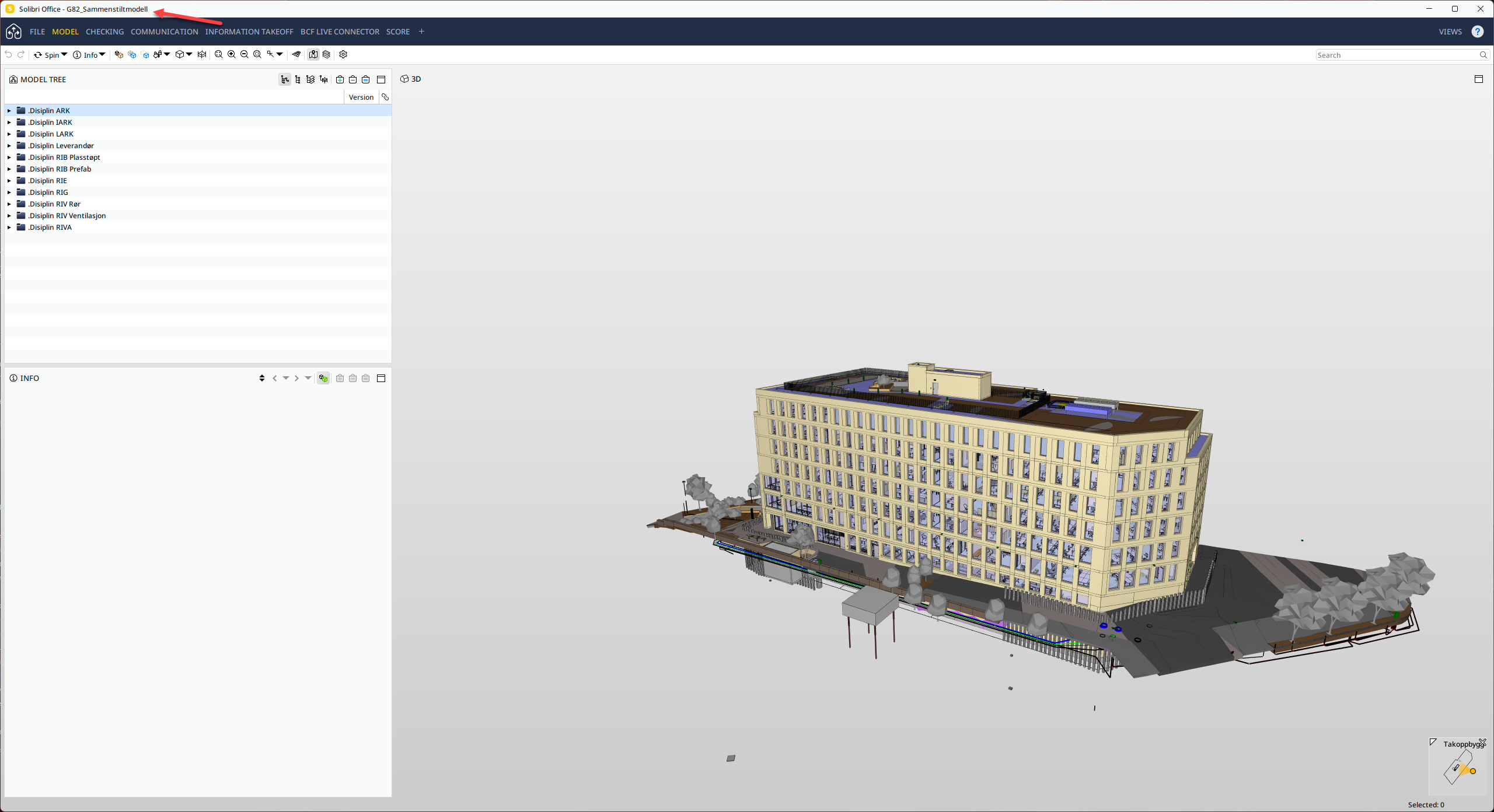
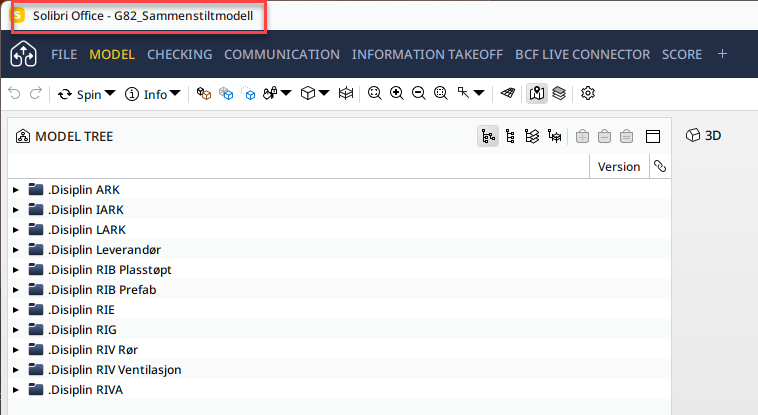
Rename model title in Solibri
-
I am having the same problem.
-
@HenrikN said in Rename model title in Solibri:
when Solibri updates, it keeps the name that was chosen before the update.
This is how it works. IFC update is not changing the project name at title bar.
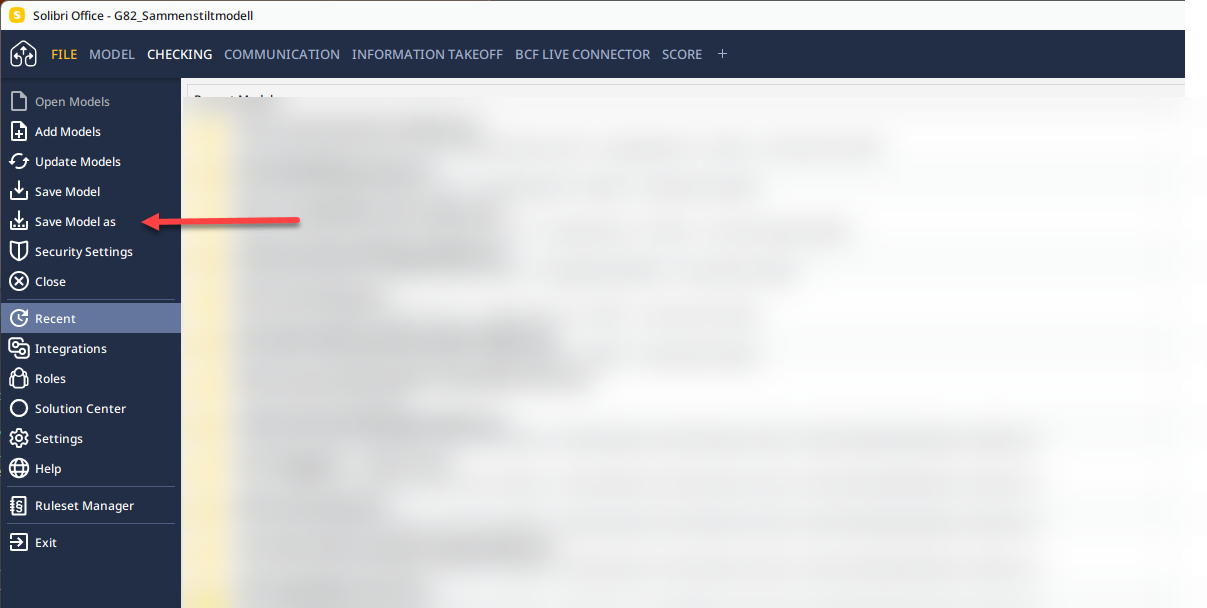
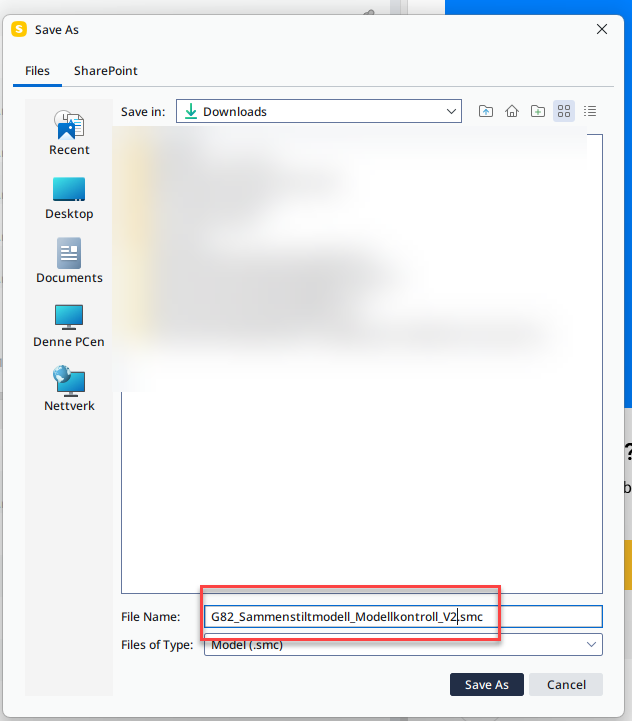
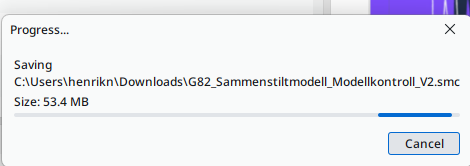
The name can be changed by Save Model as…. -
@HenrikN @paola-bronzo @JonJens-0
I tried to reproduce with new and old smc models but I could not get the bug to happen, the name in the title bar changes correctly when I use “Save As”. Can you try with the newest 24.9.0? Also, you could write to support and send them the affected model/s, that would help debugging. -
I have a very similar problem i created a file in an old version of Solibri, now i am using 24.9 and the model name will not update as mentioned above by others.
Has there been any fix?
-
This bug seems to happen when:
- Project was saved to a remote (Autodesk, Trimble, SharePoint or OneDrive)
- Project was saved to a local file (name not changing)
this will be fixed in the next release.
-
The workaround is to save once to remote (Autodesk, Trimble, SharePoint or OneDrive).



Copyright © 2025 Solibri Inc. | Powered by NodeBB