
Objects Not Showing in Presentations
-
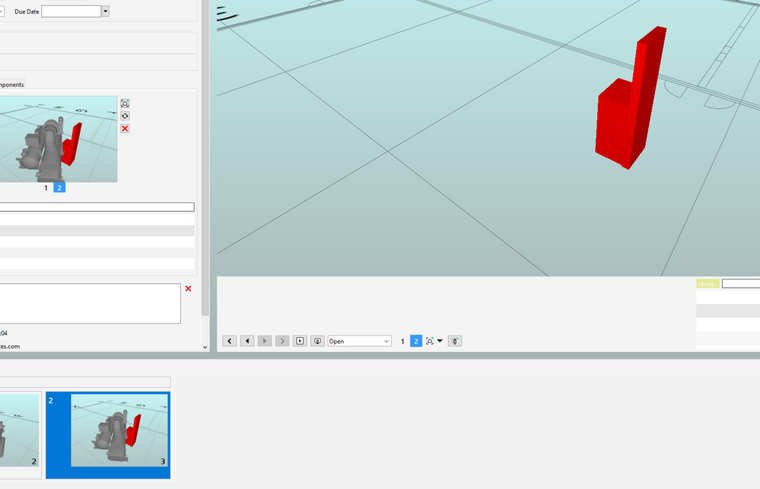
I’m making a clash presentation of a small model of a utility plant, and after I make a new slide of a chiller and electrical panel using the default view (only the two clashing objects), when I move to another view or slide and then go back to the slide I just made, the chiller model is gone. I have three slides with different clashes with a chiller and it is always missing when I come back. There must be some setting or property that is causing this but for the life of me I can’t find it.
Nothing is in the basket and nothing is hidden in the model.
The original model was made with Revit 19.
Thanks for helping!
Copyright © 2025 Solibri Inc. | Powered by NodeBB