
Setting up limits for model position Coordinates
-
Hi everyone,
I am working on an infrastructure project, where one site is around 800m long. Solibri says that I have elements that are located far from each other.
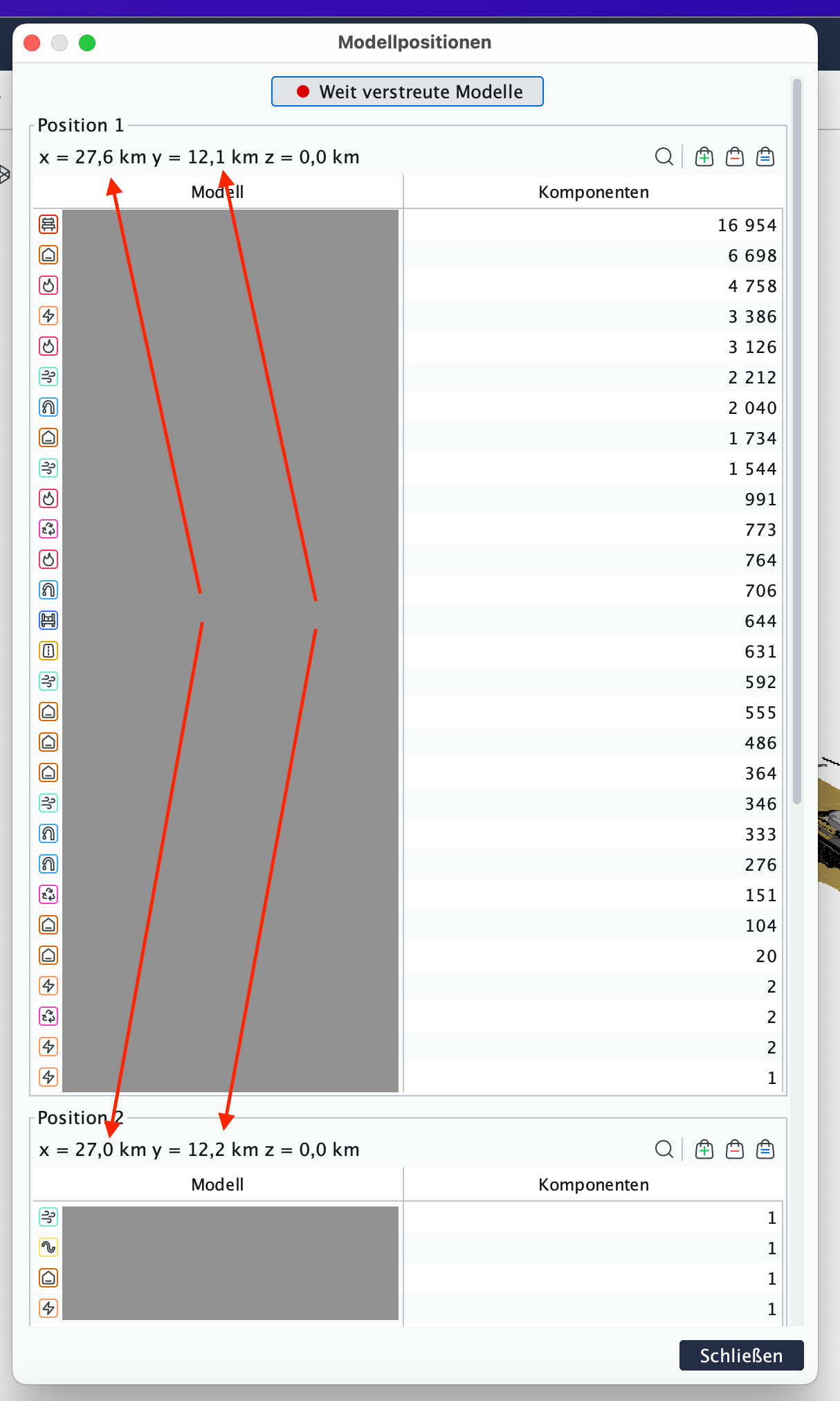
in this case the elements are located 600m apart.
is there a possibility to define the limits of this checking?p.s. I know the model is not correctly georeferenced and has a model origin of 27km. Sadly could not change it with the client

thank you for your input
-
Reminds me of https://society.solibri.com/topic/1625/scattered-model-treshold?_=1776697479142
I think there is nothing you can do about it …
-
ah, the old days from 2021… I wish I was wiser than back then.
I believe that we should have the flexibility to adapt project specification regarding the size. Most of the projects are maybe contained in 500x500m square, but there are many infrastructure projects that exceed this box. -
There are more and more infrastructure projects imported to Solibri and this is a common issue. We can add a setting for not showing this.
-
Hi @Matti
i would prefer to have control of what the window does in the background. If I understand you correctly you want an option to turn On or Off this option.
I find this window quite helpful when updating IFCs, where far located objects are reported. It would be appreciated if solibri could define this threshold of what is actually allowed in a certain boundary. It would be a numerical value that sets the limits for horizontal and vertical distances.
In my case I would write 650m horizontal. The first object sitting in 651m would be a report, otherwise everything is OK.



Copyright © 2025 Solibri Inc. | Powered by NodeBB