
3D quality - visualization
-
Hi everyone,
Despite the few options concerning the display of 3D elements, my models are always quite jaggy, not smooth at all, which makes visualization frankly less appealing and less readable, especially when objects are far from the camera.
When I look at models uploaded into other solutions like BIMcollab or BIM360 the difference is huge.
Is this just because I am missing something in the options; or a problem of my graphic card or that indeed the 3D engine could be improved?Thank you in advance.
-
@Adriano-Faria said in 3D quality - visualization:
when objects are far from the camera
Are objects far away rendering better in other software solutions? This is actually a common issue and nothing new as computers tend to produce more mistakes the higher numbers are. Moreover it is causing also lot’s of other problems.
If you are encountering this problem in general in Solibri then I think the first thing to do here is to check your graphic card settings but also the 3D Settings within Solibri. However, some screenshots or footage would be nice to have an idea what is considered to be not smooth at all.
Also check out this thread:
https://society.solibri.com/topic/814/visualization-flickers-when-model-is-georeferenced?_=1605092124975 -
Here are two examples, one from Solibri , another in BIM360
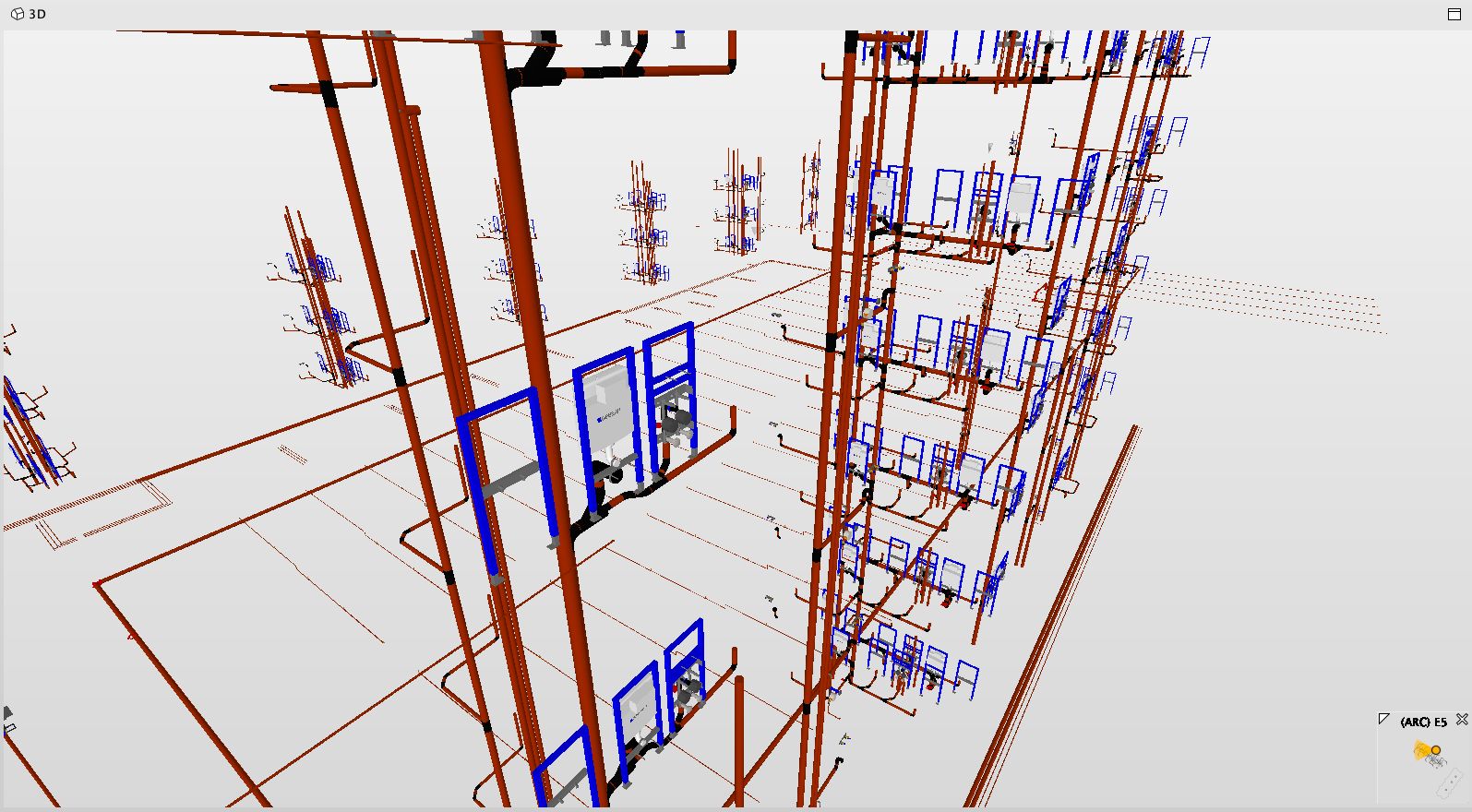
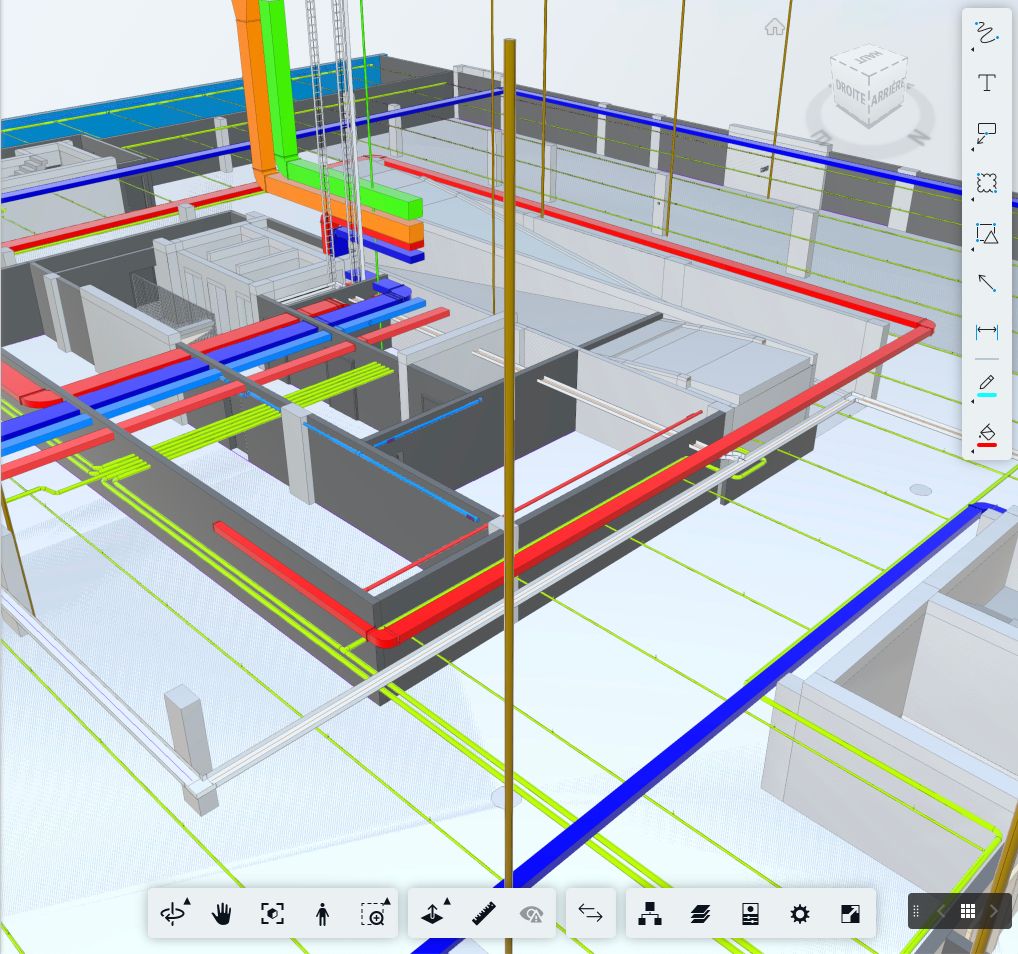
I notice this platform is compressing the jpegs quite a bit but one can still see the difference. I am sure I don’t have the right settings…
-
You mean the jagged pipes and ducts?
Have you checked Anti-Aliasing in the settings?
However, I have turned it off to make it faster and it still is pretty enough.
Just an assumption but could it eventually be that you are running Solibri with an on-board graphics card? -
Antialising is on.
I unchecked the third option , the one that relates to GPU and CPU, in french “Utiliser l’élimination accélérée du matériel”, and it’s better now. I guess it means that CPU is now in charge as far as I understand. I would’ve expected to have better results with GPU on.Thank you very much!

Copyright © 2025 Solibri Inc. | Powered by NodeBB