
Free space in front of components can be halved?
-
Hello,
I am trying to figure out the basic “Free room in front of component” rule, and I ran into something that hopefully is not a deal breaker and can be solved quite easily, however I cant seem to figure it out, no matter how simple it seems.
The rule always seems to be checking for the width value and either plus or minus on each side, which works fine for single leaf doors and standard windows. We have however double windows, and like most double windows are, only one part of it would actually open in reality, the depth of which is in my example’s case, half of the width. Is there a way to input “depth/2 + x mm” in the rule’s parameters, so that the checking box is halved and then a constant can be set from that one forth?
Thanks,
Alex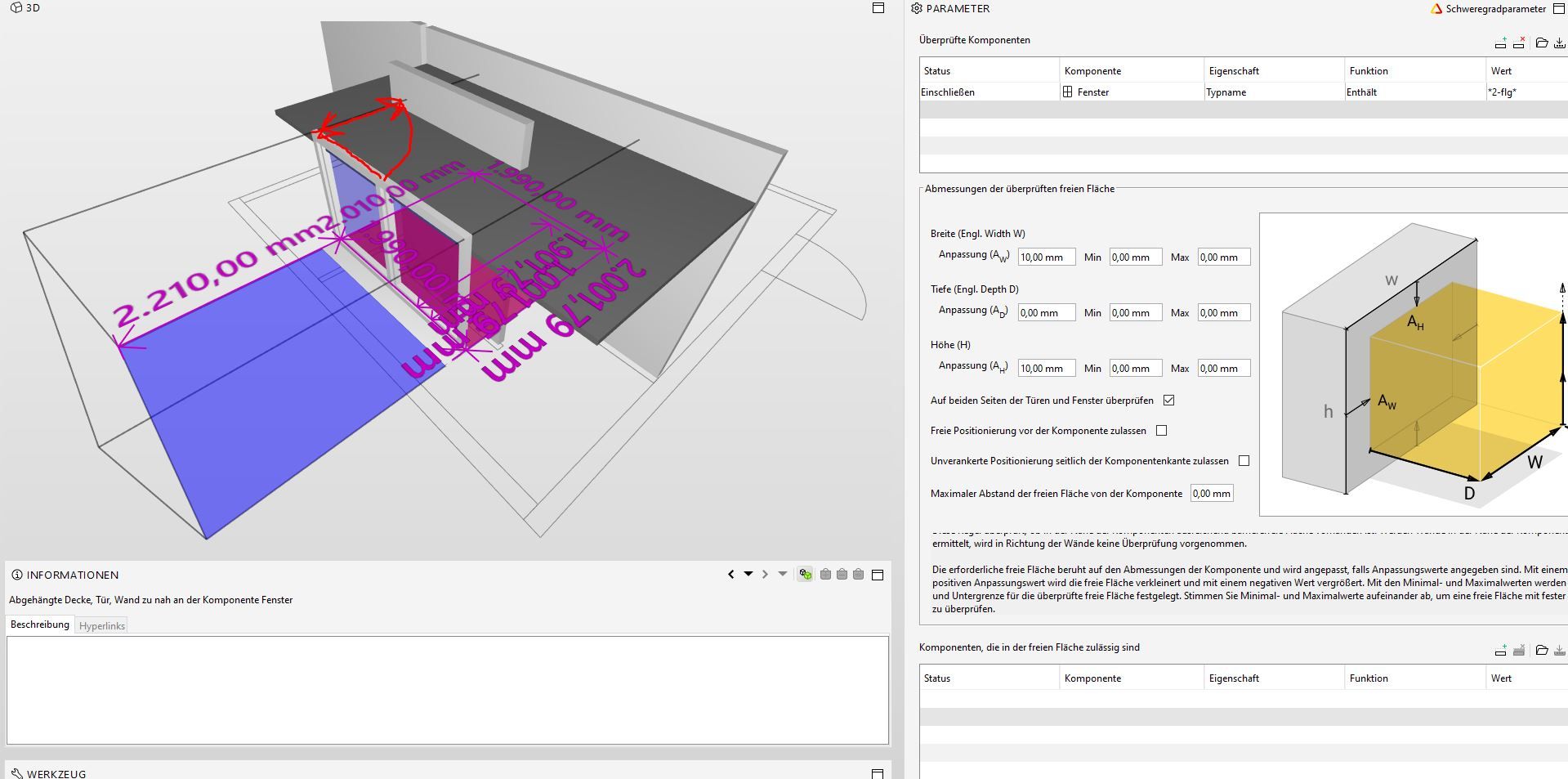
-
This rule has no parameter for depth factor like depth/2 + x mm.
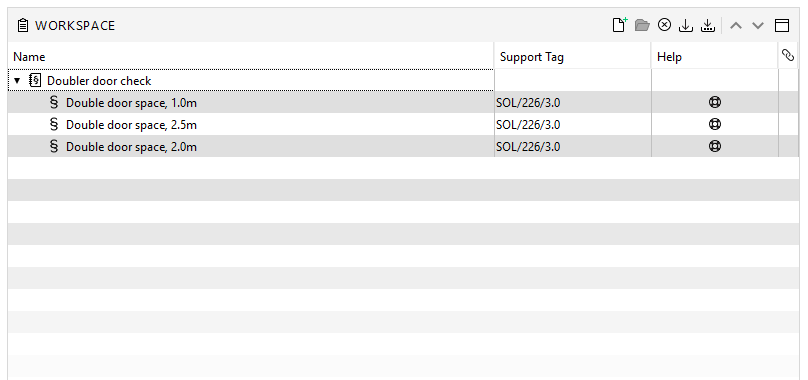
The model usually contain limited amount of door sizes.- Use multiple copies of this rule, each checking one double door size.
- Use the filter to pick up right size of door for the rule.
- Use fixed depth parameters (Min and Max)
-
-
@sander-eikelboom said in Free space in front of components can be halved?:
Maby it will help you to find the decompossed elements?
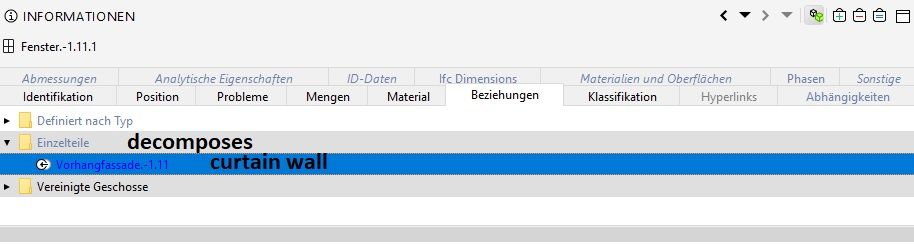
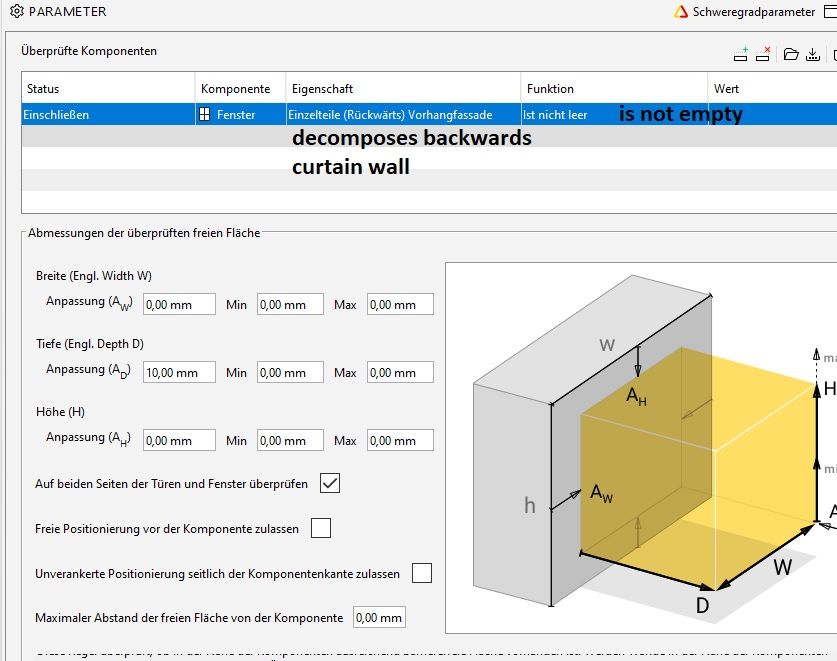
In my model there are curtain walls. I surch for window components that had decomposed forwards curtain walls.
Mybe this will help.
Curtain walls:
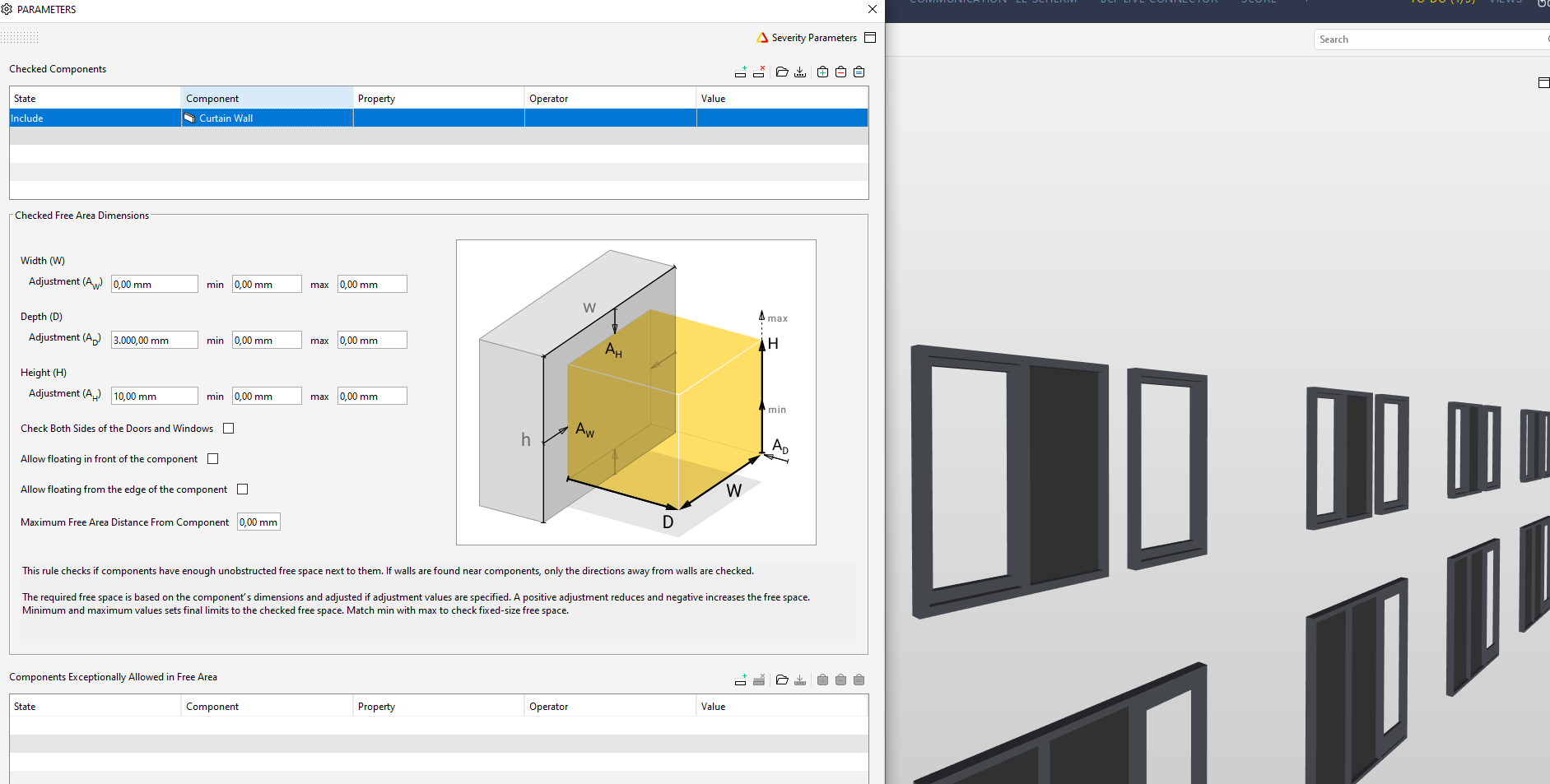
windows with decomposed forward curtain walls.
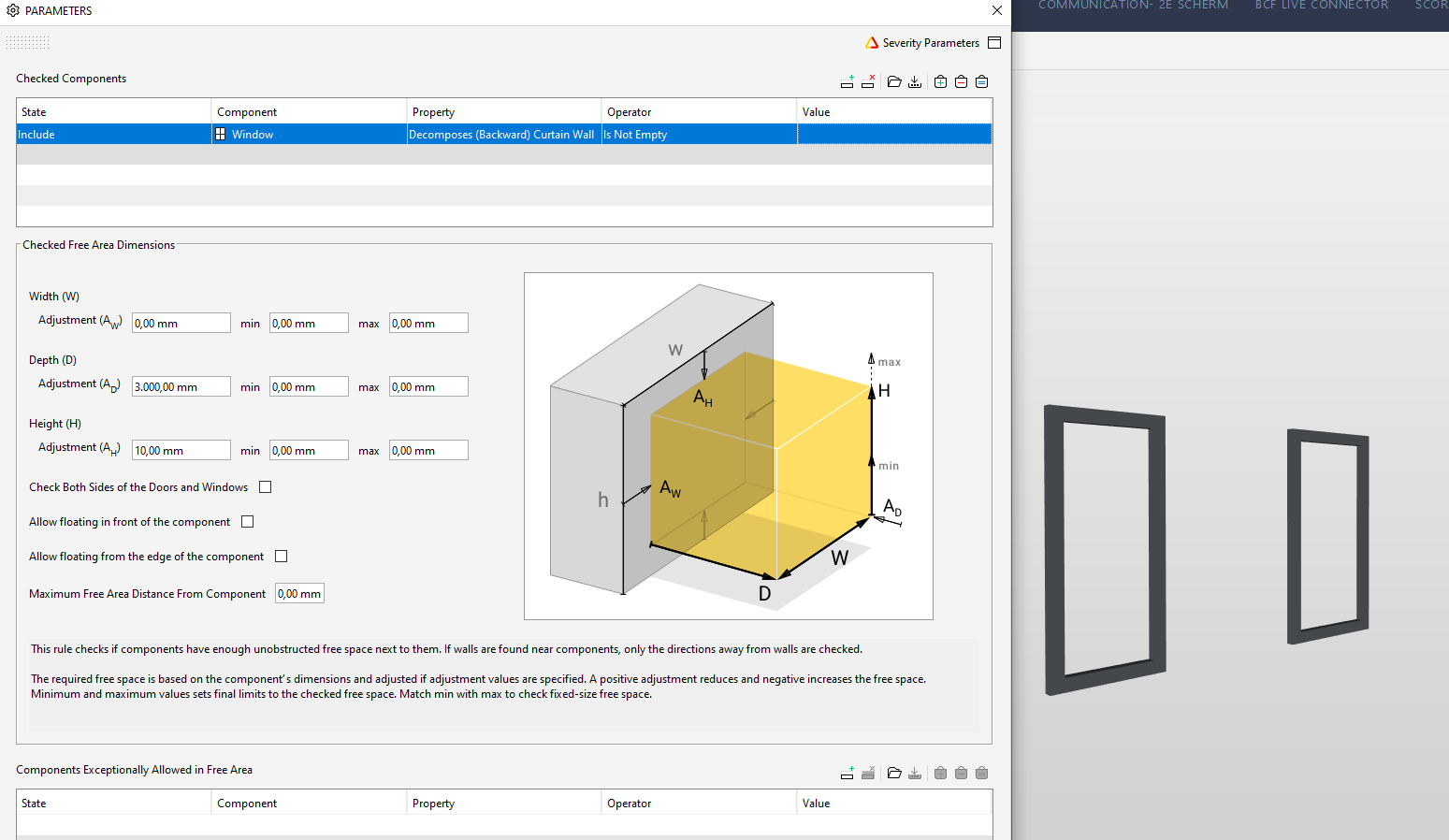
Hi Sander,
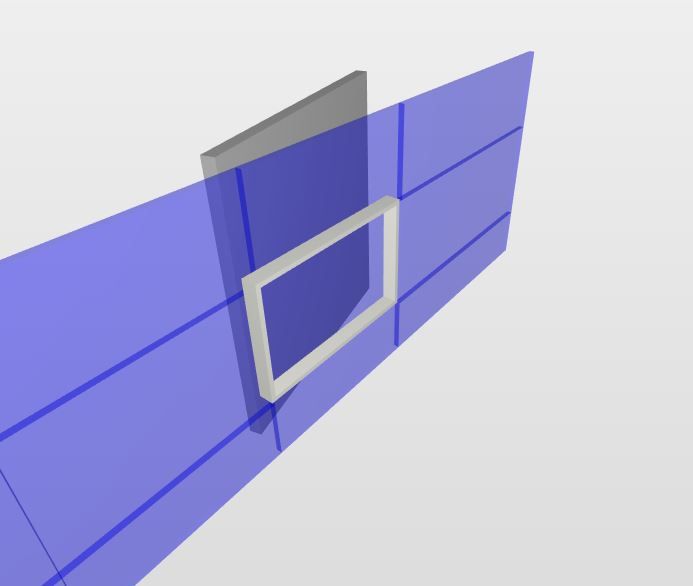
I have tried to recreate this situation by creating a curtain wall with a custom window in it (frame and glass panel), and using your settings for the ruleset.
If I understand correctly from your post, by using this decomposes rule, the check should be able to differentiate between the window frame and the window panel, being able to only search for the window panel , for example?To be fair, I do not yet understand what the result should be by using this decompose rule there. Could you please maybe post the “Results” information and the “Relations” information here?
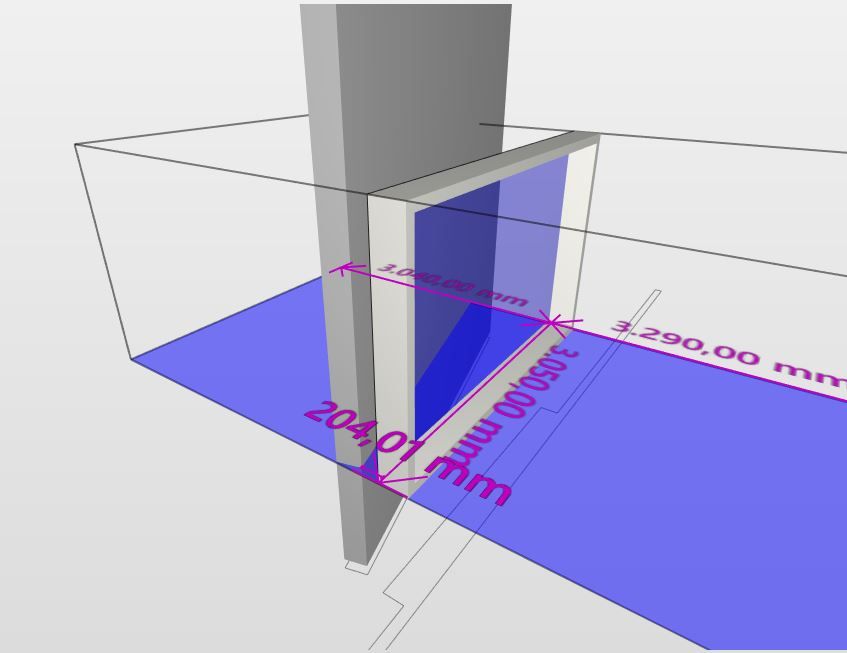
I have made a few pictures of what I have made, the results however dont seem to differentiate between the individual parts of the window, rather still the window as an entire element:
Thank you for your help with this

Copyright © 2025 Solibri Inc. | Powered by NodeBB