Skip to content
  • Categories
Collapse
Solibri Society Forum
  1. Home
  2. General Discussion
  3. Names in classification rules

Names in classification rules

Scheduled Pinned Locked Moved General Discussion
3 Posts 2 Posters 394 Views
  • Oldest to Newest
  • Newest to Oldest
  • Most Votes
Log in to reply
This topic has been deleted. Only users with topic management privileges can see it.
  • T Offline
    T Offline
    tina.ng
    wrote on last edited by
    #1

    Classification.PNG C1.PNG C2.PNG

    Hi,

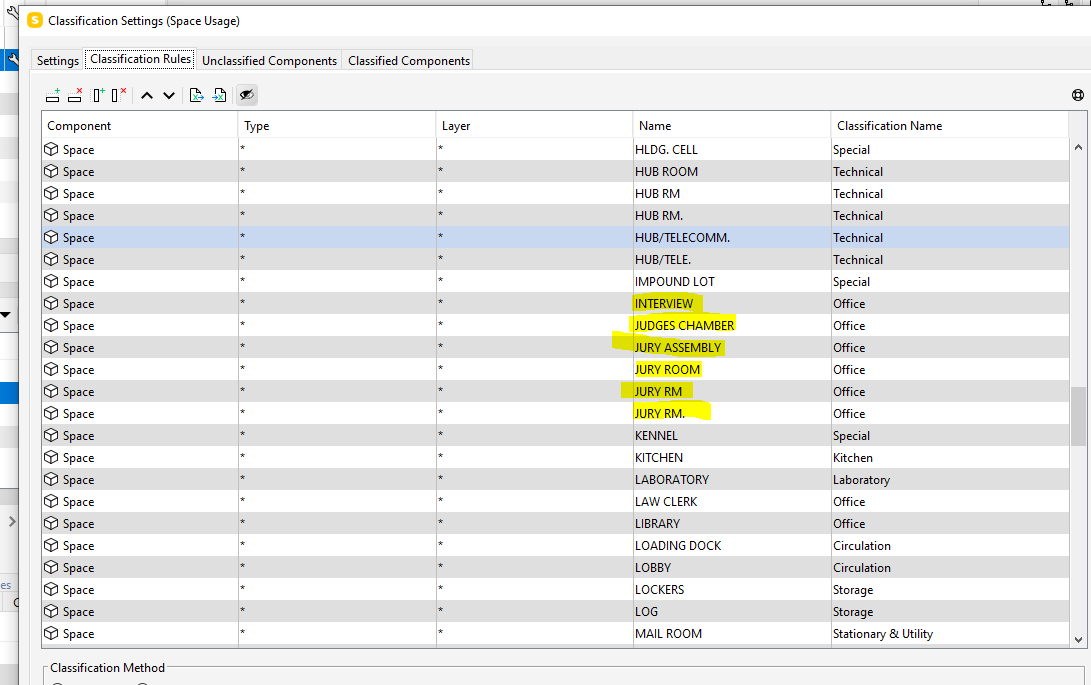
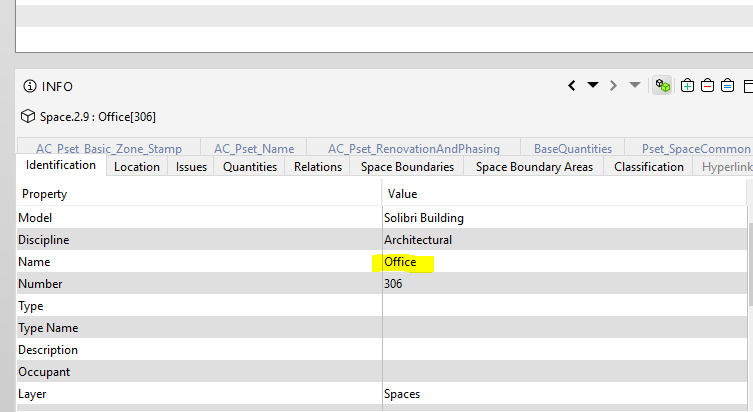
    The names in classification rules for Office are different but I don’t find any differences in the info box. Why this happened?

    To put it in other words, where do these names in classification rules come from?

    1 Reply Last reply
    0
    • L Offline
      L Offline
      lasse.lindqvist
      wrote on last edited by
      #2

      Hi. There “Name” in the classification rule defines what the “Name” field in the information view needs to show in order to match the component. The “Classification Name” is then what these matching components are classified to. In your example the “Name” is “Office”, not INTERVIEW, JURY ROOM etc. From the Classification tab you can check what this Space component would be classified as, or if classified at all.

      1 Reply Last reply
      0
      • T Offline
        T Offline
        tina.ng
        wrote on last edited by tina.ng
        #3

        Capture1.PNG

        Hi,
        Thanks so much! I got it!

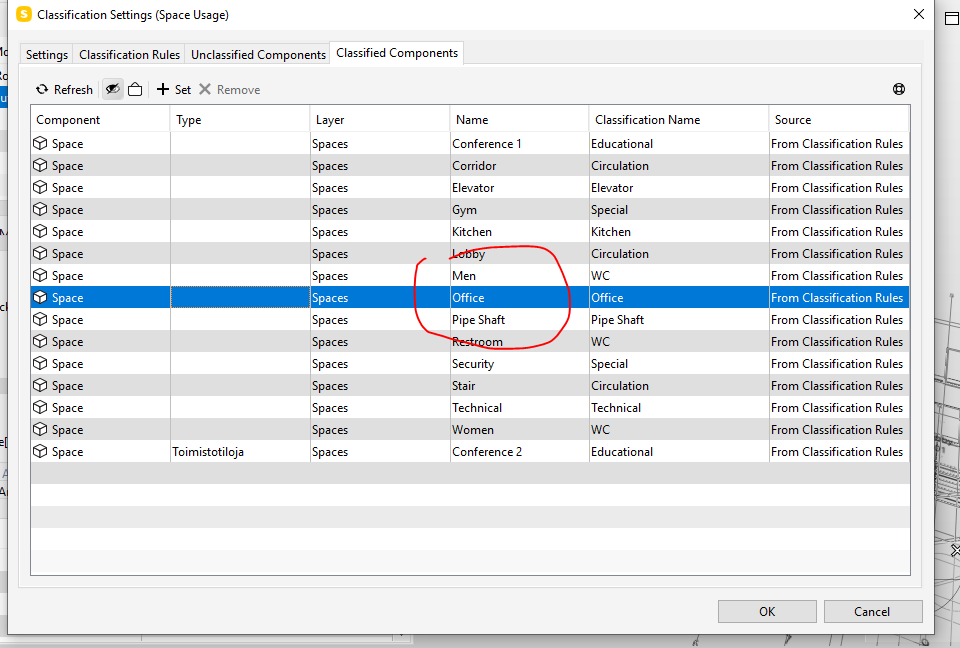
        I found this and it seems that the Name in the information view cannot be changed. In this case, the classification rule defines the Name with “Office” in information view as “Office” in Classification Name.

        1 Reply Last reply
        0

        Copyright © 2025 Solibri Inc. | Powered by NodeBB

        • Login

        • Don't have an account? Register

        • Login or register to search.
        • First post
          Last post
        0
        • Categories