
BCF Live Connector - pictures disappearing after synchronisation to Trimble Connect
-
Hello,
I have a problem with pictures in BCF Live Connector as after synchronisation pictures just disappear. To reproduce what am I doing:-
I create a new issue in Solibri
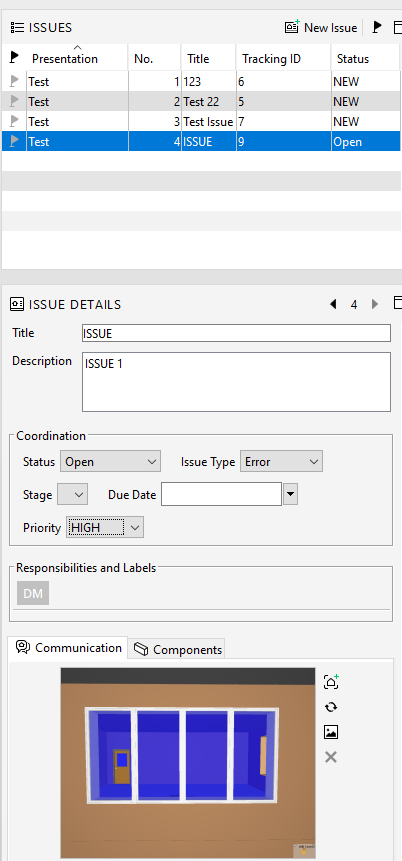
-
I click on “Import Issues” in BCF Live Connector and I can see that the issue is being syncked and at that time the picture is still visible
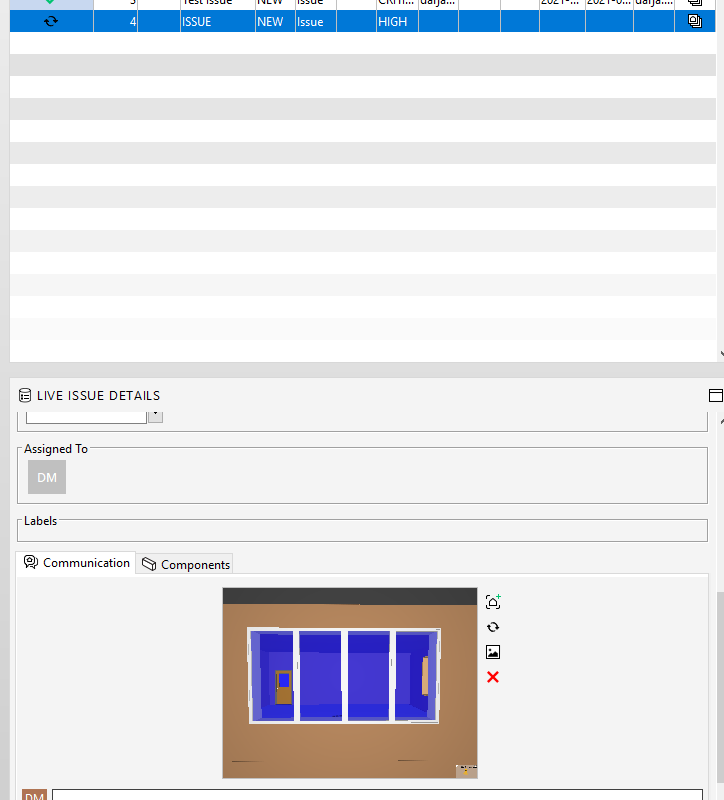
-
However after the sync is completed, the picture disappears. That happens every time with every issue. And I cannot click on the empty picture meaning that I cannot see where the clashes in the building appear.
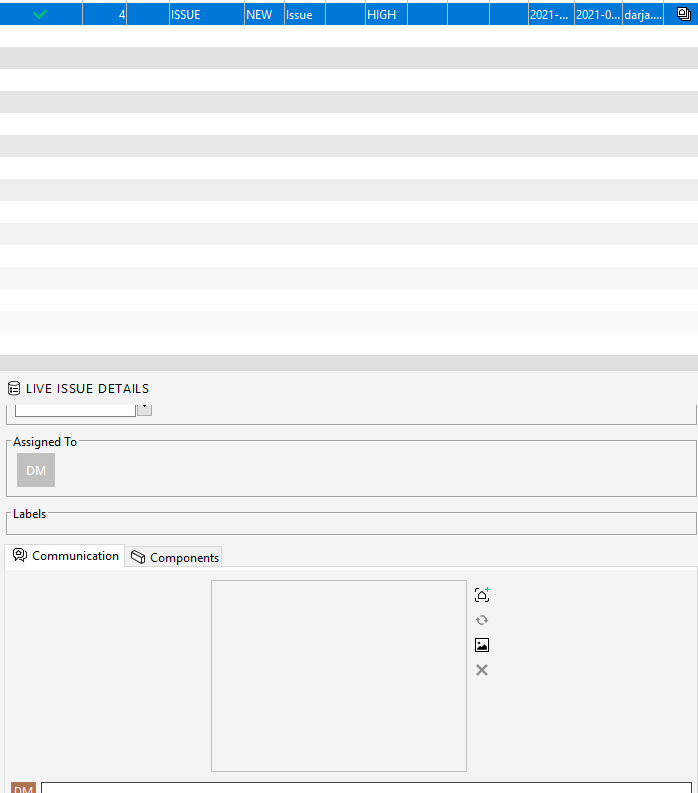
I tried but have not found any solution for that problem. The problem causes a lot of difficulties and double work that is why I would like to hear if anyone had the same problem or if anyone knows how to fix it.
Thanks in advance!
-
-
Hi @Darja and @Wing-Mang,
Could you share us/support ([email protected]) the log files? You can find those in “C:\Program Files\Solibri\SOLIBRI\log”
Thanks
-
@Darja @Wing-Mang, I have updated the title to be more specific, as it seems the issue is related to the connection between Solibri-Trimble Connect.
About the logs, usually runtime offers the information we need, but it may be beneficial to just zip and send all of the logs (from that specific date when the issue occurred).
Kind regards,
Toni on behalf of the Solibri team
-
Hi @Darja,
I have investigated the log you provided. It is a known issue with Trimble connect as they are currently in Beta phase. New Viewpoints are currently not being published to Trimble Connect as Solibri does not provide model information.
-
I also reported the same issue in Trimble’s community yesterday. Here’s the link:
Thanks for help!
-
Hi @wing-mang,
We haven’t heard anything yet from Trimble Connect. We will inform you as soon as we get more info. Currently @david-polanski is in contact with them.



Copyright © 2025 Solibri Inc. | Powered by NodeBB