Skip to content
  • Categories
Collapse
Solibri Society Forum
  1. Home
  2. General Discussion
  3. Components inside component help

Components inside component help

Scheduled Pinned Locked Moved General Discussion
5 Posts 4 Posters 1.2k Views
  • Oldest to Newest
  • Newest to Oldest
  • Most Votes
Log in to reply
This topic has been deleted. Only users with topic management privileges can see it.
  • G Offline
    G Offline
    Gerco
    wrote on last edited by
    #1

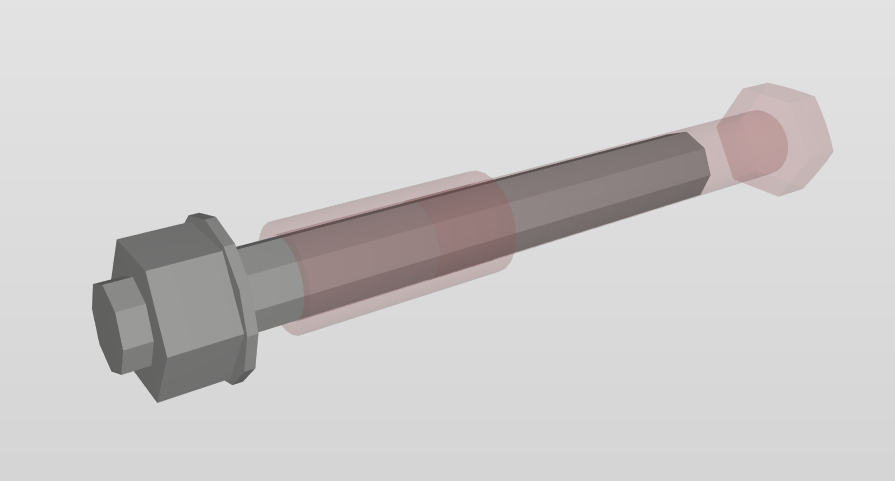
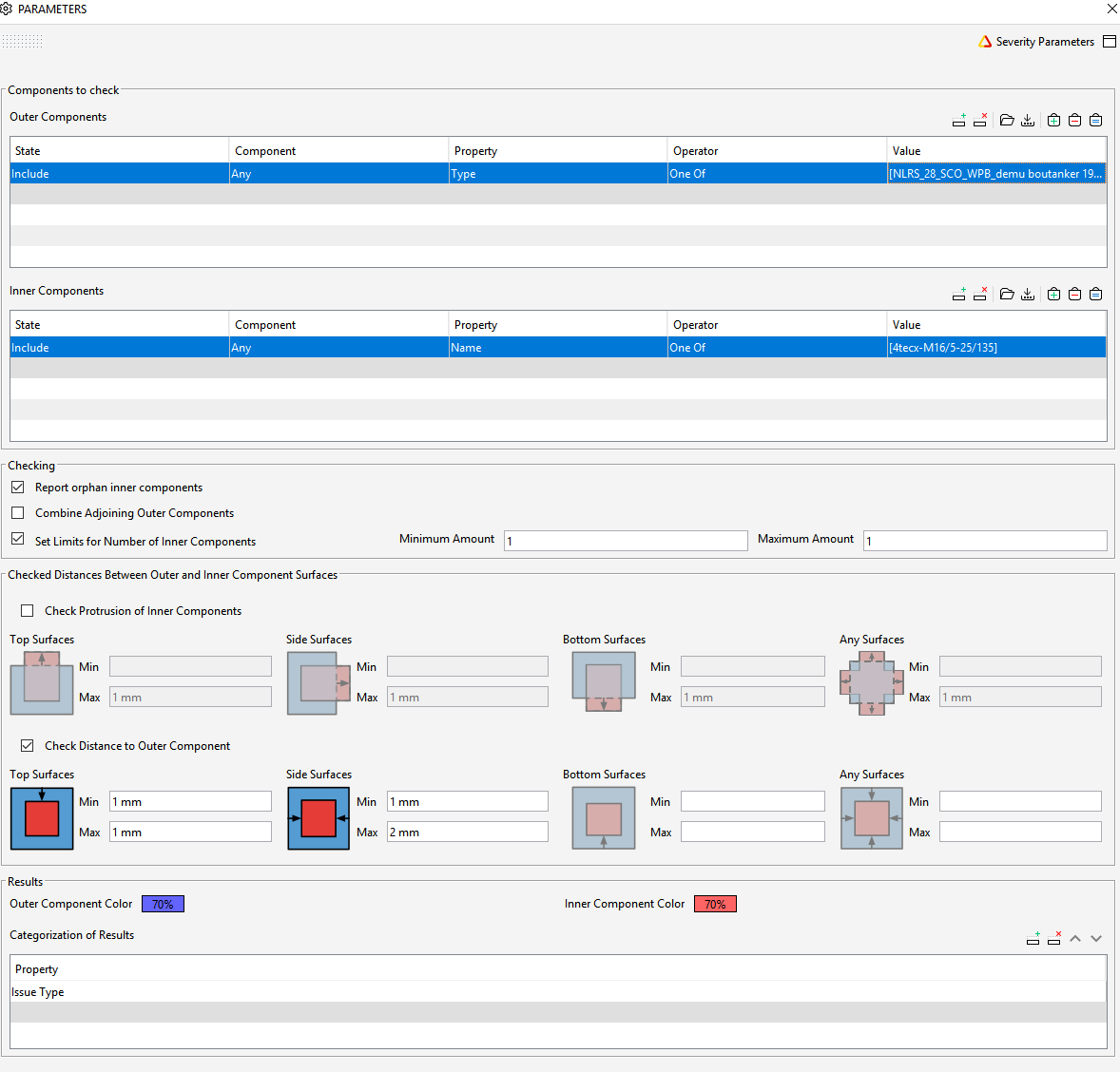
    I try to check if the bolt anchors and bolts of two different models fit. I’m using rule 234 but I get “No inner components” and “Orphan Inner Components” while they fit correcty.

    Knipsel.PNG
    Knipsel2.PNG
    Knipsel3.PNG

    JMannJ 1 Reply Last reply
    0
    • JMannJ Offline
      JMannJ Offline
      JMann
      replied to Gerco on last edited by JMann
      #2

      Hello @gerco,

      I use this rule very often, but for use cases like yours I always activate the checkbox “Check Protusions of inner Components”, never the Distance one (This is rather something to check if e.g. reinforcement has the right overdecoration concrete). Your specifications now allow only one correct constellation: If the inner component has exactly 1mm / max 2mm distance to the outer one.

      Bildschirmfoto 2021-04-07 um 16.19.14.png

      But you want to know if the outer component contains the inner one exactly.
      Therefore, try to activate the upper checkbox and enter 1mm (or the tolerance that suits you) for “Any Surfaces” at “Max” and no specification for “Min”. This rule must then be created again with the inner and outer components swapped.
      I think it also works with different tolerances for different surfaces. If you need to, avoid specifying a Min. Components that are too small will be detected with the swapped rule.

      Best,
      Julia

      COMPENDIUM BIM + Kybernetik
      https://www.linkedin.com/company/compendium-bim-kybernetik/

      1 Reply Last reply
      0
      • G Offline
        G Offline
        Gerco
        wrote on last edited by
        #3

        Hi Julia,

        Thank you for your reply. That makes sense. I’ve tried it, but I stil get the same results:

        No Inner Components [0/465]
        Orphan Inner Components [0/330]

        In my thoughts I should only get 135 results for the missing bolts. And addititional results when the bolt doesn’t fit exactly in the bolt anchors.

        Here’s the file I’m using:

        solibri.smc

        1 Reply Last reply
        1
        • S Offline
          S Offline
          Sander E
          wrote on last edited by
          #4

          I have the same problem with in many cases.
          Anyone an idea or tip how to solve/ check this issue?

          1 Reply Last reply
          1
          • K Offline
            K Offline
            KimArndt
            wrote on last edited by
            #5

            Just seeing this post by now.
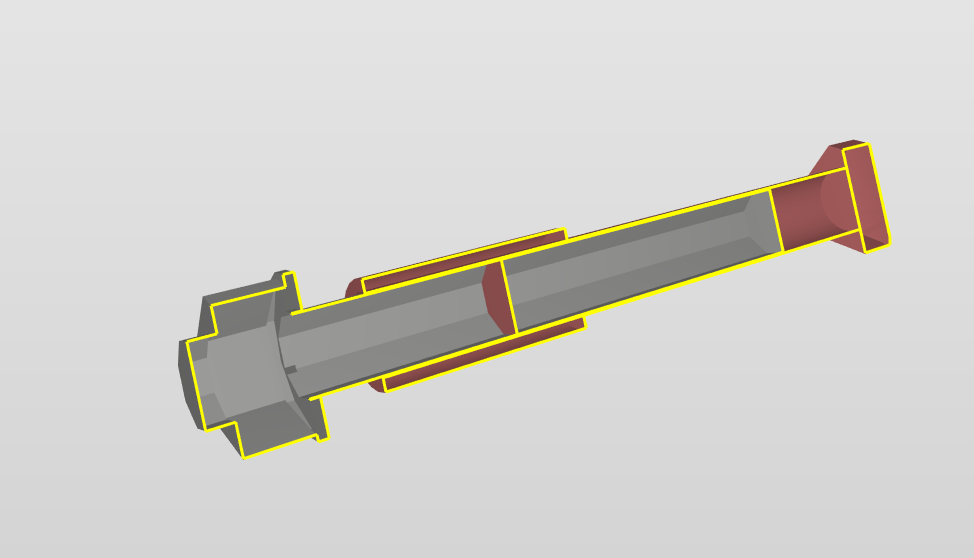
            I just created a similar issue, which I found were related to the volume and size of the objects the rule is checking.

            https://society.solibri.com/topic/2251/small-components-and-sol-234-1-2-issue
            1 Reply Last reply
            1

            Copyright © 2025 Solibri Inc. | Powered by NodeBB

            • Login

            • Don't have an account? Register

            • Login or register to search.
            • First post
              Last post
            0
            • Categories