
Slides don't show me all affected components anymore?
-
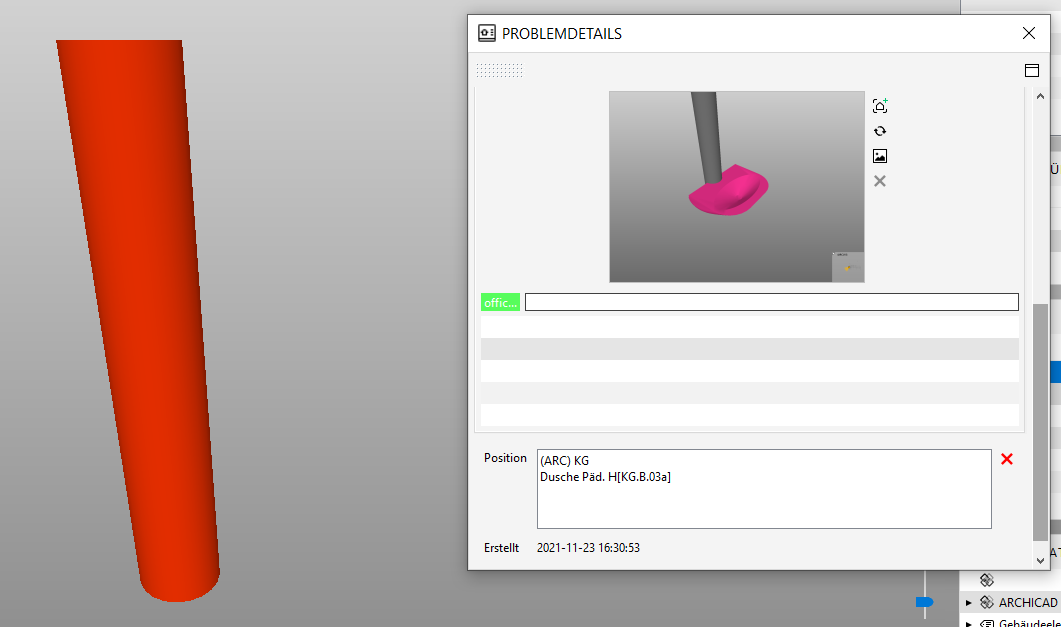
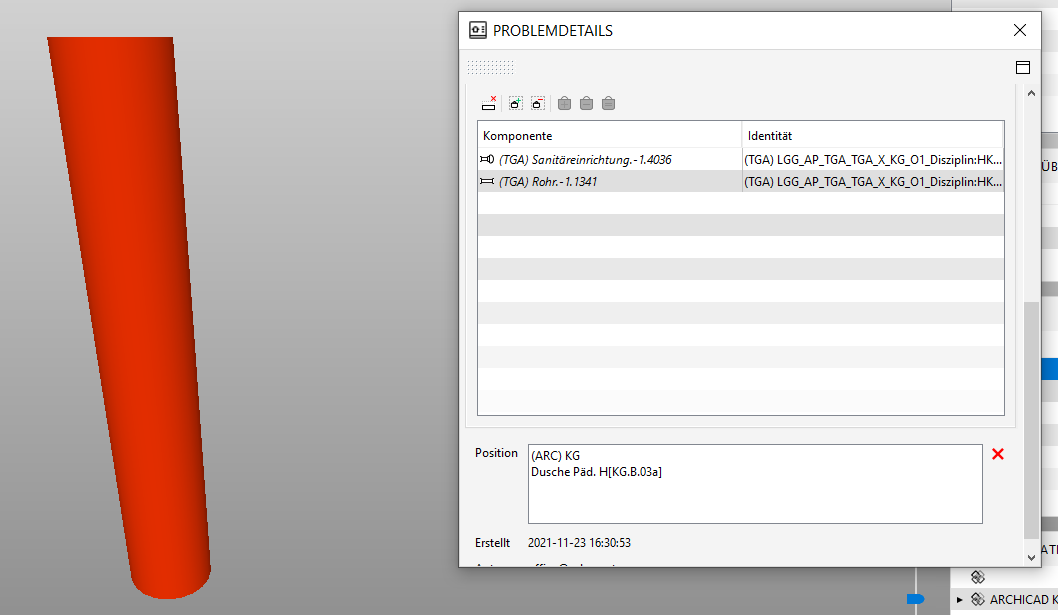
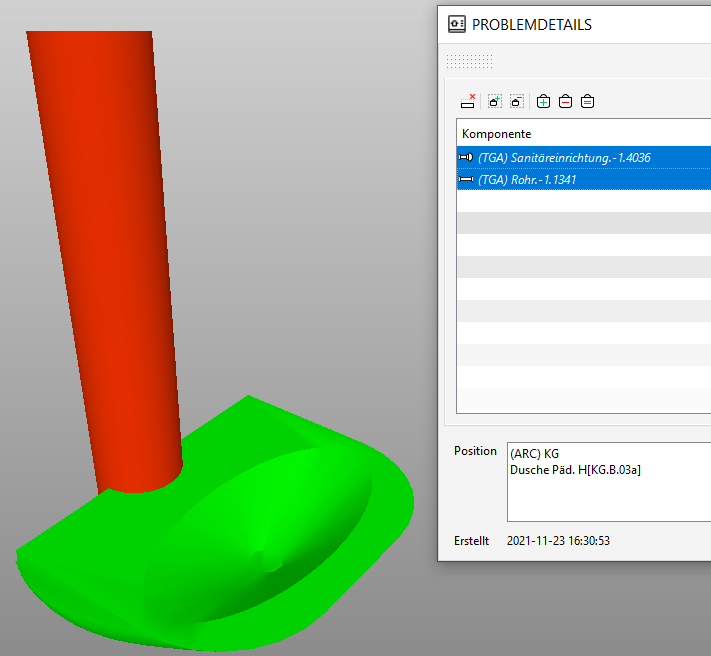
Anybody familiar with this behaviour? When I click on a bunch of slides I do not see the initial colliding components anymore although they are still there. These elements do not have new guids or so as they are still connected with the slides. I have to manually select them via the Components tab and refresh the slide to make them visible permanently again. Needless to say that this is highly irritating and rather annoying …



So what causes the connection to break while still being alive?
-
I had two weeks ago a similar situation with lots of components in an issue.
In my case, was really the new GUID that was automatically being generated by Trimble Nova in each export.
Maybe check the GUID at the level of the component in the model and not in the connected component level in the issue.TriPoint GmbH
www.tri-point.at -
@agroni said in Slides don't show me all affected components anymore?:
In my case, was really the new GUID that was automatically being generated by Trimble Nova in each export.
Maybe check the GUID at the level of the component in the model and not in the connected component level in the issue.I will check, however the strange thing that this seems to be only happening to slides created within a specific date range. Maybe this is indeed model or export related and afaik if there is a guid change then the components are not just lost in the view but as a whole - which is however not the case here.
-
@JSN
you mentioned another case where you had a problem with the date stamp. Maybe it might be really related.About the GUIDs, when new models are delivered, the components are always visible (even though they have new GUIDs). They disappear only if you access an issue that has been connected to components with older GUIDs.
This was for me a bit misleading until I found that each component in the new HVAC model had a new GUID. Usually it is something that I don’t check at all
TriPoint GmbH
www.tri-point.at -
Nope it seems not to be conected as I have encountered this now in various situations. Just now even within the same model session where a Slide was created but when I came back a few moments later, one of the components was not visible anymore and only a manual selection of the attached components makes them visible again. Strange as it sounds, as annoying it is.



Copyright © 2025 Solibri Inc. | Powered by NodeBB