
(Clicking on issues with a) slide shows misleading legacy elements instead of the current results
-
I would like to raise the workflow question again once more …
Basically I try to add slides on the element/issue level as then the changes are tracked best I guess - basically because it is problematic when you combine multiple issues or add slides on a higher level as the following example elaborates:
Here you can see the shown elements when slide has been created previously …

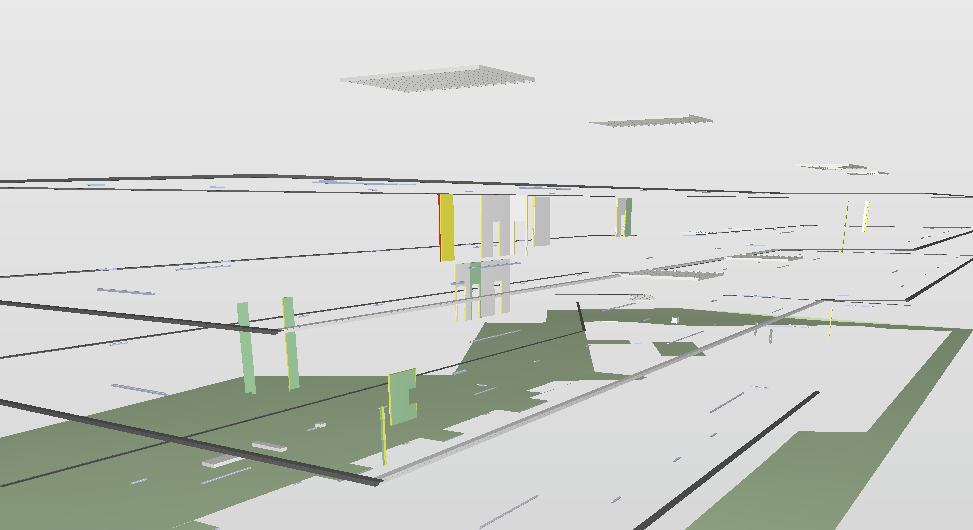
However, in the meantime those things have been fixed - but not all of them and when now select all the issues individually you realize that the slide is actually delivierung a wrong impression as you can only see the connected legacy elements which are still present in the model but have been fixed in the meantime (except one or two, that’s why the slide is still there)

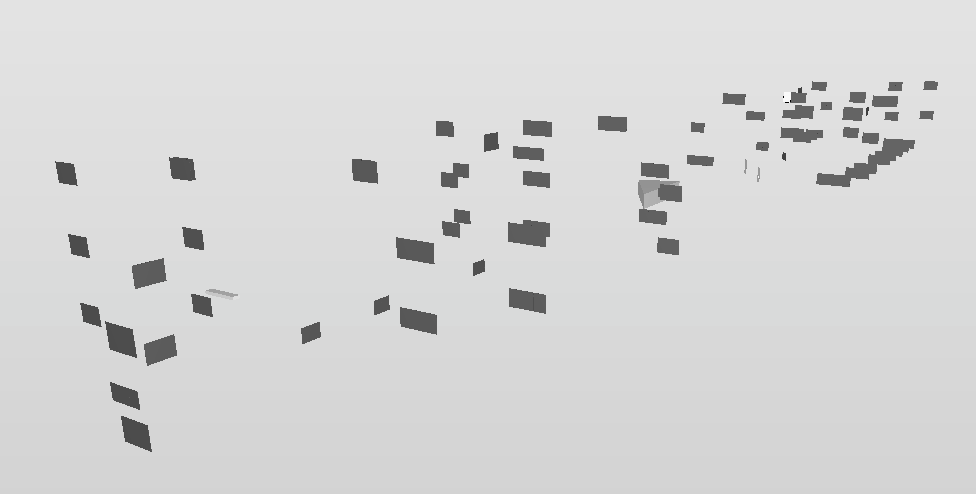
This is highly irritating as it also happens with connected slides on issue level - they are not being updated
I would have to do this update manually which is very unintuitive …Best would be if the slides simply get an update but I guess this is thought a bit too simple because it would be difficult to track changes.
Any how do other users overcome this shortcoming in functionality as I hardly can imagine that people are going manually through their slides in the presention tab and update all issues manually? Or is nobody combining slides and always creating them on the element level?

Copyright © 2025 Solibri Inc. | Powered by NodeBB