
Classification Colour Logic
-
In the recent time we have frequently detected visual issues with the classification colours - the good thing is that the values are indeed correct, but walls are e.g. not showing in the correct colour when the whole classification is clicked from the relevant view. If an ITO is performed everything looks ok.
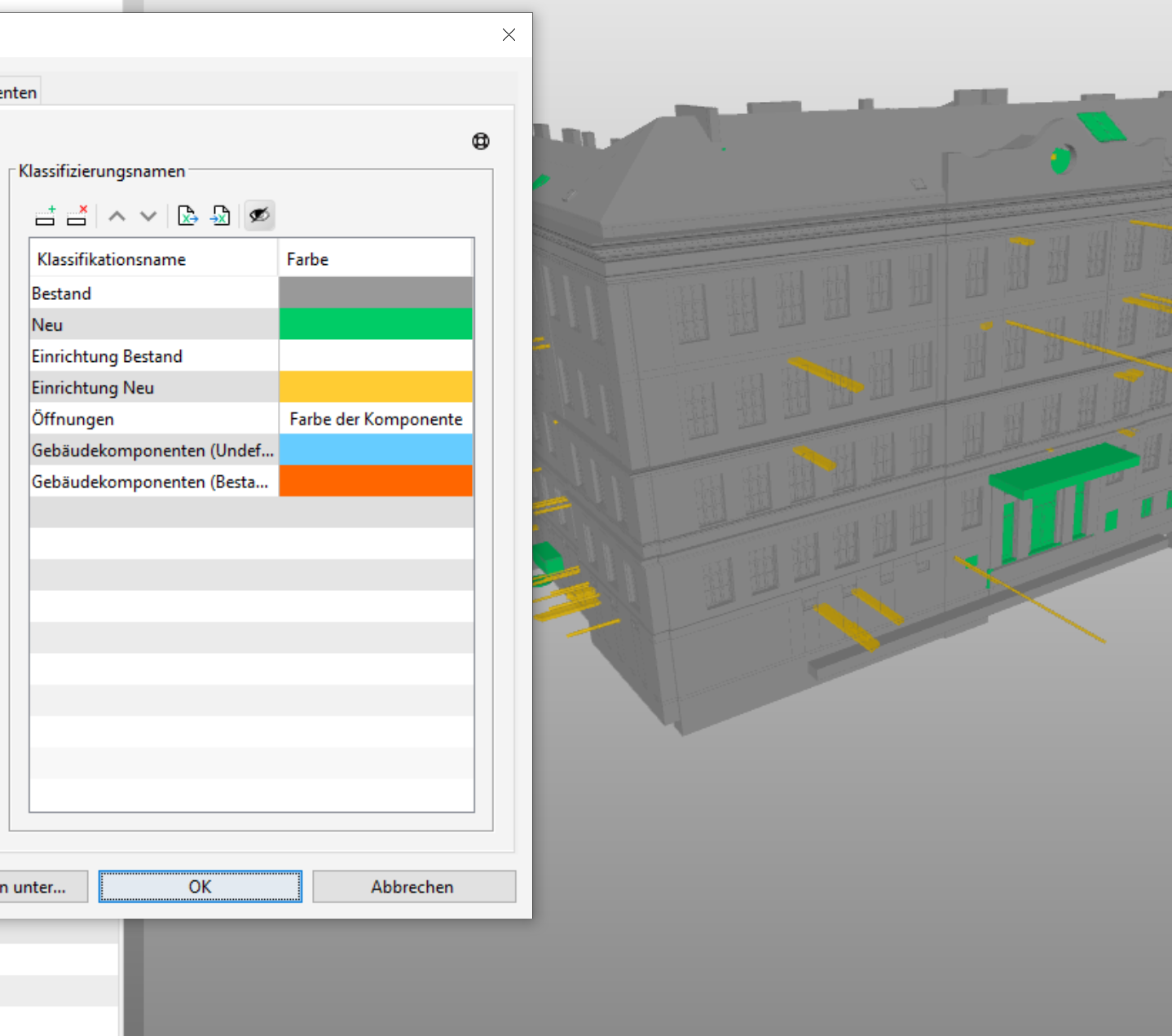
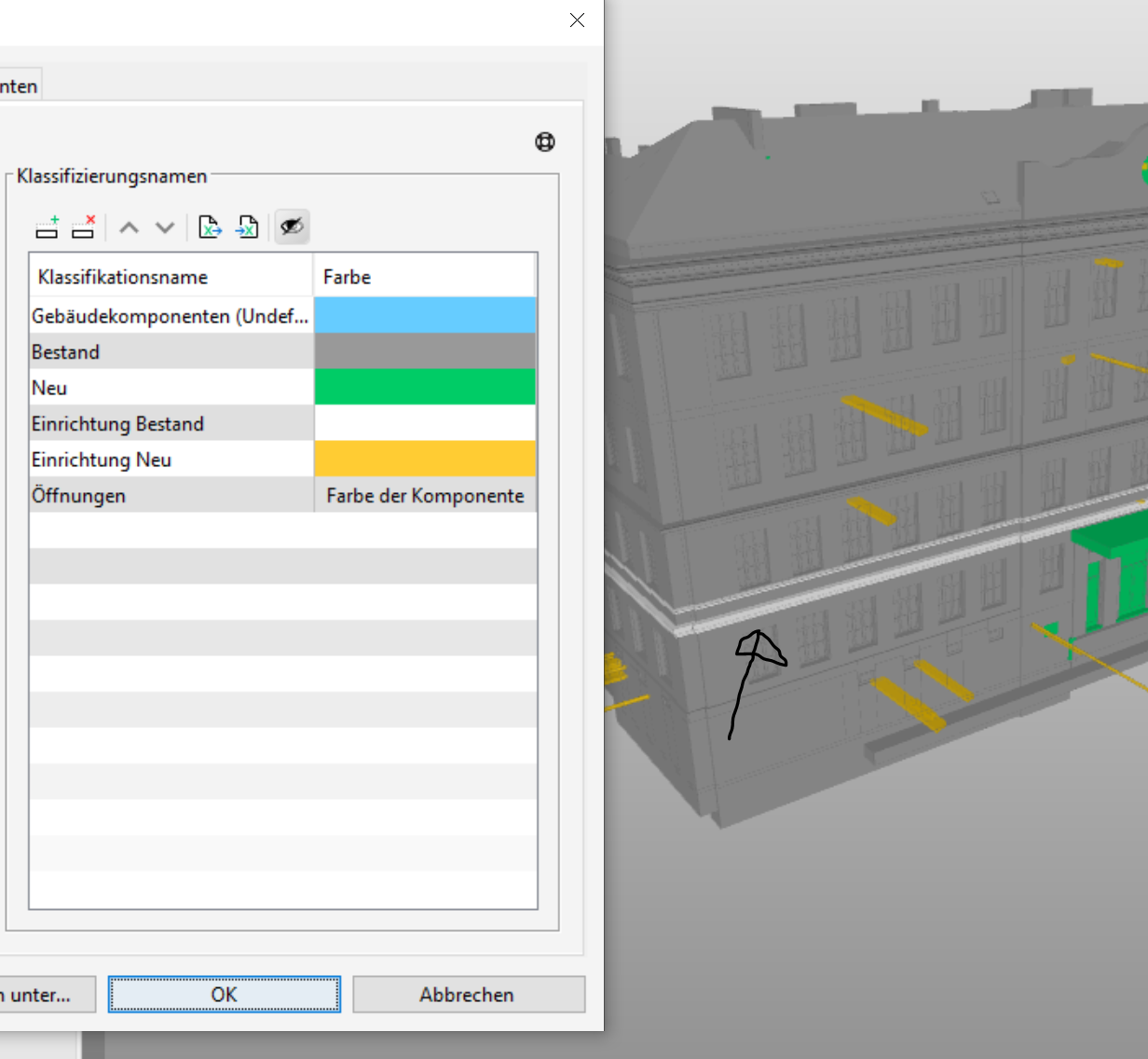
Probably not related but also funny thing is the following example where the cornice is only showing a different colour when the relevant classification name has been removed from the list … the it’s showing the component’s colour and of course the original thought of giving it a special colour is not possible. Also, as this classification name here just applies to the Building Element Parts of this “Beams” which have indeed already been classified within “Bestand”, I thought that probably the hierachy of the names might have different priorities but changing the order does not change anything. And as deleting the name is a way to distinguish them, I was wondering if this is the intended behaviour?
-
 J JSN referenced this topic on
Copyright © 2025 Solibri Inc. | Powered by NodeBB