
Classification Deeplink Infos
-
@JSN Thanks for the feedback. I created a feature request about this. We’ll let you know, when it is done.
-
Coming back to this again as I don’t fully get how it works …
I have opened this classification and adjusted some minor things (basically nothing which would change the content really*) but when I close I get the prompt …
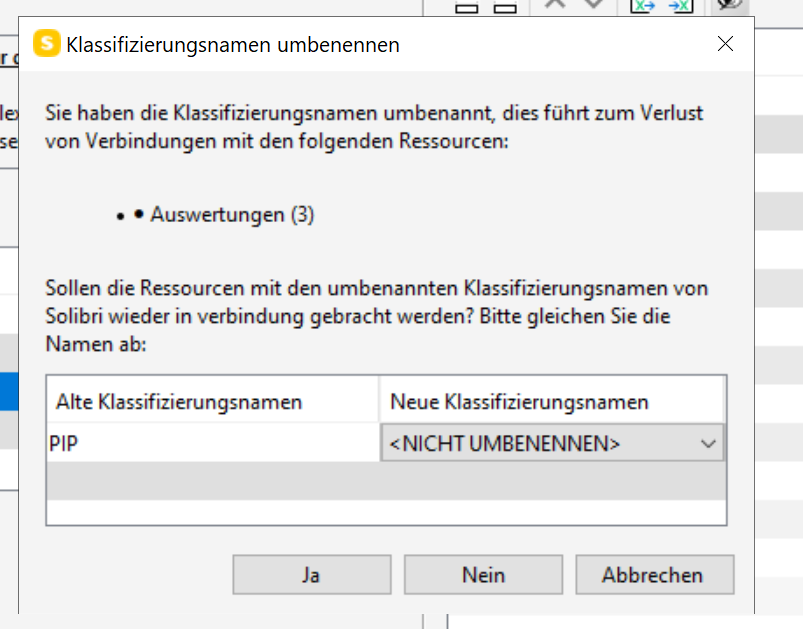
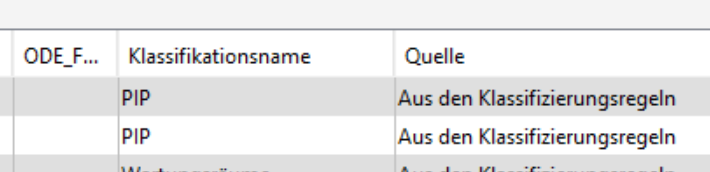
My first intention would be that “PIP” is no more present again, but there has not been a change so why is this window poping up as there are still such elements classified …
Moreover, in this case <NICHT UMBENENEN> aka <DO NOT RENAME> is selected so Yes or No would have the same effect?
And then again if I won’t take the risk immediatly to make a decision I would have to dismiss everything and search for the 3 ITOs manually which might be affected to check what’s the status quo just to do everything again … (that’s why I have previously written that a tooltip would be nice to see what’s getting affected!)
So afaik Yes/No does not make a difference (can’t check now as Solibri crashed just this moment) in this case and I have done tests in the past, but everytime this window is poping up again I feel a bit lost.
*actually while writing I discovered that a simple row order change in the component filter triggers this window -> is this supposed to be happening?
So any background information here would be great to better understand what is going on.
-
@JSN Thanks for reporting this. Seems that there’s some unwanted behavior. This has been reported as a bug.
-
Thank you for the feedback. The basic idea behind this feature is that when changes are made to the classifications, the links between classifications and rules or ITOs are not lost. I.e. both when renaming the classification files (renaming the name), as well as when renaming a classification name in the classification rule. To make sure that the renaming we cannot predict is correct, there is a dropdown selection here to re-establish a link. The “Yes” option in the scenario that only Classifications names are changed when “<don’t rename>” is quite confusing and we should look at it again. As well as having a “No” option after the selection. Thank you very much for the hints and the hints for the tooltip, we will take them with us.
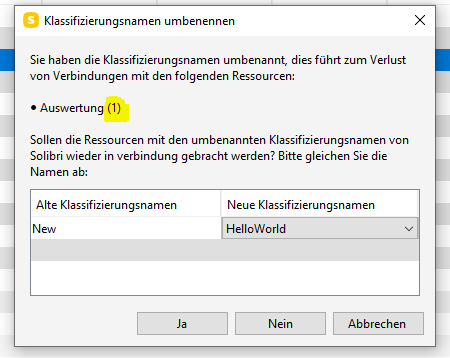
I was able to change the sequence to trigger the pop-up. Maybe you have a short time to show me this. You can contact me by e-mail “[email protected]” for a short appointment (in German) if you like.
-
It still happens and this brough me back to this post.
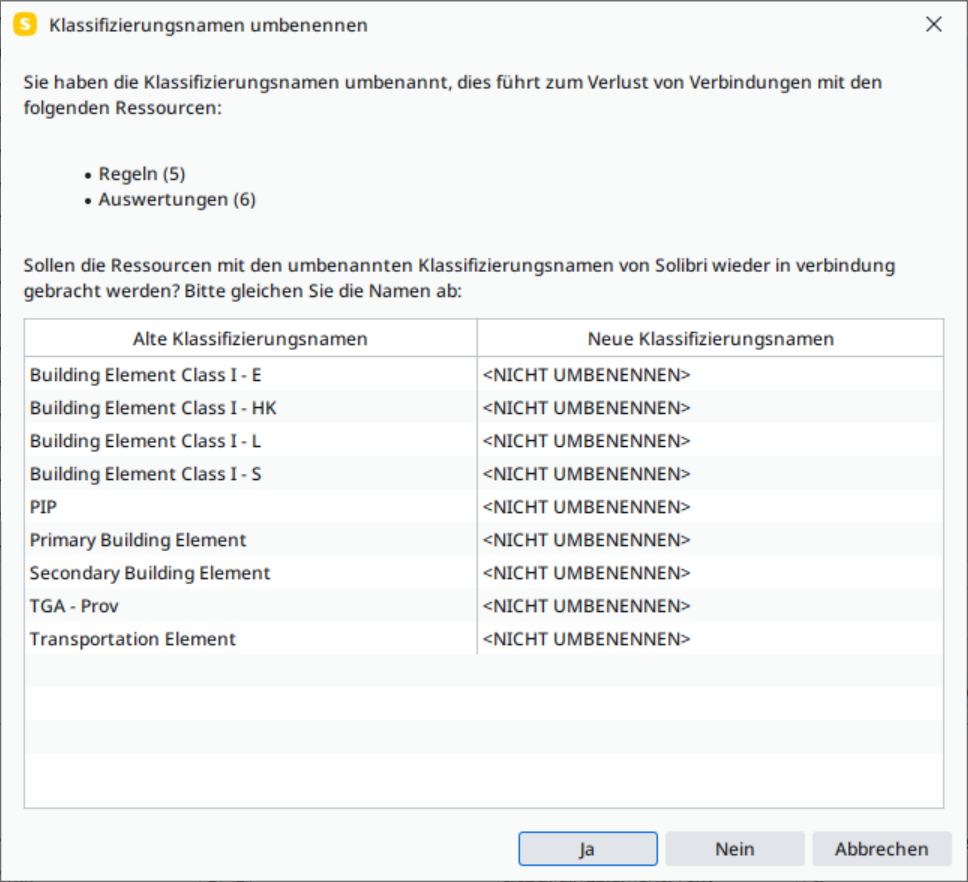
Btw, regarding an appointment - seems like we missed each other in Munich this week, but sure I can send you a short mail. If there is actual interest in feedback and making improvements.


Copyright © 2025 Solibri Inc. | Powered by NodeBB