
ITO doesn't give information, which is in the information given
-
When I’m making a ITO of the total number of parking places from a model, I see in the information the correct value visible, but reading this parameter from the property set, I don’t see any totals.
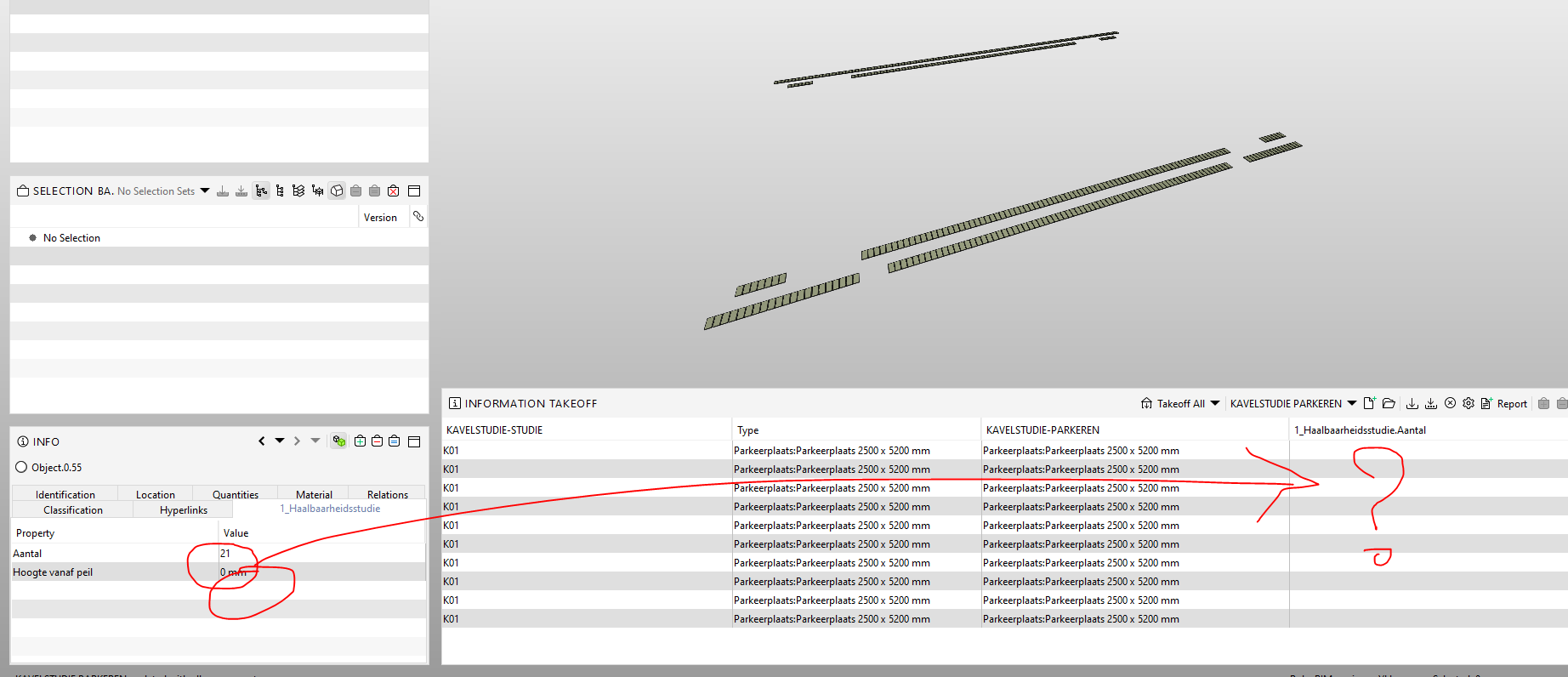
Does anyone know how to solve this problem? -
Just a note: As the Aantal most likely might be a number the count is shown on the right hand side of your column. Your screenshot is not even showing the full column and moreover it might be helpful to add the column and ITO settings as otherwise it’s hard to understand this issue.
-
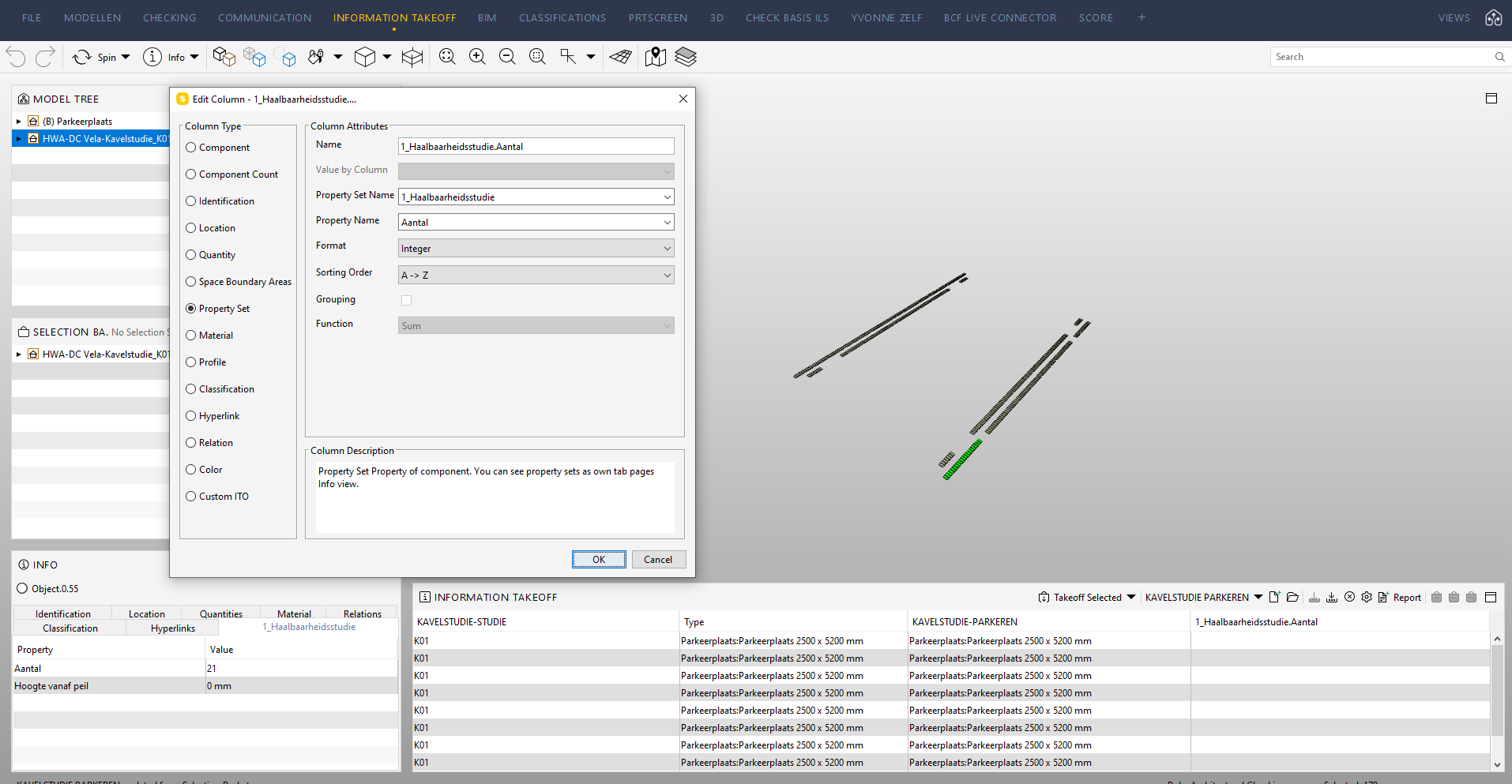
Could you take a screenshot of the ITO Aantal columns settings?(right click the column and choose edit)
I have not have this issue before, but it MIGHT help if the settings is put to show the value numerically, instead of the default text format. And have you tried with different grouping settings? -
Maybe there is a blank character after the property? We once had a similar problem. at that time it was actually a blank character that had created this problem. Data entry and maintenance has not yet arrived in everyday life for many

-
@YvonneHoogenboom could be the exported data format. You defined an Integer but maybe it is exported as text (which means you won’t be able to sum up…).
How are the other ITO columns defined?





Copyright © 2025 Solibri Inc. | Powered by NodeBB