
how to test IfcOpeningElement against IfcBuildingElementProxy.PROVISIONFORVOID
-
Dear Solibrians,
the geometries of elements of the class IfcOpeningElement are often much longer than the depth of the wall they are sitting in.
(The same is true for openings in other building elements, e. g. slabs).
We would like to check if an element of the class IfcOpeningElement is filled by an element of the class IfcBuildingElementProxy.PROVISIONFORVOID to be sure that the architectural model has no openings that are no longer needed and the opening is as large as the geometry of the element of the class IfcBuildingElementProxy.PROVISIONFORVOID.
Because of the enlongated geometry of the elements of the IfcOpeningElement class, we cannot simply compare the volumes of these elements.Does anyone have a suggestion on how we can test openings in the architectural model against the elements of the class IfcBuildingElementProxy.PROVISIONFORVOID that we got from MEP Engineering. Just testing for intersections is not enough, because we would not know if the opening has the same size as the corresponding element of the class IfcBuildingElementProxy.PROVISIONFORVOID.
Thank you very much for reading my question.
With kind regards,
OliverI have attached a screenshot for clarification.
The green element is an element of the class IfcBuildingElementProxy.PROVISIONFORVOID. The transparent blue one is an IfcOpeningElement. This example should test as ok by solibri, because the element of the class IfcBuildingElementProxy.PROVISIONFORVOID is as big the IfcOpeningElement.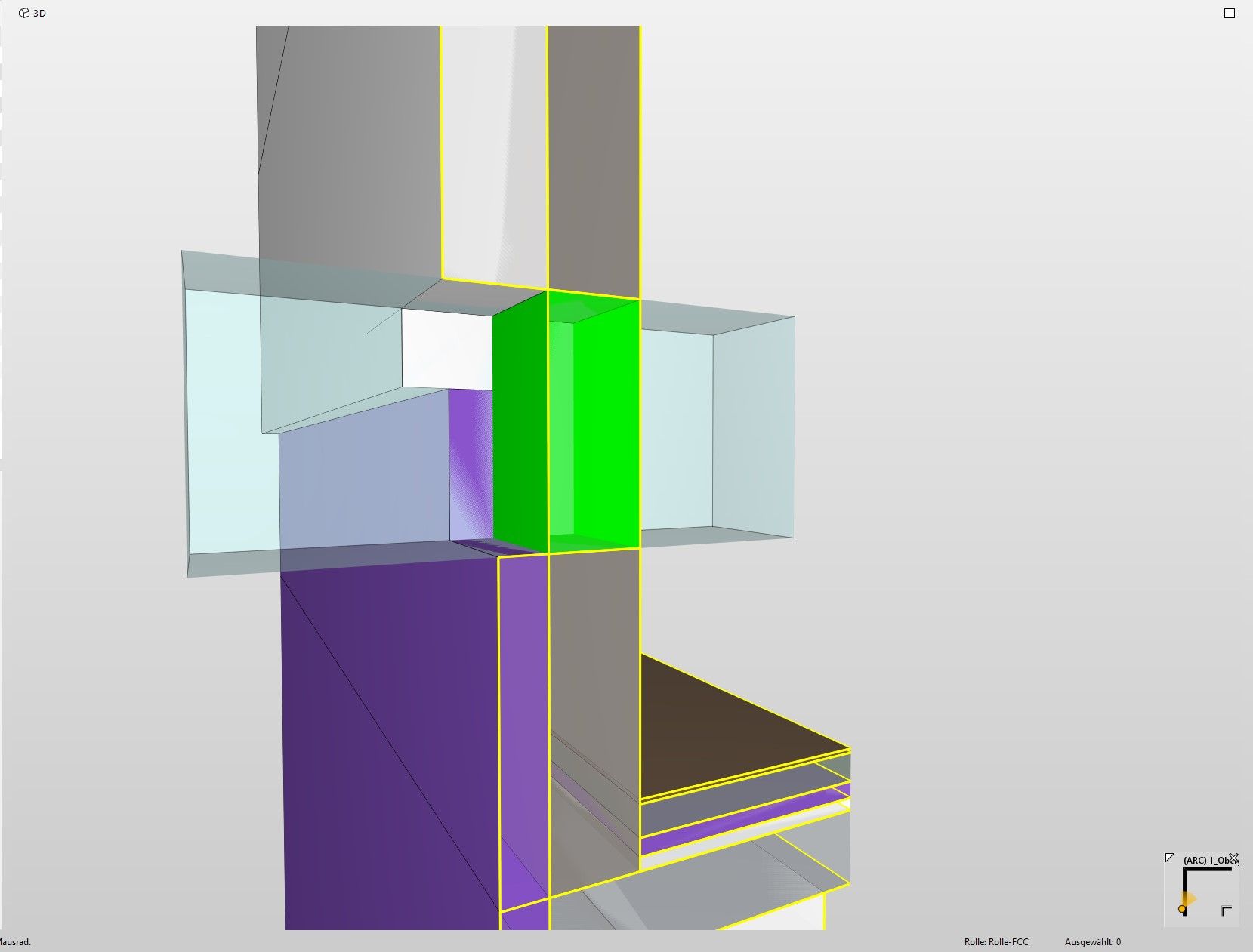 is an IfcOpeningElement.
 -
You could try Rule #234 Component Inside Component. See my example:
- Checks that the provision for void is not protrusing outside the opening more than 1mm.
- Checks that there is 1 opening for each provision for void.
- Checks that the opening is NOT vertically larger than 1mm.
- Note: This is not checking the horizontal difference (opening is too wide compared to provision for void)

-
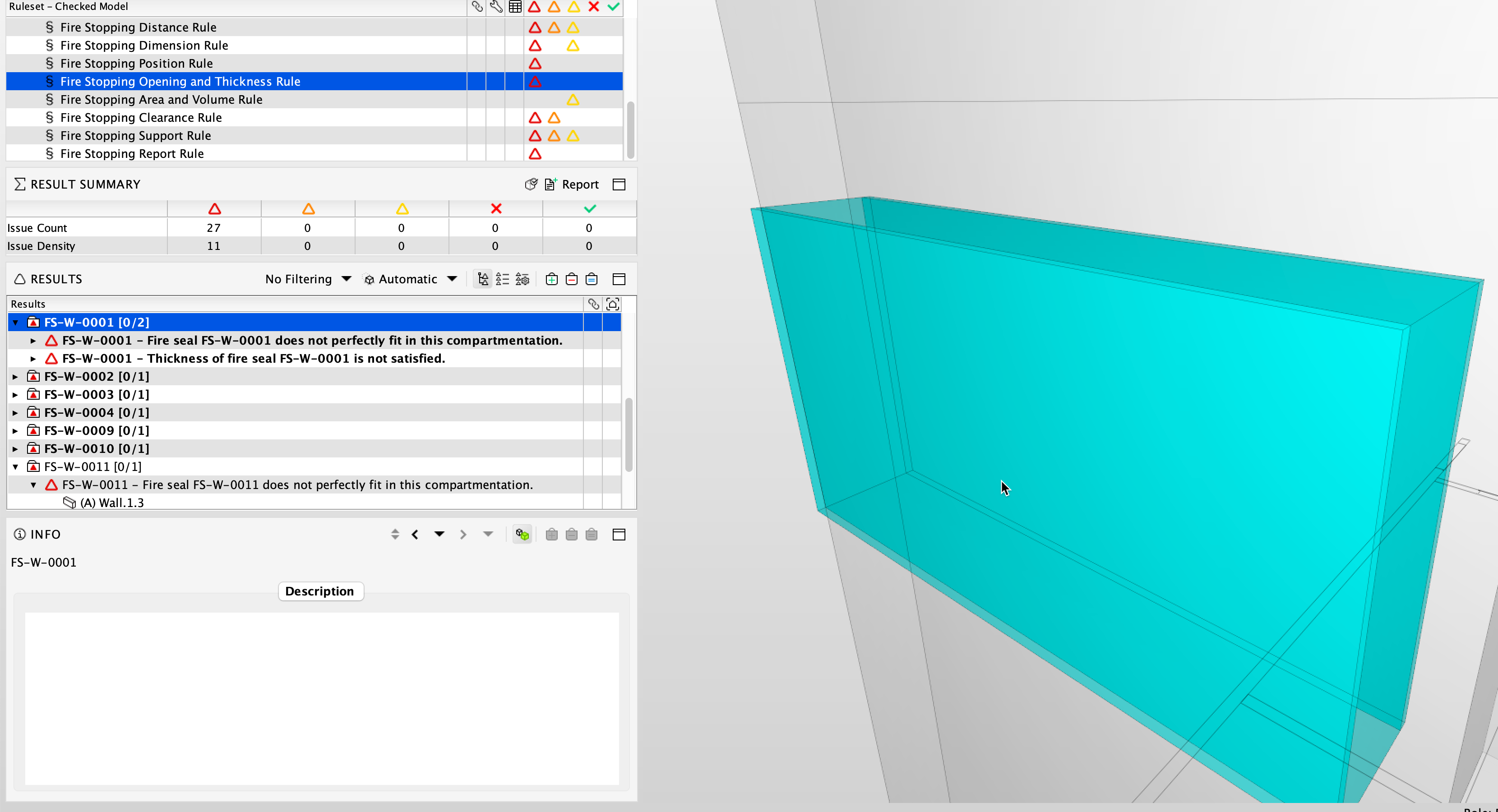
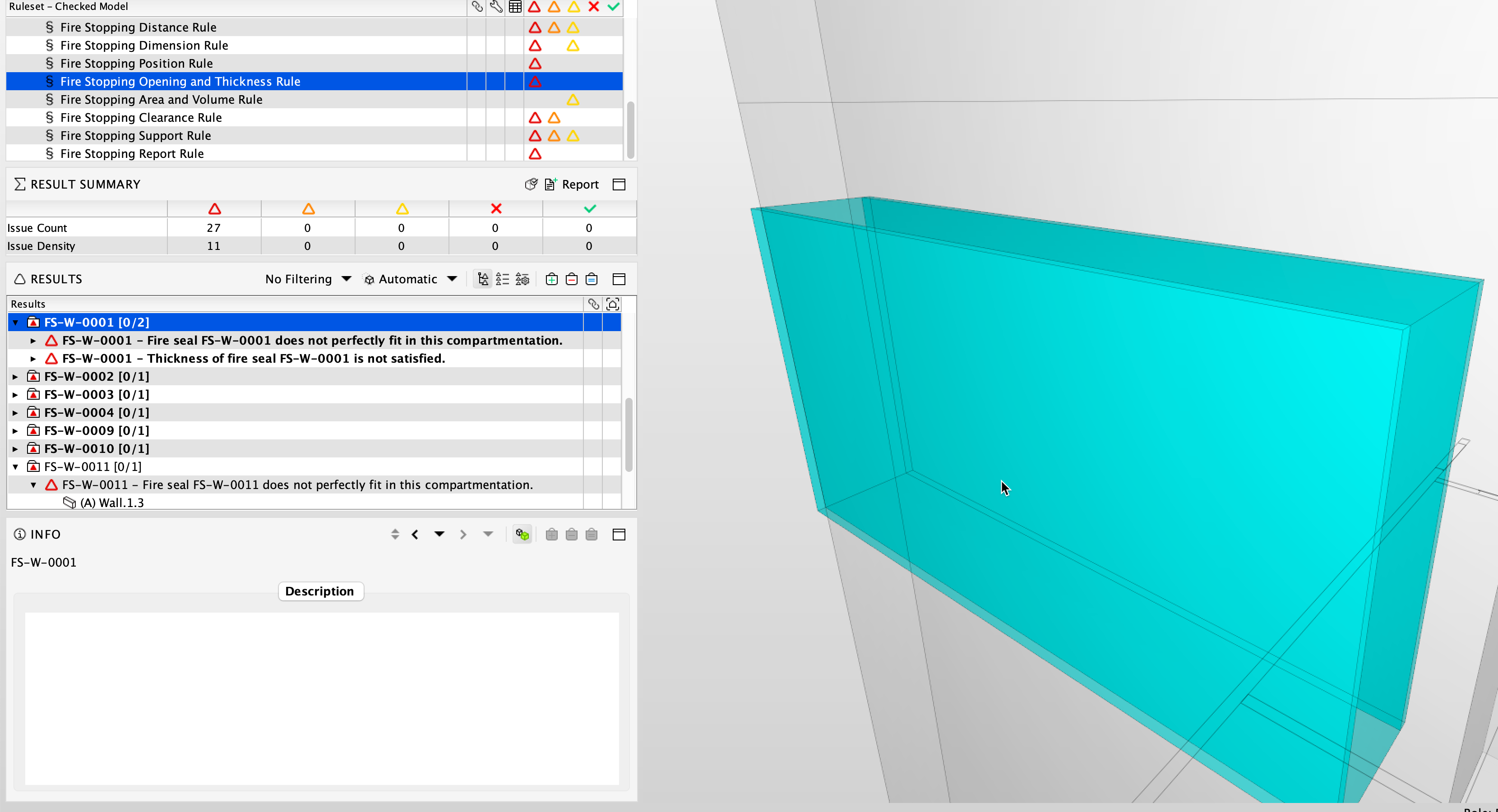
Hi we have a rule Fire Stopping Opening and Thickness rule that is designed to do this. This is part of the Fire Stopping Extension rules and will check that your Provisionforvoid fits perfectly the opening that is created in the Compartmentation Wall or Floor. It will also check that its at least the thickness of the Wall or floor that its situated in. You can purchase the Free Fire Stopping rules from the Solution Centre and then assign them to yourself.
Please see help for this specific rule at the following link.
https://help.solibri.com/hc/en-us/articles/11926711833111-Fire-Stopping-Opening-and-Thickness-Rule
Or how to get the Extension from the introduction.
-
Hello,
Thank you, @Matti-Kannala Matti Kannala, for your reply.
I have performed tests with SOL 223, SOL 224 and SOL 234.You wrote:
“Note: This does not test the horizontal difference (the opening is too wide compared to the provision for nullity).”
That’s why I focused on the SOL 223 provision.
But maybe there is a reason why you suggested rule 234.And thank you very much, @simon-gilbert. I’ll take a look at your suggestion as well, because I’m not sure I can get by an extension.
So now to my findings.
I noticed that it shouldn’t matter how far the geometry of the IfcOpeningElement sticks out,
because the rule only sees the volume that has been cut out of the element (e.g. wall, slab).
So far so good, which means that the rules SOL 223, SOL 224 and SOL 234 should be sufficient to check the
openings against the geometries of the IfcBuildingElementsProxy.PROVISIONFORVOID class supplied by MEP.BUT,
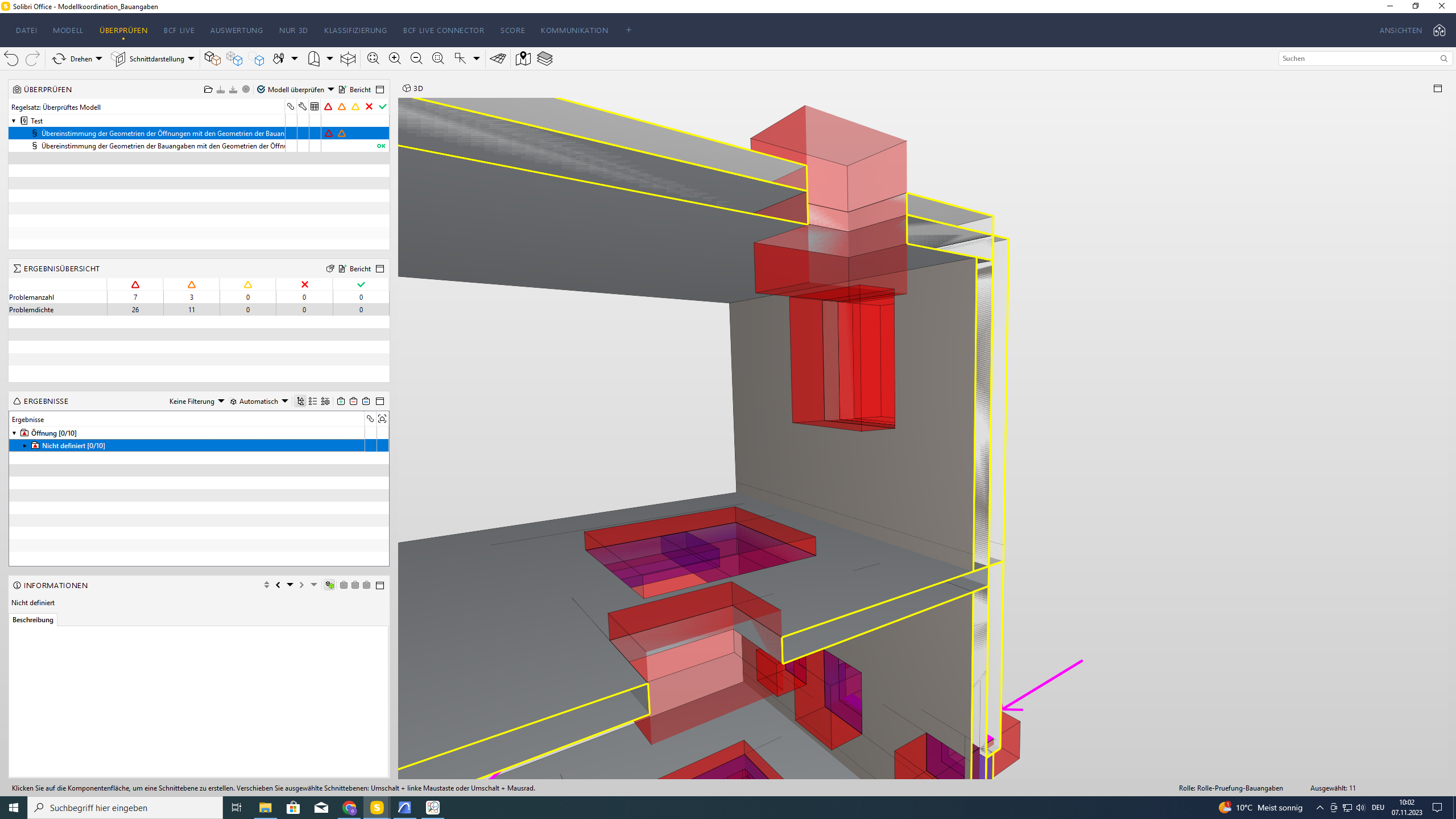
Somehow the SOL 223 rule does not seem to work properly.
The screenshots I provided show that despite the presence of a PROVISIONFORVOID,
is not linked to the corresponding opening. I am sure I have not made a mistake in the classification.
Does anyone know anything about the limitations of this rule?I will try SOL 234 now and keep you posted.
I also share my .smc File.
Thanks for reading my message.Best wishes,
Oliver!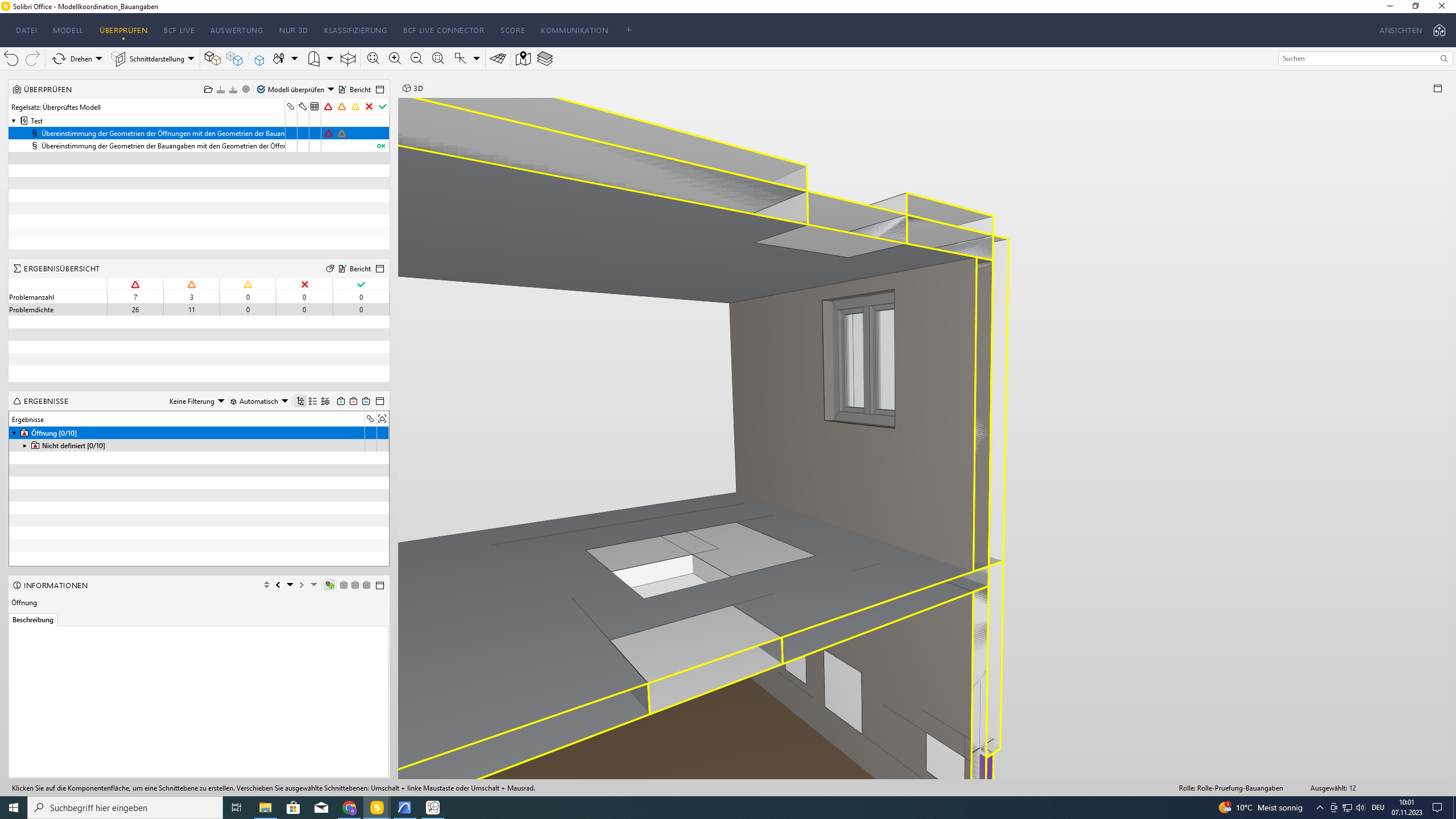
 Modellkoordination_Bauangaben.smc

Copyright © 2025 Solibri Inc. | Powered by NodeBB