
Displaced wall after model update
-
This (the displaced wall) should not happen.
Solibri - Showing me this after the Model Update:

Side Note: It only happens in when I am updating my model in the project specific .smc where this model has already been added before. Totally removing and adding it seems to resolve this issue. Still curious why this is happening? I am not aware of a possibility to move singel components either, so could not say that there has been any manipulations made in the past which would explain this behaviour.
All other Viewers … but also if I open the IFC in a new Solibri instance:

-
It keeps on happening. Seems like the models don’t migrate well …
Completely messed up geometry on model update …
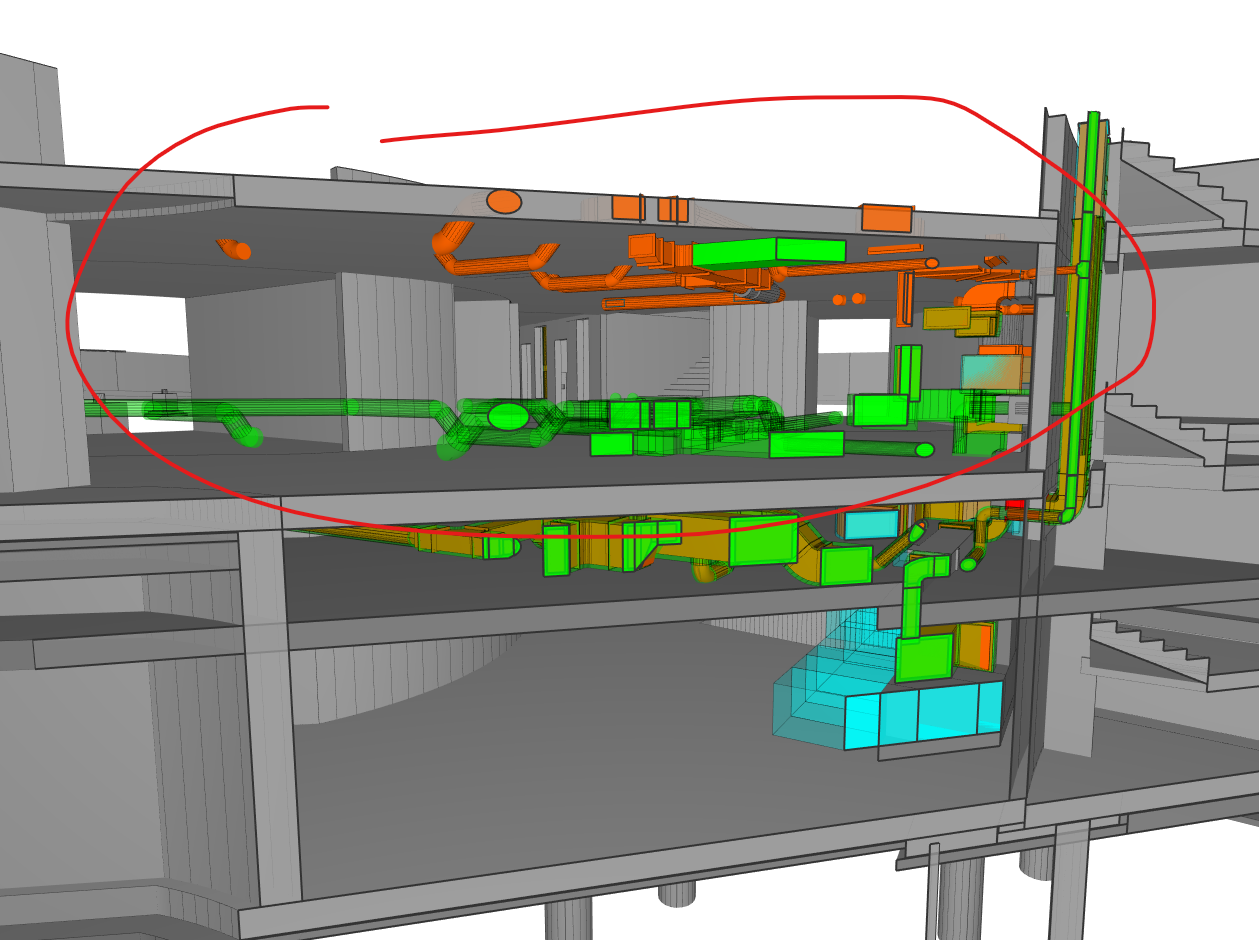
vs. a fresh loading …
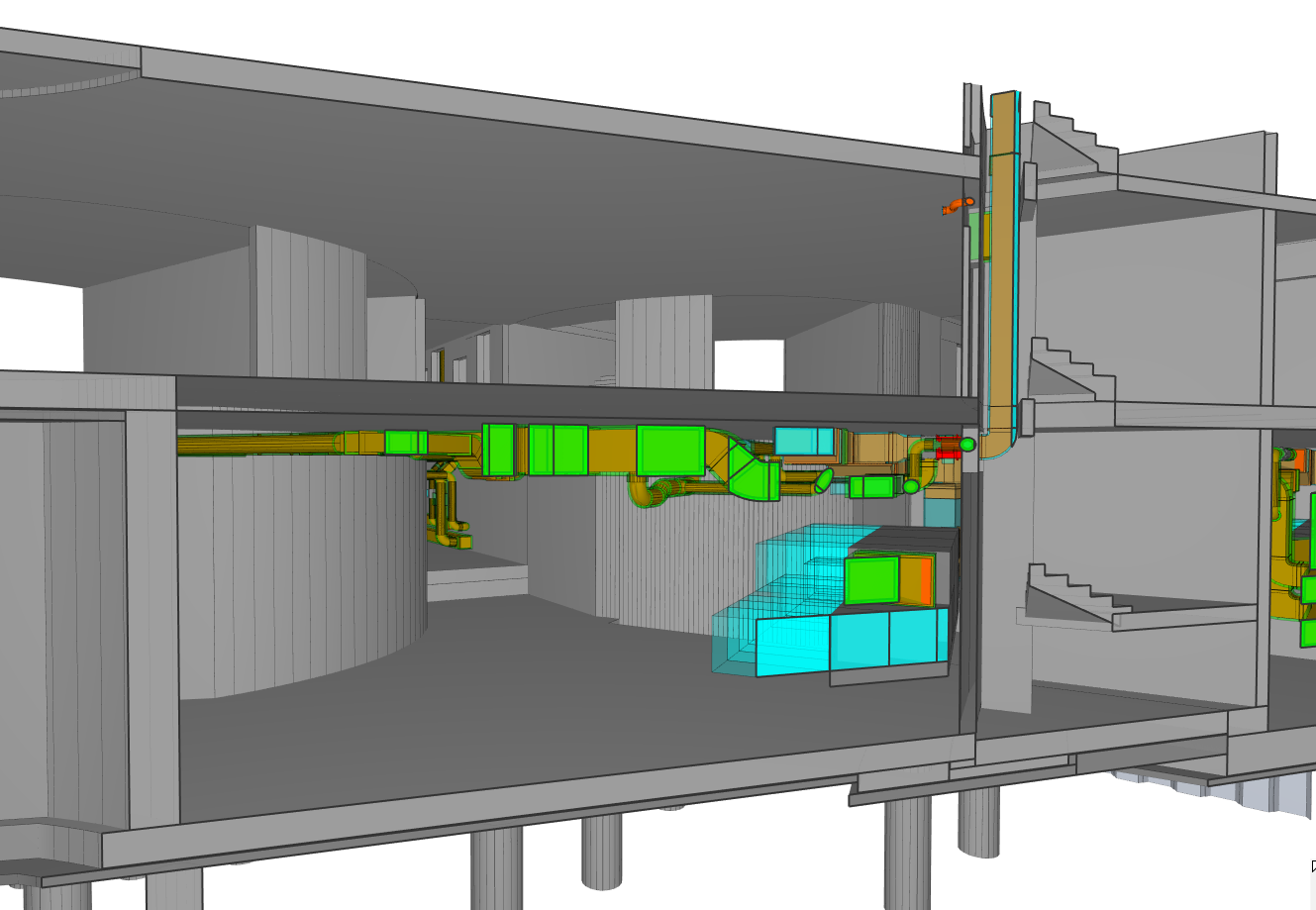
… causing lot’s of confusion. Due to that we have to double check modells in other tools as well - we can’t rely on Solibri at the moment.
-
Hi @JSN , could you please send the smc and the ifc model to [email protected]? Please mention this topic in the support email. Thanks.
Br,
Anil -
@Anil no idea if this could be related but we have seen instances where rule results don’t refresh correctly either, having results about elements that are ignored by the rule filter.
Resetting one of the models involved in the rule allowed us to “clear” these unexpected results from the cache (?) of the rule.
My colleague had created a support ticket for this (CSF-00130523)Edit: this was the case with the last version of Solibri 9.13 but I doubt it has been solved in Solibri 24.5
-
Today i had the same kind of problem with missing elements, if i open the IFC as a stand alone the element are present. if i update the ifc in the SMC they are still missing.
removing the ifc totaly from the SMC and ADD the model then the missing elements appear.this totaly makes updating models not reliable and is an absolute a no go for using Solibri
tried solibri 9.13 and 24.5 with the same result.




Copyright © 2025 Solibri Inc. | Powered by NodeBB