Skip to content
  • Categories
Collapse
Solibri Society Forum
  1. Home
  2. General Discussion
  3. How is front of door defined in SOL 226

How is front of door defined in SOL 226

Scheduled Pinned Locked Moved General Discussion
4 Posts 2 Posters 870 Views
  • Oldest to Newest
  • Newest to Oldest
  • Most Votes
Log in to reply
This topic has been deleted. Only users with topic management privileges can see it.
  • B Offline
    B Offline
    BIM1337
    wrote on last edited by
    #1

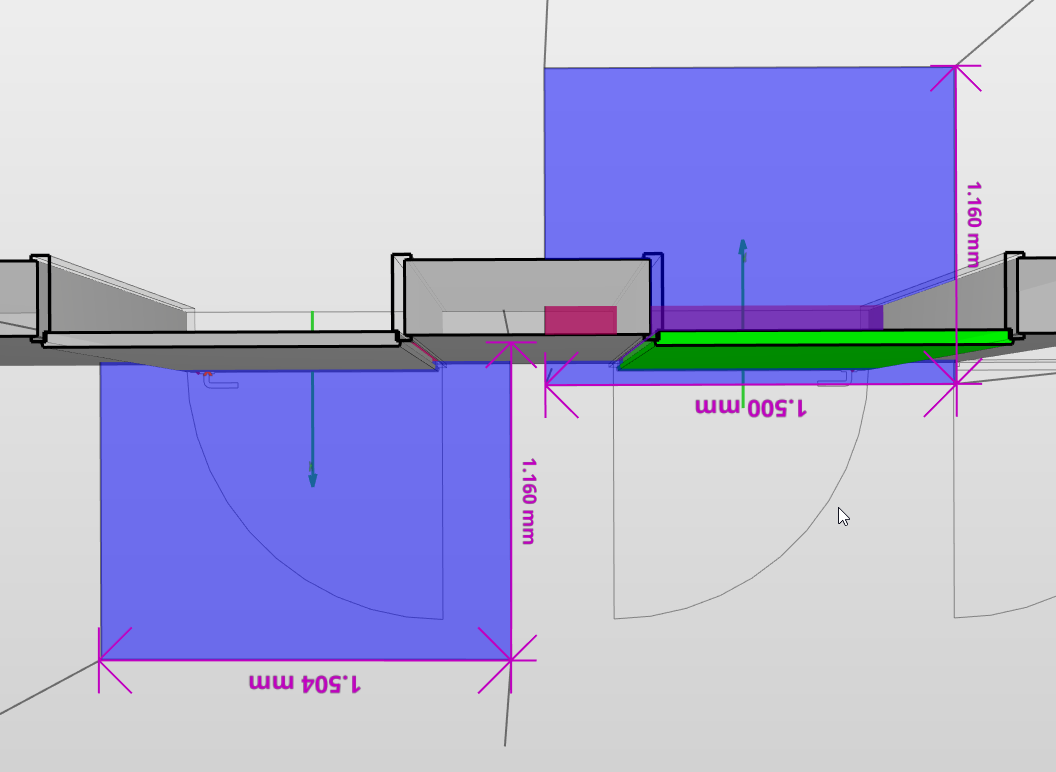
    Using 226 Free Area in Front of Components there is an option to choose “Check both sides of the doors and windows.” However, I’m wondering how Solibri determines which side is the front and which side is the back. I’m seeing some inconsistencies in my model. I want to check only the front sides of the doors, but for some doors, the back seems to be picked as the front. c20ae7d1-21a8-4eea-8242-faa973bc481c-image.png
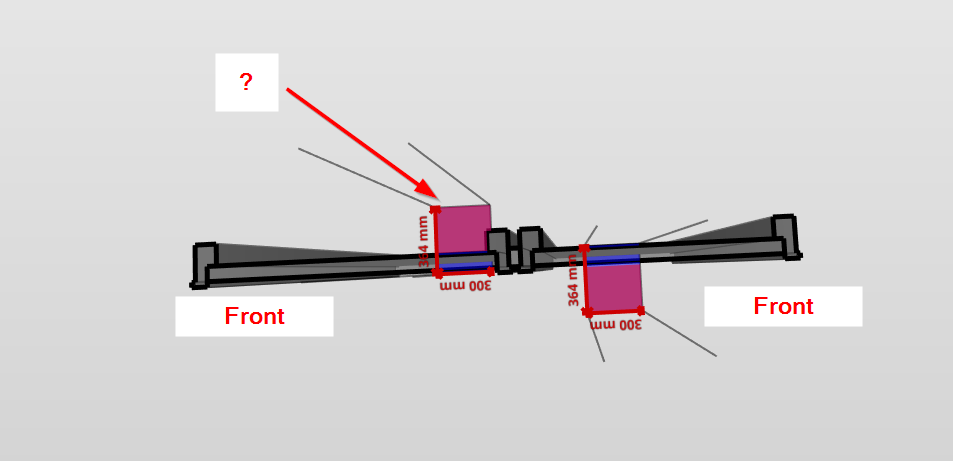
    Is there a way to force the side being picked, is there something I can change in the IFC to get the correct output?

    1 Reply Last reply
    1
    • S Offline
      S Offline
      simon.gilbert Solibrians
      wrote on last edited by
      #2

      I think this has a link to the positive Y direction of the door. If you click on the door, right click, then show its insertion point you should be able to see the positive Y direction which is the opening direction. this should be the direction checked. Not sure if flipping the door affects this but this seems pretty consistent.
      Have a look at our example model
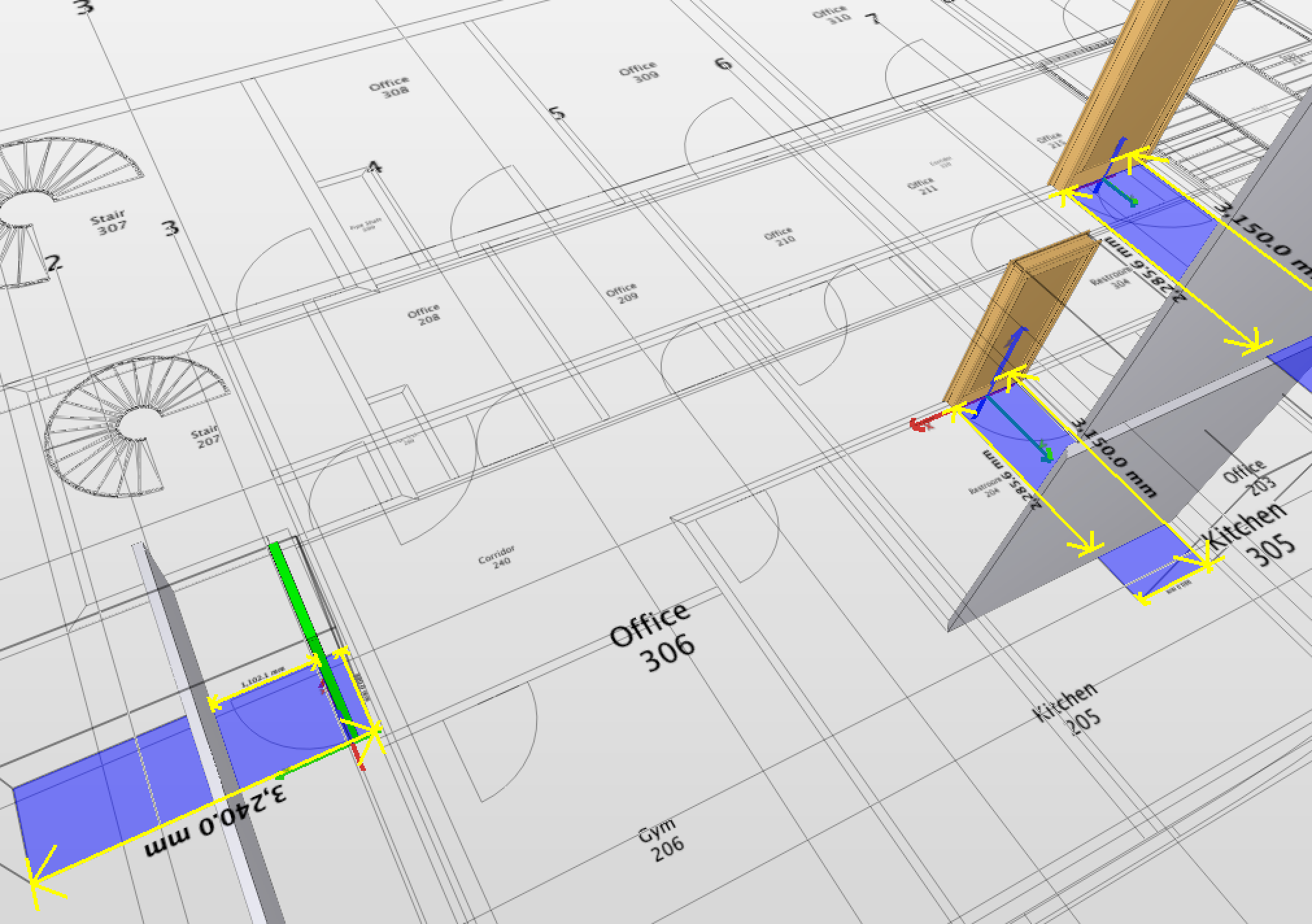
      image.png

      1 Reply Last reply
      0
      • B Offline
        B Offline
        BIM1337
        wrote on last edited by
        #3

        Can the insertion point be edited in Revit?

        1 Reply Last reply
        0
        • B Offline
          B Offline
          BIM1337
          wrote on last edited by
          #4

          Also insertion point seems to be correct, flipping a door also flips it’s insertion point thus giving different output. Example of a flipped door:

          image.png

          1 Reply Last reply
          0

          Copyright © 2025 Solibri Inc. | Powered by NodeBB

          • Login

          • Don't have an account? Register

          • Login or register to search.
          • First post
            Last post
          0
          • Categories