
Bug 25.3.1 and 25.3.2: Updating models hangs on "checking updates"
-
With Solibri 25.3.1 and 25.3.2 we have issues updating models.
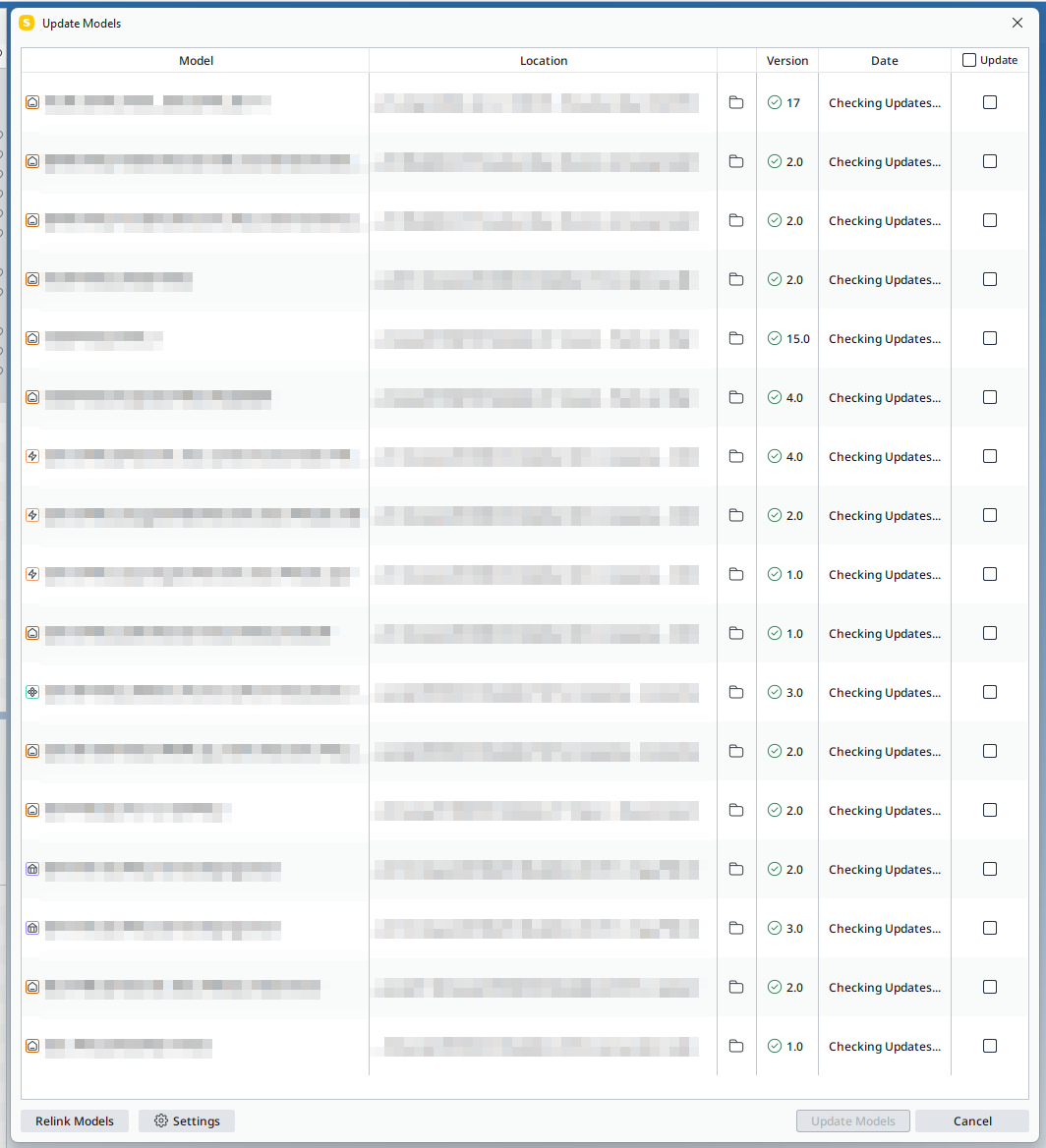
Solibri gets stuck on checking updates when one of the models are missing on their expected locations.Steps to reproduce:
- Connect models from integrations (sharepoint and trimble)
- Delete, move, copy or rename one of the models
- Try updating all models at once
What happens:
- On all models there’s the checking updates notification, but nothing happens
- When updating all models expect the one missing it working fine
What’s expected:
- Checking updates works on models which are available
- Checking fails, with a clear message on missing updates
-
Thanks for the report, we we investigate this.
-
Thank you once again, @Mvandenbrink. We’ve added a ticket to our issue tracking system to address this. Could you please clarify whether the entire application becomes unresponsive, or if it’s only the ‘Checking for updates’ message that appears to hang in the update dialog?
-
-
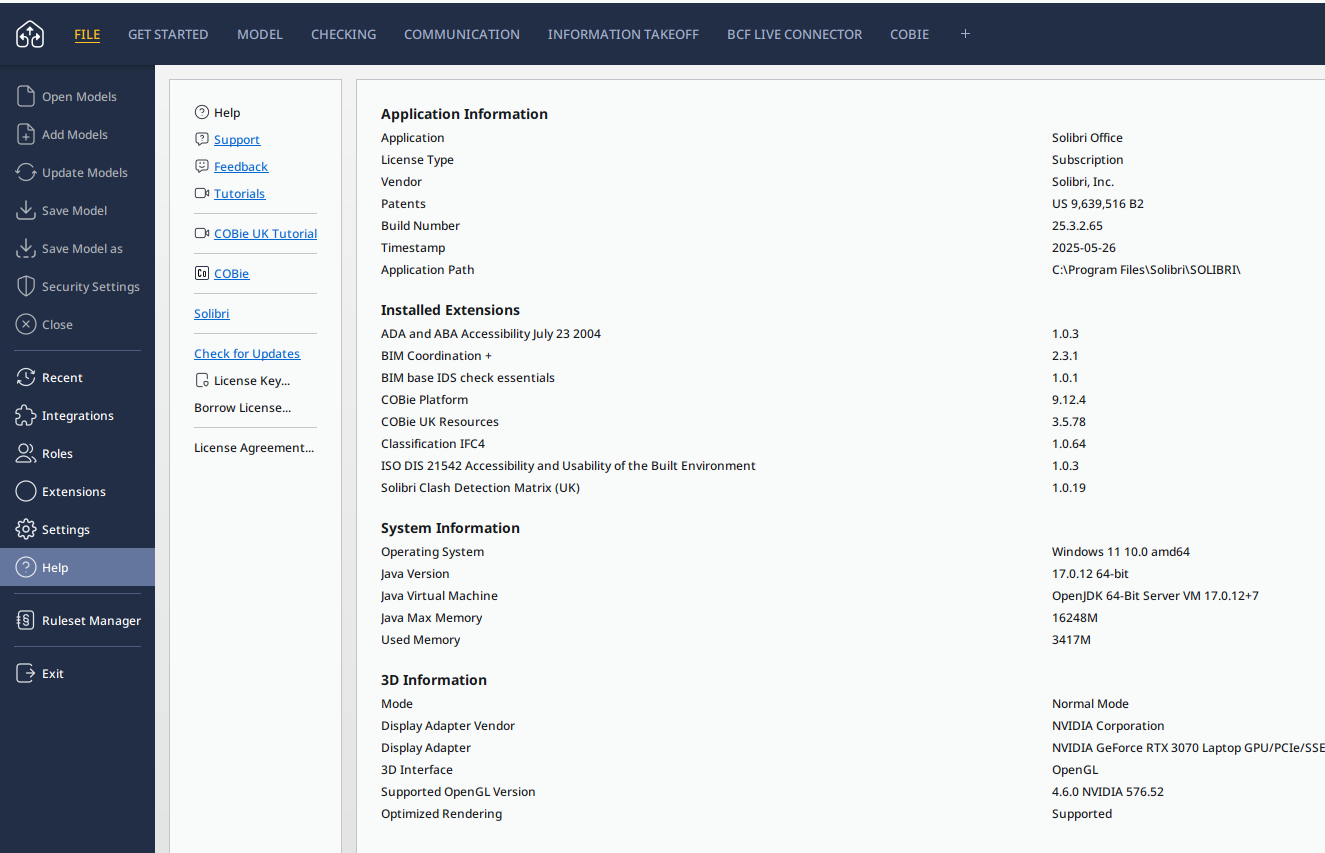
Something similar is happening to me when I “Save as” on PC version 25.3.2.65. It just times out, the app is still responsive, though i cant run clashes/rules or actually save. End up having to force quit. Seems like it is having issues with saving to an external server, not locally. Which matched up with not updating and hanging over the local network, in the issue above.


Copyright © 2025 Solibri Inc. | Powered by NodeBB