Skip to content
  • Categories
Collapse
Solibri Society Forum
  1. Home
  2. General Discussion
  3. BUG - CURTAIN WALL CLASSIFICATION

BUG - CURTAIN WALL CLASSIFICATION

Scheduled Pinned Locked Moved General Discussion
8 Posts 3 Posters 1.4k Views
  • Oldest to Newest
  • Newest to Oldest
  • Most Votes
Log in to reply
This topic has been deleted. Only users with topic management privileges can see it.
  • F Offline
    F Offline
    f.zanoni
    wrote on last edited by
    #1

    I created a classification for Windows, Doors, and Curtain Walls.

    In the entire model, only the colors for Windows and Doors are displayed. However, if I select only Curtain Walls, their color is shown.

    The expected behavior was that the color for Curtain Walls would appear together with the colors for Windows and Doors.

    The image below shows only the colors for Windows and Doors — Curtain Walls have no color.

    Captura de tela 2025-06-05 112452.jpg

    But if I select in classification just curtain wall the colors appears
    a.jpg

    Any help? @Solibrians

    1 Reply Last reply
    0
    • JSNJ Offline
      JSNJ Offline
      JSN
      wrote on last edited by
      #2

      Wild Guess: The curtain walls decompose into parts like Members, Doors, Panels, etc. and that’s why you are facing confusion.

      1 Reply Last reply
      0
      • F Offline
        F Offline
        f.zanoni
        wrote on last edited by
        #3

        @JSN I know, but the colors of the curtain wall should appear along with other elements. Why do they only appear when only the curtain wall is selected, and not when it’s shown together with other elements? This is the question

        1 Reply Last reply
        0
        • JSNJ Offline
          JSNJ Offline
          JSN
          wrote on last edited by
          #4

          Unclassified probably contains elements which are not classified as curtain walls but maybe have identical representations? Without the model or more information like an ITO it’s just another wild guess …

          1 Reply Last reply
          0
          • R Offline
            R Offline
            Rafik Remal
            wrote on last edited by
            #5

            @f-zanoni
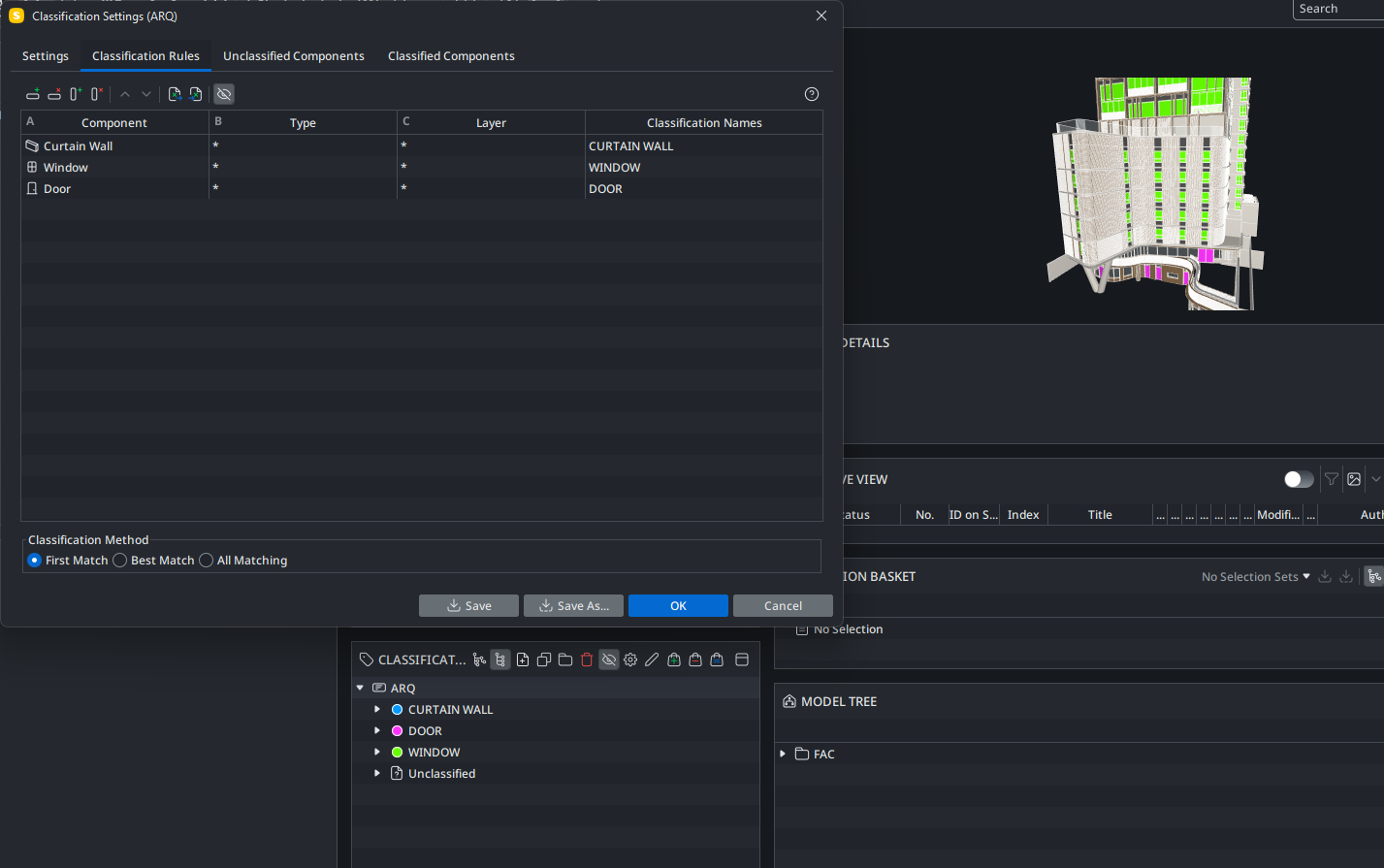
            Please try changing the classification method to ‘First Match’ and move the curtain wall to the top of the list in the Classification Rules tab.

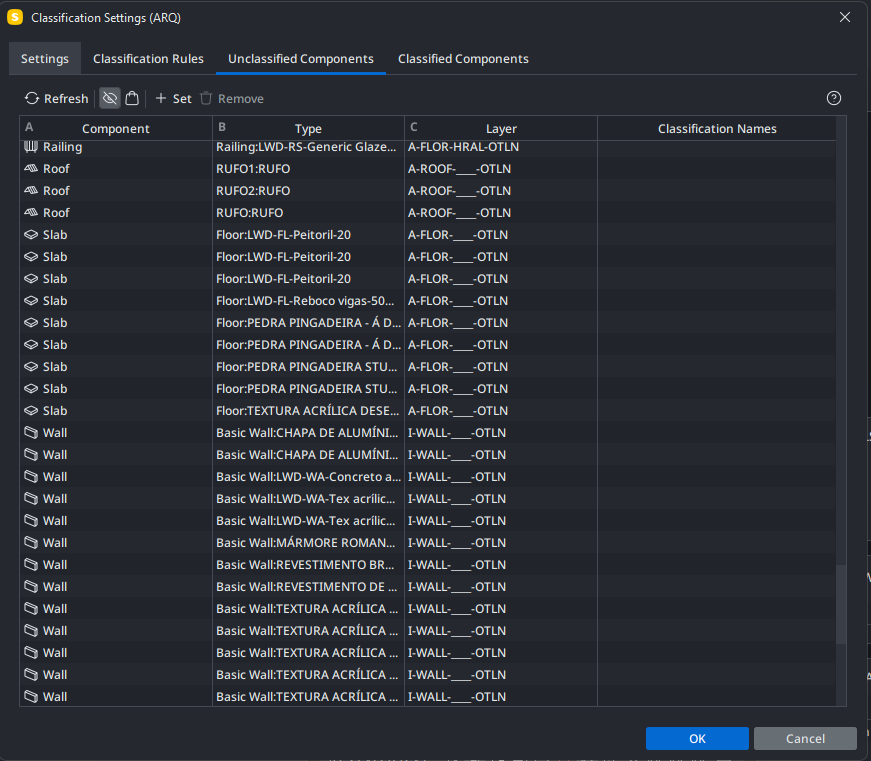
            If that doesn’t resolve the issue, kindly share a snapshot of the Unclassified tab so we can further assess the situation.

            1 Reply Last reply
            0
            • F Offline
              F Offline
              f.zanoni
              wrote on last edited by f.zanoni
              #6

              Hi @Rafik-Remal

              This way doesn’t works.
              image.png

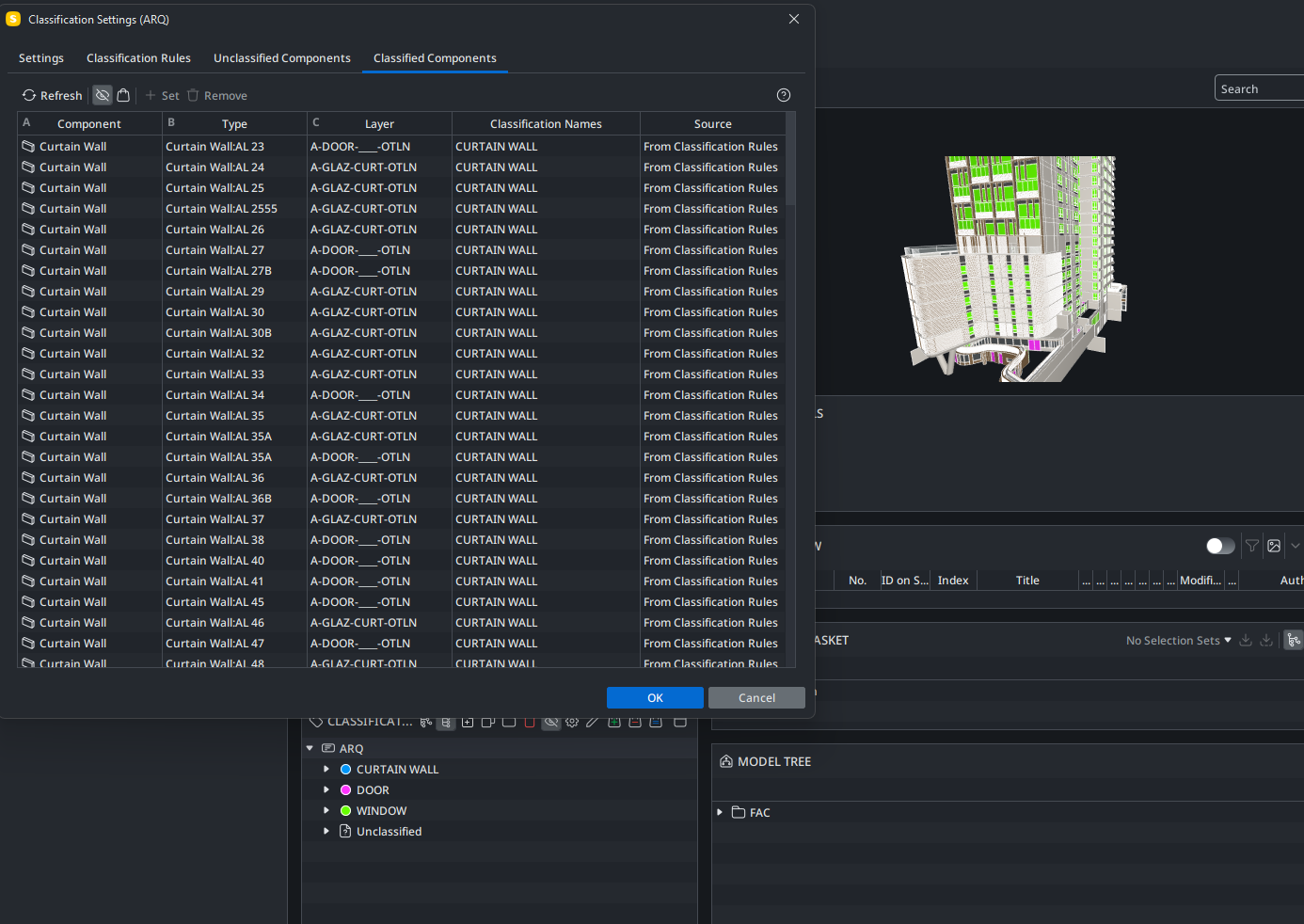
              Curtain wall are classified
              image.png

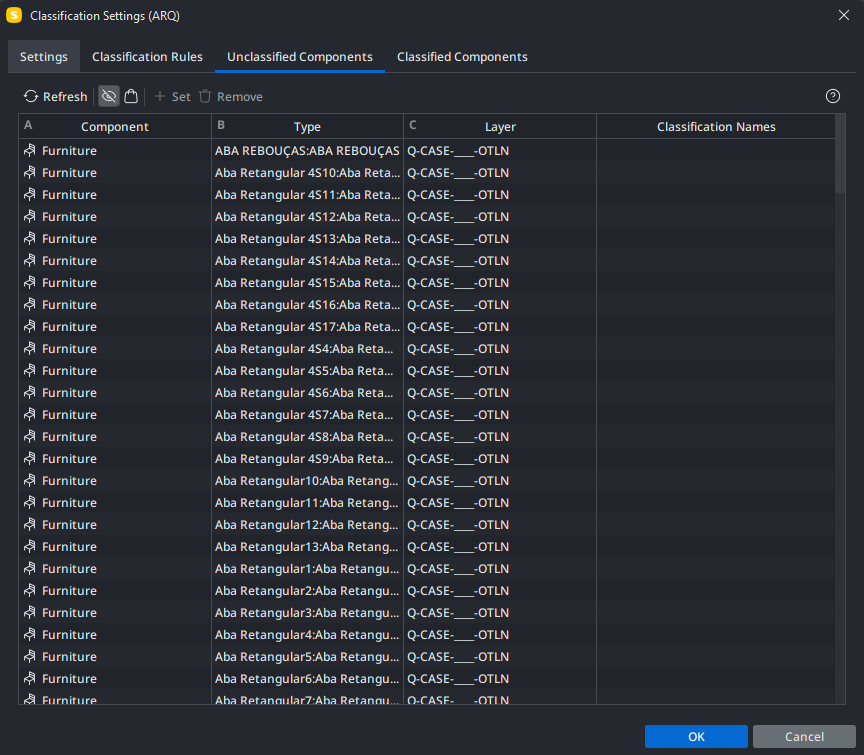
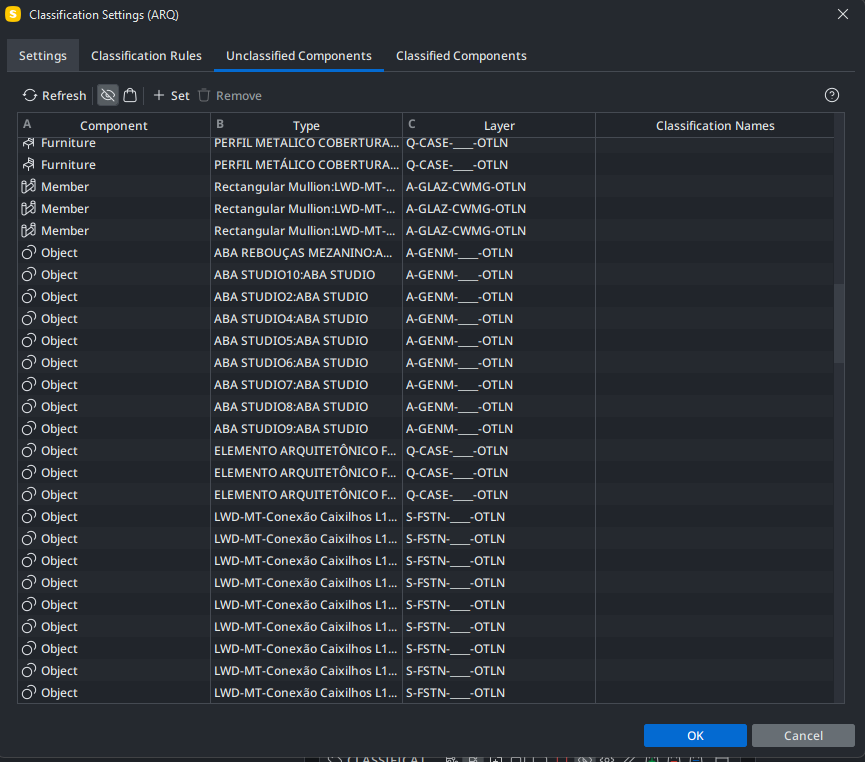
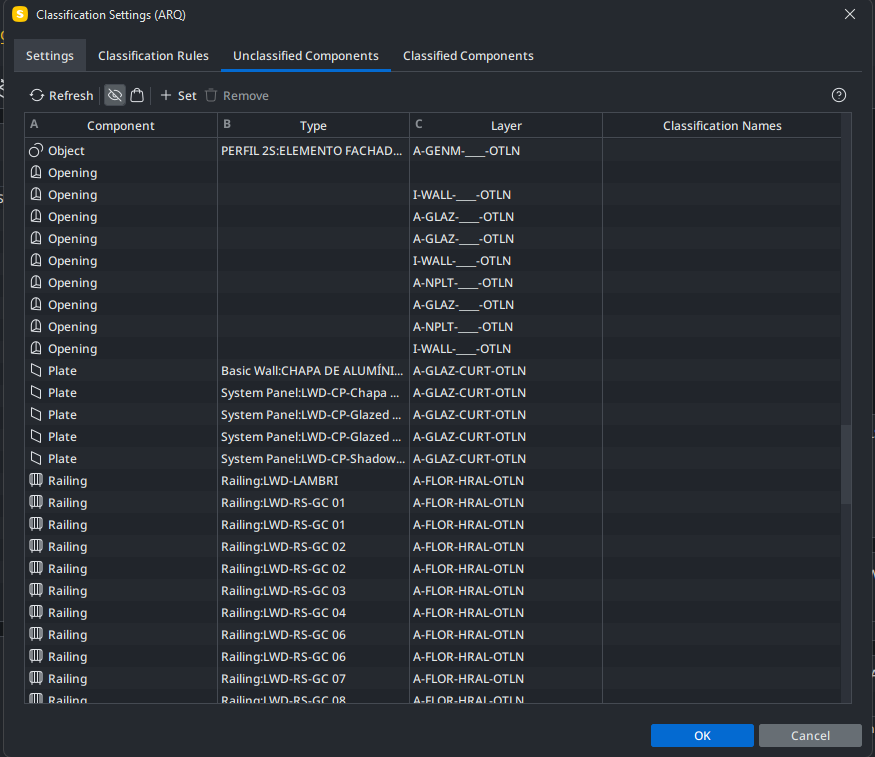
              Elements unclassified
              image.png
              image.png
              image.png
              image.png

              1 Reply Last reply
              0
              • JSNJ Offline
                JSNJ Offline
                JSN
                wrote on last edited by JSN
                #7

                Wild Guess: The curtain walls decompose into parts like Members, Doors, Panels, etc. and that’s why you are facing confusion.

                Check out the Members and Plates. E.g. exclude those which have a backward relationship with the Curtain walls or classify them as well.

                1 Reply Last reply
                0
                • R Offline
                  R Offline
                  Rafik Remal
                  wrote on last edited by
                  #8

                  Hi @f-zanoni Could you please share your .smc file? That would help better understand your current configuration and allow for quicker solution to your problem.

                  1 Reply Last reply
                  0

                  Copyright © 2025 Solibri Inc. | Powered by NodeBB

                  • Login

                  • Don't have an account? Register

                  • Login or register to search.
                  • First post
                    Last post
                  0
                  • Categories