Skip to content
  • Categories
Collapse
Solibri Society Forum
  1. Home
  2. General Discussion
  3. Visibility Woes II: The Phantom Thumb

Visibility Woes II: The Phantom Thumb

Scheduled Pinned Locked Moved Solved General Discussion
8 Posts 2 Posters 1.4k Views
  • Oldest to Newest
  • Newest to Oldest
  • Most Votes
Log in to reply
This topic has been deleted. Only users with topic management privileges can see it.
  • JSNJ Offline
    JSNJ Offline
    JSN
    wrote on last edited by JSN
    #1

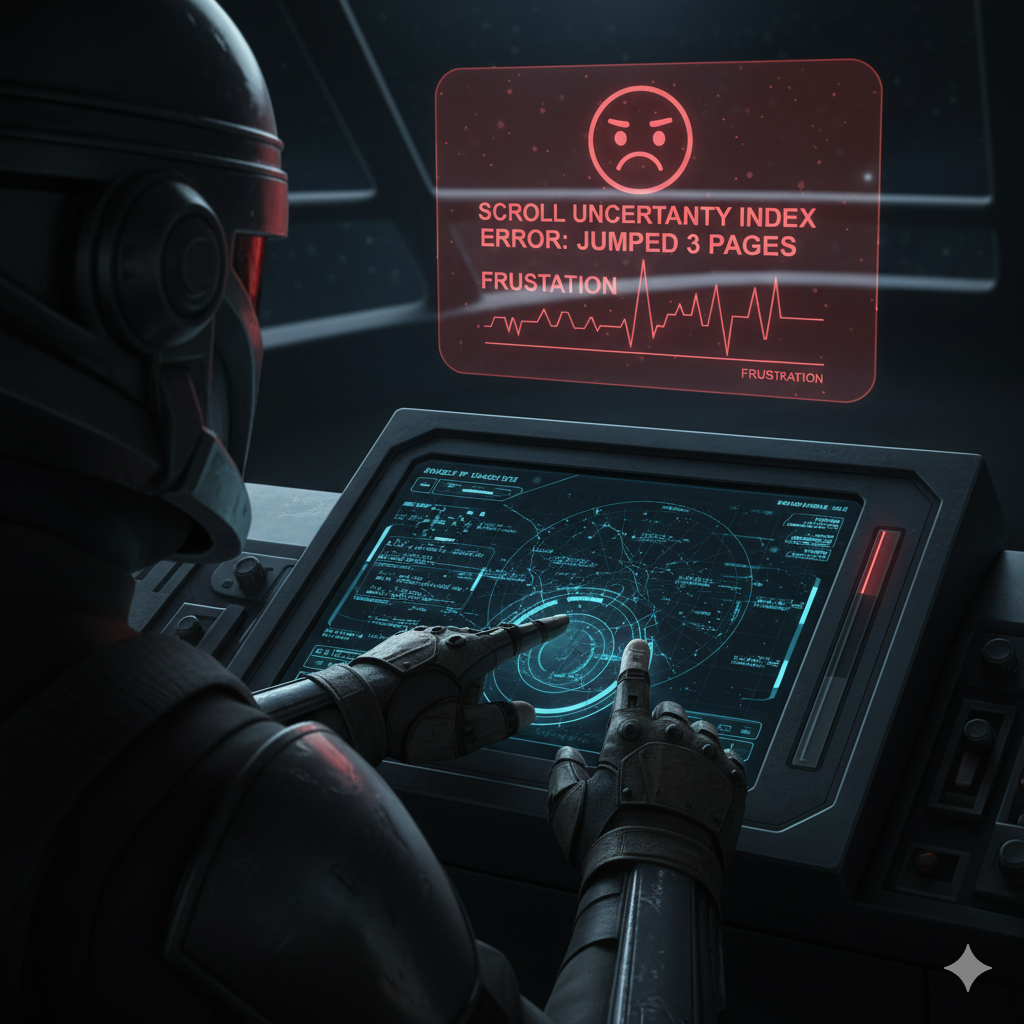
    This fall in Solibri: The Phantom Thumb — An Invisible ITO-Scroll-Experience!

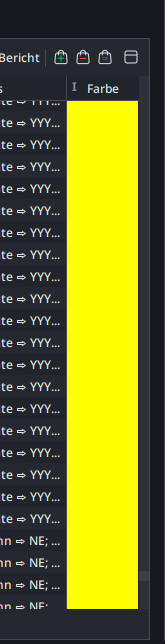
    In a world plunged into Dark Mode… one tiny scrollbar thumb fights for visibility.

    Shrouded in shadows, indistinguishable from its track, it leaves users guessing, hovering blindly, praying not to scroll too far.

    But when navigation goes wrong, chaos unfolds — unwanted jumps, lost context, frustration.
    2025-09-22_13-34-17.PNG

    You only see it… when you have found it!

    2025-09-22_13-34-58.PNG

    1 Reply Last reply
    3
    • MattiM Offline
      MattiM Offline
      Matti Solibrians
      wrote on last edited by
      #2

      image.png

      1 Reply Last reply
      0
      • MattiM Offline
        MattiM Offline
        Matti Solibrians
        wrote on last edited by
        #3

        We will check if something can done for scrolling problem. In recent beta there is a fix for slide view scrolling problem.

        1 Reply Last reply
        0
        • JSNJ Offline
          JSNJ Offline
          JSN
          wrote on last edited by JSN
          #4

          Hi Matti,
          Plot twist. It’s not the scrolling behaviour but the UI style of the thumb which is very similar to the track colour. Only when you hover over it you can see it clearly. The mouse pointer did not make it in the screenshot for some reason. If the thumb is very small then this takes a while.

          1 Reply Last reply
          0
          • MattiM Offline
            MattiM Offline
            Matti Solibrians
            wrote on last edited by
            #5

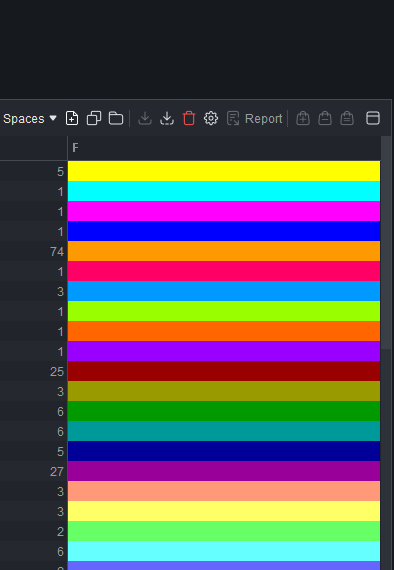
            OK, I see the problem. The colors are too close:
            Scrollbar thumb color is: #3a3f47
            Scrollbar track color is: #2D3139

            image.png

            JSNJ 1 Reply Last reply
            0
            • JSNJ Offline
              JSNJ Offline
              JSN
              replied to Matti on last edited by
              #6

              @Matti
              Exactly.

              1 Reply Last reply
              1
              • MattiM Matti marked this topic as a question on
              • MattiM Matti has marked this topic as solved on
              • MattiM Matti unlocked this topic on
              • MattiM Offline
                MattiM Offline
                Matti Solibrians
                wrote on last edited by
                #7

                This is solved in the latest release: https://society.solibri.com/topic/3487/solibri-25-12-0-has-been-released/

                1 Reply Last reply
                1
                • JSNJ Offline
                  JSNJ Offline
                  JSN
                  wrote on last edited by
                  #8

                  May the scroll be with us!

                  1 Reply Last reply
                  5

                  Copyright © 2025 Solibri Inc. | Powered by NodeBB

                  • Login

                  • Don't have an account? Register

                  • Login or register to search.
                  • First post
                    Last post
                  0
                  • Categories