
Visibility Woes II: The Phantom Thumb
-
This fall in Solibri: The Phantom Thumb — An Invisible ITO-Scroll-Experience!
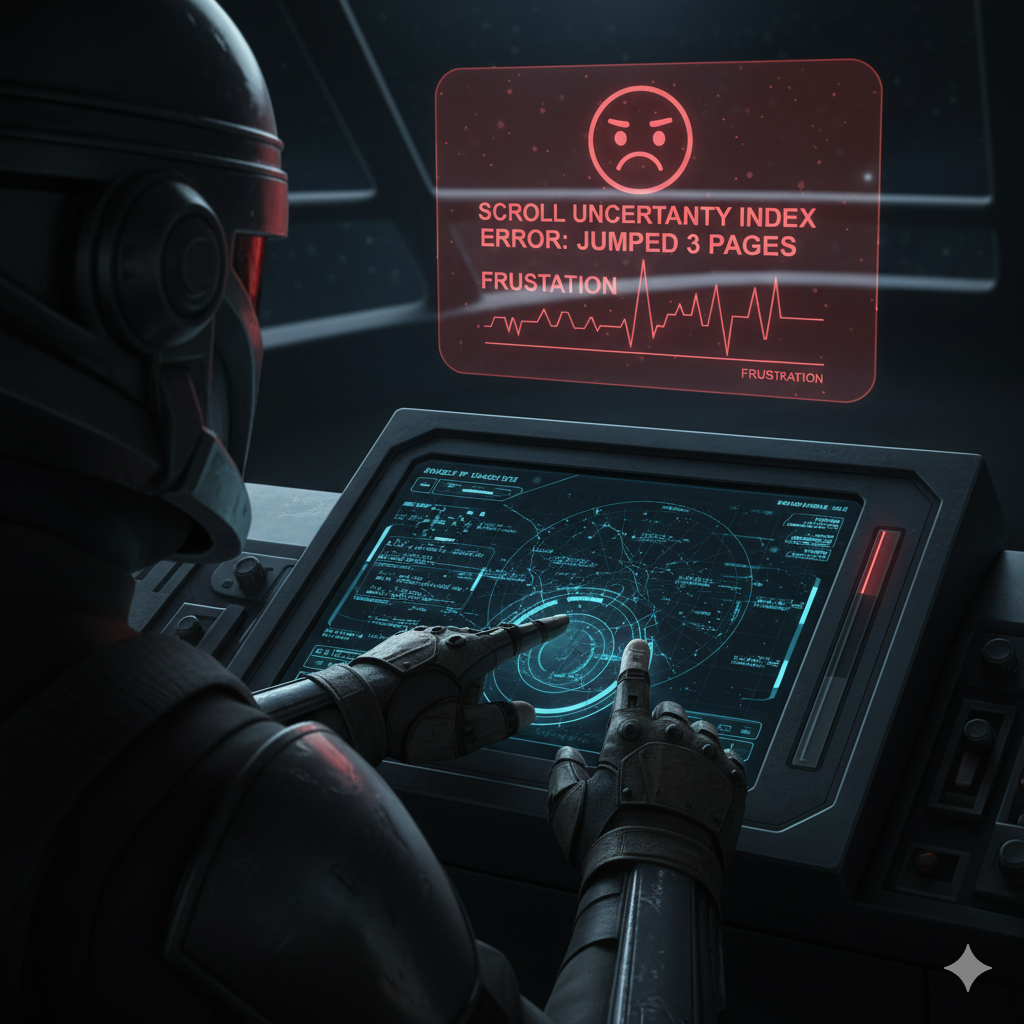
In a world plunged into Dark Mode… one tiny scrollbar thumb fights for visibility.
Shrouded in shadows, indistinguishable from its track, it leaves users guessing, hovering blindly, praying not to scroll too far.
But when navigation goes wrong, chaos unfolds — unwanted jumps, lost context, frustration.

You only see it… when you have found it!

-
-
We will check if something can done for scrolling problem. In recent beta there is a fix for slide view scrolling problem.
-
Hi Matti,
Plot twist. It’s not the scrolling behaviour but the UI style of the thumb which is very similar to the track colour. Only when you hover over it you can see it clearly. The mouse pointer did not make it in the screenshot for some reason. If the thumb is very small then this takes a while. -
 M Matti marked this topic as a question on
-
M Matti has marked this topic as solved on
-
M Matti unlocked this topic on
-
This is solved in the latest release: https://society.solibri.com/topic/3487/solibri-25-12-0-has-been-released/


Copyright © 2025 Solibri Inc. | Powered by NodeBB