
display of clash geometries
Unsolved
General Discussion
-
Hello everyone,
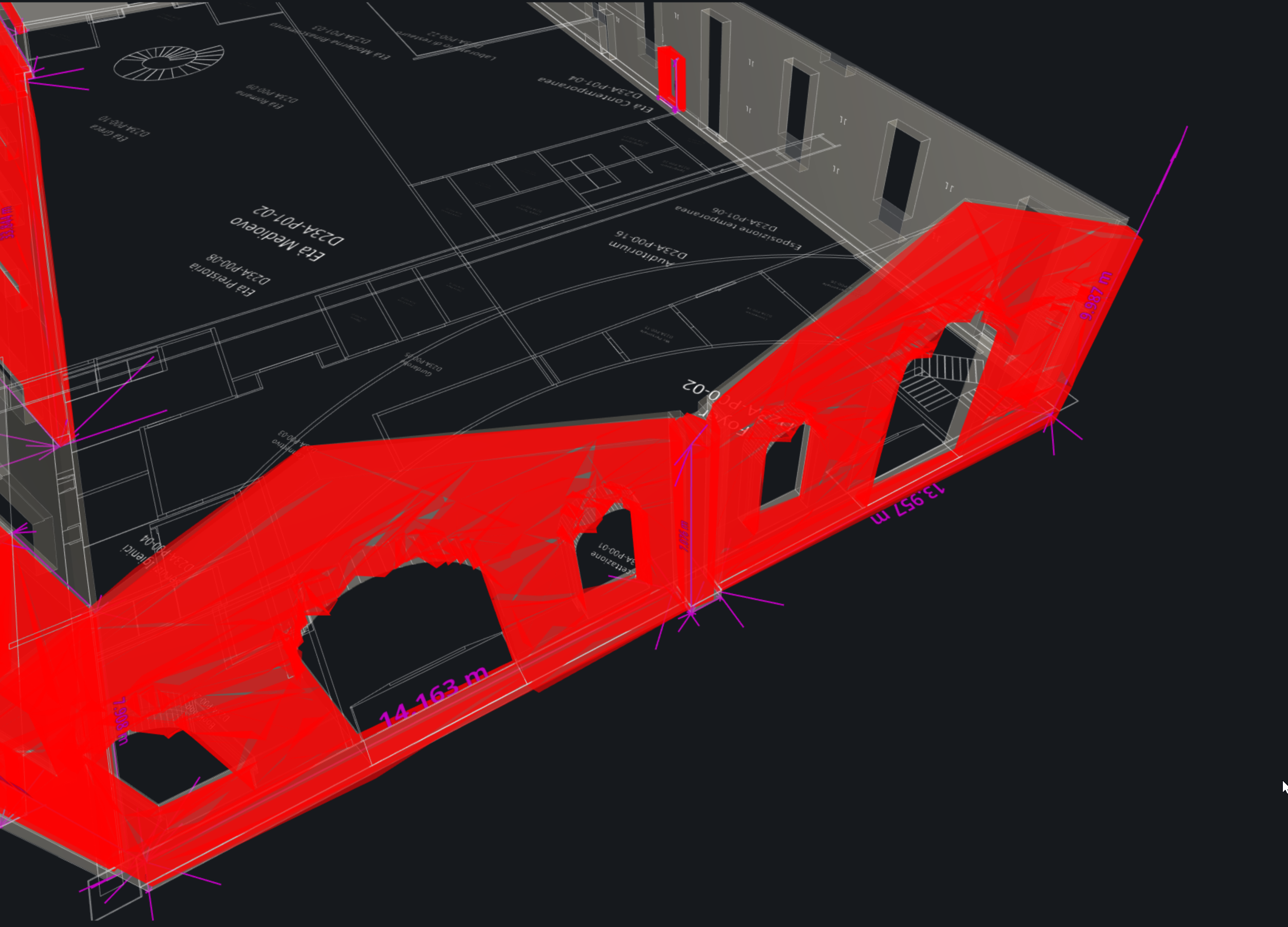
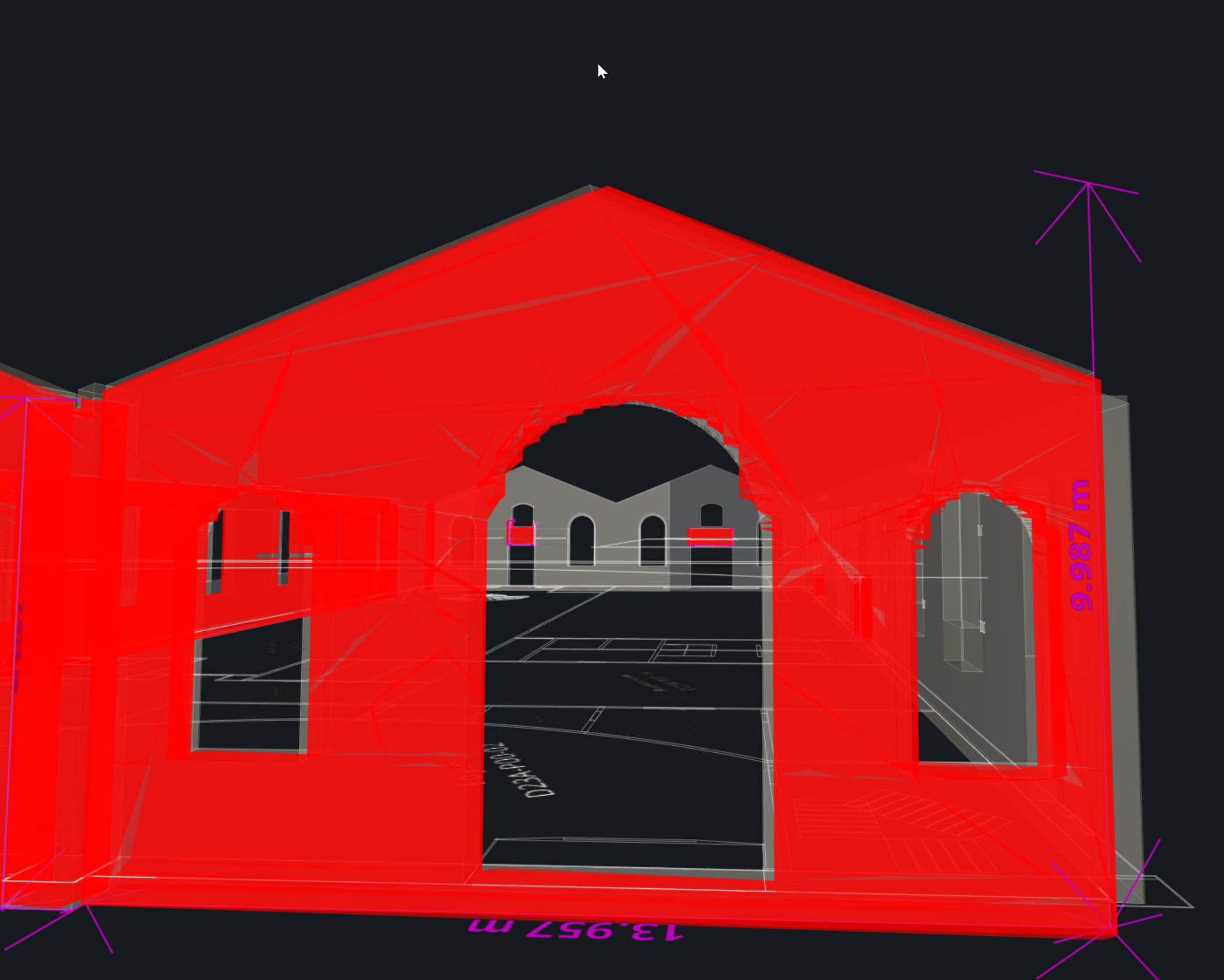
I have a display problem in Solibri that I can’t seem to solve.
As you can see in the attached images, during clash detection activities, the highlighted geometries that contain a clash are distorted, making it difficult to perform the activities. To try to solve the problem, the following operations have been carried out:- Windows update
- Updated Invidia drivers
- Checked and restored Windows system files
- Corrected the Windows registry
- Installed the latest version available for download from the Solibri website
It is important to note that the problem occurs on two different computers, with two different versions of Solibri and with different graphics cards and video drivers.
Has this ever happened to you? How can I solve it?
Thank you -
Hello @francescacataldo!
Just a hunch, but is your model very far from the origin?

Copyright © 2025 Solibri Inc. | Powered by NodeBB