
Solibri ACC
-
Hello,
I would like to connect to my ACC from Solibri. I followed https://help.solibri.com/hc/en-us/articles/11119104667671-Using-the-ACC-BIM-360-Integration
But there is no Solibri App inside the ACC Apps. However, I connected without the app. But when I try to open a model, the list of servers is empty. My actual goal is to connect to the BCF Live Connector and the ACC.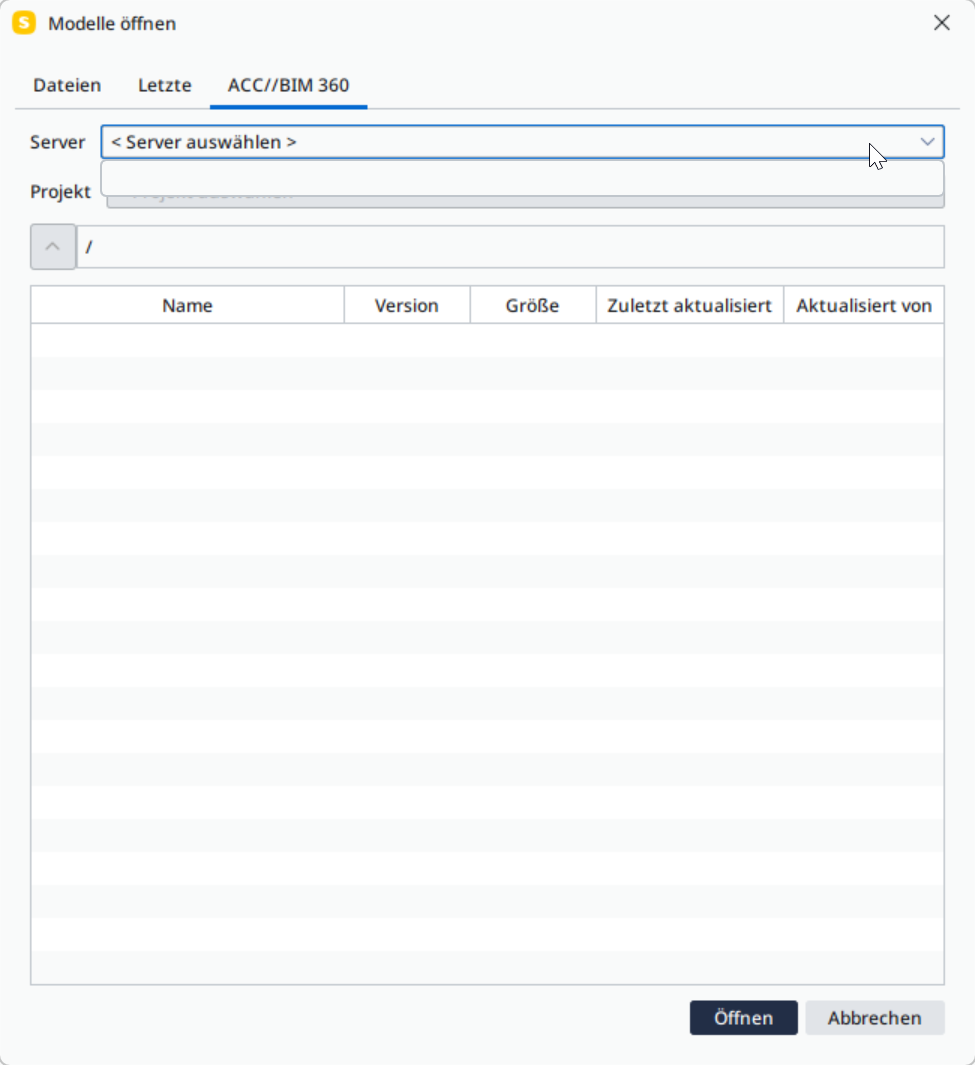
-
Hello!
For the BCF Live connection, please refer to this article:
https://help.solibri.com/hc/en-us/articles/30962586872855-Using-the-ACC-BIM-360-Server-Connection
It is important to note that the ACC connection is custom, and does not fully support BCF style workflows at this moment. E.g. bidirectional 3D location and view settings are not supported.
-
Unfortunately, I only get as far as Connecting to ACC/BIM360 in Solibri step 2. I cannot see an ACC/BIM 360 tab in Live Connector.
-
-
Same issue here. It is not possible to select a server from the list while I am logged in to Autodesk ACC.
-
I’m guessing there might be something else at play. Since yesterday afternoon, me and my colleagues were unable to save our already open Solibri-files to ACC. Starting this morning, I am unable to even connect to ACC. It was working just fine days before.
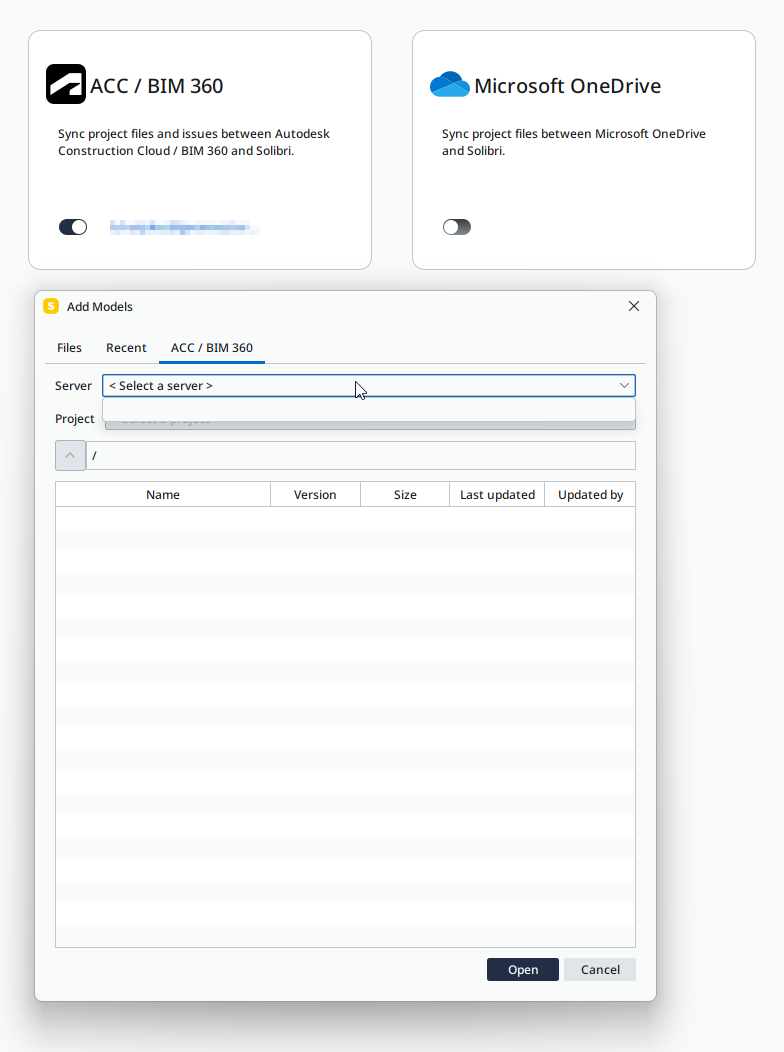
Is anyone else experiencing the same problem?
Edit: ACC is working just fine in browser. My temporary workaround is accessing the Solibri-files through the Autodesk Desktop Connector. Though that means I am unable to update the exisiting models, unless I change the IFC file paths.
-
We have began experiencing this internally now as well. The timing would align with the migration made from ADN to Developer hubs, however on our side this was completed before the turn of the year. I will investigate more and connect with AutoDesk right away.
As a workaround for now, it seems that Recent files does support opening recent ACC files.
-
Hello!
Please check the status at this moment and let me know if there are still connection issues (or servers not showing up).
It seems that there may have perhaps been some kind of deployment hiccup with the migration from ADN to Developer Hubs, as the existing apps were shut down last night. During the investigation in the last hour we were able to gain access to projects again. Logging in and out of AutoDesk integrations may be necessary.
We’ll continue to monitor the situation on our end.
Kind regards,
Toni
-
Everything seems to work again. Thanks @tonigyllenberg !
-
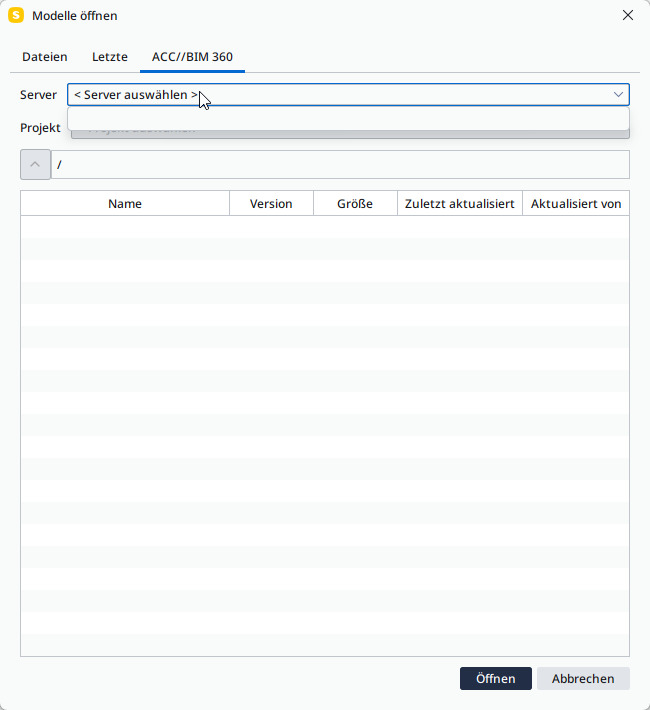
I’m still unable to select a server:
-
@alex4omnicon said in Solibri ACC:
I’m still unable to select a server:
This is also now resolved, it seems the Solibri App visibility was also impacted for the last few days here. It is now again available in the ACC Apps and connection is working.
-
Thanks Toni for your help!
-
 M Matti marked this topic as a question on
-
M Matti has marked this topic as solved on
-
M Matti unlocked this topic on

Copyright © 2025 Solibri Inc. | Powered by NodeBB