
Edit COBie Template
-
Hi,
Is it possible to edit the COBie templates in [COBie-UK]?
I want to add columns to the COBie export which is ‘allowed’. I’ve pulled all the new data in an ITO and have set the COBie type sheet to be populated by that ITO but I can’t add columns to show the new values?
Thanks,
-
Hi Rob,
I don’t think this is currently possible with the COBie Extension for Solibri?
We typically don’t add new columns to COBie tabs, instead we add them as new rows of attributes into the ‘Attributes’ tab. Have you been able to do this?
-
Hello everyone,
I join the request already made by @RobA
I was wondering if it is possible to modify one of COBie xml files, with the aim of adding new sheets or editing existing ones.
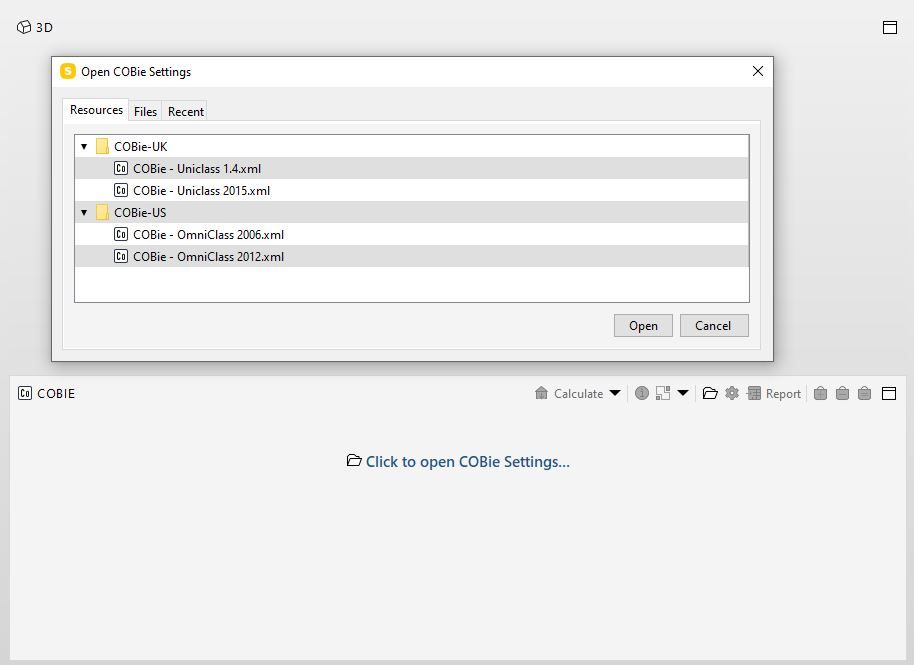
If this is possible, where can I find this xml file?Thank you very much for your suggestions!
-
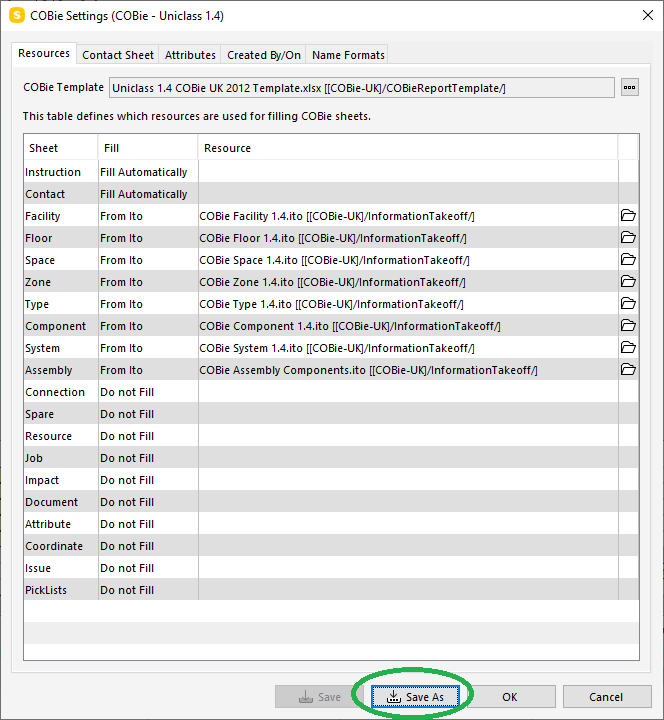
The XML file is easy to find by saving it with name:
- Save template to a file
- Edit templete in text editor
I will now check what is possible in the current version.
-
@paola-bronzo said in Edit COBie Template:
I was wondering if it is possible to modify one of COBie xml files, with the aim of adding new sheets or editing existing ones.
- Unfortunately it is not possible add new sheets.
- Only the sheets names visible in the XML can be used. Others are discarded.
- Columns of existing sheets can be edited and filled from your custom Information Takeoffs.
- Please note that the Information Takeoff column name and COBie template Excel file column names must match.


Copyright © 2025 Solibri Inc. | Powered by NodeBB