
Log In Screen /
-
Hi,
something that is starting to bother me more and more is the log in screen, whenever I start solibri. More precisely said, when I don’t use Solibri for more then a week, this windows appears.
This is also the case why I don’t define here a very strong password since it is crazy to input all those strange characters.Is there a way somehow to save the credentials on a computer, that this screen won’t appear anymore?
The option “stay logged in” does not help in this case!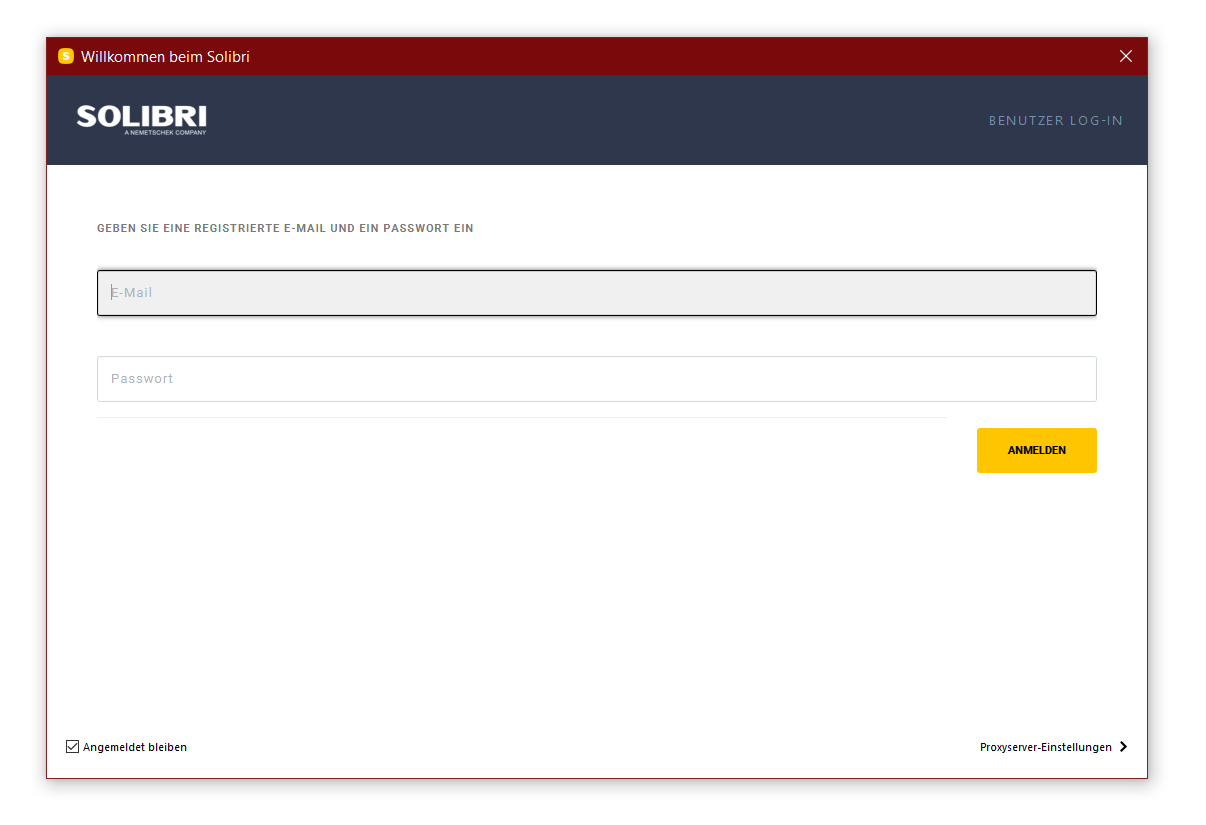
-
Hi. The credentials should stay for 30 days.
One option for you might be to use a password manager. Those allow then copy-pasting the credentials from them. But they also usually want you to lock all the passwords behind one master password, that you might need to type. Some password managers are LastPass and KeePass.
-
If I would be using solibri for private reasons, I would have been using some sort of Password manager (as I do currently).
But it now office policy to have such software in our devices. Our web browser stores the necessary passwords which can handle them good, but since the Welcome Screen Solibri does not open via web browser, it is not capable of storing that information properly.TriPoint GmbH
www.tri-point.at -
@agroni said in Log In Screen /:
If I would be using solibri for private reasons, I would have been using some sort of Password manager (as I do currently).
But it now office policy to have such software in our devices. Our web browser stores the necessary passwords which can handle them good, but since the Welcome Screen Solibri does not open via web browser, it is not capable of storing that information properly.Can’t you copy/paste the password from the browser?
On an other note: I also experience random logouts, but they don’t occur frequently. I use Solibri daily.
-
@Ricardo said in Log In Screen /:
Can’t you copy/paste the password from the browser?
There is always the hard way to do it
 For this reason my password is easy so I can type it in quickly.
@lasse-lindqvist Can you please explain why does solibri need to reset the password? When I start on Solibri, it communicates with your server via my credentials to get the license. So why can’t this welcome screen simply remember my credentials if I wish so???
-
How logging in works:
- User inputs username and password
- Solibri sends these to the server
- Server responds with an access token
- Solibri takes the access token, uses it to actually start and such.
- If “remember me” was chosen, access token is kept on disk
So, Solibri never remembers the username and password, and we don’t really want to remember those.
Now, access token is kept on disk and is used on subsequent starts if it is still valid. It should stay valid for 30 days. After that Solibri notices that it is no longer valid and requires username and password to get a fresh token.Why 30 days? The length is totally arbitrary, but 30 days is quite common default in many web services. It could be a year. Maybe 30 days is such that still after 30 days you would remember the password without writing it down, after a year you might not. And 30 days is still long enough that you don’t need to input it too often.
Why is it sometimes shorter than 30 days? The access token is kept on disk and if you remove your
C:\Users\user.name\.solibrifolder, it is gone. One other way to retrigger the password prompt is to tick of “remember me” in Solibri settings. There are other cases when services usually invalidate existing access tokens. One in particular is password change. You can try this in email or social media services, changing your password via desktop browser most likely logs you out in your mobile devices. So with Solibri too it might happen that sometimes the access token isn’t valid for the whole duration.As for the specific case where someone has had to input their password and username too early, it is difficult to say why without exact dates and times.
Addition:
Like browsers do it, by remembering credentials when access token has expired. I don’t think anything really prevents us from making Solibri remember the username and password and automatically putting them to the fields. But if we had that, we would need to have a way of clearing them easily, and as the browser used in the login screen is not a full browser, there is no way to go to settings and clear them.
I think personally I would prefer keeping the access token refreshed continuously so the login screen wouldn’t ever popup if you didn’t log out intentionally.



Copyright © 2025 Solibri Inc. | Powered by NodeBB