
Checking results not updated after updating the models
-
Hello,
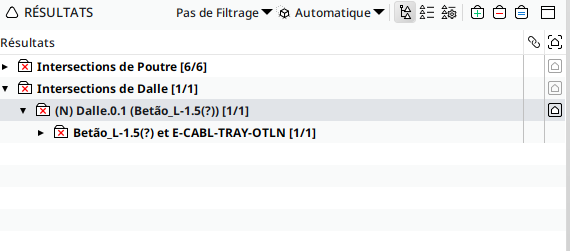
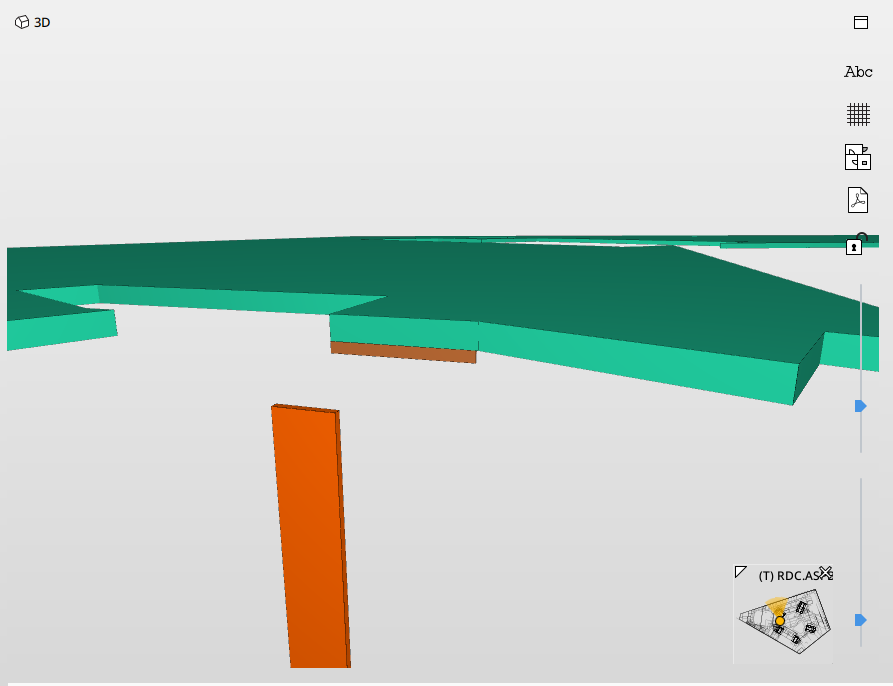
I have encountered an issue regarding clash management. My workflow consists of an exchange of BCF files through a CDE. When updating the models in the SMC file, updating the presentations with the new BCF file, and performing a recheck, issues that have already been resolved are still appearing in the checking results.
Please see the details below.
-
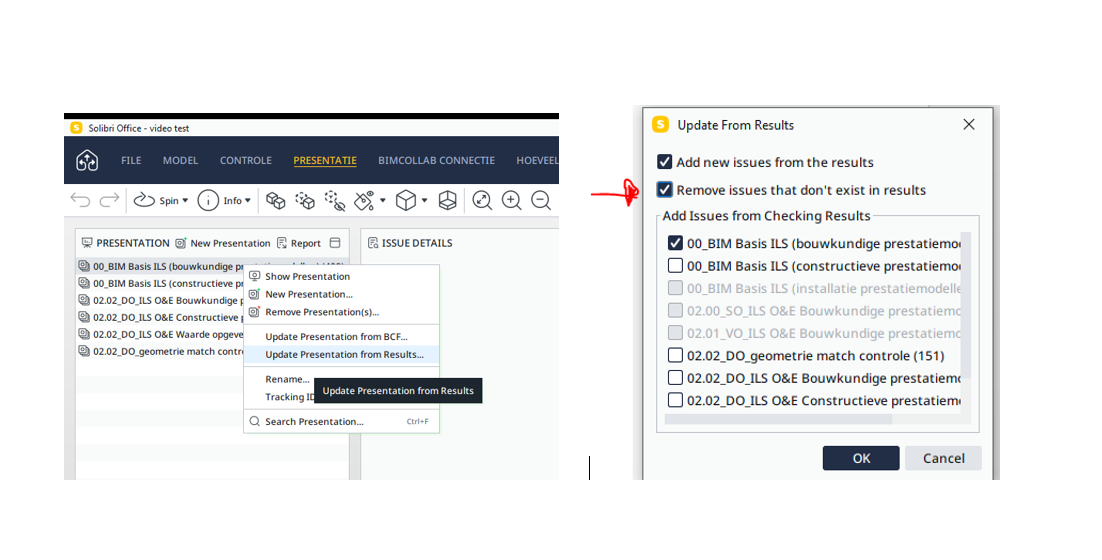
Did you try this?
-
Thank you, Harmen, for your reply.
However, that’s not the solution I am looking for. When performing a recheck with updated models, the rulesets do not perform as they should. As shown in the picture I provided:
Before updating the models: The cable carrier clashes with the slab.
After updating the models and the presentation with the BCF file from the MEP team: The issue is resolved in the 3D view. However, when performing another check to identify any new clashes in the updated models, Solibri still detects a collision with this cable carrier and the slab, even though it no longer exists. -
This may also depend on which level you create the issue.
You made it on the 2nd layer. Below that is another layer. It may be that some of the issues have been resolved, but not. Because otherwise Solibri would indicate OK.
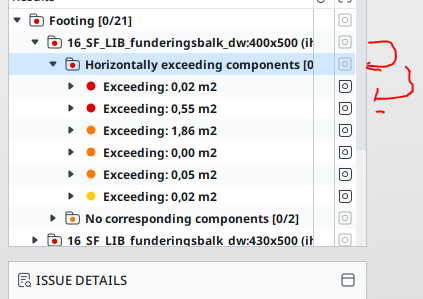
The picture in Solibri tries to show the old problem, but those components are no longer there.
In the issue, click on the tbbbald components and select the components there and press =.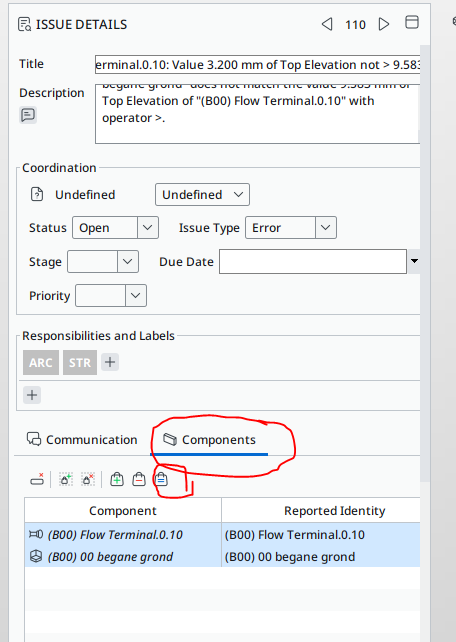
Then the components that remain in the clash will become visible. If you then press the communication tab and add a new image, you can send it again.
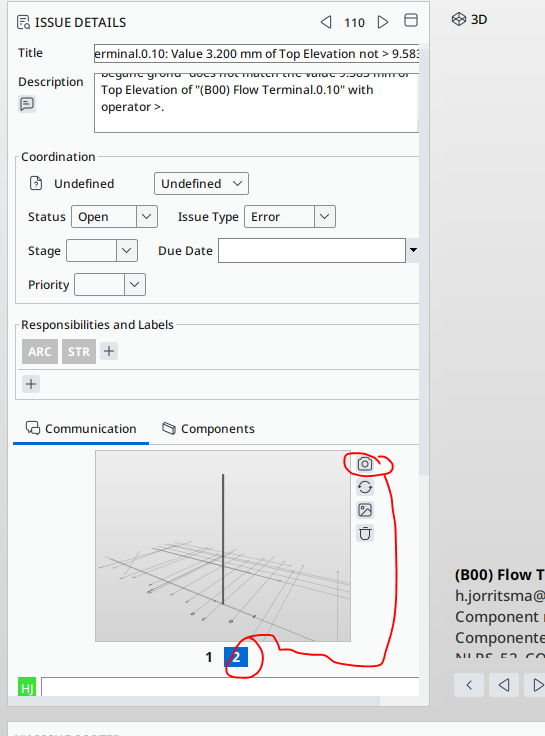
Or you close this issue at this level and create a new one at a lower level, the 3rd level.
It can sometimes also happen that the new ifc consists of new GUIDs, because they have the wrong settings in the export. Then solibri can no longer find the right components


Copyright © 2025 Solibri Inc. | Powered by NodeBB