
Solibri 9.10 display issues
-
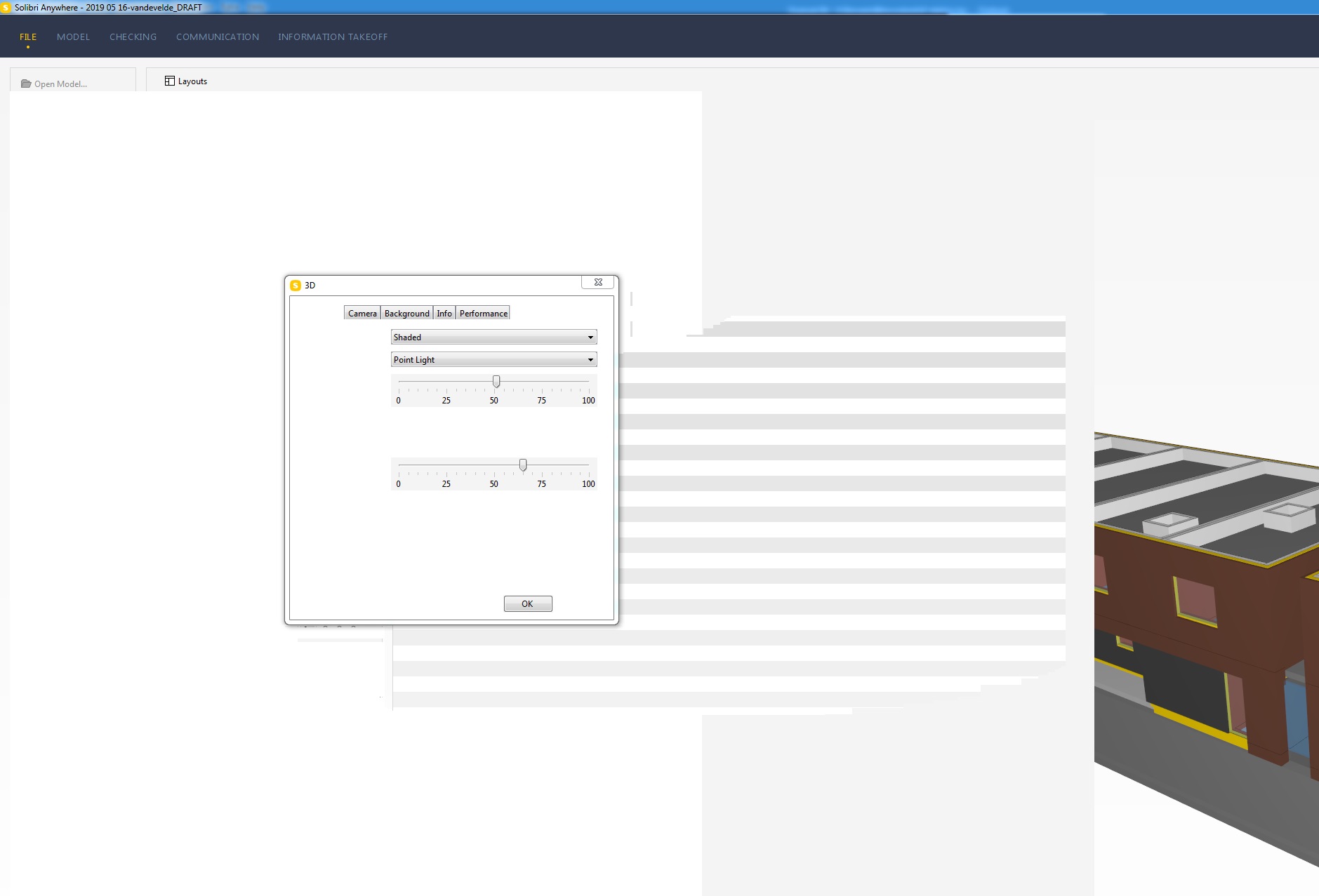
We experience display issues with the new Solibri version (9.10.0.129)
The screens “hangs”
We have this behaviour on different machines (with different specs).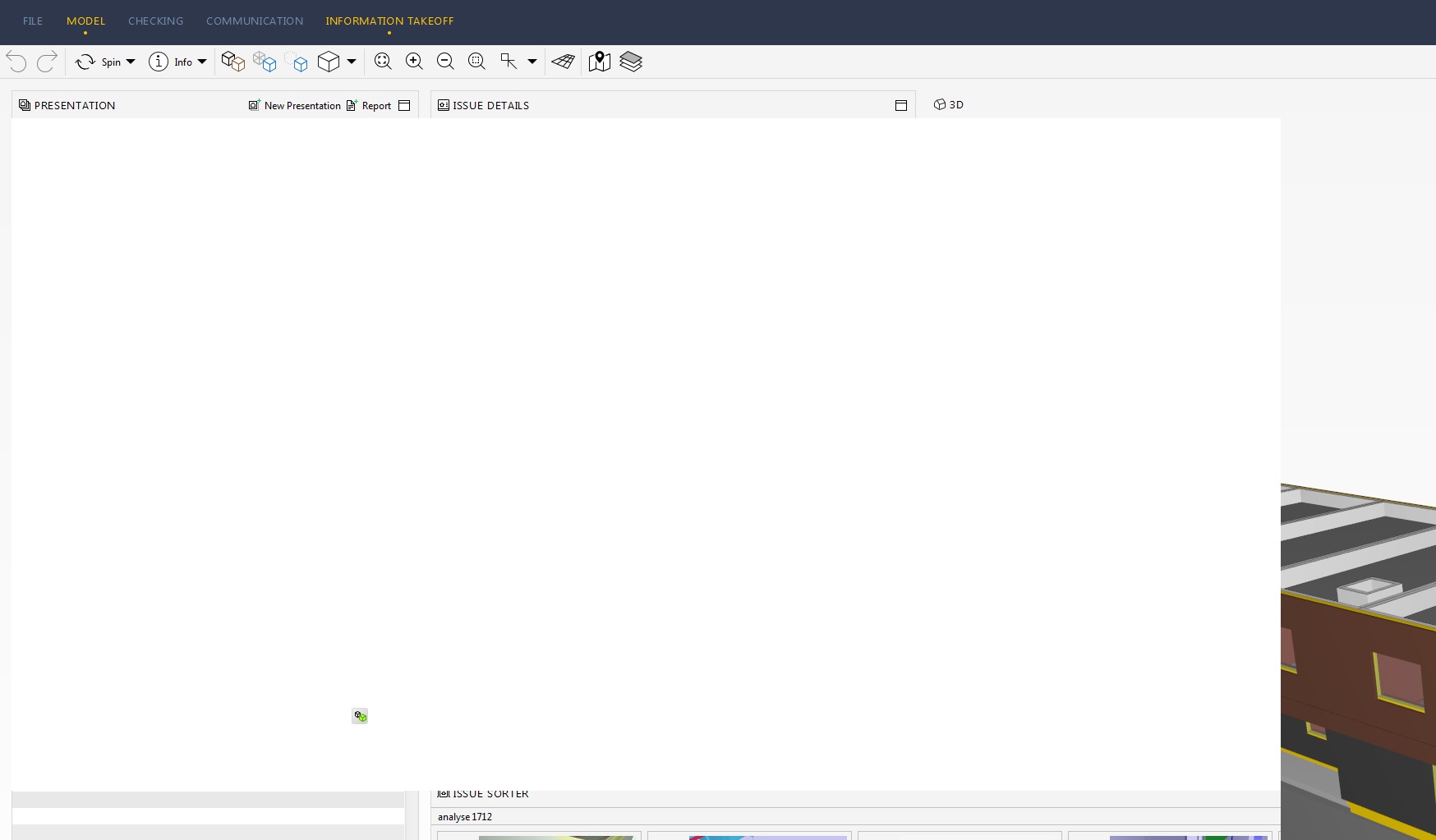
-
Hey @hannesbenaets ,
so these issues haven’t occurred in any version/setup before? For this kind of problems our support team has gathered a few experiences on what to do
In case you have two GPUs in your machine (most-likely in your notebook), please change your settings, so that Solibri only uses the dedicated graphics card (mostly NVIDIA )
Sometimes this kind of issue was connected with the usage of docking stations. In this case, an update of the drivers of the docking station can help.
In any case, an update of the drivers for the graphics card can help
If that doesn’t help, then there are the following test cases:Please try making some other display the primary monitor.
If possible, try a different display (to make sure the display is not the problem).
Change the refresh rate of all displays to the same and try if the problem still occurs.
Try changing the resolution of each display to the same resolution for testing purposes and see if the problem still occurs.
Log in as a different user to see if it has something to do with user settings in general.
If you’re using the NVIDIA Control Panel please try to reset to default settings.
Please let us know if one of these things could help you! In case it didn’t help, we can also provide direct support via our local support.Kind regards
Cornelius -
@cpreidel said in Solibri 9.10 display issues:
Hi @cpreidel
thx for the feedback!
update of drivers didn’t change anything.
further testing showed that there is no problem when opening standard ifc-files.
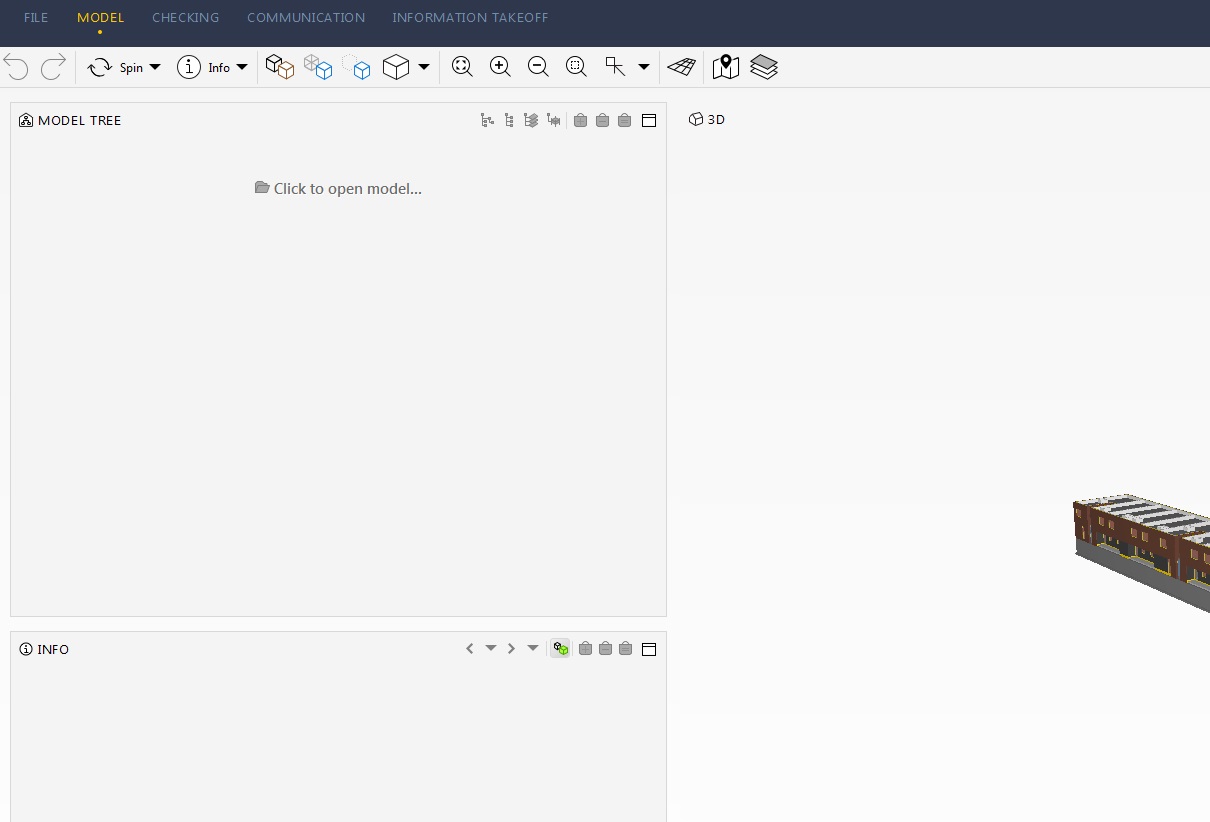
there is a problem/bug? opening specific smc-files saved in older solibri versions.
after opening the smc-file the model tree also stays empty.
saving a standard ifc-file as smc-file in the latest solibri version -> problem solved.
saving an older smc-file in the latest solibri version -> problem stays.Kind regards
Hannes
-
@hannesbenaets Thanks for giving more details on how this issue is reproduced!
Could you Kindly report this to our Support, mention this post and hopefully share an .smc model that exhibits this behaviour?
Thanks a lot in advance! -
we/KUBUS have reporting is case to Solibri already: CSF-00023102
the case is currently identified as a bug and reporting to development.I will add a reference to this post as well
-
Hello,
For information, I and many customers encounter this bug when opening .smc file created with older version of Solibri.
The bug is reproducible also with “SMC Building.SMC” we can find in the C:\user\public\solibri\smc V9.9\Samples\Models folder.
Br,
-
We, KUBUS, heard back from Solibri support that this issue is fixed for Windos with the new release (9.10.1.137), this customer confirmed the fix.
For MacOS, a fix has not yet been released.




Copyright © 2025 Solibri Inc. | Powered by NodeBB