
Solibri 9.12.9.13 - How to set up Solibri to startup like in the previous versions of Solibri
-
Good afternoon everyone!
The newest version of Solibri has a super interesting improvements, and also it has been added a new little bit different startup of Solibri, adding the “Get Started” module with prefefined rulesets. This is interesting for new users of Solibri, but really tedious for the day-to-day use of Solibri.
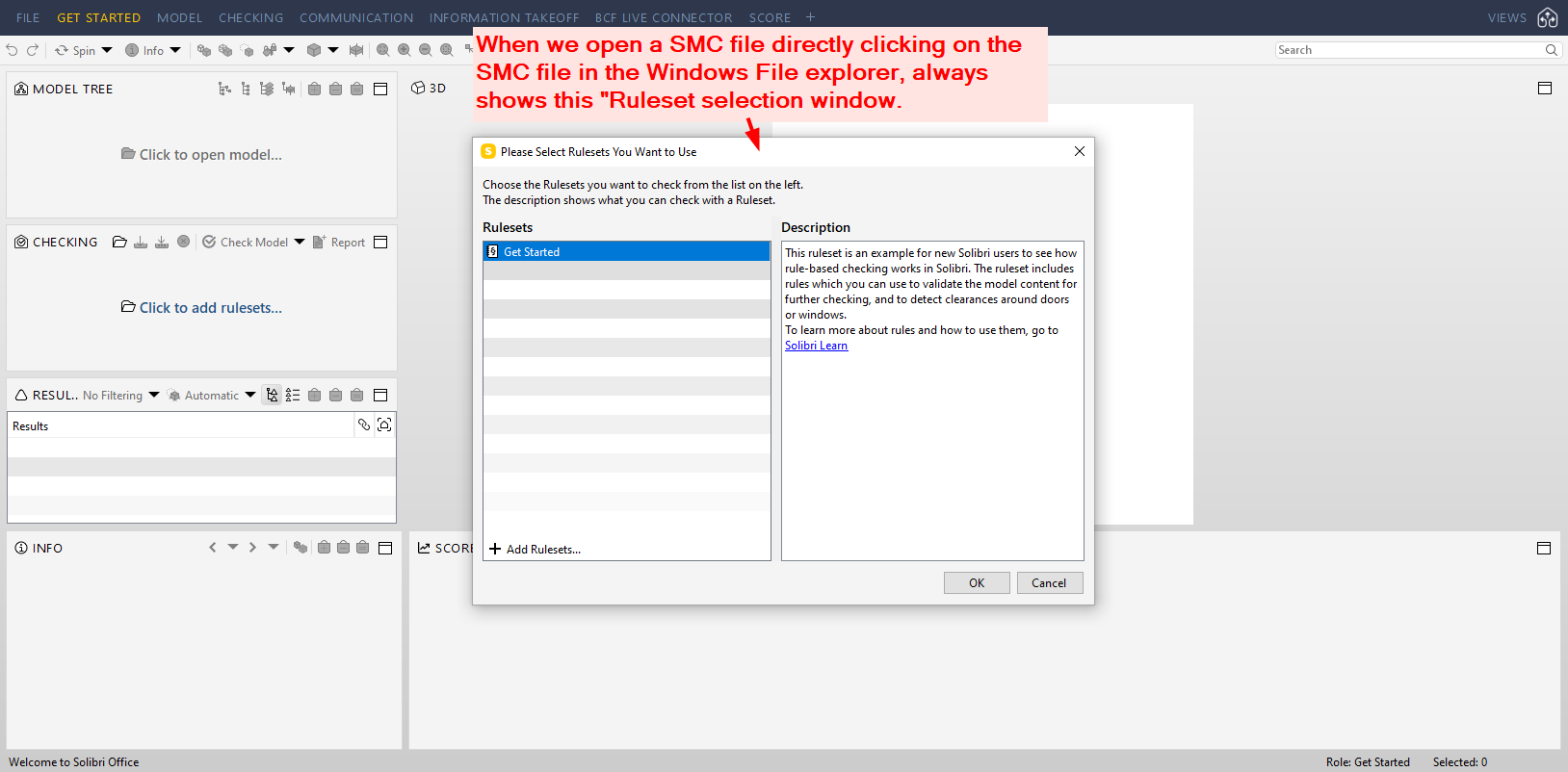
01- When we open a SMC file directly clicking on the SMC file in the Windows File explorer, always shows this "Ruleset selection window. How to desactivate it? I share the image 01, about this topic.
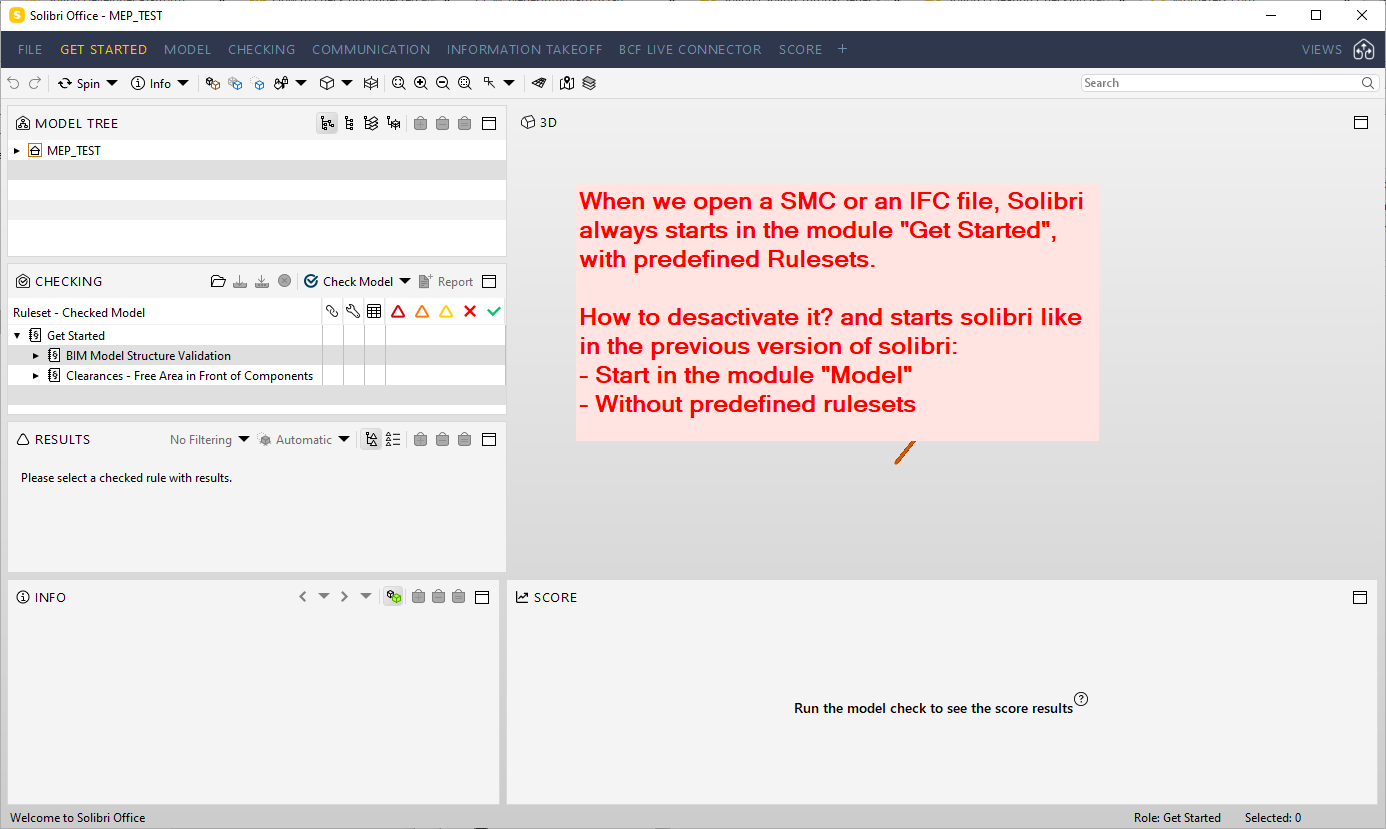
02- When we open a SMC or an IFC file, Solibri always starts in the module “Get Started”, with predefined Rulesets. How to desactivate it? we would like to start solibri like in the previous version of solibri: Starting in the module “Model”, without predefined rulesets. I share the image 02, about this topic.
03- In the previous versions of Solibri, Solibri remembered the last setup of layout views. But this last version of Solibri don’t remember the last setup of layout views, and force us to save and load layouts in each start up of Solibri. How to solve it?
Thanks in advance!
kind regards,
Xavier Coll
EiPM
-
I believe the same instructions to remove Score should take care of getting rid of the getting started layout/ruleset/role: https://society.solibri.com/topic/1817/layout-bug-score-layout-keeps-coming-back


Copyright © 2025 Solibri Inc. | Powered by NodeBB