
How do I get a logo to stick to a custom report template?
-
Tried to make my own xlsx issue report template with my own logo but the logo (png) doesn’t show in the report… When I open the xlsx it shows…
/Mats -
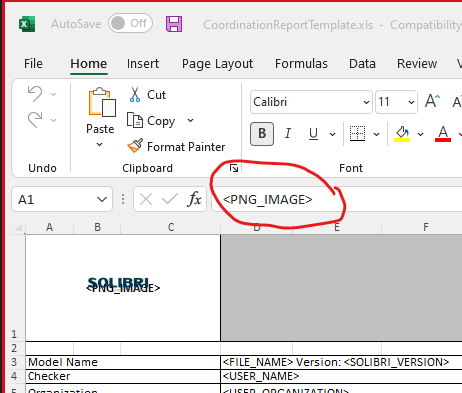
Use <PNG_IMAGE> text in the Excel template cell where you want to place the image. You can edit the image properties in Excel e.g. fine tune the anchoring of image. Insert the PNG image to the same cell in Excel. Save template.
More info in:
https://www.solibri.com/learn/ito-report-templates -
Well I pasted a .png in the image cell and I see it in excel but it doesn’t show up in the excel report…?
-
Did you add the <PNG_IMAGE> text to the field as is done in our sample reports:


Copyright © 2025 Solibri Inc. | Powered by NodeBB