
Tips & Tricks
-
Hotkey: Expand All & Collapse All
“It is not well known that you can expand all branches and sub-branches of the model tree in the Model view, rulesets in the Checking view, and results in the Results view by pressing the Ctrl + ► key combination. Likewise, you can collapse all branches by hitting the Ctrl + ◄ key combination.”
-
Hotkey: Ctrl+Alt+R autorotates model
In 3D view Ctrl+Alt+R autorotates the model. I find it useful for demonstration purposes
Esc or Ctrl+Alt+R again to stop.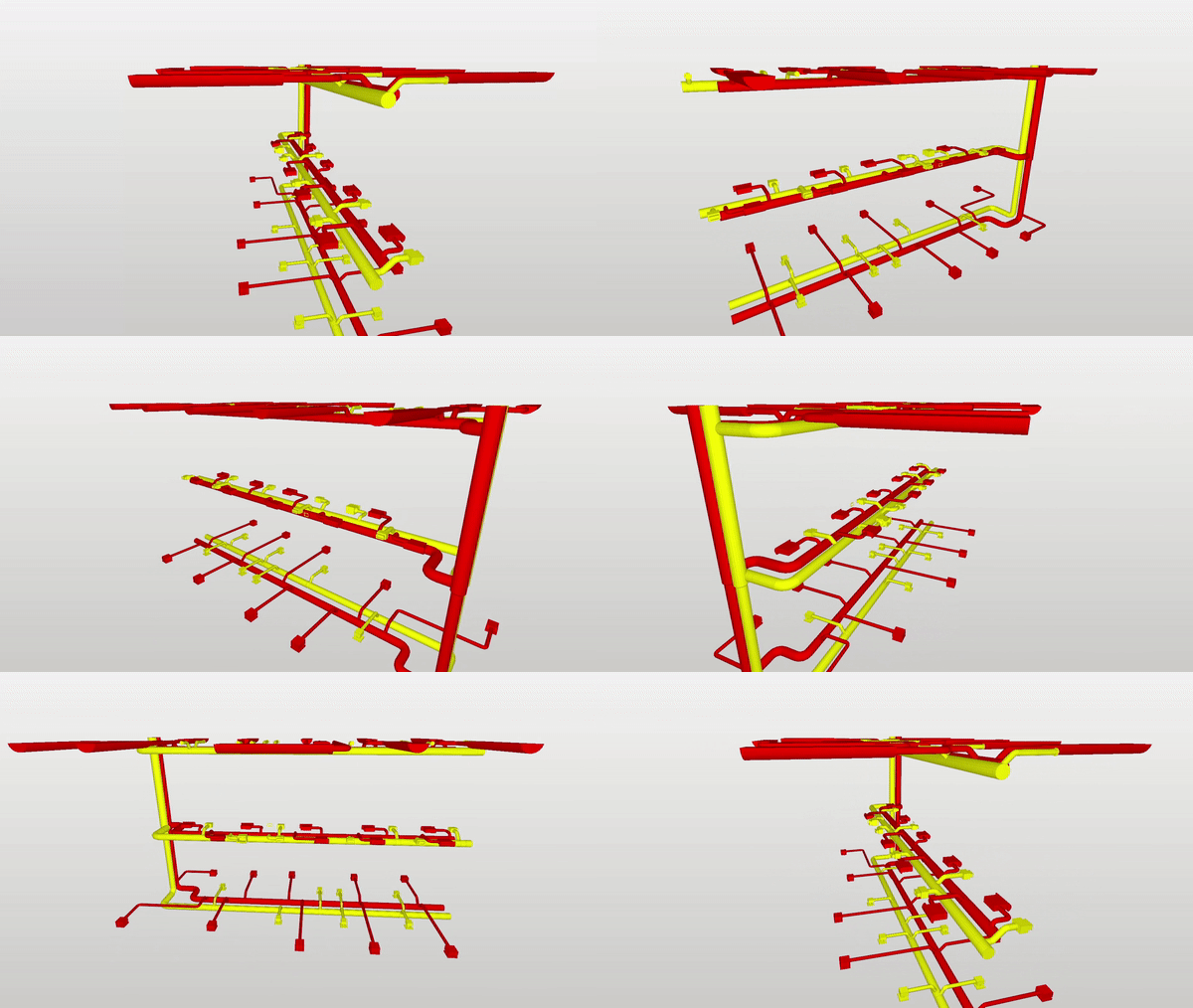
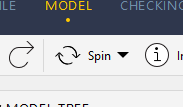
Spin mode should be chosen for this shortcut to work.
Spin mode screenshotTip: Could we have adjustable speed?
-
If you change your classifications (add new ones/make adjustments) on the go while you go through the checking results then you would actually have to re-run checking to continue with your work on other results which are as a consequence normally greyed out …
Except, and here comes the trick, if you save, close an re-open the model again - you might save yourself some time as you can keep on where you stopped without a mandatory re-check to even view (the outdated) results.
-
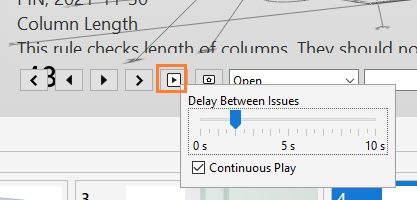
Automatic presentation
You can go through all your issue slides in presentation automatically by pressing play button, and also you can control how fast the presentation should play (with a right mouse button).
Select the slide that you want your presentation to start from. Press play.
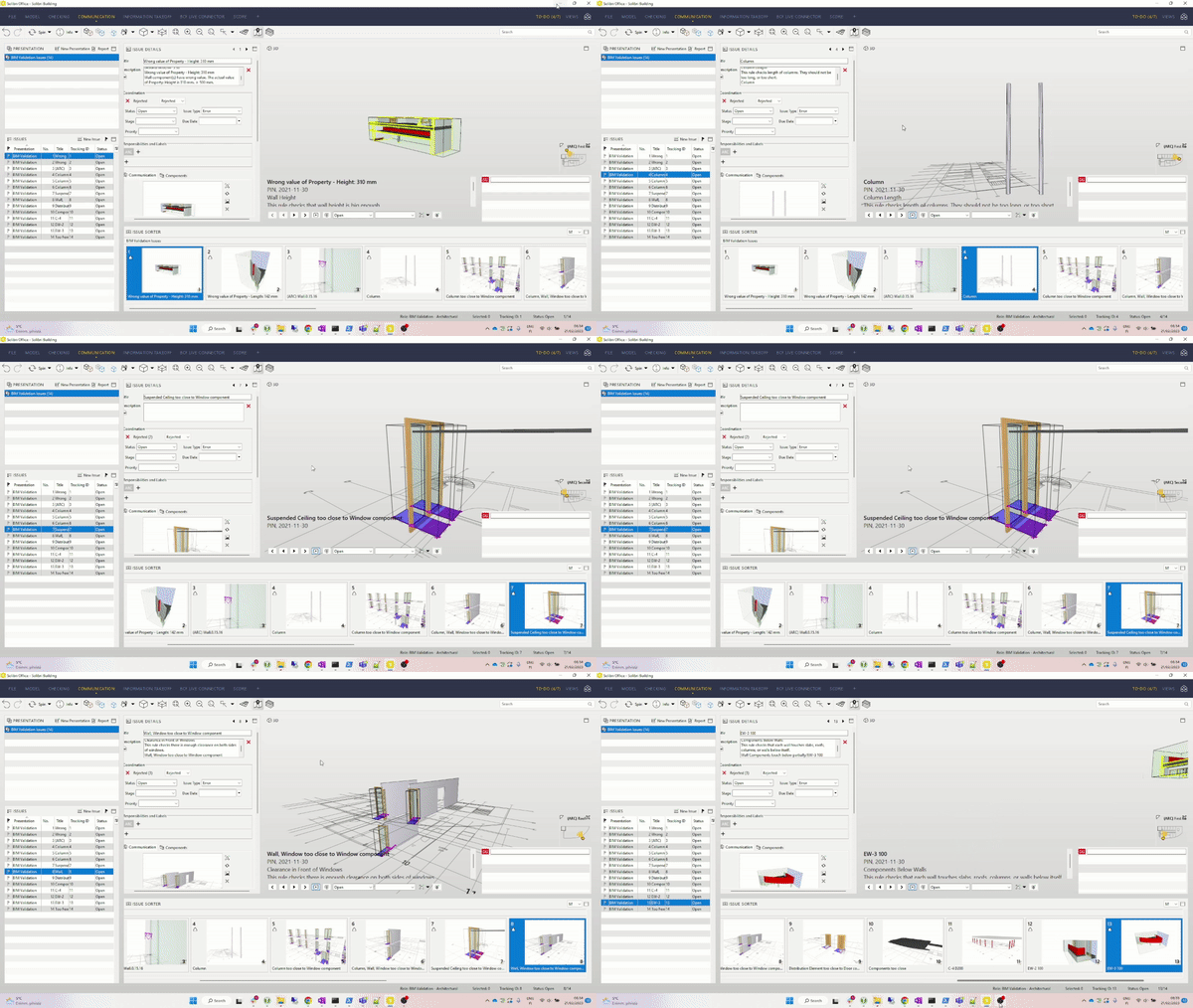
Credit due @vasu
-



Copyright © 2025 Solibri Inc. | Powered by NodeBB