Skip to content
  • Categories
Collapse
Solibri Society Forum
  1. Home
  2. General Discussion
  3. Tips & Tricks

Tips & Tricks

Scheduled Pinned Locked Moved General Discussion
7 Posts 4 Posters 1.9k Views
  • Oldest to Newest
  • Newest to Oldest
  • Most Votes
Log in to reply
This topic has been deleted. Only users with topic management privileges can see it.
  • MattiM Offline
    MattiM Offline
    Matti Solibrians
    wrote on last edited by
    #1

    This topic is for sharing Solibri Tips & Tricks.
    Please submit a separate message for each tip or trick.

    MattiM 1 Reply Last reply
    2
    • MattiM Offline
      MattiM Offline
      Matti Solibrians
      replied to Matti on last edited by
      #2

      Hotkey: Expand All & Collapse All

      “It is not well known that you can expand all branches and sub-branches of the model tree in the Model view, rulesets in the Checking view, and results in the Results view by pressing the Ctrl + ► key combination. Likewise, you can collapse all branches by hitting the Ctrl + ◄ key combination.”

      More info: https://www.solibri.com/learn/hotkey-expand-all

      MarioM 1 Reply Last reply
      3
      • jakub.rusinJ Offline
        jakub.rusinJ Offline
        jakub.rusin Solibrians
        wrote on last edited by jakub.rusin
        #3

        Hotkey: Ctrl+Alt+R autorotates model

        In 3D view Ctrl+Alt+R autorotates the model. I find it useful for demonstration purposes
        Esc or Ctrl+Alt+R again to stop.
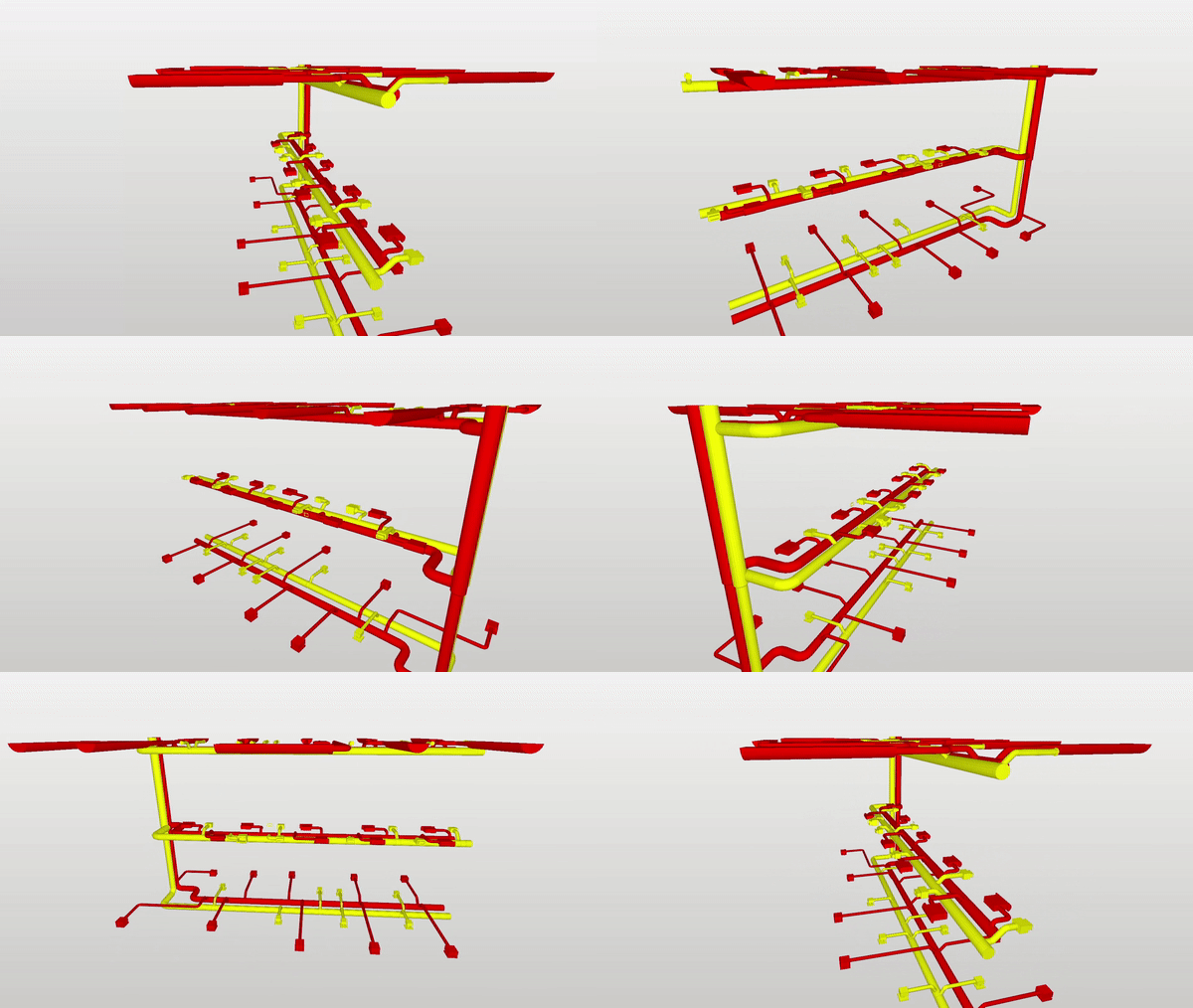
        ezgif-3-c7a1bae294.gif

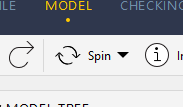
        Spin mode should be chosen for this shortcut to work.
        Spin mode screenshot

        Tip: Could we have adjustable speed?

        1 Reply Last reply
        5
        • MarioM Offline
          MarioM Offline
          Mario
          replied to Matti on last edited by
          #4

          @Matti-Kannala it would be nice, if this will work with mouse too: When clicking the triangle with mouse and pressed ctrl-key. At the moment it only works with the keyboar (or am I doing something wrong?)

          But thank you for the tip 👍

          1 Reply Last reply
          0
          • JSNJ Offline
            JSNJ Offline
            JSN
            wrote on last edited by JSN
            #5

            If you change your classifications (add new ones/make adjustments) on the go while you go through the checking results then you would actually have to re-run checking to continue with your work on other results which are as a consequence normally greyed out …

            Except, and here comes the trick, if you save, close an re-open the model again - you might save yourself some time as you can keep on where you stopped without a mandatory re-check to even view (the outdated) results.

            1 Reply Last reply
            0
            • jakub.rusinJ Offline
              jakub.rusinJ Offline
              jakub.rusin Solibrians
              wrote on last edited by
              #6

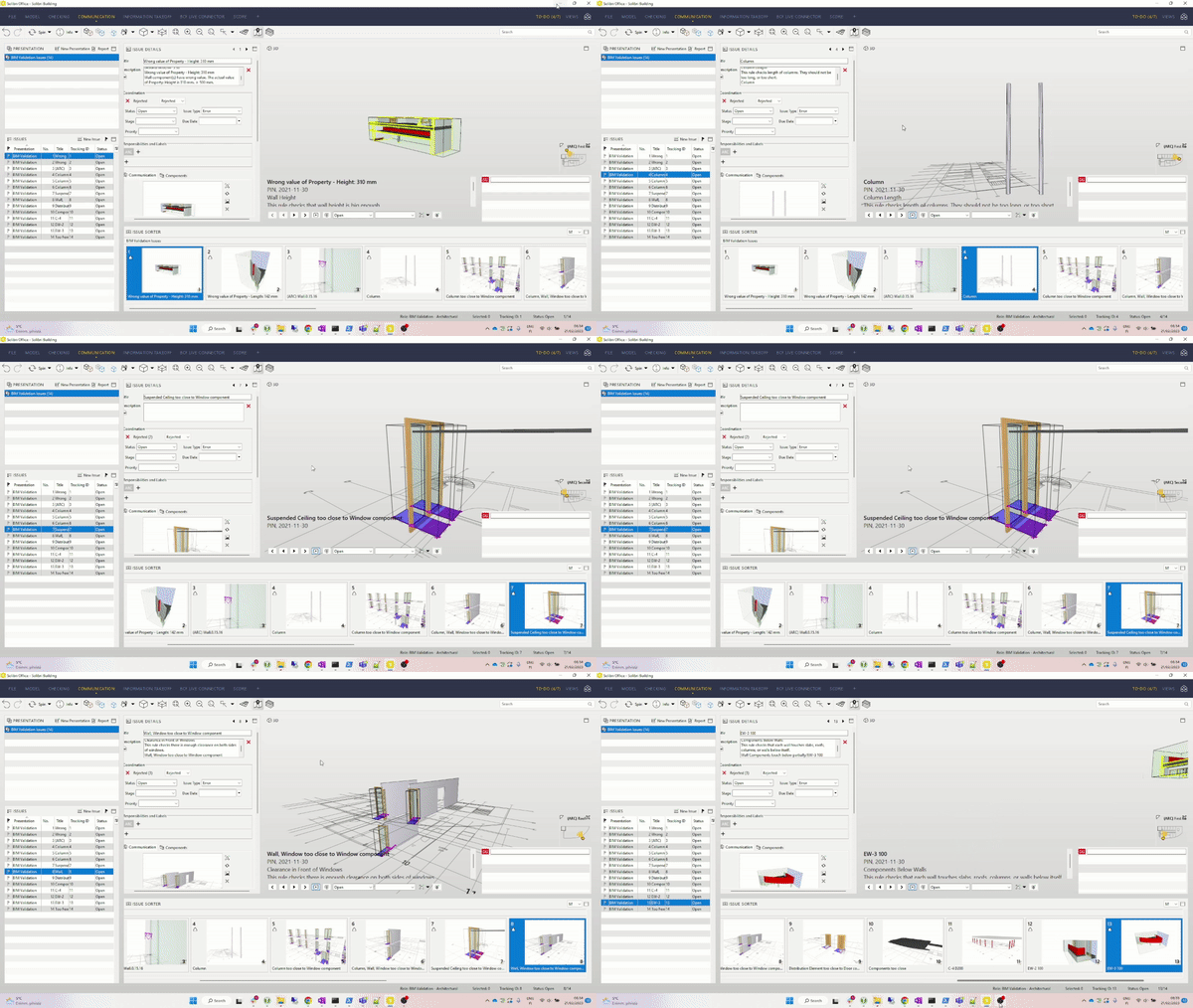
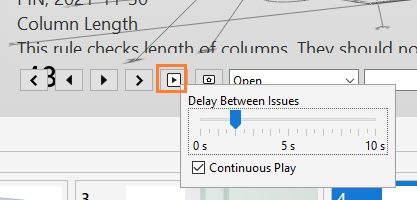
              Automatic presentation

              You can go through all your issue slides in presentation automatically by pressing play button, and also you can control how fast the presentation should play (with a right mouse button).

              Select the slide that you want your presentation to start from. Press play.
              163f3657-75ab-4a00-b438-7097468aa911-obraz.png

              ezgif-1-7183408ba1.gif

              Credit due @vasu

              1 Reply Last reply
              1
              • jakub.rusinJ Offline
                jakub.rusinJ Offline
                jakub.rusin Solibrians
                wrote on last edited by
                #7

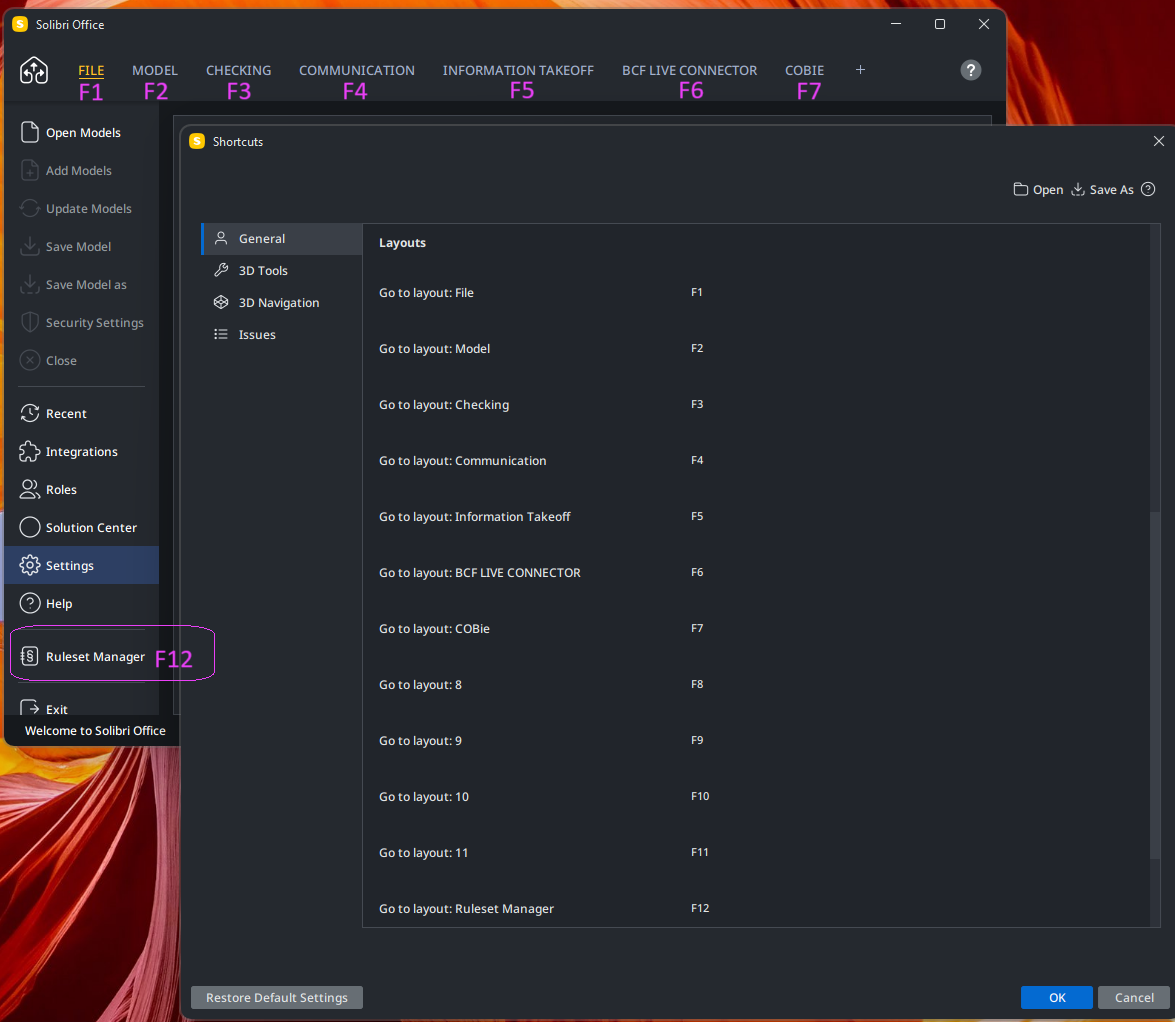
                Layout Switching F1-F12 Hotkeys

                You can go through up to 12 different layouts with hotkeys: F1-F12

                F1 - always File Layout (it’s a non customizable layout)
                F2-F11 - user layouts
                F12 - always Ruleset Manager Layout (click F12 again to go back to the layout you came from)

                cede6306-21ac-40fe-8f47-9242a8e56b26-image.png

                1 Reply Last reply
                1

                Copyright © 2025 Solibri Inc. | Powered by NodeBB

                • Login

                • Don't have an account? Register

                • Login or register to search.
                • First post
                  Last post
                0
                • Categories