
SOL/231/1.6 bug?
-
Hi
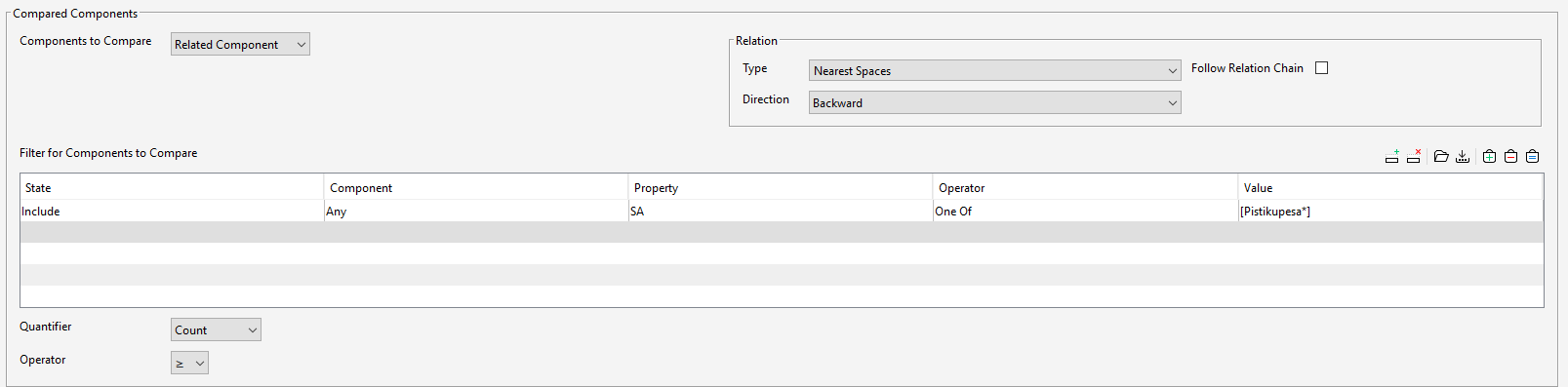
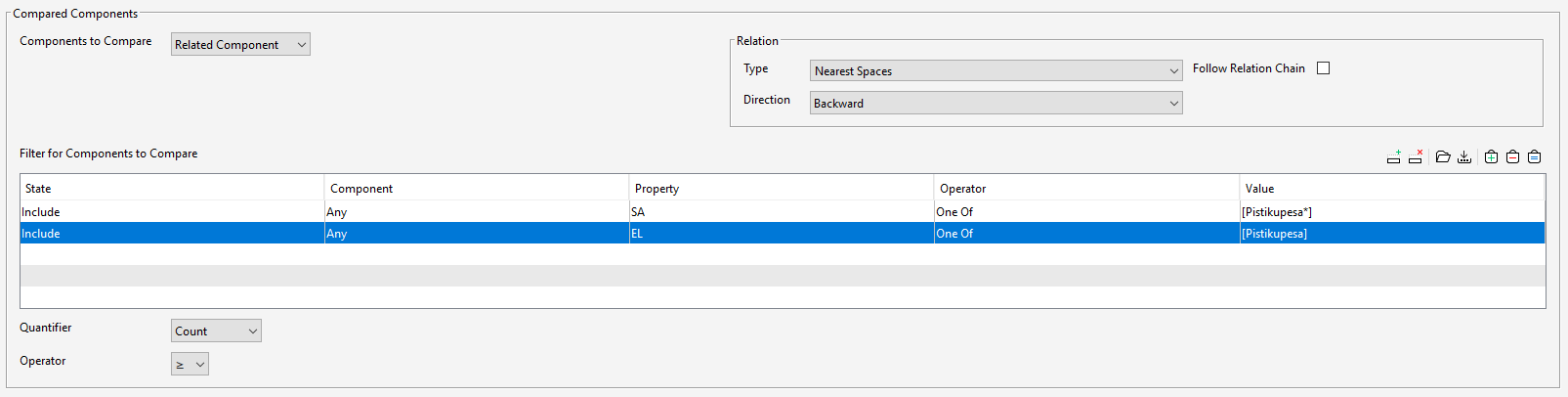
Is this a bug of rule SOL/231/1.6 or I am using it wrong? When I use one row in Filter for Components to Compare everything is working, if I add second row I get no elements if I press button Set to Selection Basket. I am using different Classification properties.
Elements will be in Selection Basket
No elements in Selection Basket
-
@lraimo
I don’t have a direct answer for you here, but maybe a suggestion.
This rule in my opinion is quite tricky. Therefore try to tweek the settings until you reach the desired result, either correct or wrong. Play with the Direction, the Quantifier and the Components to compare. There are some combinations that could be tried out.To create a rule with this SOL, I always do simulate a false/correct test. When I am sure that it works, I declare it as a success…
-
@lraimo , when you filter elements you need to take into account that it filters the rules per rows in an ‘AND’ statement instead of ‘OR’ so what you’re saying is:
- select any component with certain properties in row 1
- starting from the selection you already made in row one, now you’ll filter this primary selection and filter that they also need to have the second filter row as a rule
I hope I’ve made myself clear because it’s not so easy to explain. You can solve it though by using the exclude option
First you select any without any rules/properties and then you exclude the ones you don’t want:
https://solibri-community.force.com/know2/s/article/UUID-a90c2211-2dca-acf1-3055-4ebcc3b005ed

Copyright © 2025 Solibri Inc. | Powered by NodeBB