
"Search presentation" doesn't work properly
-
I noticed that the “Search presentation” function contains an error.
When I select something under “Limit search” and then want to change the search parameters, the search does not work properly. One should be able to deselect an entry, but this is not possible, one can only select “undefined”, but apparently the search parameter is not deleted in the background. This is shown by setting all fields to “undefined”.
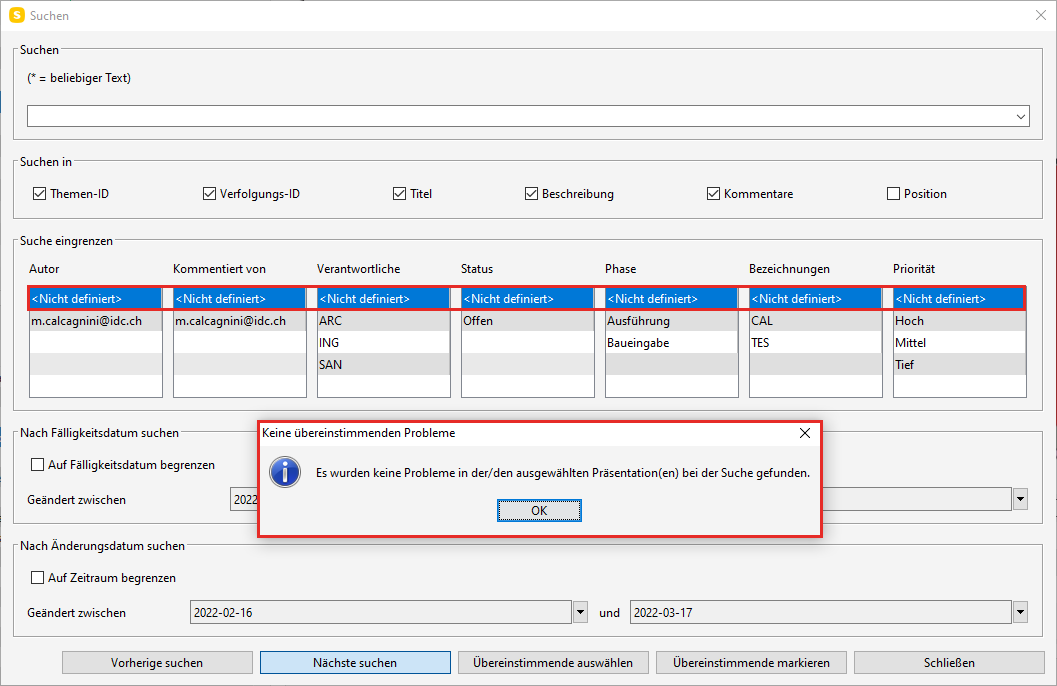
“undefined” may already be available for selection if one wants to explicitly search for properties in issues that are undefined. But there should be the possibility to deselect it.
If I want to reset the search parameters, I have to set all fields to “undefined”, close the search window and open it again. Then I have all options available again.
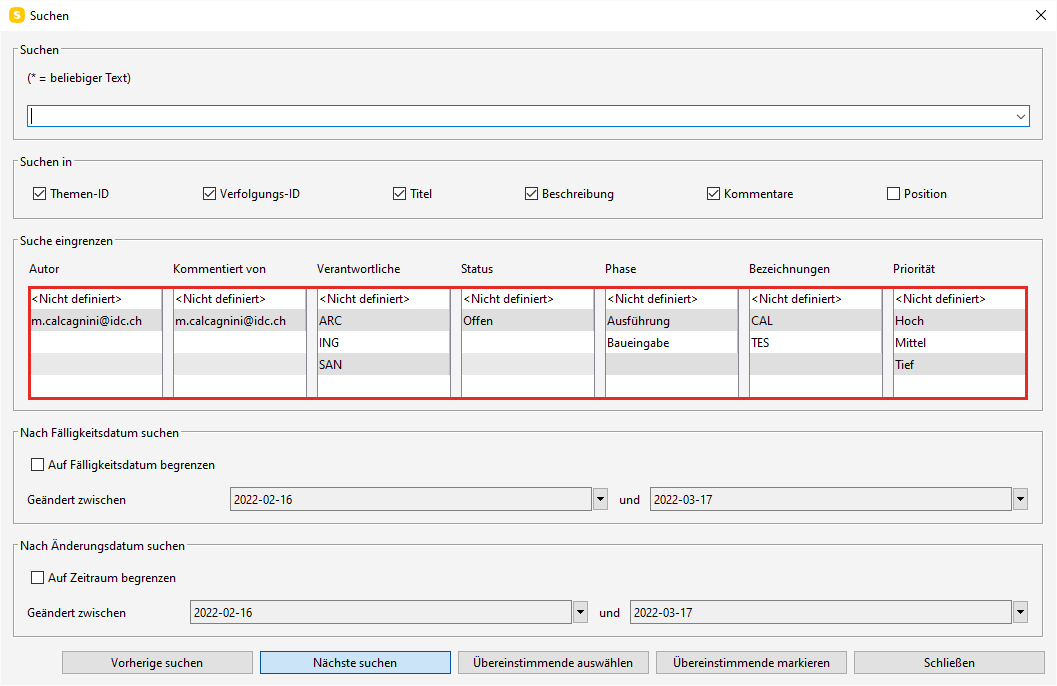
For illustration another example:
As status I choose “open” and select “select matching” - Finds all issues. But if I then select “undefined” under status, Solibri no longer finds any issues. To reset the search I again have to set everything to “undefined”, close the window and open it again.
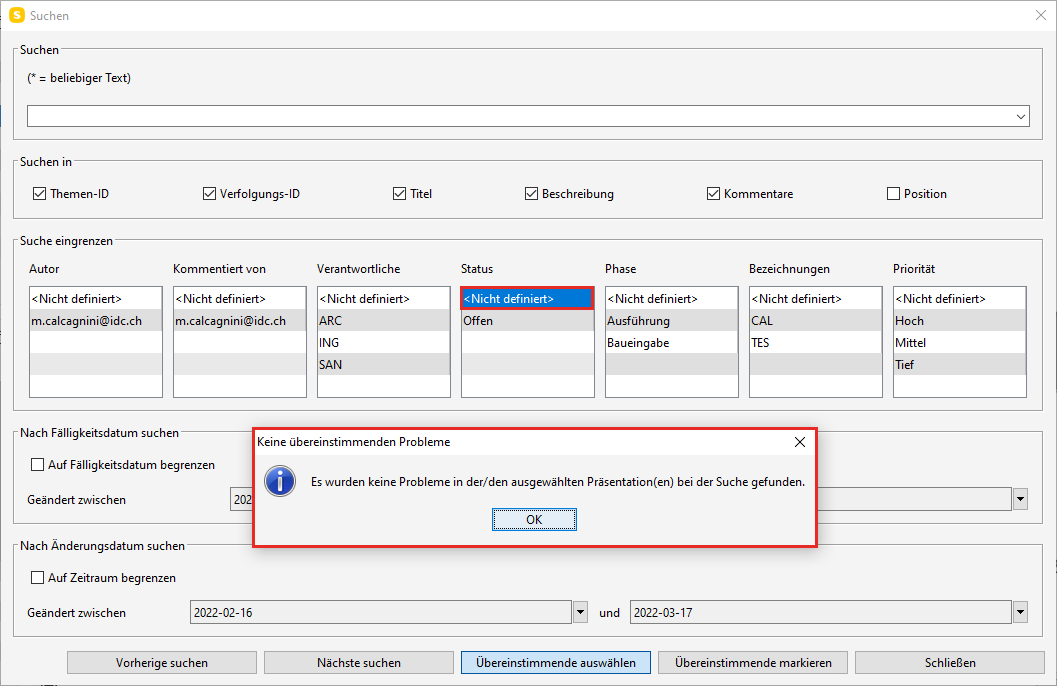
by the way, the german translation isn’t very elegant: “Search Presentation” is called “Präsentation wird durchsucht”. Better would probably be “Präsentation durchsuchen”

Copyright © 2025 Solibri Inc. | Powered by NodeBB