Skip to content
  • Categories
Collapse
Solibri Society Forum
  1. Home
  2. General Discussion
  3. Rename model title in Solibri

Rename model title in Solibri

Scheduled Pinned Locked Moved Unsolved General Discussion
14 Posts 8 Posters 3.2k Views
  • Oldest to Newest
  • Newest to Oldest
  • Most Votes
Log in to reply
This topic has been deleted. Only users with topic management privileges can see it.
  • MattiM Offline
    MattiM Offline
    Matti Solibrians
    wrote on last edited by
    #3

    The name is the name of the first IFC file.
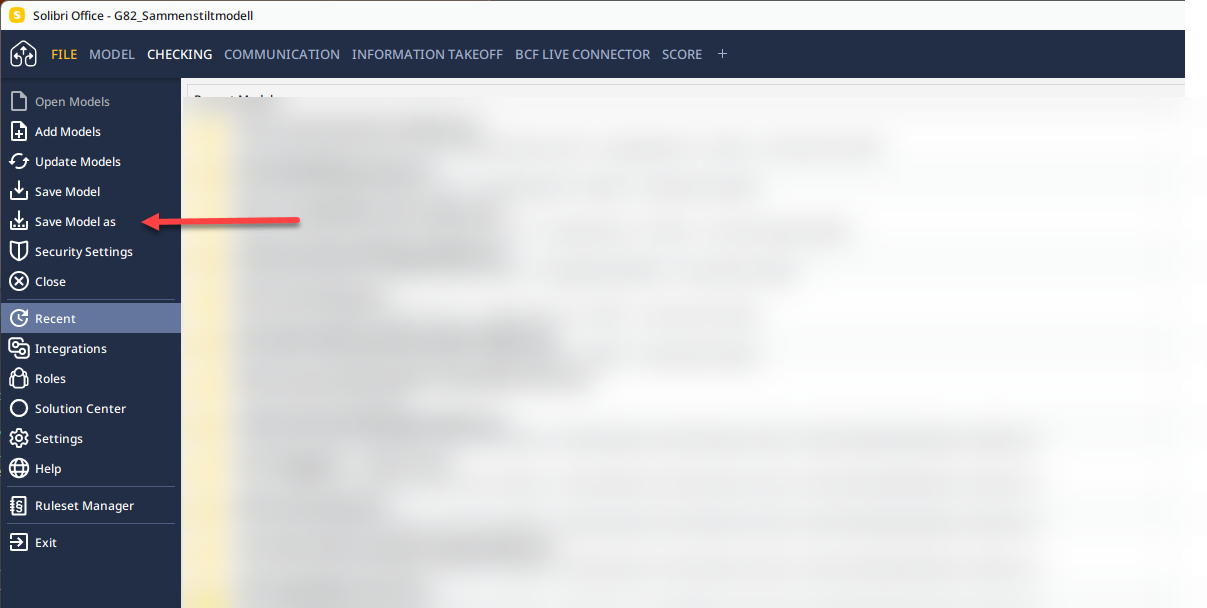
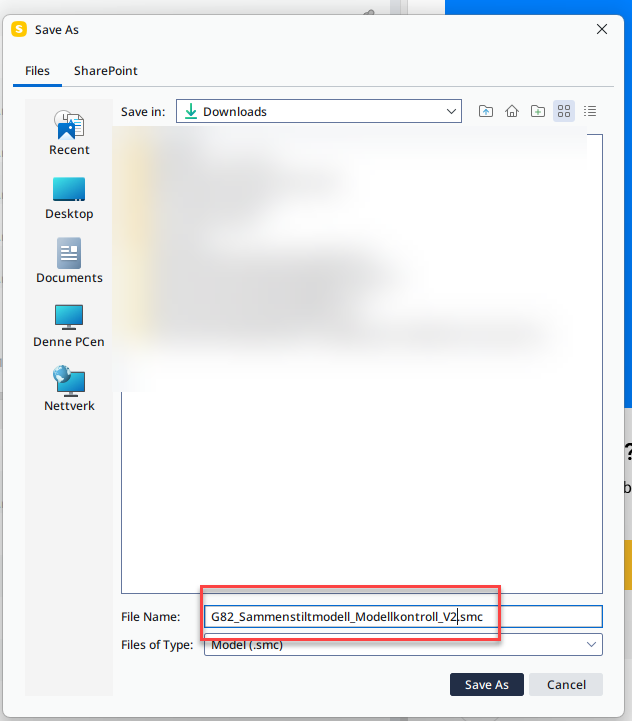
    The name can be changed by Save Model as….
    File name can be later changed by renaming the file in your system. Note: That is not chaging the model name in Solibri.

    1 Reply Last reply
    0
    • EricE Eric has marked this topic as solved on
    • EricE Eric unlocked this topic on
    • H Offline
      H Offline
      HenrikN
      wrote on last edited by
      #4

      This solution works if I’m creating a new model from scratch. However, the model I’m referring to was created earlier than the current version (9.13.4.19). It seems that in my case, there may be a problem; when Solibri updates, it keeps the name that was chosen before the update.

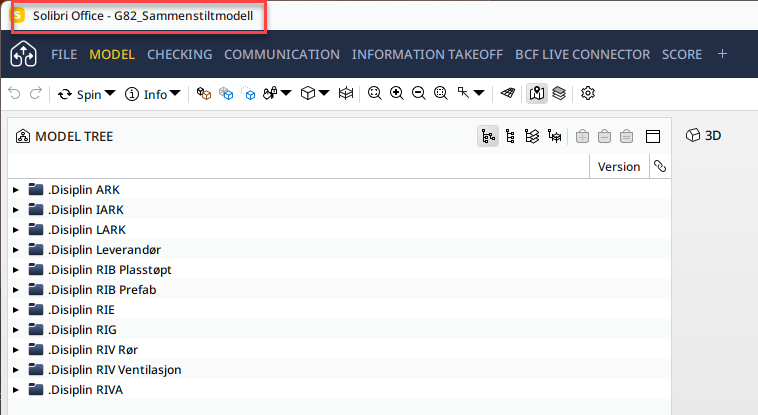
      In the scenario you are describing, the model name in the window title should be ‘G82_Sammenstiltmodell_Modellkontroll.’ But for some reason, that doesn’t happen here.

      MattiM 1 Reply Last reply
      1
      • EricE Eric has marked this topic as unsolved on
      • J Offline
        J Offline
        JonJens 0
        wrote on last edited by
        #5

        I am having the same problem. Is this issue still unsolved?

        1 Reply Last reply
        1
        • H Offline
          H Offline
          HenrikN
          wrote on last edited by
          #6

          Any updates?

          1 Reply Last reply
          0
          • paola bronzoP Offline
            paola bronzoP Offline
            paola bronzo
            wrote on last edited by
            #7

            I am having the same problem.

            1 Reply Last reply
            0
            • MattiM Offline
              MattiM Offline
              Matti Solibrians
              replied to HenrikN on last edited by
              #8

              @HenrikN said in Rename model title in Solibri:

              when Solibri updates, it keeps the name that was chosen before the update.

              This is how it works. IFC update is not changing the project name at title bar.
              The name can be changed by Save Model as….

              1 Reply Last reply
              0
              • Alex.JA Offline
                Alex.JA Offline
                Alex.J
                wrote on last edited by
                #9

                Is it possible you are not talking about the same thing: Solibri Version Update vs IFC Model update ?

                1 Reply Last reply
                0
                • H Offline
                  H Offline
                  HenrikN
                  wrote on last edited by
                  #10

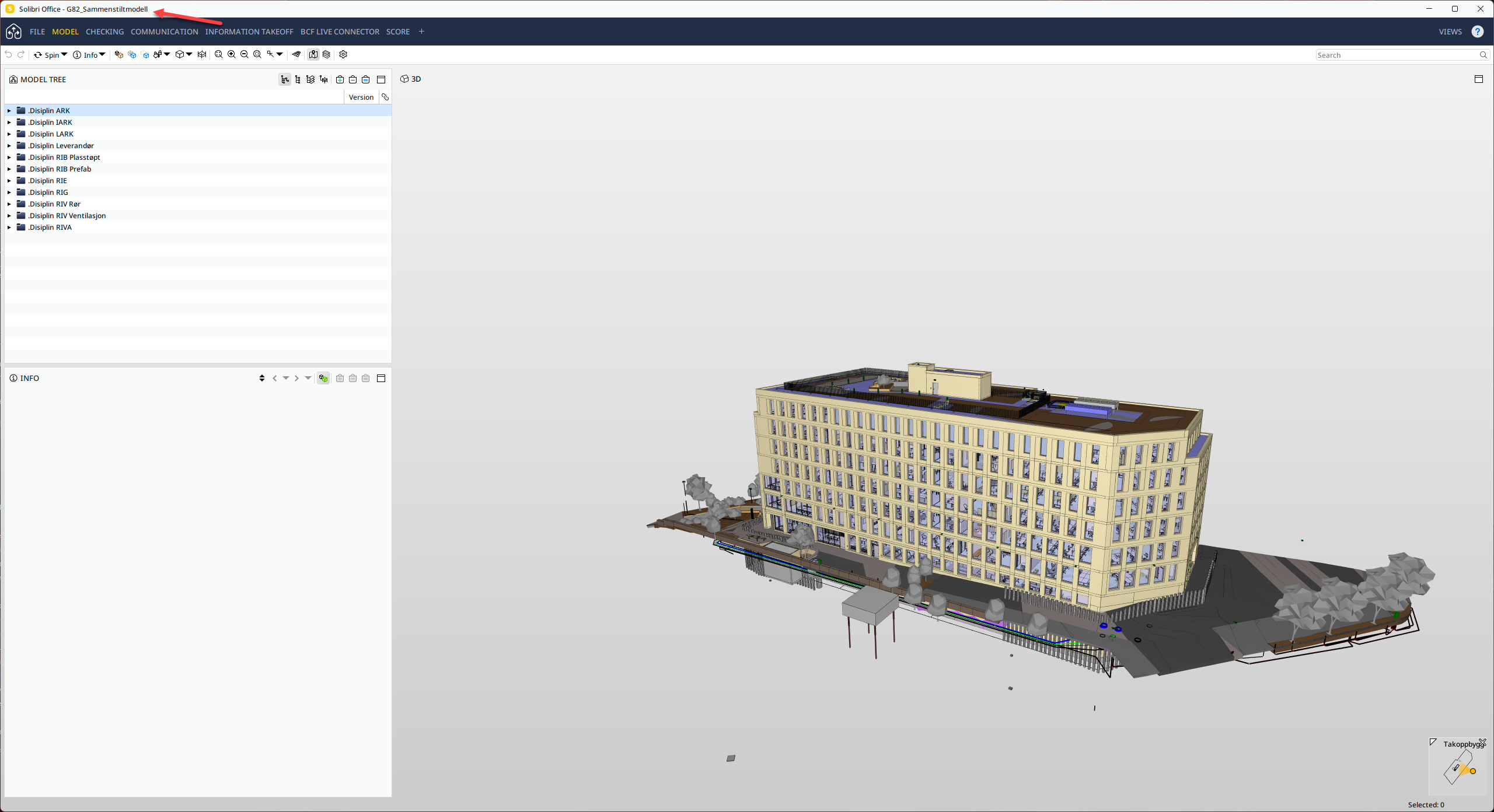
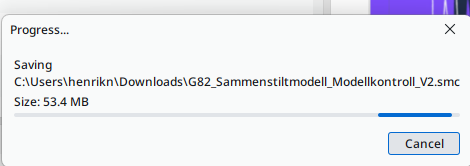
                  Take a look at the solution you’re proposing—it’s not working as intended. This is what I’ve been trying to explain.

                  image.png

                  image.png

                  image.png

                  image.png

                  image.png

                  Still the same title.
                  image.png

                  1 Reply Last reply
                  1
                  • M Offline
                    M Offline
                    manuel.furia Solibrians
                    wrote on last edited by
                    #11

                    @HenrikN @paola-bronzo @JonJens-0
                    I tried to reproduce with new and old smc models but I could not get the bug to happen, the name in the title bar changes correctly when I use “Save As”. Can you try with the newest 24.9.0? Also, you could write to support and send them the affected model/s, that would help debugging.

                    1 Reply Last reply
                    0
                    • A Offline
                      A Offline
                      asad.vatchha
                      wrote on last edited by
                      #12

                      I have a very similar problem i created a file in an old version of Solibri, now i am using 24.9 and the model name will not update as mentioned above by others.

                      Has there been any fix?

                      1 Reply Last reply
                      0
                      • MattiM Offline
                        MattiM Offline
                        Matti Solibrians
                        wrote on last edited by
                        #13

                        This bug seems to happen when:

                        1. Project was saved to a remote (Autodesk, Trimble, SharePoint or OneDrive)
                        2. Project was saved to a local file (name not changing)

                        this will be fixed in the next release.

                        1 Reply Last reply
                        1
                        • MattiM Offline
                          MattiM Offline
                          Matti Solibrians
                          wrote on last edited by
                          #14

                          The workaround is to save once to remote (Autodesk, Trimble, SharePoint or OneDrive).

                          1 Reply Last reply
                          0

                          Copyright © 2025 Solibri Inc. | Powered by NodeBB

                          • Login

                          • Don't have an account? Register

                          • Login or register to search.
                          • First post
                            Last post
                          0
                          • Categories