
IFC User Pset not coming across - COBie_Type
-
I am trying to bring over our Type information for Stage 4 information but the data isnt coming through.
The Other Properties > COBie_Type, is there but the only data coming over is Area.
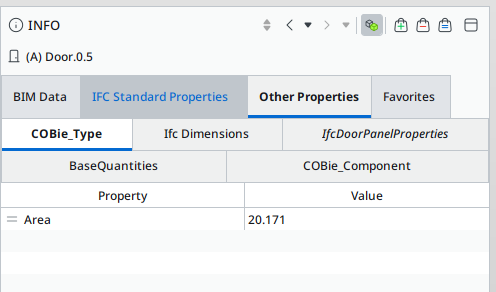
Yes the Type information is filled in for all but a few items
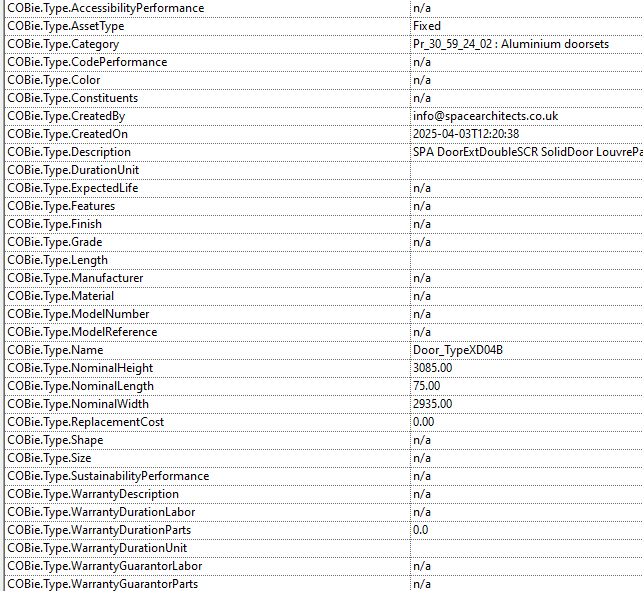
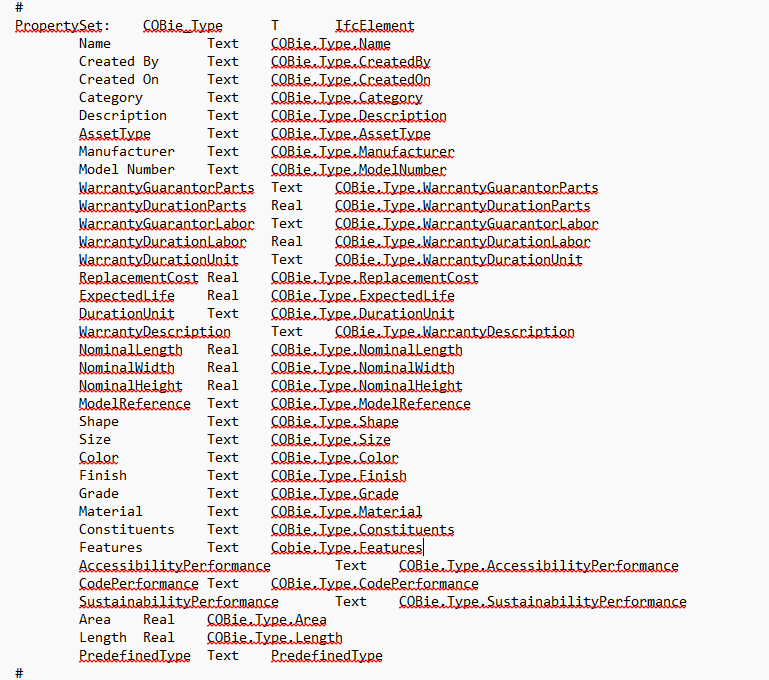
My User export settings for type are as follows:
-
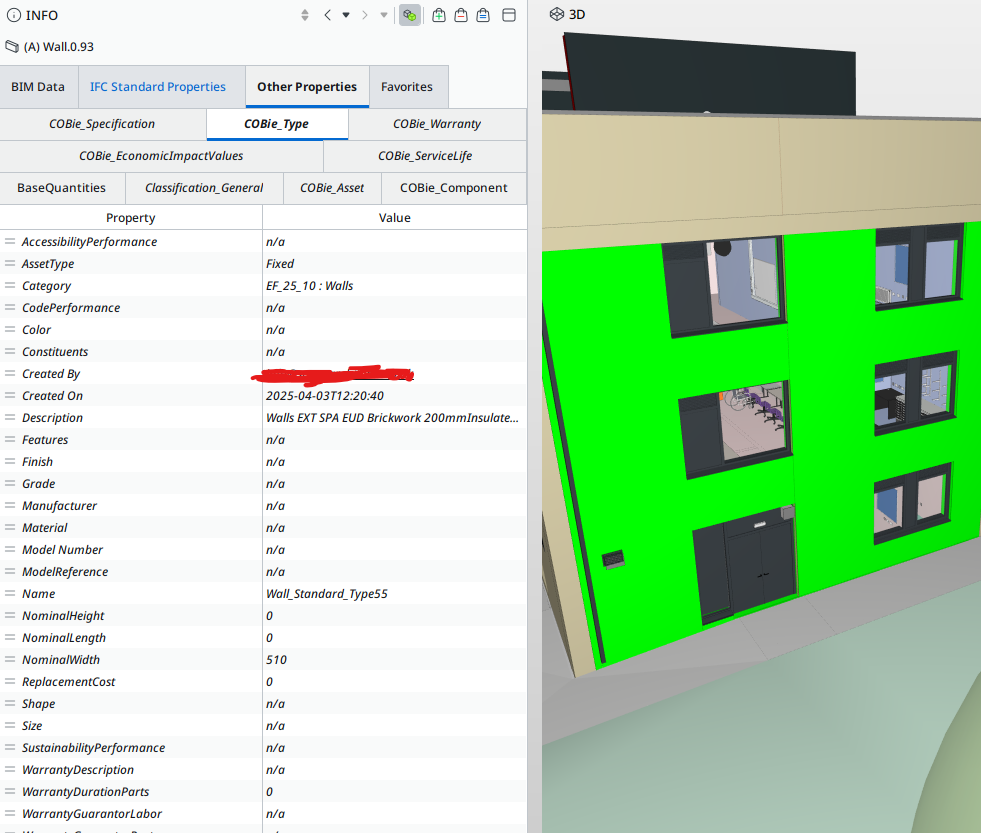
Just to add to this. It seems that some items have come through but others havent. When selecting a wall it populates as expected.
-
Hi, Your Mapping file has IfcElement only. The image you are showing above is for doors. Please add IfcDoorStyle and IfcWindowStyle as additional elements for the mapping to be associated with (just comma delimit them). I’m assuming that this is Ifc 2x3 otherwise you can try with IfcDoorType and IfcWindowType. This should resolve the problem.
-
Hi Simon, that has now brought the information through. Thanks a bunch. However, i do have to ask… I tried IfcDoor/Window and this didnt work. How come adding in the style worked? Would i need to add ‘Style’ onto all the Elements?
-
Hi For IFC 2x3 as you are exporting type specific information you need to add IfcDoorStyle and IfcWindowStyle, if you were doing this in Ifc 4 you then change this to IfcDoorType and IfcWindowType. The change here is to bring the doors and windows in line with the rest of the components as the others are generally type. I’d have to check for any other anomalies.
-
Morning Simon,
I followed the above and this seemed to fixed the issue. However, we are now a few months on and i seem to be getting the same issues. IfcDoorStyle, IfcWindowStyle are being used but now the COBie_Type and COBie_Component PSets arent coming through.
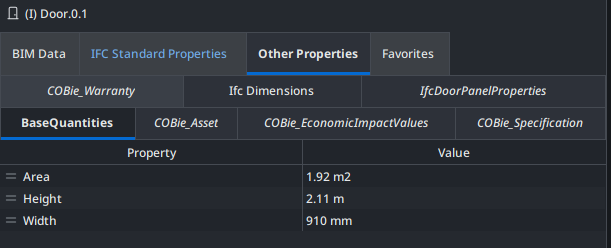
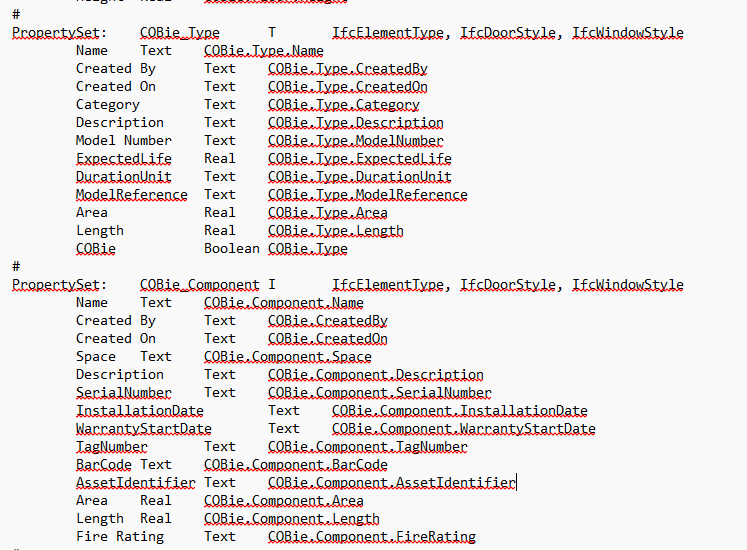
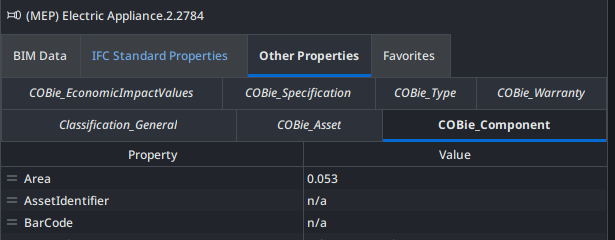
This seems to only be an issue with Doors and Windows as i can see these PSets on other discipline items

Copyright © 2025 Solibri Inc. | Powered by NodeBB