Skip to content
  • Categories
Collapse
Solibri Society Forum
  1. Home
  2. Comments & Feedback
  3. Tech Talks
  4. Frequently Slow Loading

Frequently Slow Loading

Scheduled Pinned Locked Moved Tech Talks
6 Posts 2 Posters 1.2k Views
  • Oldest to Newest
  • Newest to Oldest
  • Most Votes
Log in to reply
This topic has been deleted. Only users with topic management privileges can see it.
  • K Offline
    K Offline
    KarlF
    wrote on last edited by
    #1

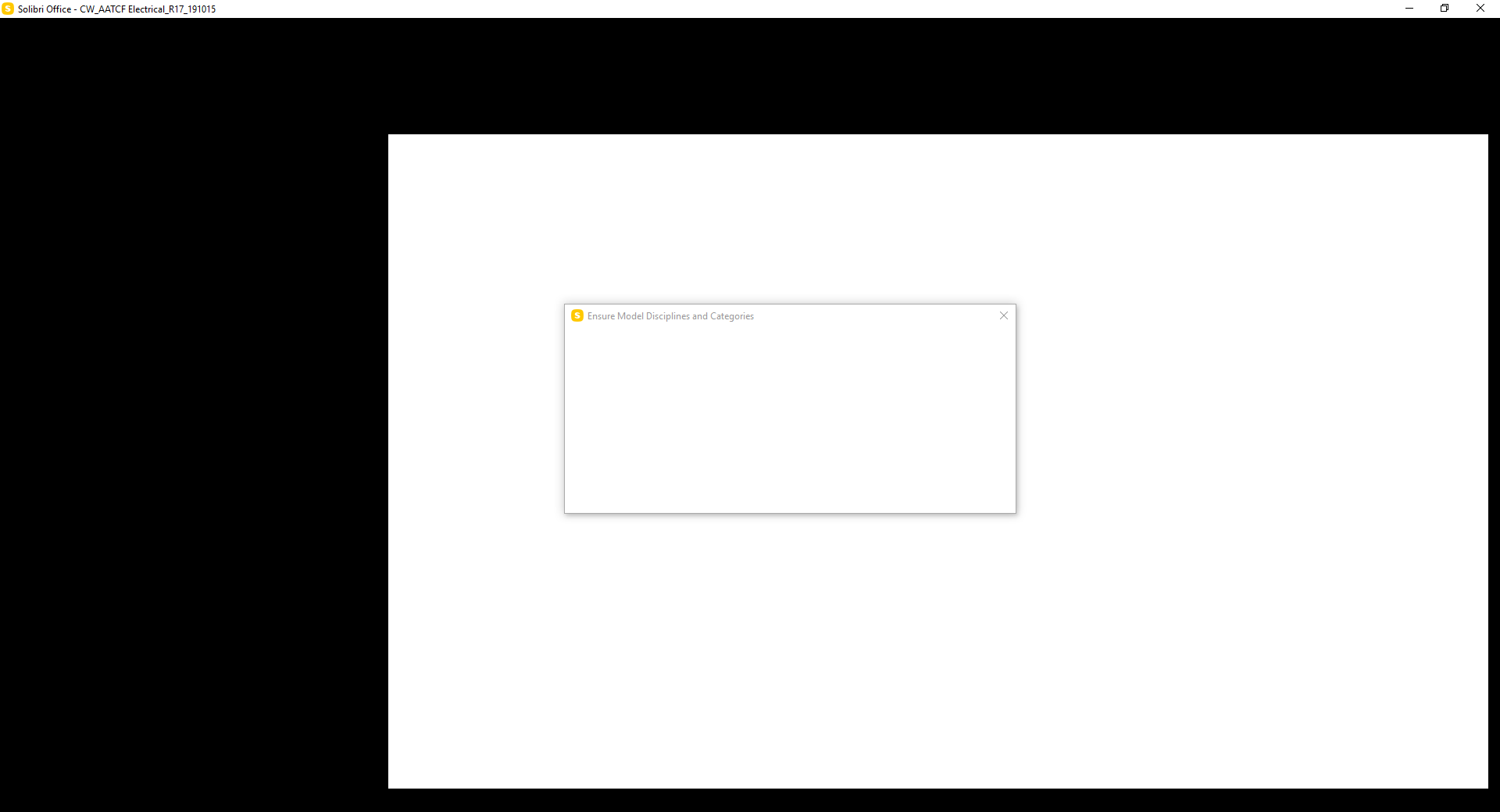
    I have been finding Solibri extremely slow to load models and go through the process of defining Model Disciplines and Categories. To the point where I get the following result (see screenshot) as Solibri processes. Is this just me or do other people experience similar issues?
    ef3eaa36-9d3b-4318-9dfa-53924c6ed2a1-image.png

    Regards,
    Karl

    1 Reply Last reply
    0
    • P Offline
      P Offline
      Pasi Paasiala Solibrians
      wrote on last edited by
      #2

      Hi @KarlF,

      How big is your IFC file? How big is the SMC file to which you are opening it? It is possible that you are short of memory. You can increase the maximum memory Solibri is allowed to use as follows (Windows):

      • Shut down Solibri
      • Go to Solibri installation folder, e.g. C:\Program Files\Solibri\SOLIBRI
      • Open the Solibri.vmoptions in a text editor, for example, Notepad
      • Look for the row starting with -Xmx
      • Increase the value in the row. Remember to keep the ‘m’ character in the end of the line, otherwise, the number is considered as bytes, not megabytes
      • Launch Solibri and try again

      Leave at least a quarter of the memory on your computer for other processes, Otherwise, the computer may turn out slow.

      1 Reply Last reply
      0
      • K Offline
        K Offline
        KarlF
        wrote on last edited by
        #3

        Hi Pasi,

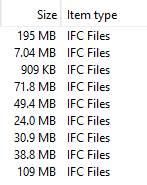
        Thanks for your response, Below is a screenshot of the files sizes I was loading…953299f1-331e-4561-a1b6-692cbfef6d4c-image.png

        Besides the 195MB file, the rest are small.

        Have made the change suggested and will see how I go in the next few days.

        -Karl

        1 Reply Last reply
        0
        • P Offline
          P Offline
          Pasi Paasiala Solibrians
          wrote on last edited by
          #4

          @KarlF

          If you just open the one file that causes Solibri to be slow alone, is Solibri still slow?

          Pasi

          1 Reply Last reply
          0
          • K Offline
            K Offline
            KarlF
            wrote on last edited by KarlF
            #5

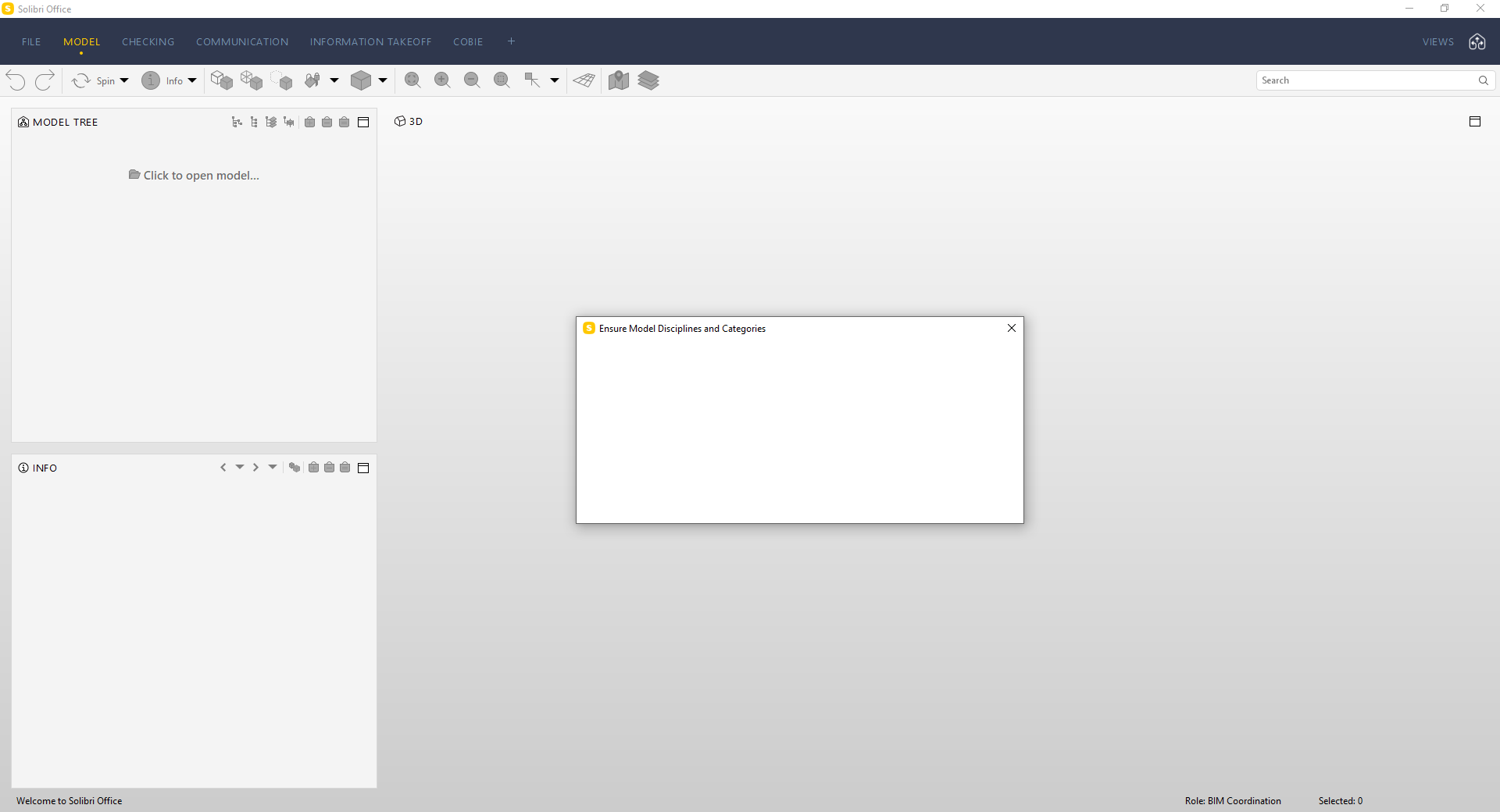
            @Pasi-Paasiala This is my screen after 8 mins of waiting trying to open the 195MB File. (apologies I had pasted the wrong image earlier)
            82f028d3-74e6-48a4-9145-0c12f5f383db-image.png

            I have now tried to open the file twice and suffered the same problem. For comparison, BIMCollab Zoom opened the file in 10 seconds.

            Solibri keeps hanging on the “ensure model disciplines and Categories” window.

            1 Reply Last reply
            0
            • P Offline
              P Offline
              Pasi Paasiala Solibrians
              wrote on last edited by
              #6

              @KarlF Would it be possible to get the model that causes your Solibri to slow down? Please have a look at this thread: https://society.solibri.com/topic/328/solibri-is-looking-for-models
              1 Reply Last reply
              0

              Copyright © 2025 Solibri Inc. | Powered by NodeBB

              • Login

              • Don't have an account? Register

              • Login or register to search.
              • First post
                Last post
              0
              • Categories