
Workflow for creating slides with multiple issues
-
Dear Solibri Society,
I have a question regarding workflow, especially creating slides with multiple issues and tracking their results in an updated model.
1
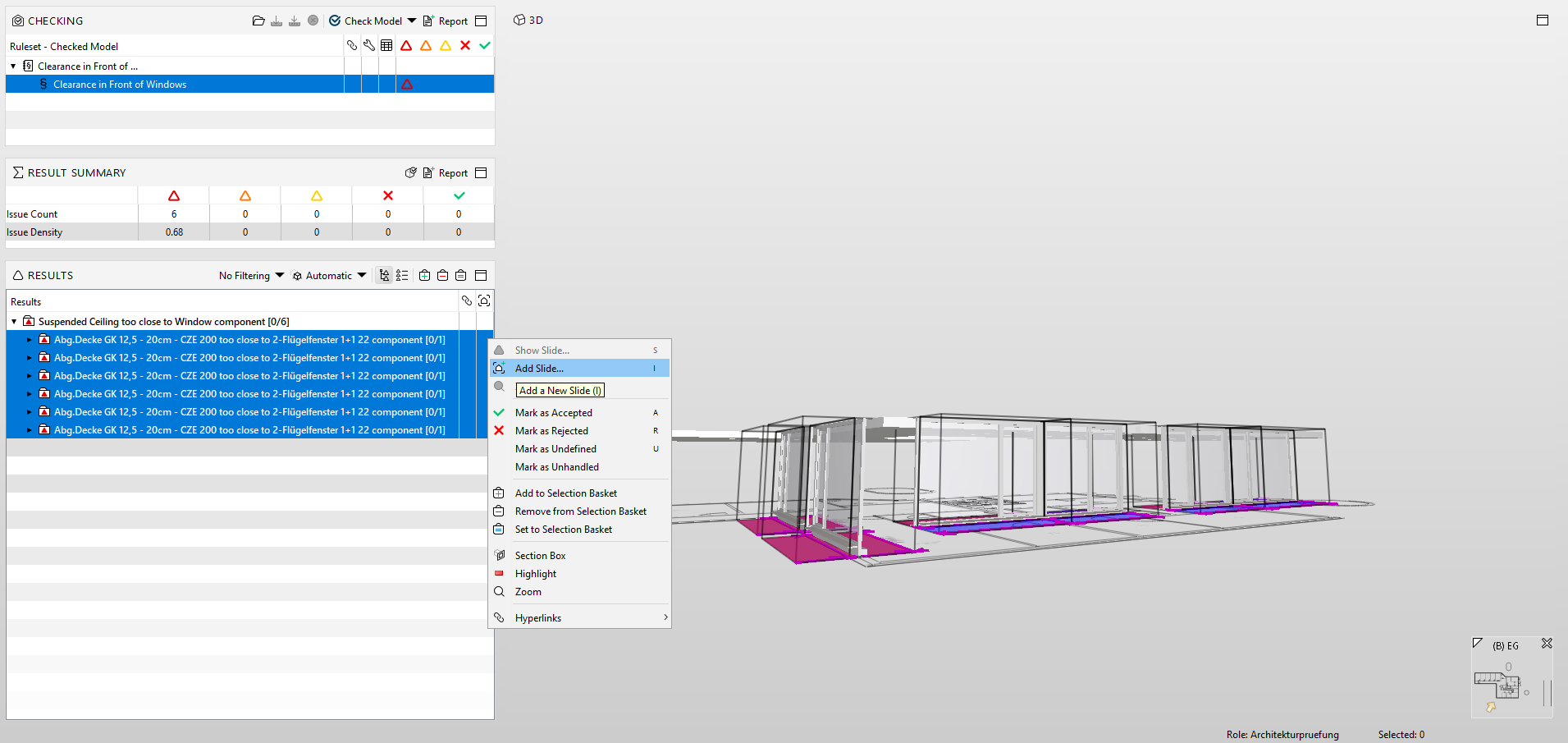
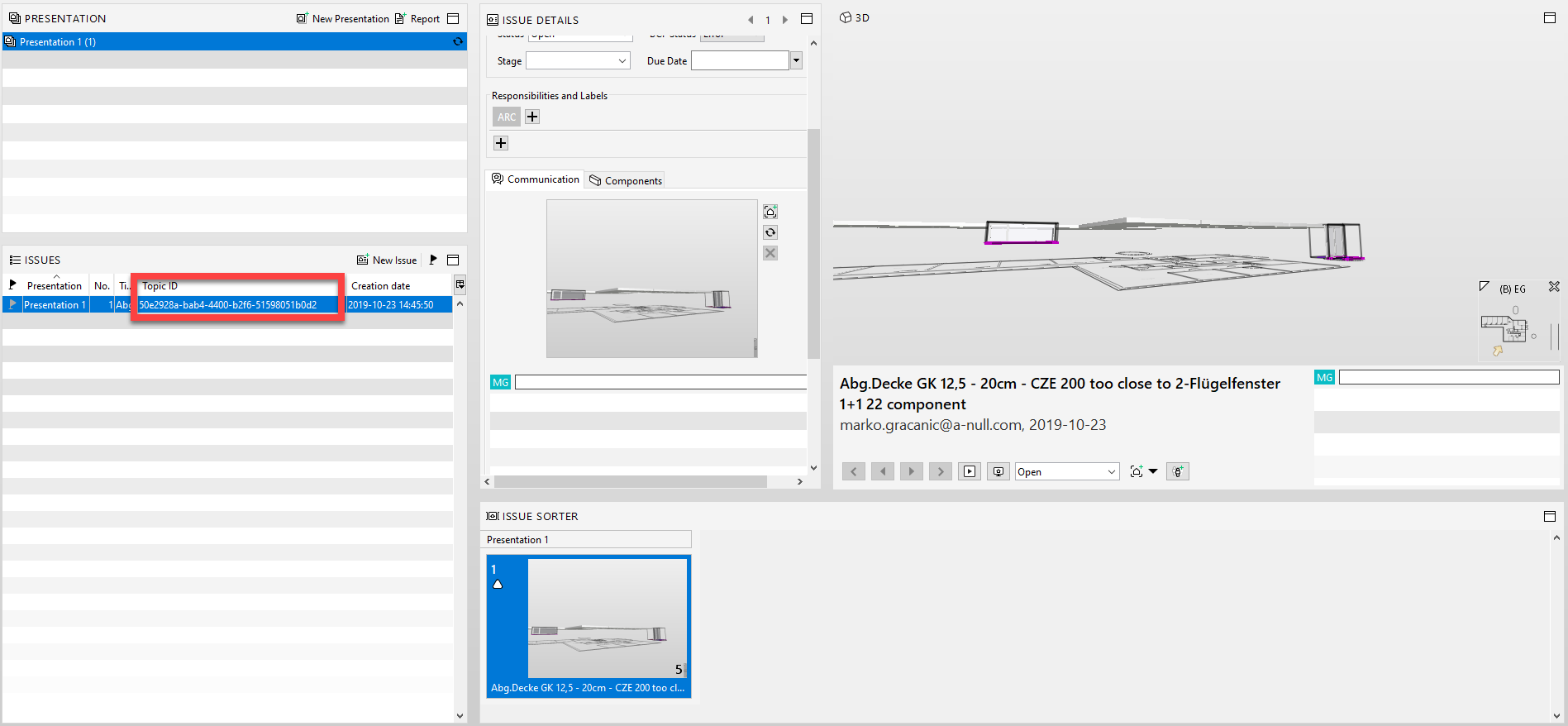
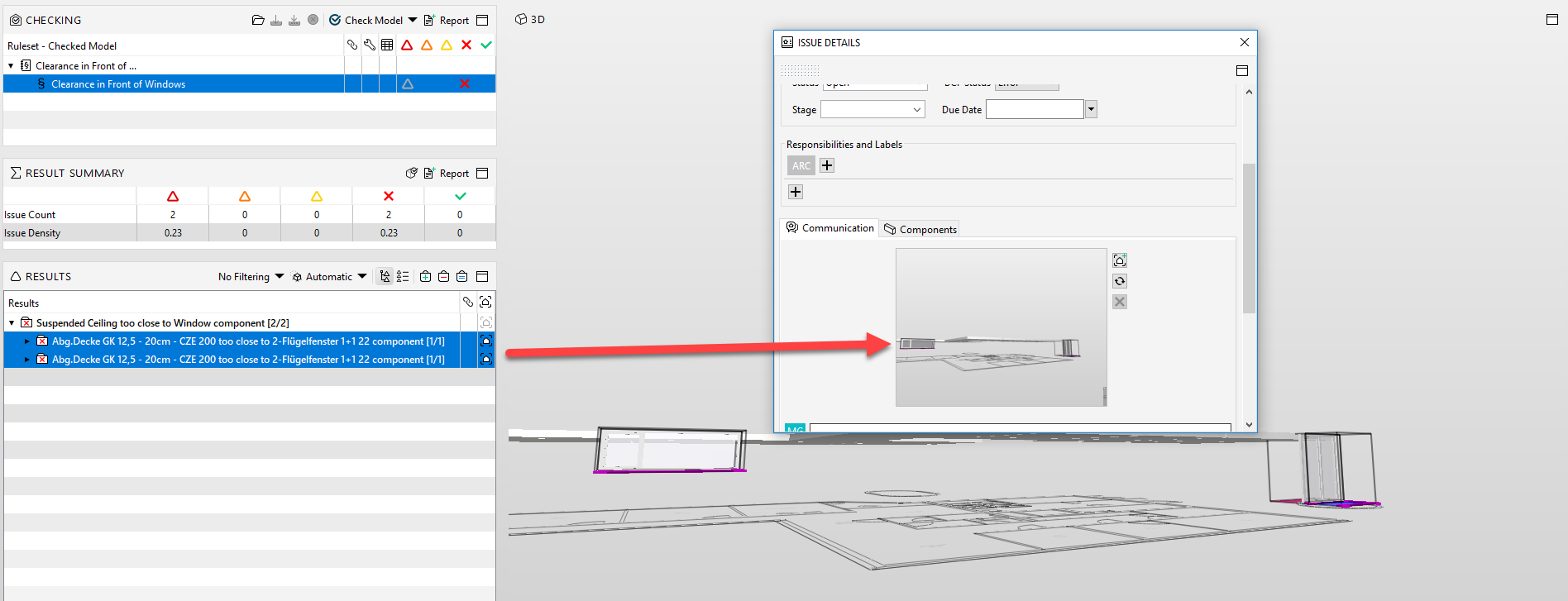
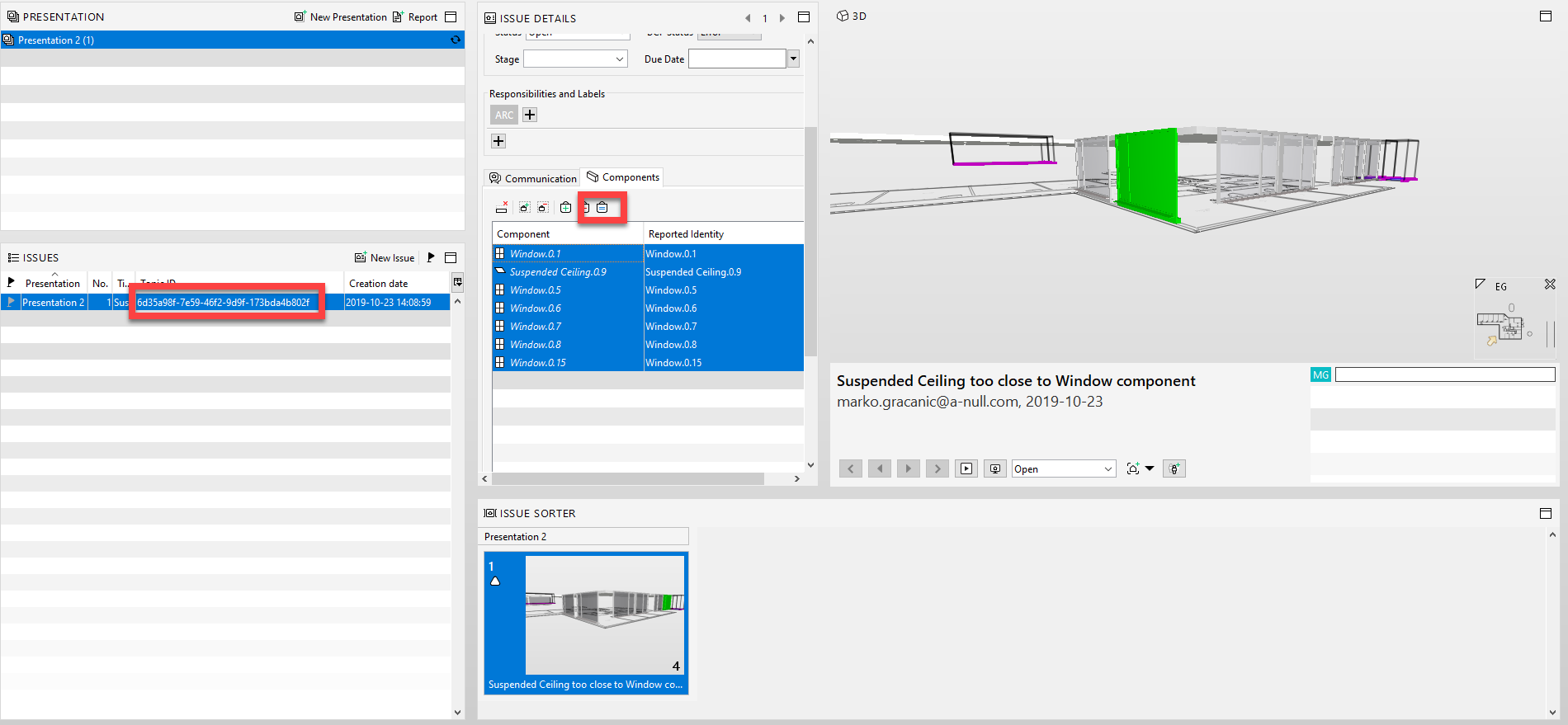
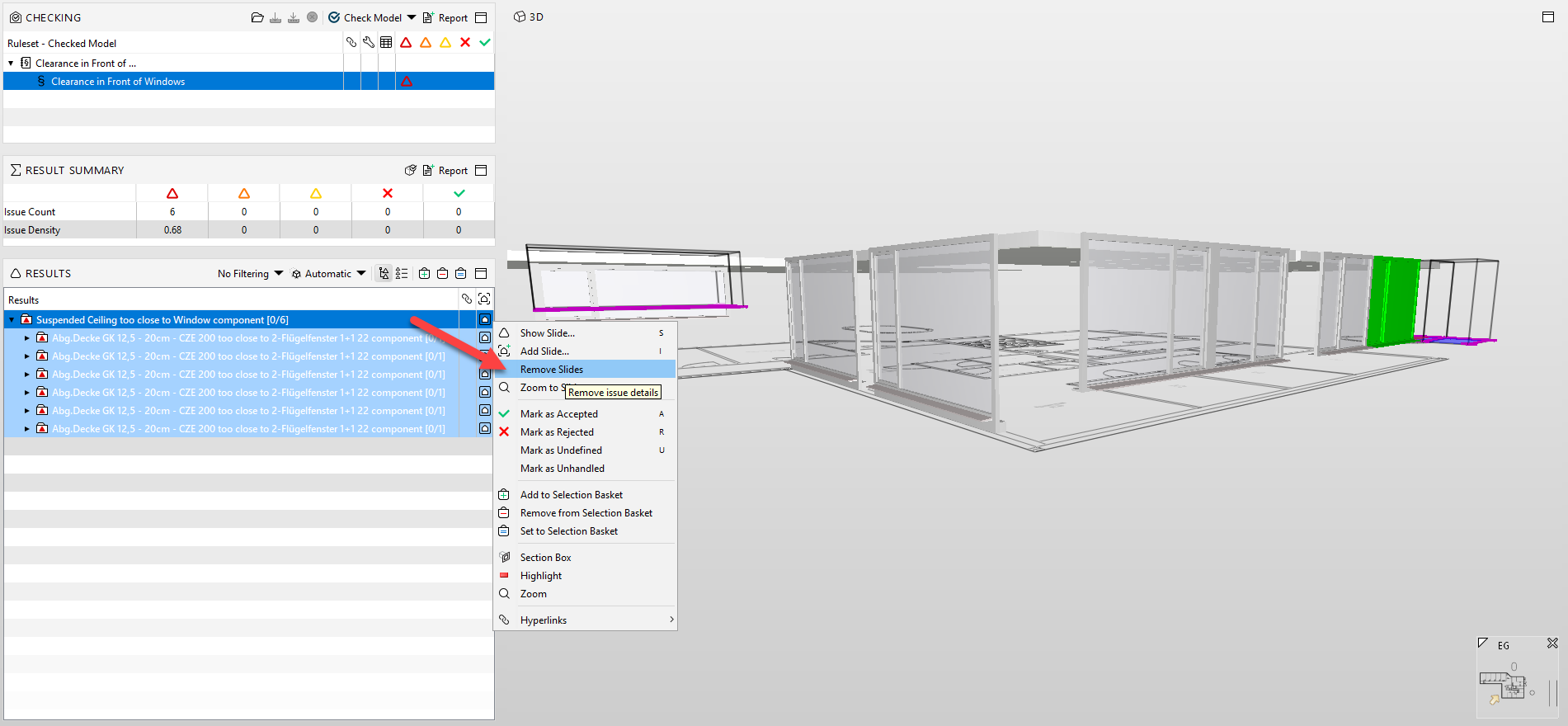
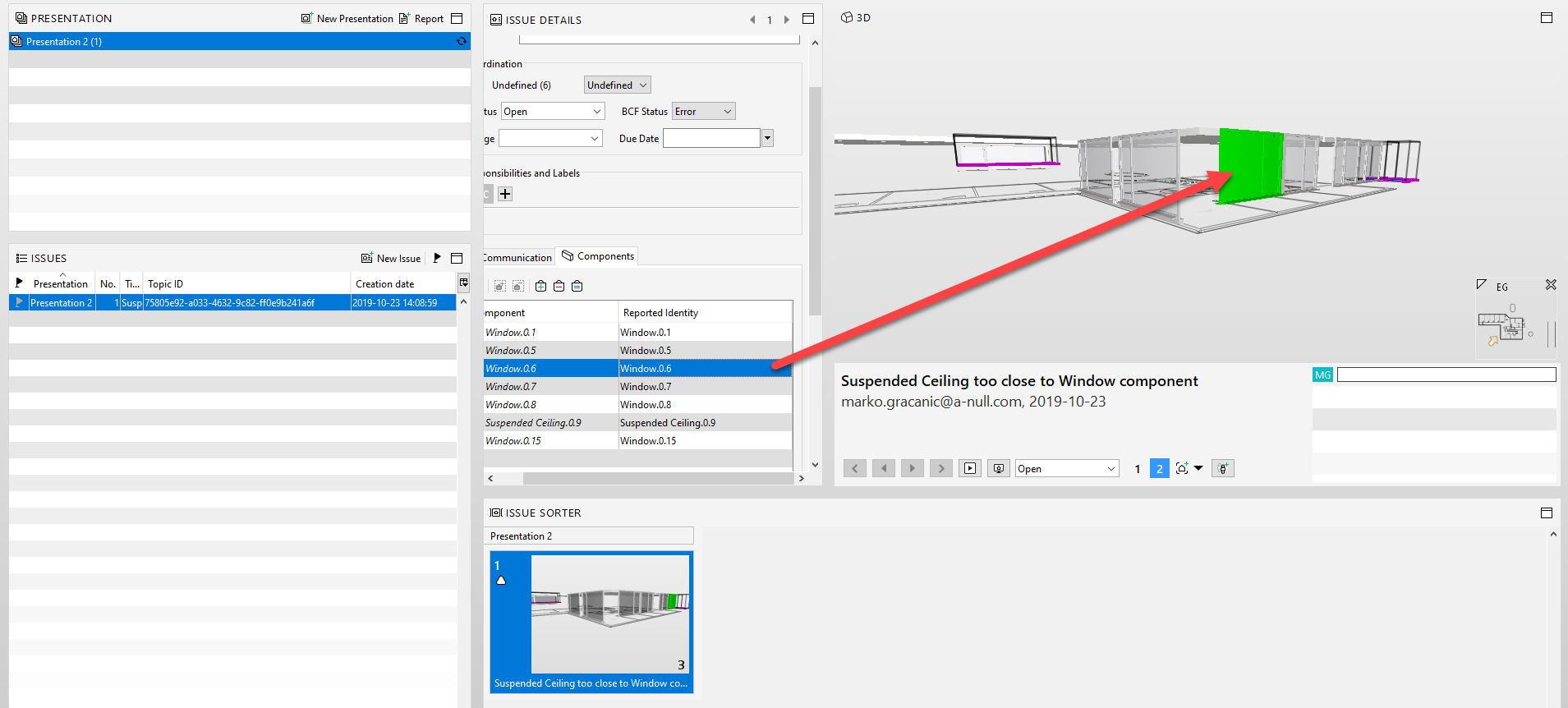
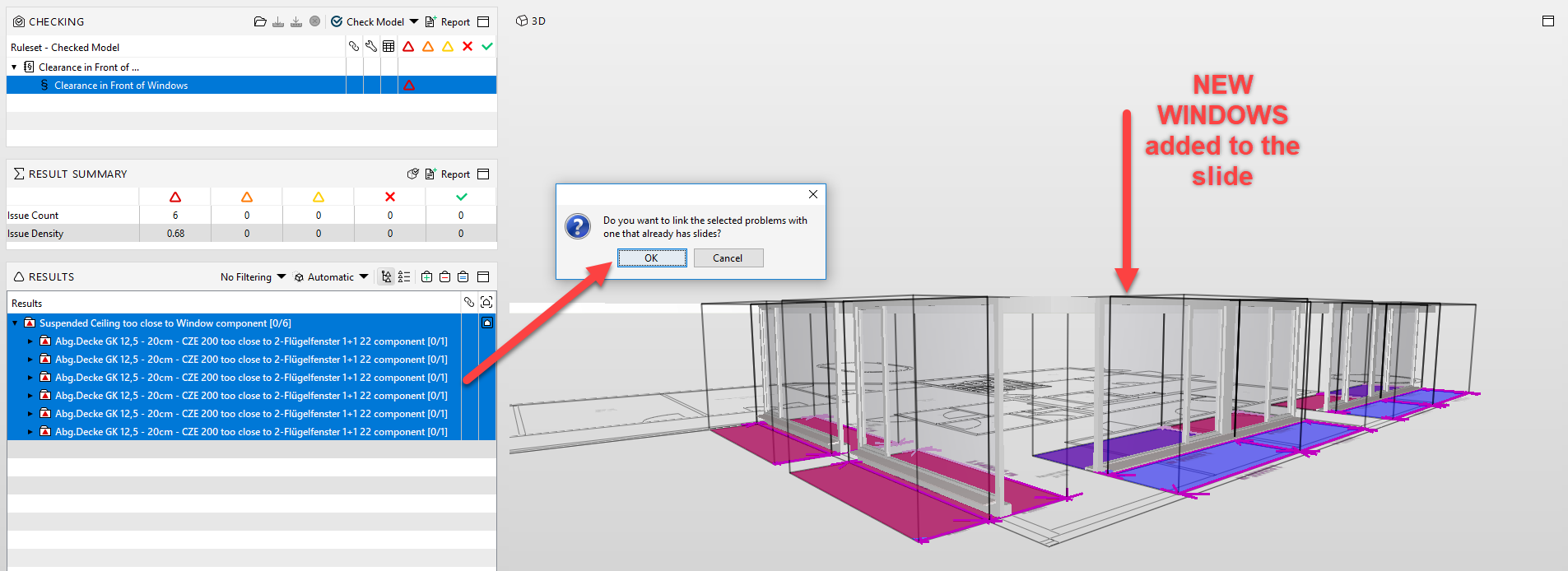
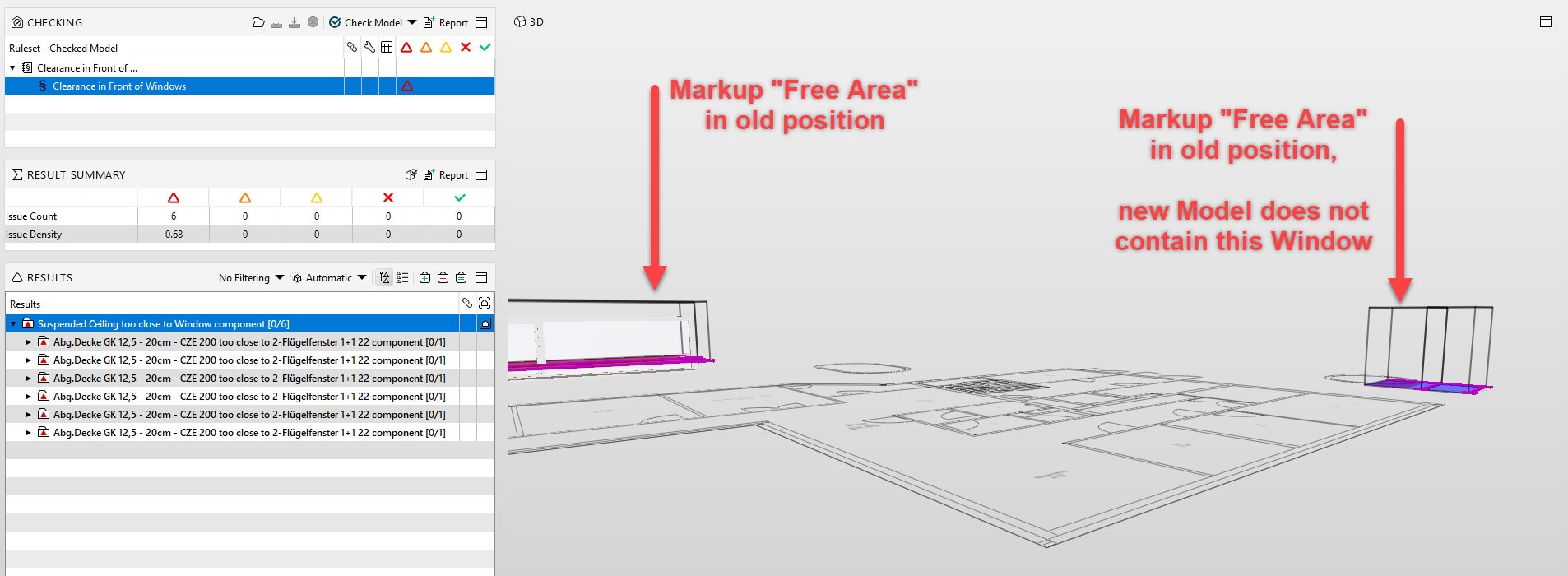
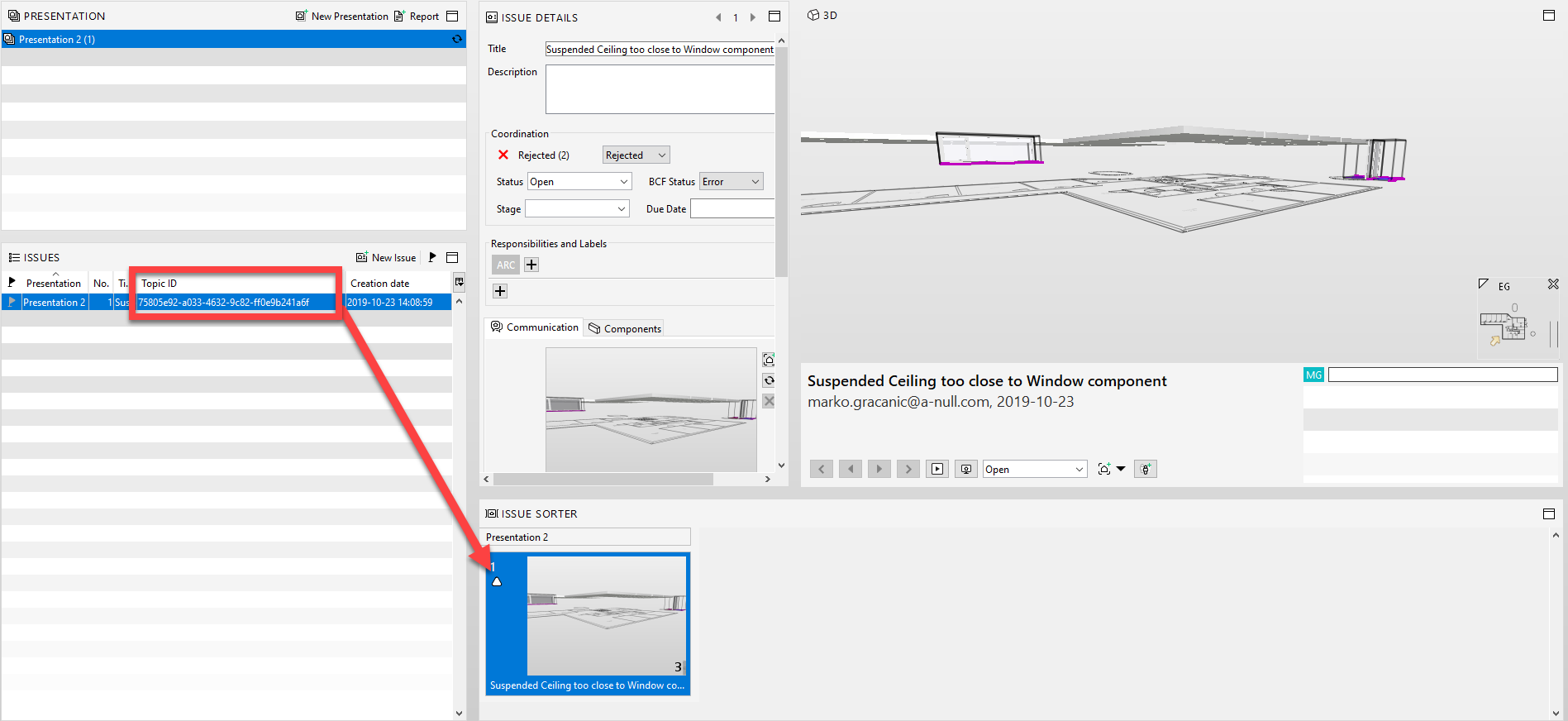
If we create a slide from a group (clash10.png), then we experience trouble regarding slide updates with a new updated model and the tracking of the old elements (clash11.png). Furthermore, the original slides with their markup are still present in the picture (clash13.png), no matter if the components create an issue or not, but the slide is properly connected to the new components that now create issues.If new issues are created in the model update, then we can attach those to the original slide (clash14.png). The slide is updated with Components that create new issues, but the picture remains the same. A workaround is necessary to show the new results – we can throw the faulty Components to the “Selection Basket” an “update Slide to Current”, to forcefully display the components that are actively creating an issue (clash15.png).
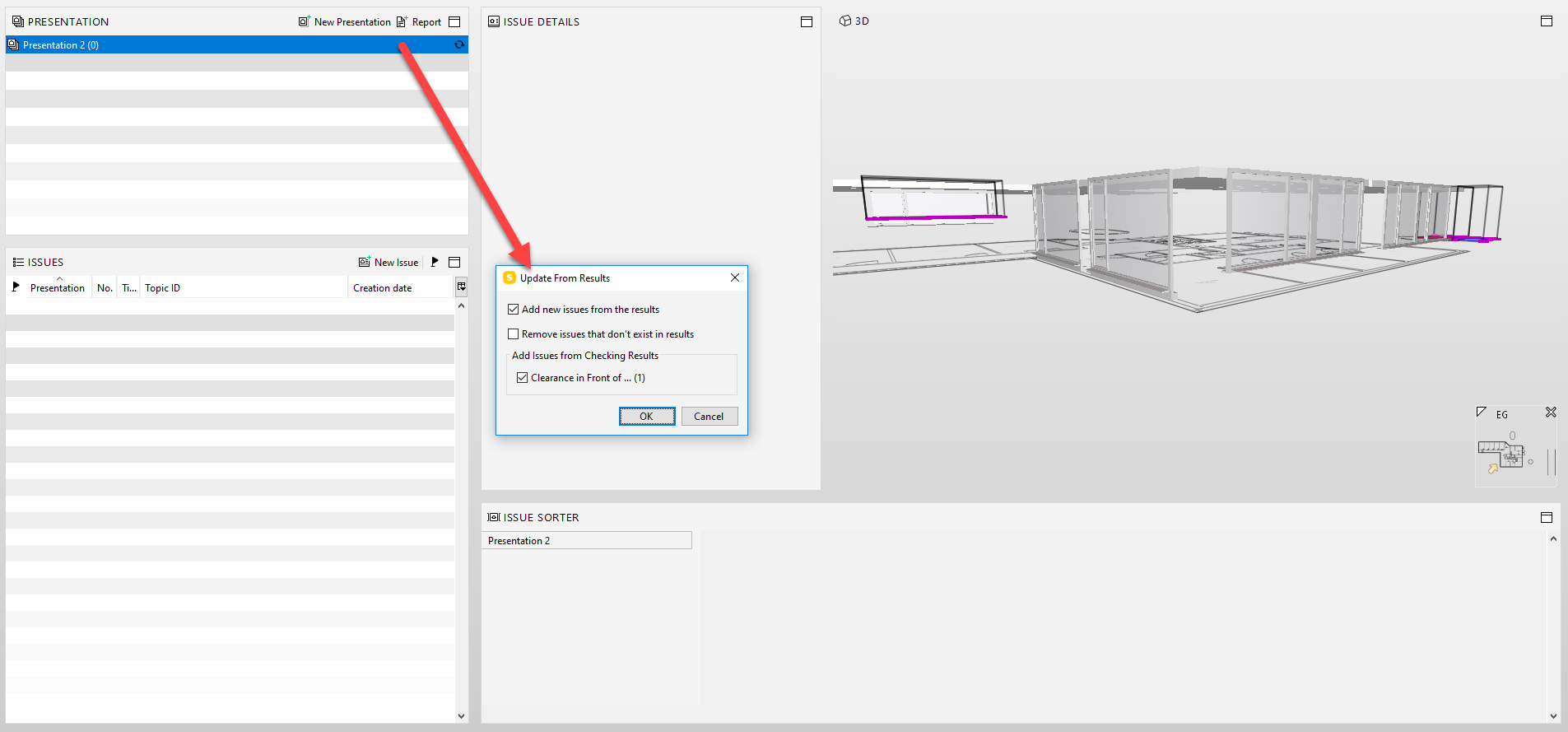
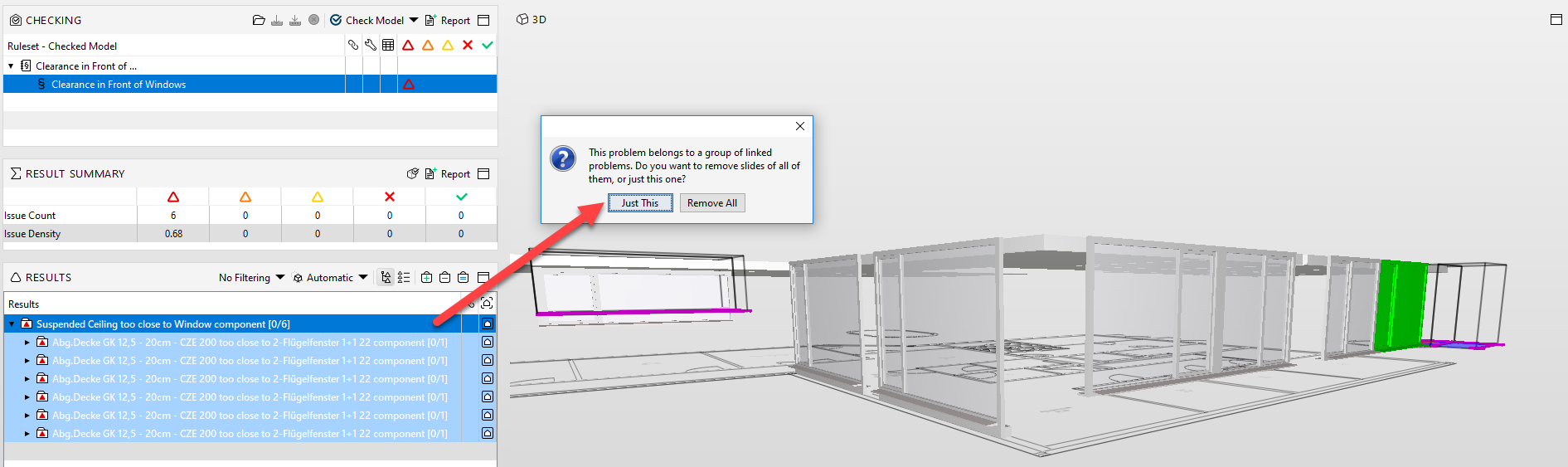
If then the original group slide is erased, the added issues are in a separate slide which is not in the current presentation (clash16.png). We must update the presentation with new results. But somehow even then the original markups from erased slides are still visible (clash17.png, clash18.png, clash19.png).
2
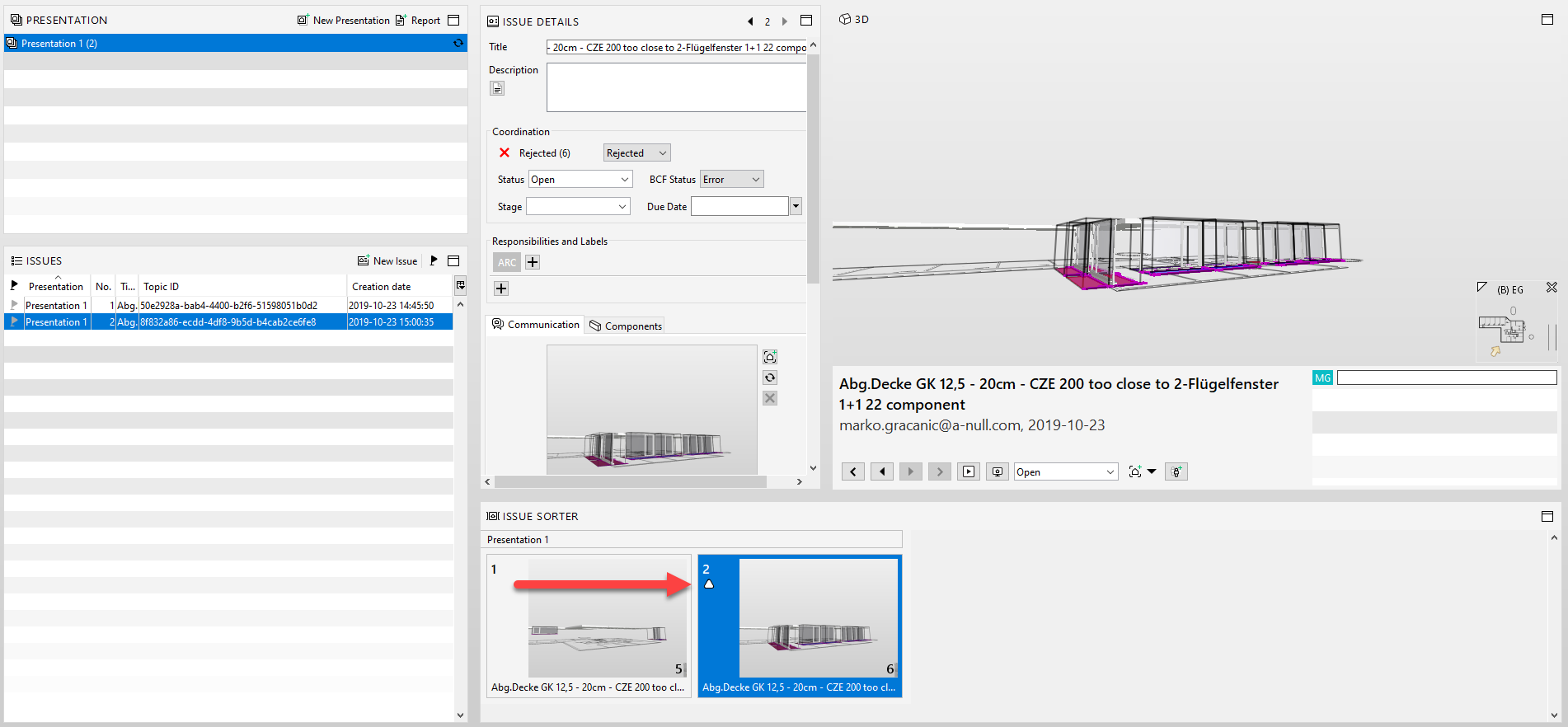
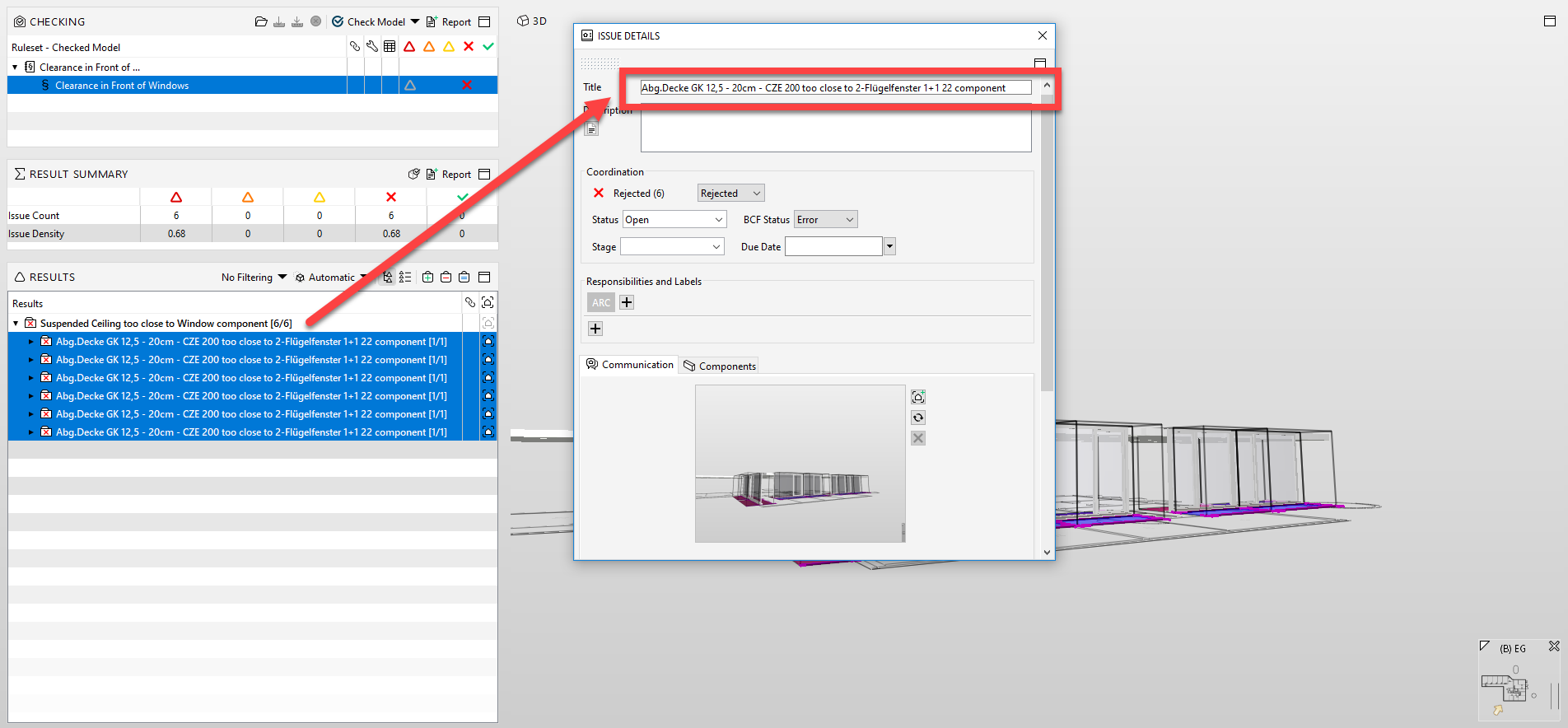
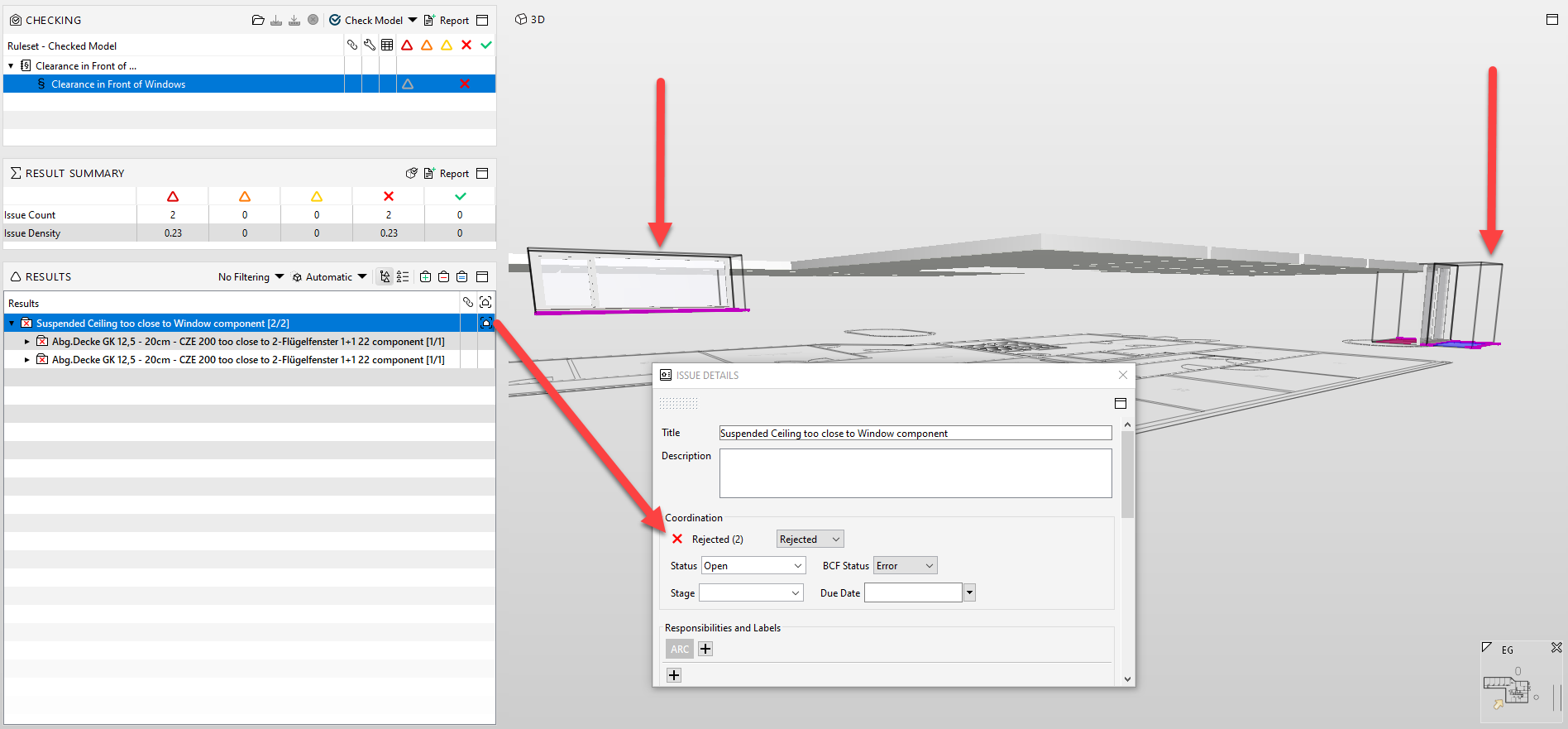
the second option is to create a slide with multiple issues but not in the group (clash20.png). Then later in the process, when we update the model with corrected issues and check it, the corrected components cannot be “shown in results” – which is OK. If new components are creating issues in the same group, we can just add a new slide with multiple new issues (clash22.png). The only drawback is that the “Issue Title” cannot be connected to the group title (clash23.png).What is your experience with these workflows? Is there a correct way how to proceed with multiple issues?
-
No one has any ideas about this issue?
I am experiencing this issue for a long time and it is starting to get very annoying when generating new reports. All old issues that are non existend will reaper in the next presentations even though in the model there is no error, clash or whatsoever.
SOLIBRIANS, please identify this case…
thanx


Copyright © 2025 Solibri Inc. | Powered by NodeBB