
Missing labels when starting new session
-
Dear Society Members,
I have a question regarding Labels. Since we started using BIM Collab, I have been using Labels when creating Issues.
I noticed however that everytime when I start creating issues in a new Solibri session, the Labels field in the Issue Details is completely empty: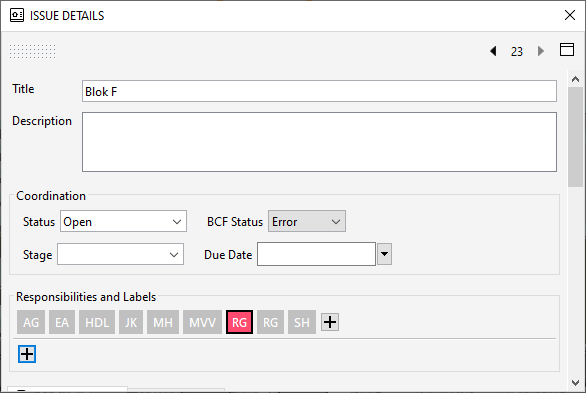
The strange thing is that multiple labels are actually present within the SMC file, since I labelled all issues I created in previous Solibri sessions.
As soon as I add a ‘new’ label (using the + ), where I type any labelname and press OK, the full list of previously added labels is present again.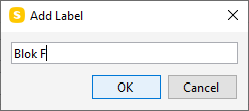
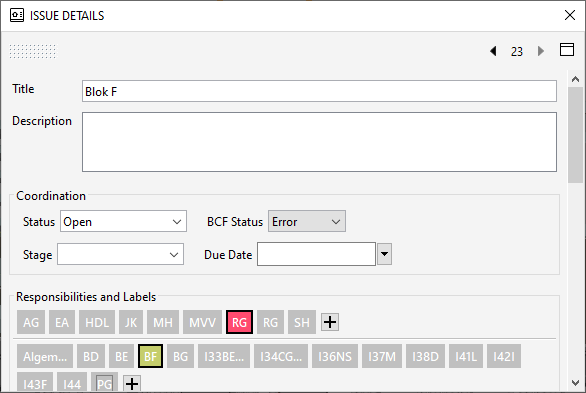
Is there a way to fix this, so that the Labels already present in the SMC file, remain visible at all times, similar to the Responsiblities?
Copyright © 2025 Solibri Inc. | Powered by NodeBB