Skip to content
  • Categories
Collapse
Solibri Society Forum
  1. Home
  2. Comments & Feedback
  3. Tech Talks
  4. Creating a list of hyperlinks using ITO

Creating a list of hyperlinks using ITO

Scheduled Pinned Locked Moved Tech Talks
4 Posts 2 Posters 488 Views
  • Oldest to Newest
  • Newest to Oldest
  • Most Votes
Log in to reply
This topic has been deleted. Only users with topic management privileges can see it.
  • J Offline
    J Offline
    Justas S.
    wrote on last edited by
    #1

    Hello,

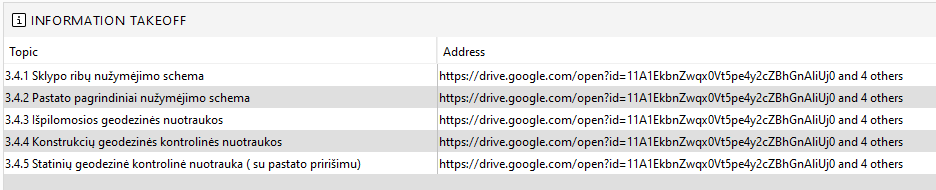
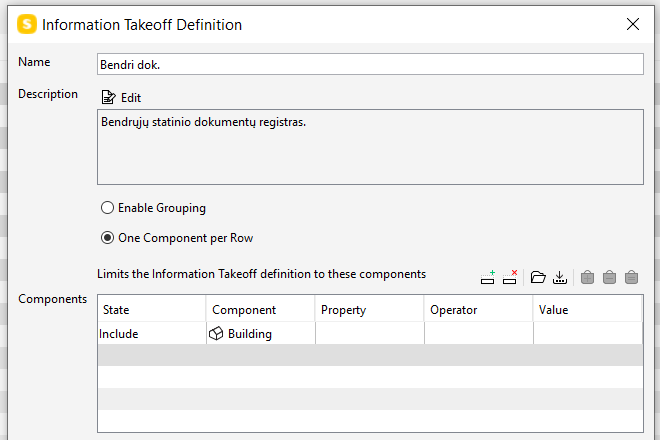
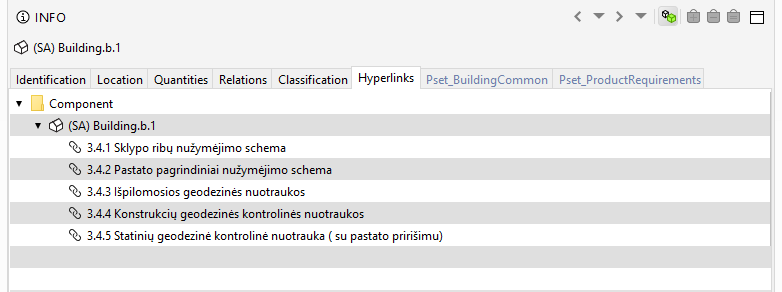
    I’m having some difficulties trying to create all the list of BUILDING hyperlinks. When I’m trying to get the list according to the topics it’s ok - each hyperlink is listed per Row. But when I need the current address of specific hyperlink - it groups all addresses of the building. How could I get the list of all hyperlinks with their addresses?
    065052f8-cf2e-476b-8b27-5e9811f650d6-image.png
    a9834466-0557-4af8-a205-208f0942ab86-image.png
    04d2b5ac-ac62-4741-b8ab-71fa34414d7d-image.png

    Lauri LuomaL 1 Reply Last reply
    0
    • Lauri LuomaL Offline
      Lauri LuomaL Offline
      Lauri Luoma Solibrians
      replied to Justas S. on last edited by
      #2

      Hello @Justas-S ,

      You could try the option of giving the hyperlinks through classification, have a look at the post here:

      https://society.solibri.com/topic/366/hyperlinks-through-classification-ito

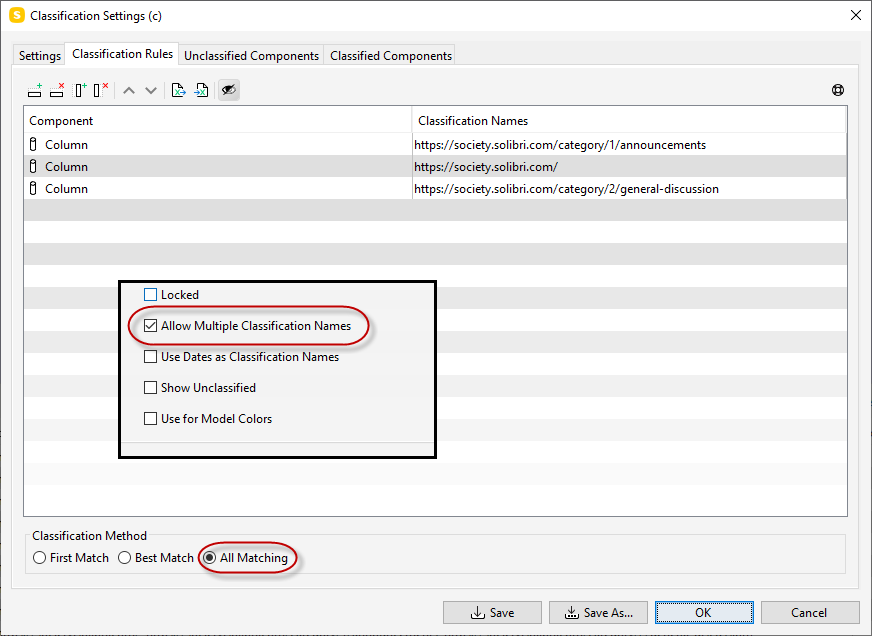
      You would need to set the classification to allow multiple classification names in order the give many links for a component:
      cab3cd79-2440-4faf-9775-466e827f7ae9-image.png

      You should get a list of the classification names (links) in ITO:

      878ee818-4aa1-4dd7-831e-14ad082b1a84-image.png

      Having only one link through classification allows you to actually also use the link in ITO, but if you have many they can’t be clicked in ITO. Depending what you are aiming to do with the links, this is at least one way to get them in the ITO… Hope it helps 🙂

      -Lauri

      1 Reply Last reply
      0
      • J Offline
        J Offline
        Justas S.
        wrote on last edited by
        #3

        Hi Lauri,

        yes, I’ve tried it also. But that’s the point, if I add 3 different docs to specific element I want to see them in different rows with only one address.
        Because how to operate with this additional information if I’ll have to open all 3 links to find out the relevant document.

        Thank you anyway. 🙂

        Lauri LuomaL 1 Reply Last reply
        0
        • Lauri LuomaL Offline
          Lauri LuomaL Offline
          Lauri Luoma Solibrians
          replied to Justas S. on last edited by
          #4

          @Justas-S

          Not maybe ideal but the only option i see is to use multiple classifications and add more columns in the ITO? This way you should be able to have multiple links in the same row for the component/container:
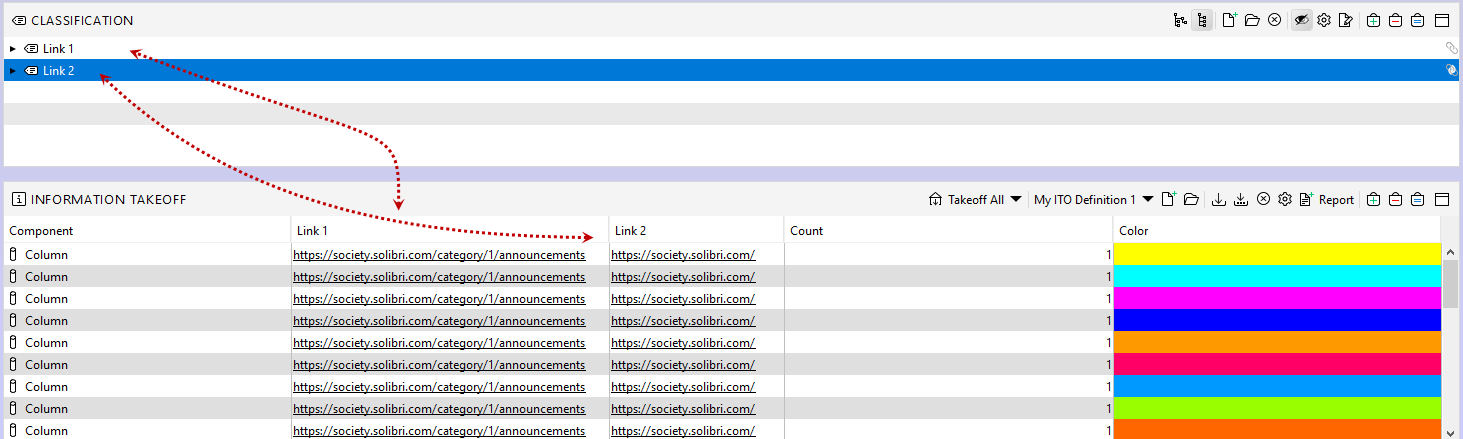
          f87e8472-8f30-4b92-a296-3a96424dbff3-image.png

          1 Reply Last reply
          0

          Copyright © 2025 Solibri Inc. | Powered by NodeBB

          • Login

          • Don't have an account? Register

          • Login or register to search.
          • First post
            Last post
          0
          • Categories