
Visualization Flickers when Model is Georeferenced
-
test.ifc Dear Community,
I work for a CAD-System developer for HVAC (mh-software, Germany).
We have a problem with an IFC-Modell when imported into Solibri anywhere,
If you try to turn the model or orbit around it, it flickers and jumps around on the screen.Funny thing is, if we delete the georeferenced coordinates (set them to 0), the model is displayed correctly.
Other models with georeferencing work fine.I attached an example which shows the problem.
I would be really happy if anybody has a solution for this problem

Kind regards
Marc -
Hi. Cannot confirm fully yet, there might be some malformed geometry in the file. Are you able to provide a comparison file, when you set the coordinates to 0?
-
test_0.ifc
Hi, thank you very much for your quick reply.I have attached a file, referenced to 0.
-
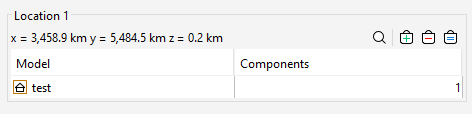
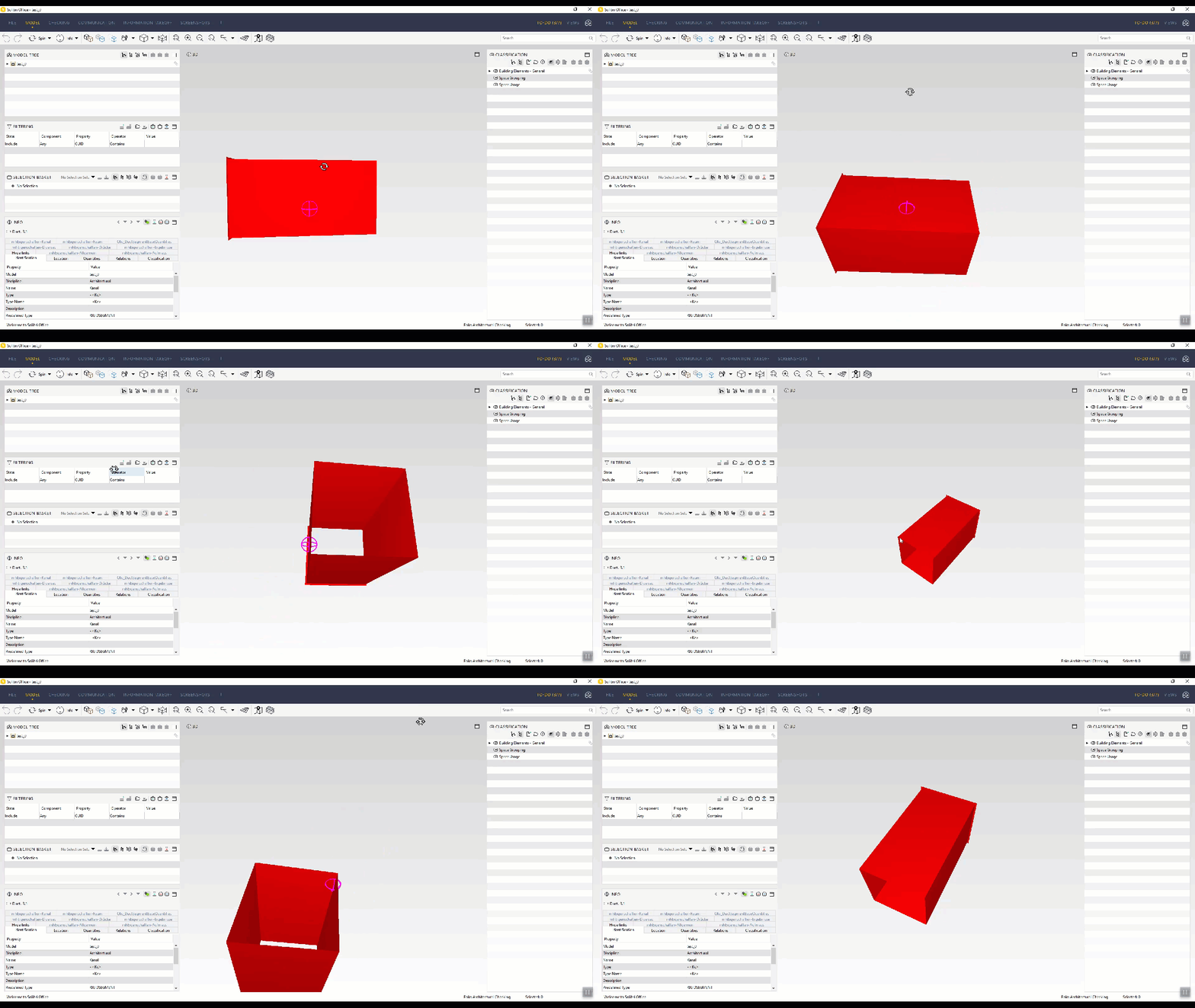
We have experienced some navigation issues as well if the models are scattered all around or if the origin is far away, but it does not look like that …
(Edit: The gif does not really show how bad it actually is so instead I attached a link to a video)
https://we.tl/t-x8AZcBUCcUHowever, with the zero origin it seems to be ok so I guess there is a connection as it indeed seems to be pretty far away which might be to much for the calculated precision.
-
You shouldn’t put the geo referencing coordinates to the transformations. Instead you should provide latitude and longitude to the site and the have the coordinates in relation to them. Big coordinates may create such flickering also in other software than Solibri.
-
@Pasi-Paasiala said in Visualization Flickers when Model is Georeferenced:
You shouldn’t put the geo referencing coordinates to the transformations. Instead you should provide latitude and longitude to the site and the have the coordinates in relation to them. Big coordinates may create such flickering also in other software than Solibri.
So true, but unfortunately project origin and export settings are still a reocurring problem in 2020. This should actually be fundamental knowledge, but it definitely is not.
-
 J JSN referenced this topic on
Copyright © 2025 Solibri Inc. | Powered by NodeBB