
Having problems connecting to a BCF server?
-
Hello BCF users!
It has come to our attention that in some cases, making the initial server connection via BIMcollab new can bring about issues in 9.12.0 (and with previous versions as well). Here are a few things which may help you out!
Version 9.12.0
If you are having trouble connecting to BIMcollab new using the latest version of Solibri, we suggest trying the following:
-
Make sure you are signed in to Solibri (settings->general). In case sign-in has failed, Solibri Office will fallback to Anywhere, and in that case, the connection (any BCF Live connection) will not work.
-
Go to BCF Live View and initiate the server and project selection dialogue by turning the BCF Live View on.
-
Remove any previous BIMcollab connections.
-
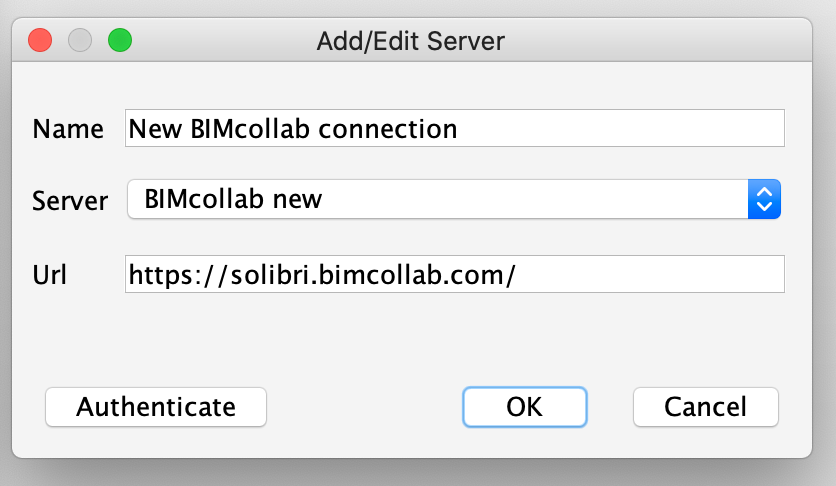
To add a new connection, simply use the Add server tool, which opens up the Add/Edit Server dialogue:
-
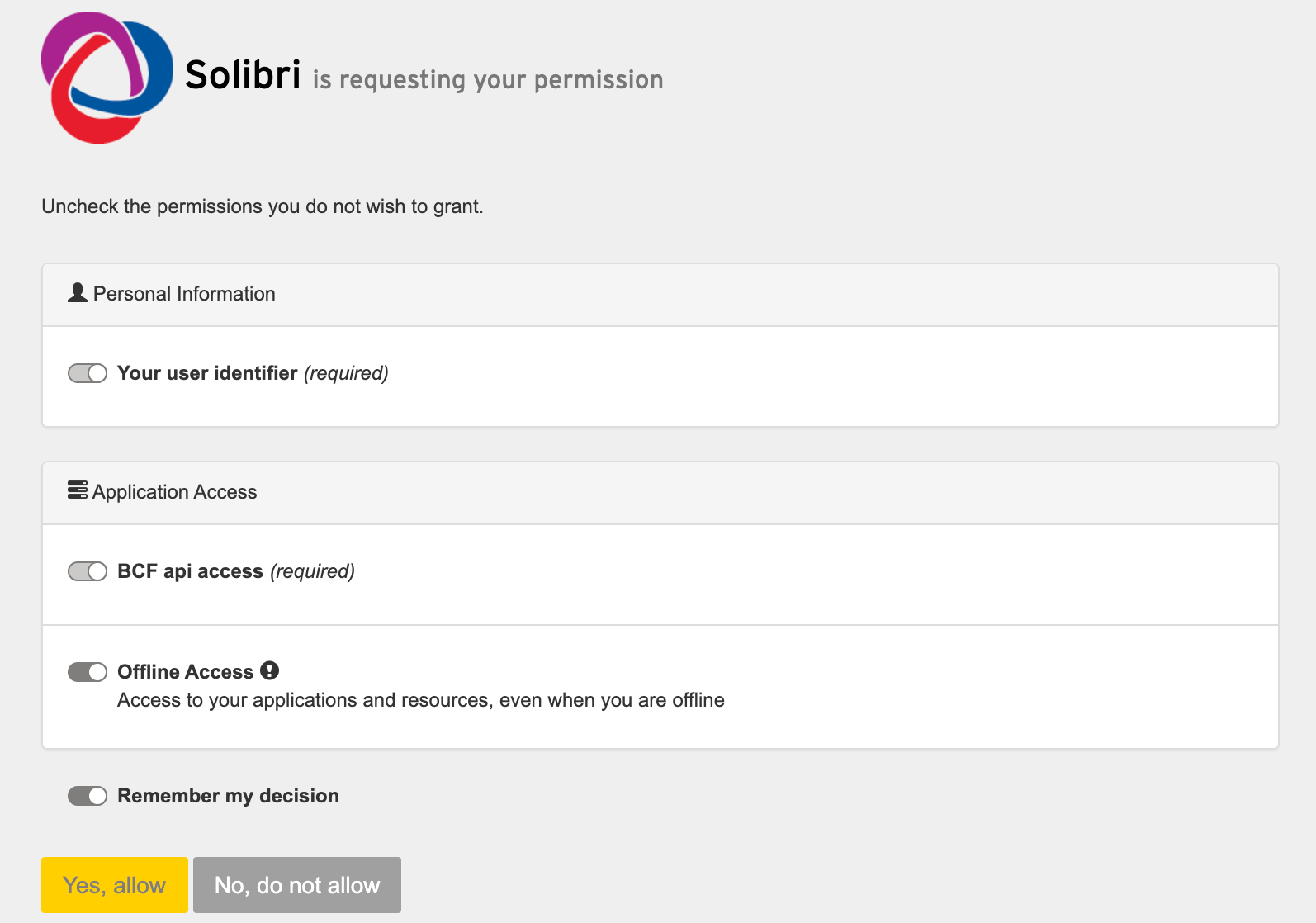
Add a connection name and your space URL (e.g. https://myproject.bimcollab.com/), and authenticate. Once the browser opens up, make sure to give access to Solibri in order for the connection to work.
Still having issues?
Exit Solibri and delete the .solibri folder located by default here:Windows: C:\Users<username>.solibri
Mac: /Users/<username>/.solibriThen start Solibri again to connect to a server.
Version 9.10.8 and older
If you are having trouble connecting to BIMcollab new using an older version of Solibri, we suggest trying the following:
- Make sure you are signed in to Solibri (settings->general)
- When adding a server connection, first remove the previous BIMcollab connection
- Go to Add server, and select BIMCollab new. If the dialogue shows username and password, this is incorrect, and can be reset by simply selecting another server and then reselecting BIMcollab new.
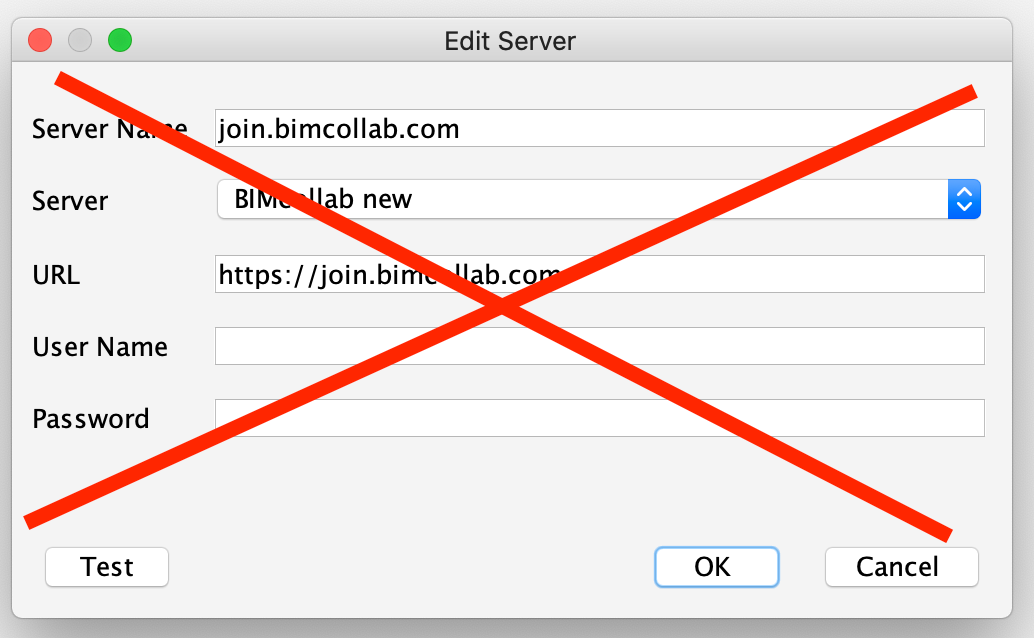
The correct view asks for the server name as well as the project URL.
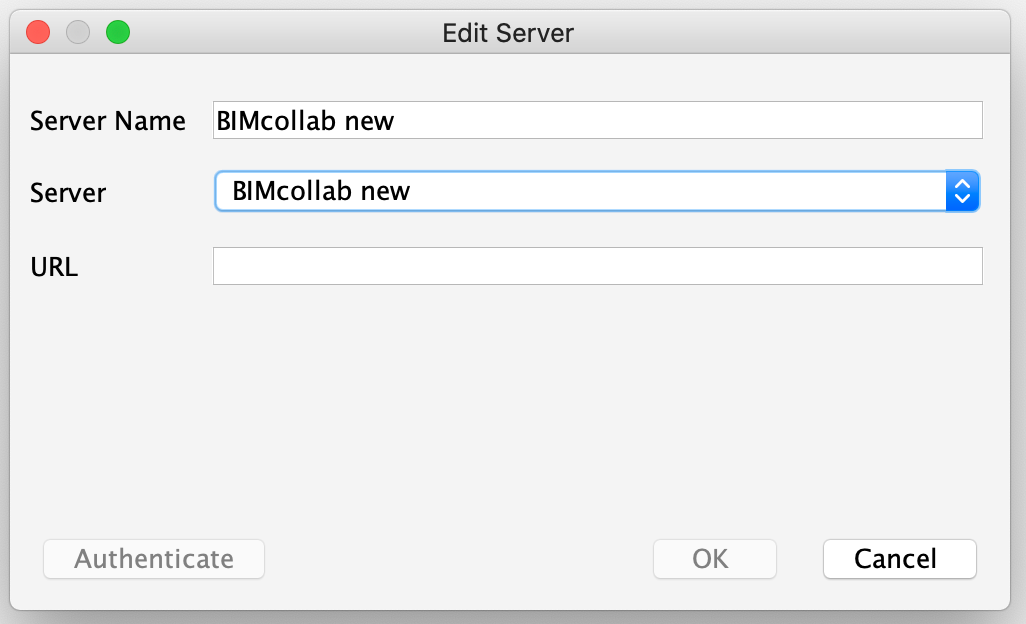
Add a server name and your space URL (e.g. https://myproject.bimcollab.com/), and authenticate. Once the browser opens up, make sure to give access to Solibri in order for the connection to work.
Still having issues?
Exit Solibri and delete the .solibri folder located by default here:Windows: C:\Users<username>.solibri
Mac: /Users/<username>/.solibriThen start Solibri again to connect to a server.
-
-
Hello all!
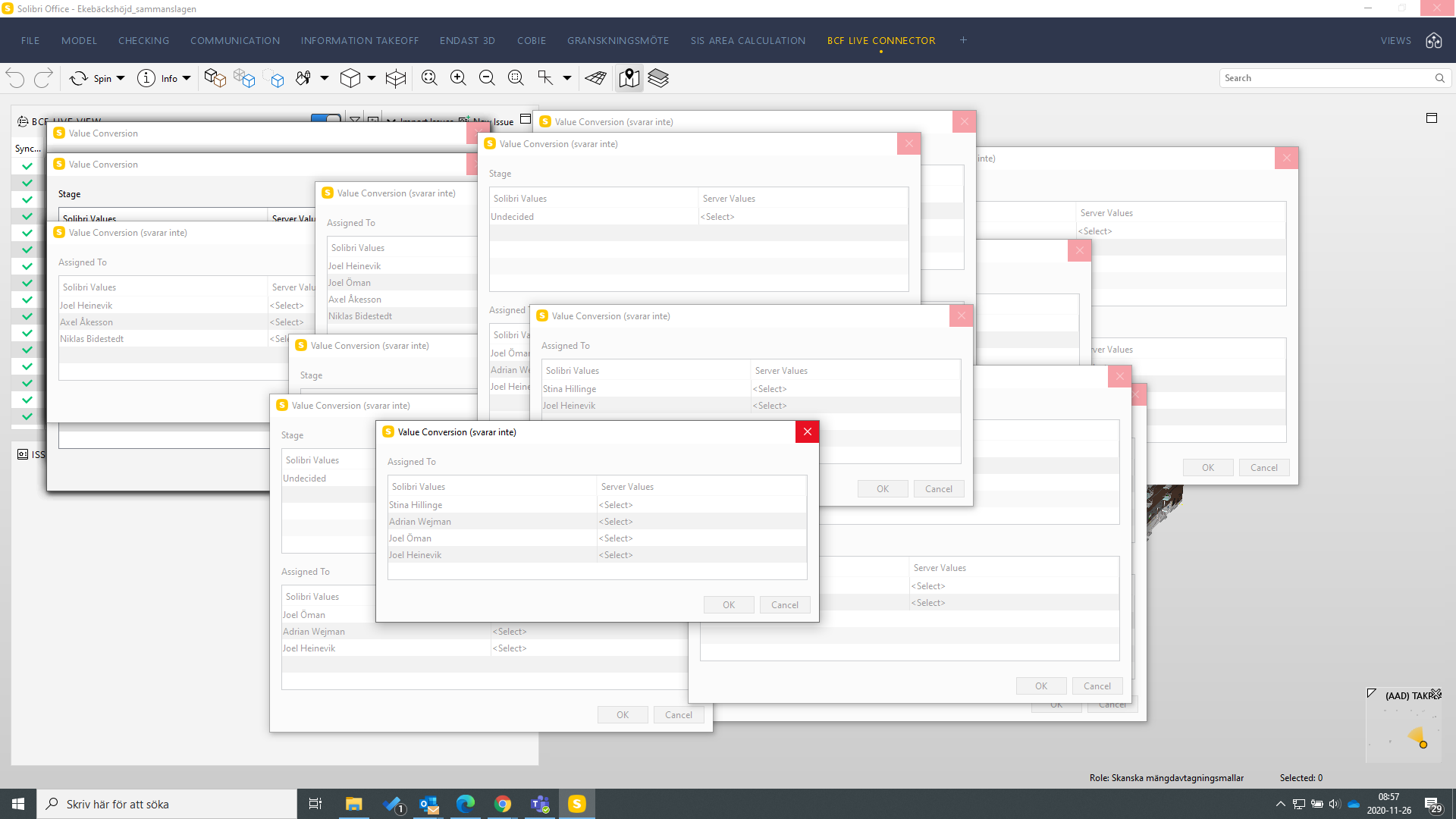
I’m still having the trouble of once the BCF Live Connector connects to the server, all these value conversions pops up and I have to confirm EVERY single one! Also, this occured just moments before a meeting, so I had to postpone it…
And now, it seems like the program doesn’t answer… (This is in the final released version of 9.12, not the BETA version)
Please… Help…?!
/Joel
-
Hello! This issue is known, and a fix is available in the beta version. Please test and let us know how it feels!
Kind regards,
Toni on behalf of the Solibri team



Copyright © 2025 Solibri Inc. | Powered by NodeBB