Skip to content
  • Categories
Collapse
Solibri Society Forum
  1. Home
  2. Comments & Feedback
  3. Tech Talks
  4. Keeping Markup Lines On Top

Keeping Markup Lines On Top

Scheduled Pinned Locked Moved Tech Talks
1 Posts 1 Posters 224 Views
  • Oldest to Newest
  • Newest to Oldest
  • Most Votes
Log in to reply
This topic has been deleted. Only users with topic management privileges can see it.
  • C Offline
    C Offline
    cburgess
    wrote on last edited by
    #1

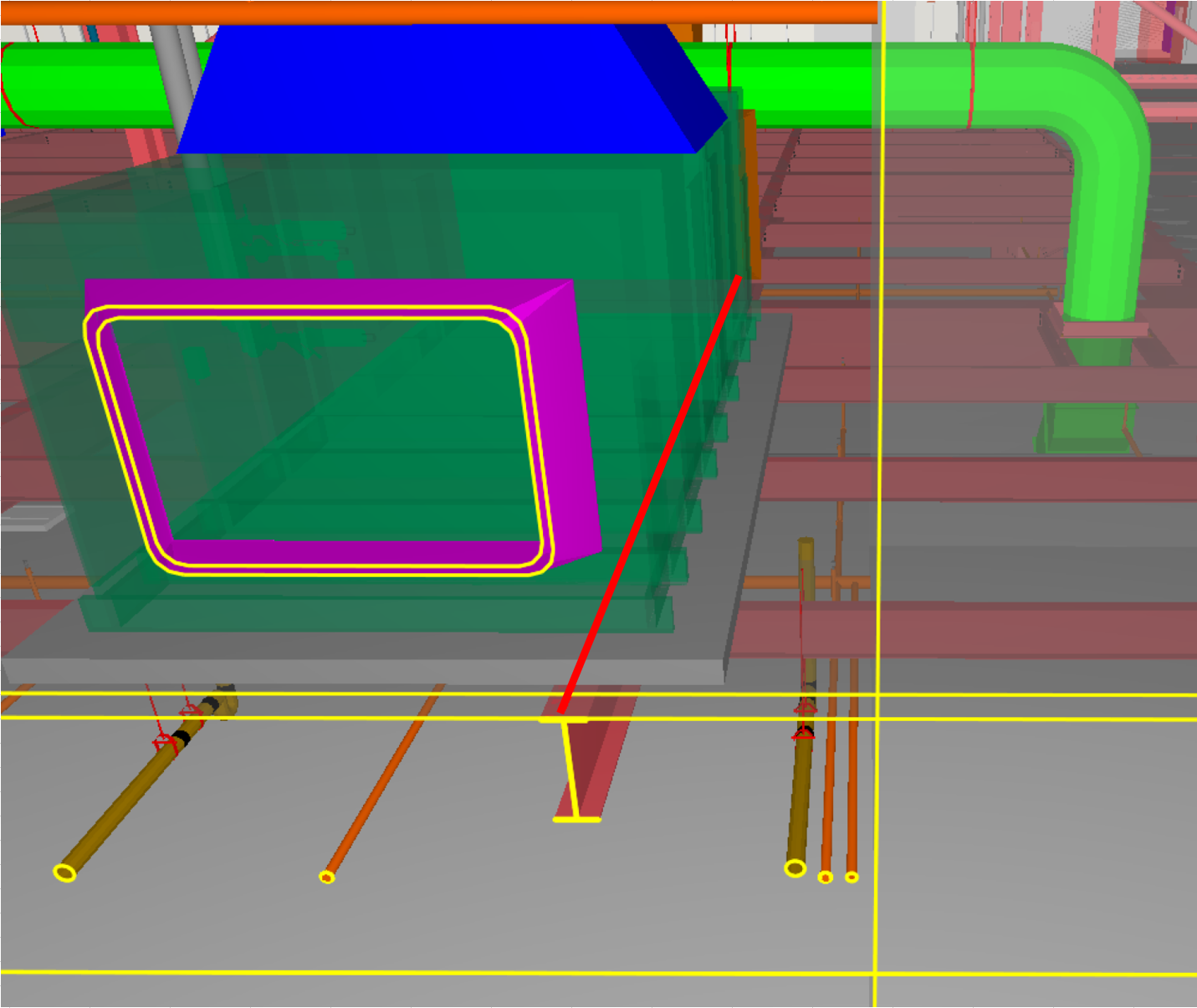
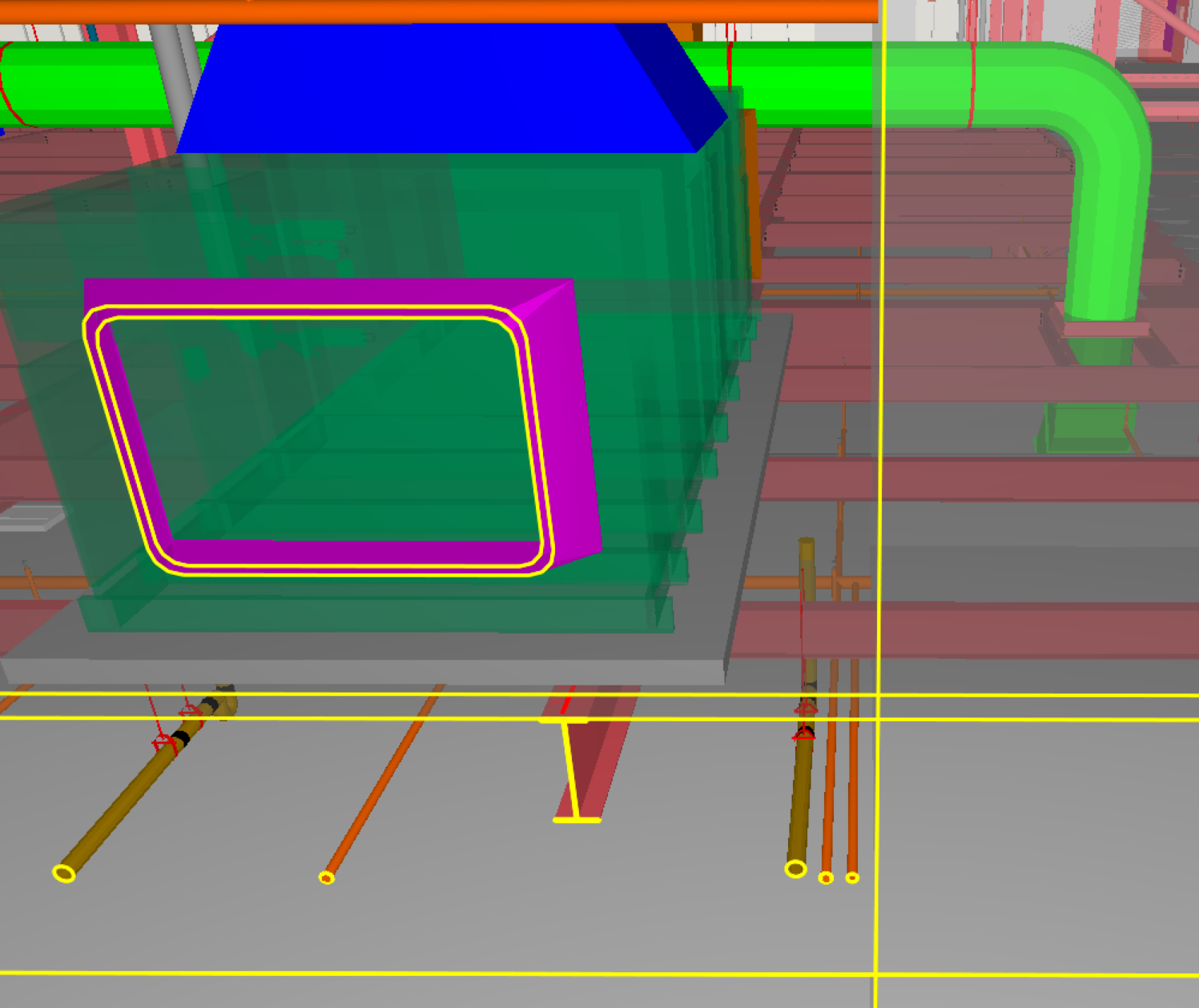
    Is there a setting or another way to keep markup lines on top of model features, like dimension lines already do? I’m trying to use lines in markup to identify the beams in an area, but if I just use the top of the beams or the slab as the plane the lines are on, then they are covered by the objects that sit on top of the slab. I need to keep the above-slab objects in view to illustrate the point I’m making. Dimension lines always stay on top/in the foreground, so I wondered if there was a way for markup lines to do the same.

    What I get in Solibri (see the bit of red line on the beam near the right edge of the pad):
    546d1f76-3d9c-4a5d-8c75-1d6f8ff7ef84-image.png

    What I need (made in Excel):
    f6ee39f5-500a-47e9-b272-f09c080ebfef-image.png

    1 Reply Last reply
    1

    Copyright © 2025 Solibri Inc. | Powered by NodeBB

    • Login

    • Don't have an account? Register

    • Login or register to search.
    • First post
      Last post
    0
    • Categories