
Keeping Markup Lines On Top
-
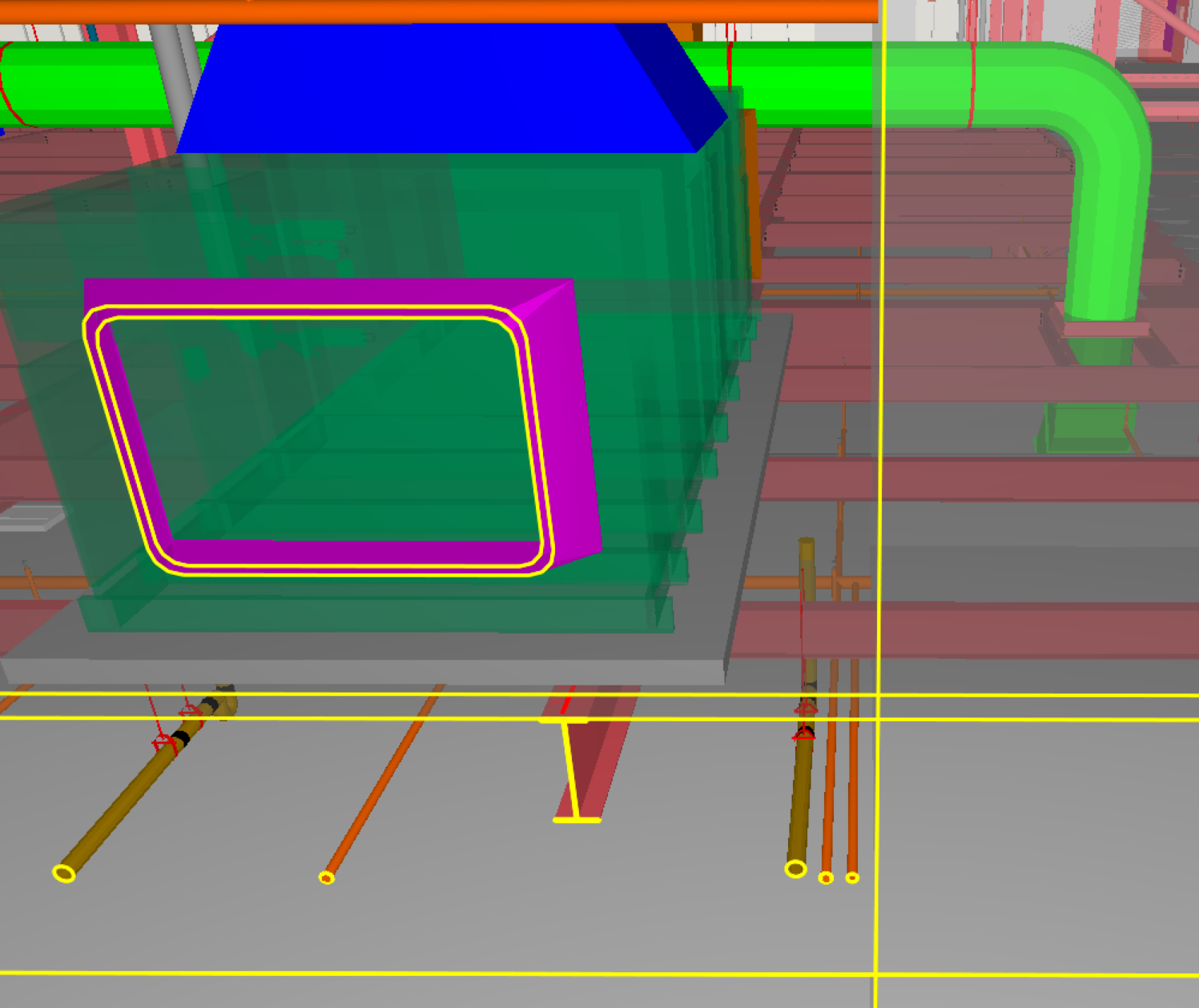
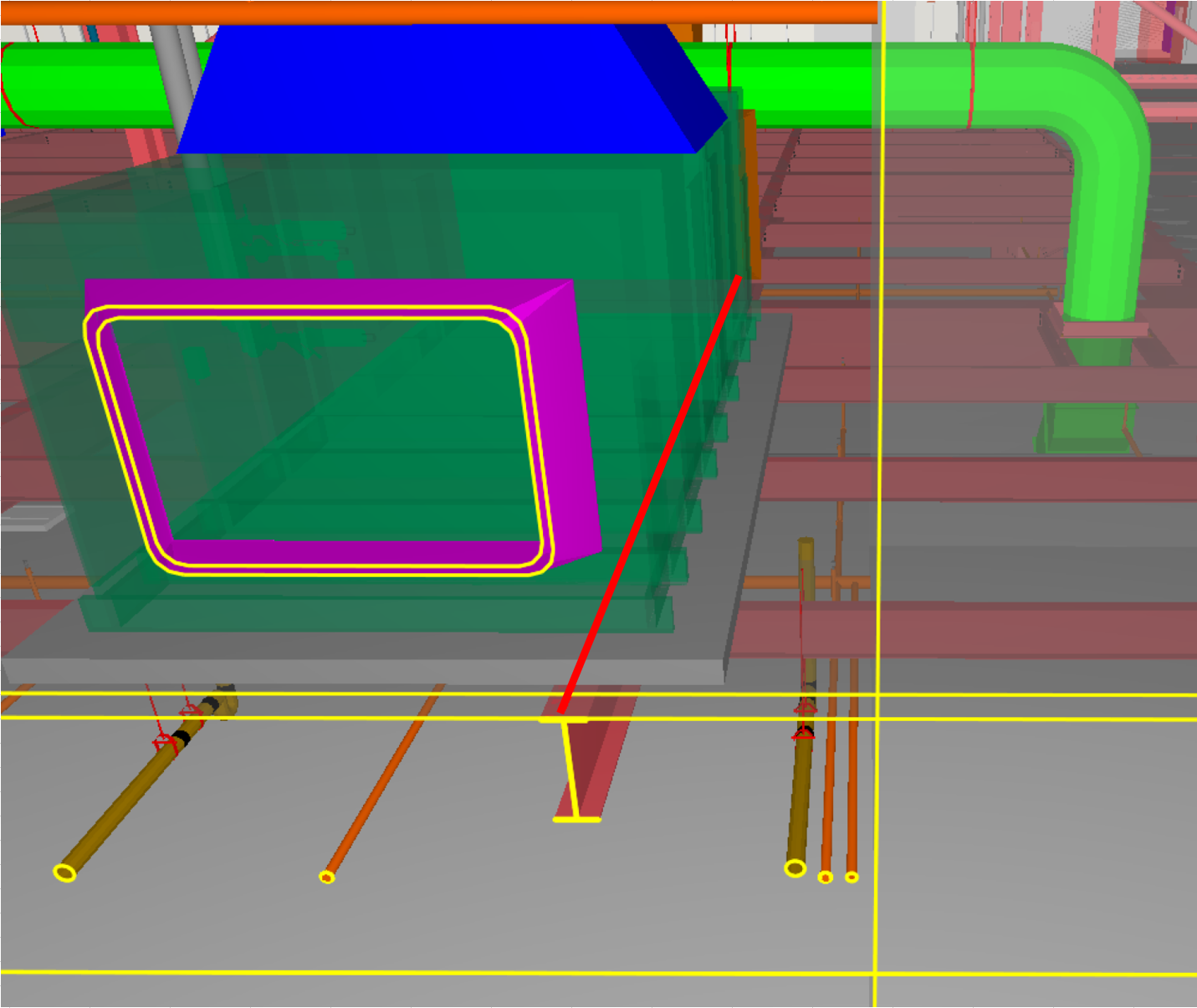
Is there a setting or another way to keep markup lines on top of model features, like dimension lines already do? I’m trying to use lines in markup to identify the beams in an area, but if I just use the top of the beams or the slab as the plane the lines are on, then they are covered by the objects that sit on top of the slab. I need to keep the above-slab objects in view to illustrate the point I’m making. Dimension lines always stay on top/in the foreground, so I wondered if there was a way for markup lines to do the same.
What I get in Solibri (see the bit of red line on the beam near the right edge of the pad):
What I need (made in Excel):
Copyright © 2025 Solibri Inc. | Powered by NodeBB