
Sectioning sometimes makes a vertical sectioning while i click on a horizontal surface (and vice versa)
-
Hi all,
Sometimes I click on a surface to make a sectioning, and it gives me a sectioning in the wrong direction of what I clicked on. For example in the situation (a door) underneath.
I have experienced this multiple times now in different projects, but I never understood why this happens.
Is this a bug, or could this be something to do with the element itself? Even if I rotate my camera, I can’t make the right sectioning on this element.For the Solibbreans, I can provide the .SMC if this helps.
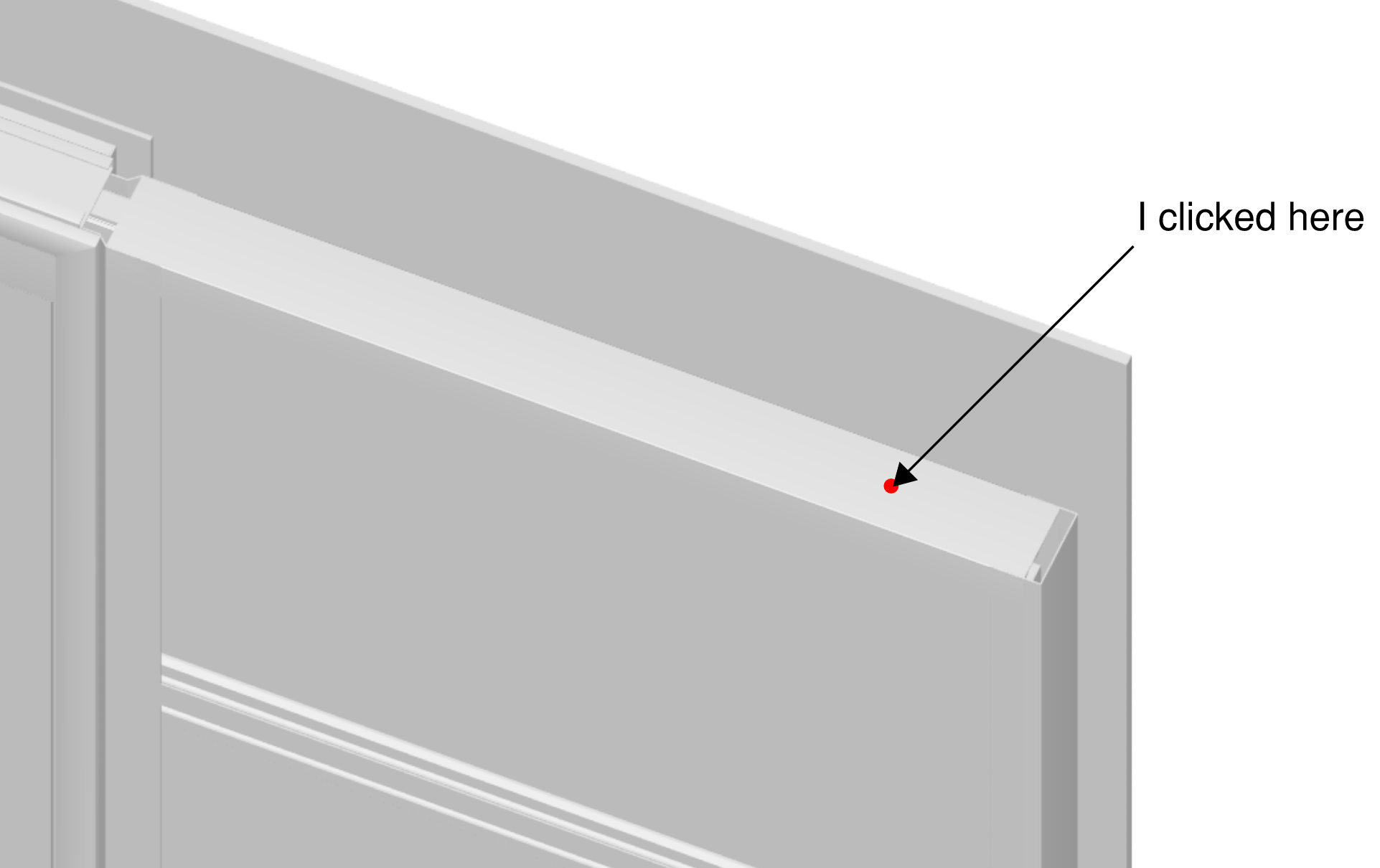
Result is wrong:

-
@Solibrians, this happens to me as well, several times a day.
-
I think youre surface isn’t flat.
What if you klick on the floor? -
@bvandalsum said in Sectioning sometimes makes a vertical sectioning while i click on a horizontal surface (and vice versa):
I think youre surface isn’t flat.
What if you klick on the floor?It don’t think it should matter if a surface is under an angle, since it has always been possible to create a sectioning on like a roof that has an angle.
In this situation, the floor below or under the element does the right sectioning. However, I don’t see the floors at first since this view is an issue created by an Ruleset.
-
In my experince Solibri always creates the section line based on the orientation of the surface you click.
-
Just something to investigate in your model for this object.
Isolate this element, then change from info to dimensions, you should be able to track the cursor. You may be able to see a vertical face that the cursor is snapping to based on pixels and the zoom level.
In a similar example we have a roof that when you click from a distance it creates a vertical section plane. This is because it is snapping to this vertical plane.
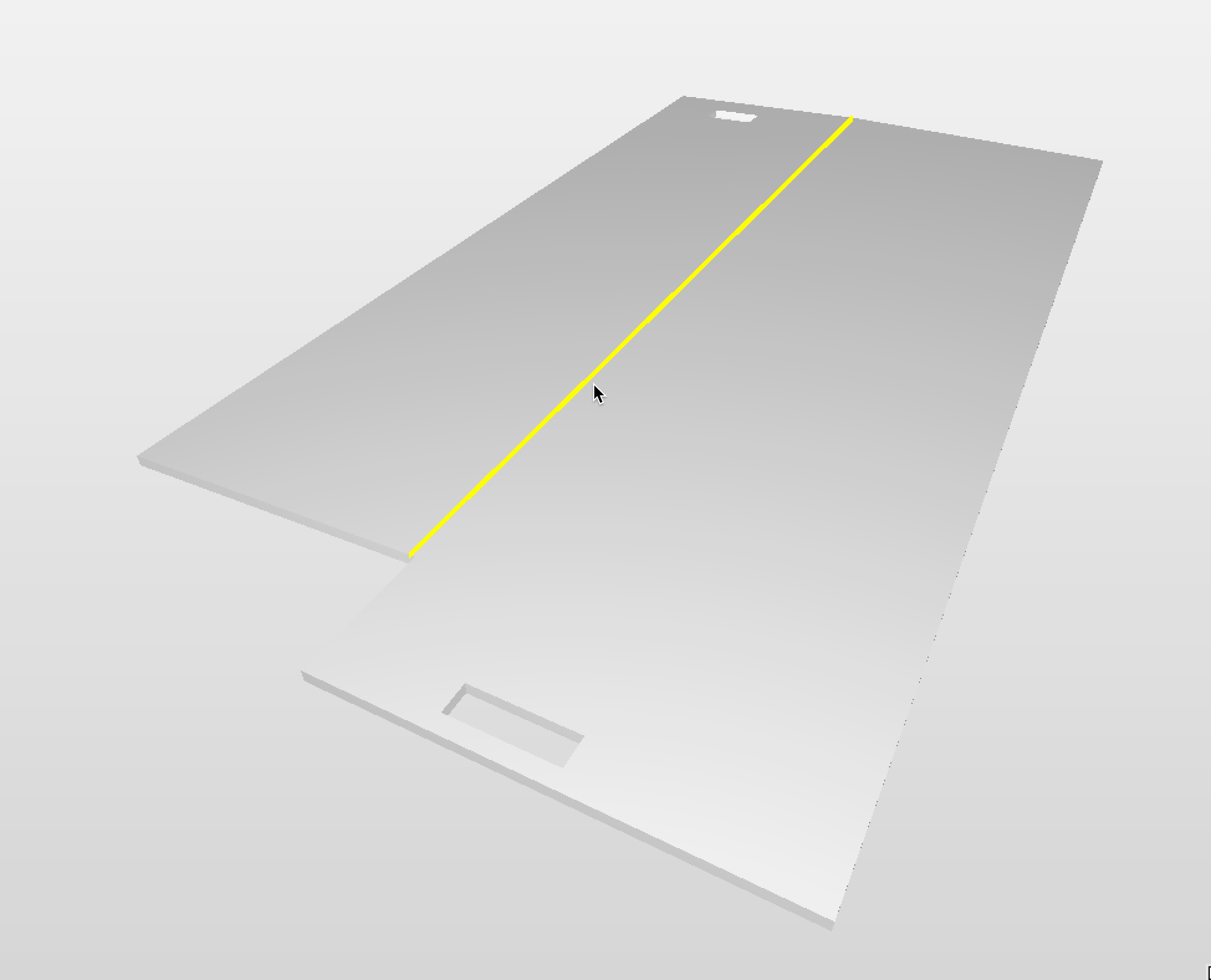
You can see that this single object vertical face that represents this ridge.
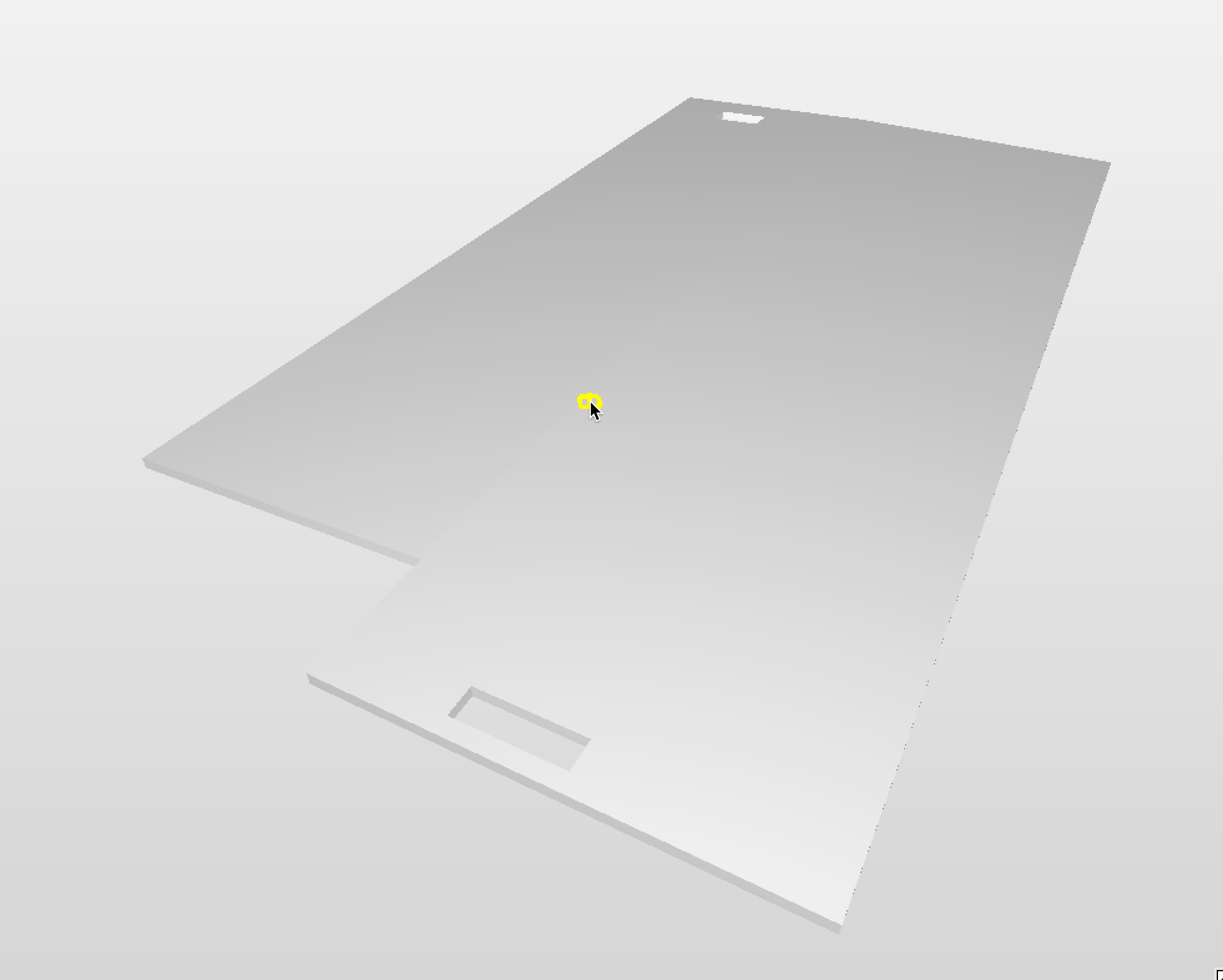
Moving the cursor slightly away from this area the dimension tool is showing a face detection rather than an edge.
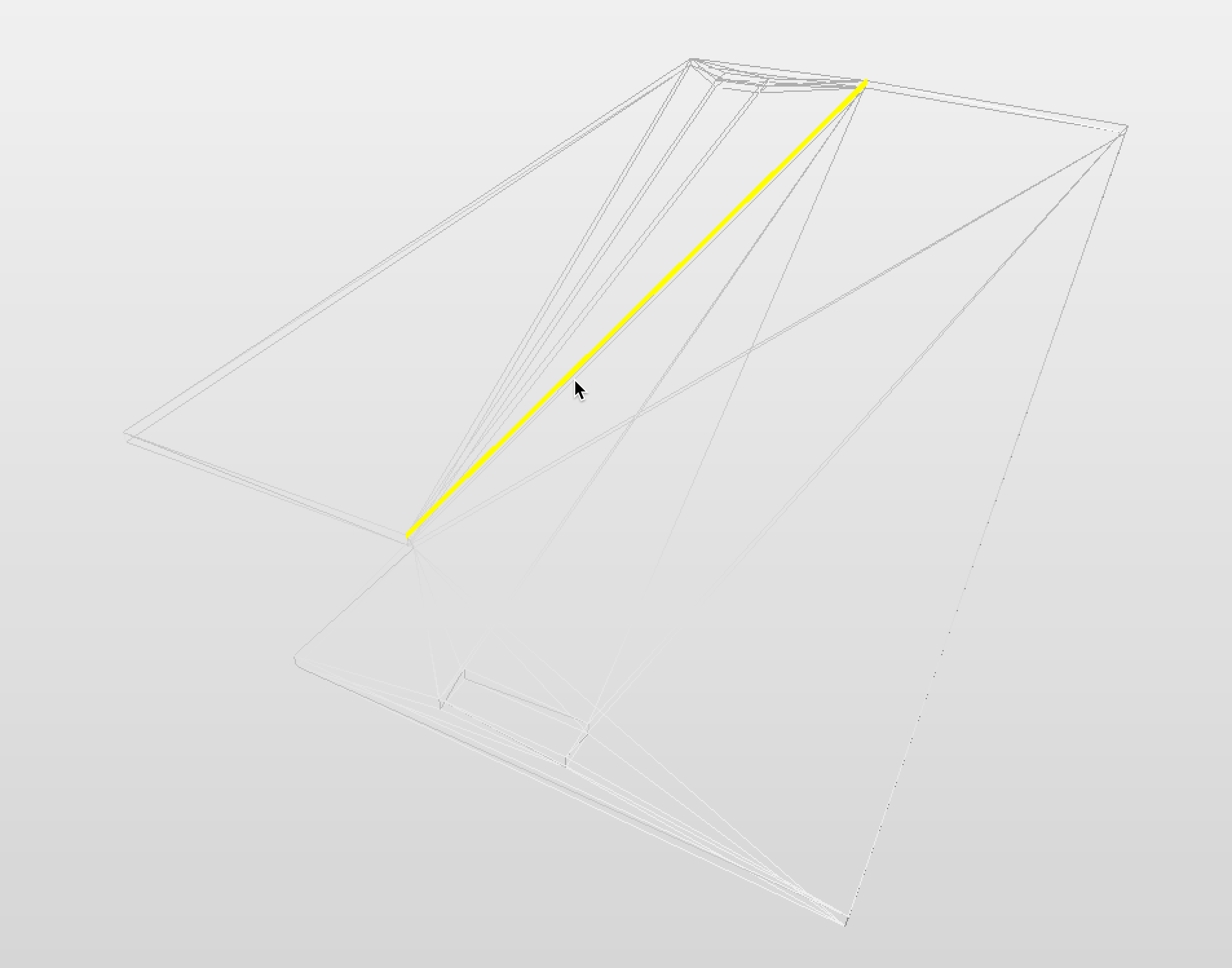
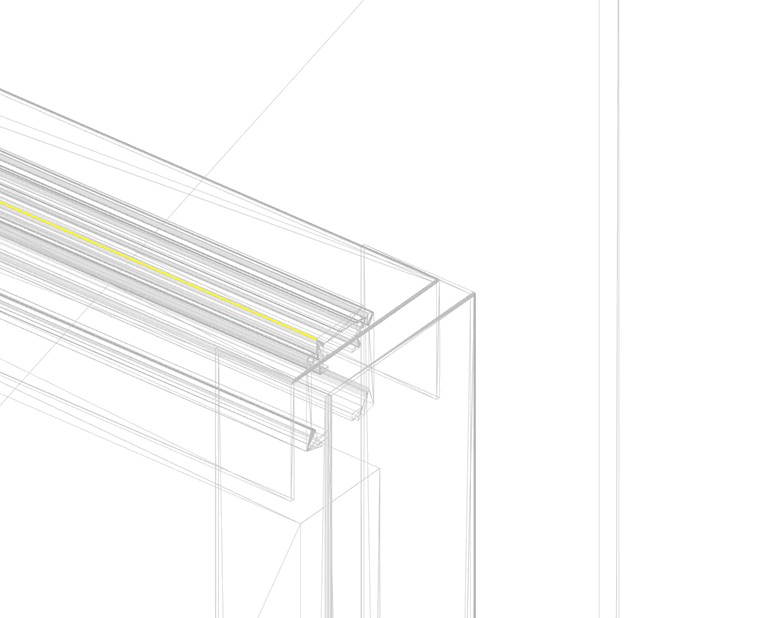
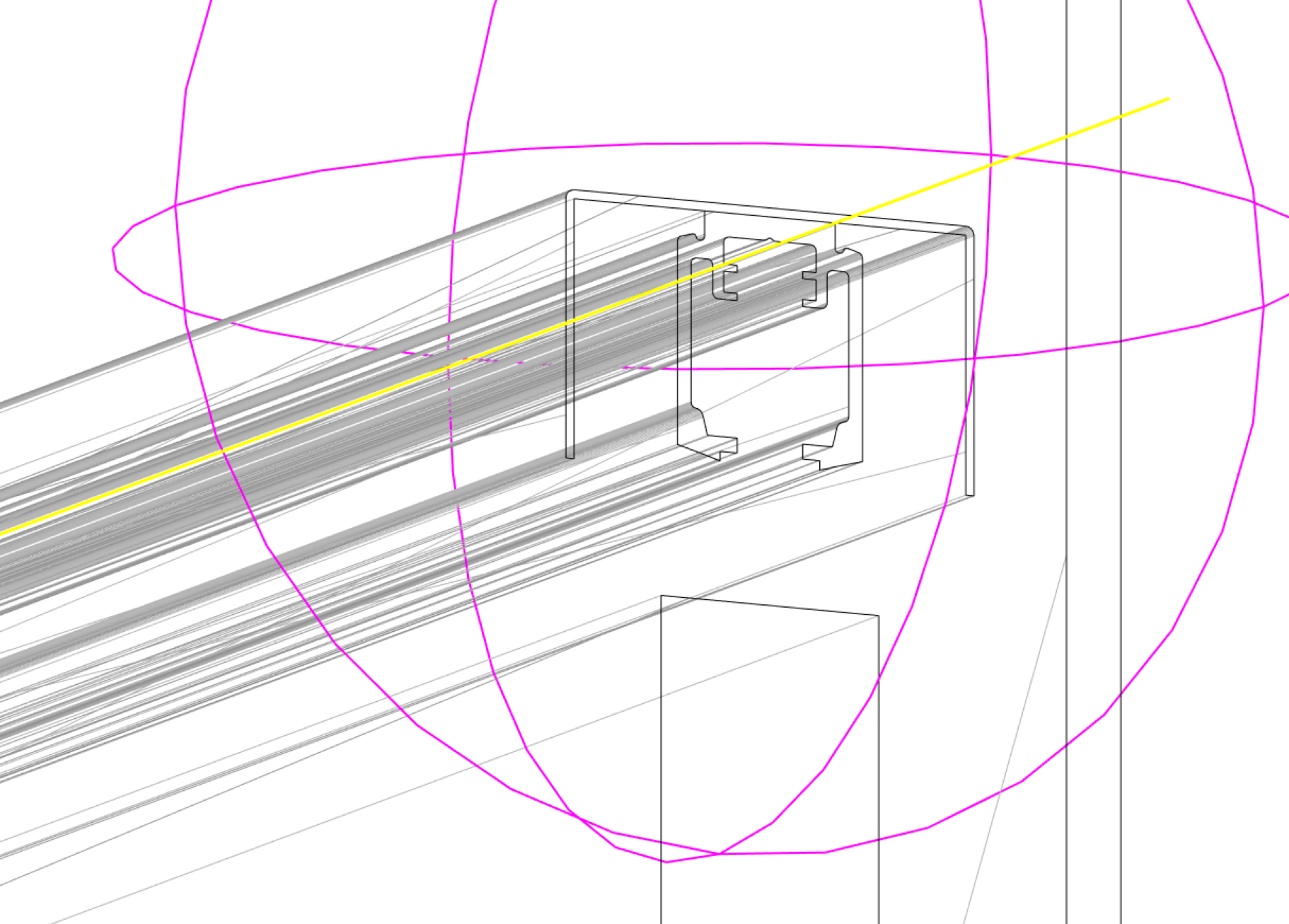
You can investigate this further for the geometry by isolating the element and then showing the view in wireframe from the 3D settings. Experiment with the model at different zoom levels along with the dimension tool to identify any potential in the geometry for it to create a vertical section plane rather than the one intended.
-
@simon-gilbert Some good tips there! Thanks.
I tried the wireframe method and it indeed shows that Solibri snaps to geometry that is not visible in my case.
I understand what happens now, but do you know why the program works this way?
-
 R Ricardo referenced this topic on

Copyright © 2025 Solibri Inc. | Powered by NodeBB