
Special symbols in classification does not show up
-
@bariscanpolat
Perhaps its connected to regional settings? Or is it ok in you computer? -
I don’t know if it is about regional settings, because before the update it was ok
-
Could you confirm which version of Solibri you are using and are they correct in some older Solibri version?
-
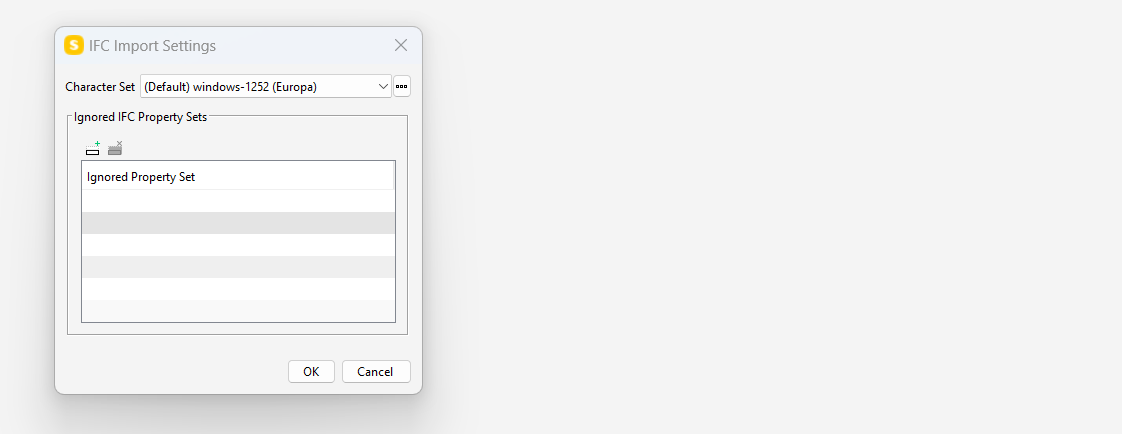
It is most likely connected to regional settings. Before 9.13.4, Solibri used the System default encoding for reading strings in ifc files. This was now changed to UTF-8 by default, which can be changed from the Solibri settings (but the system settings are ignored).
You can try this:
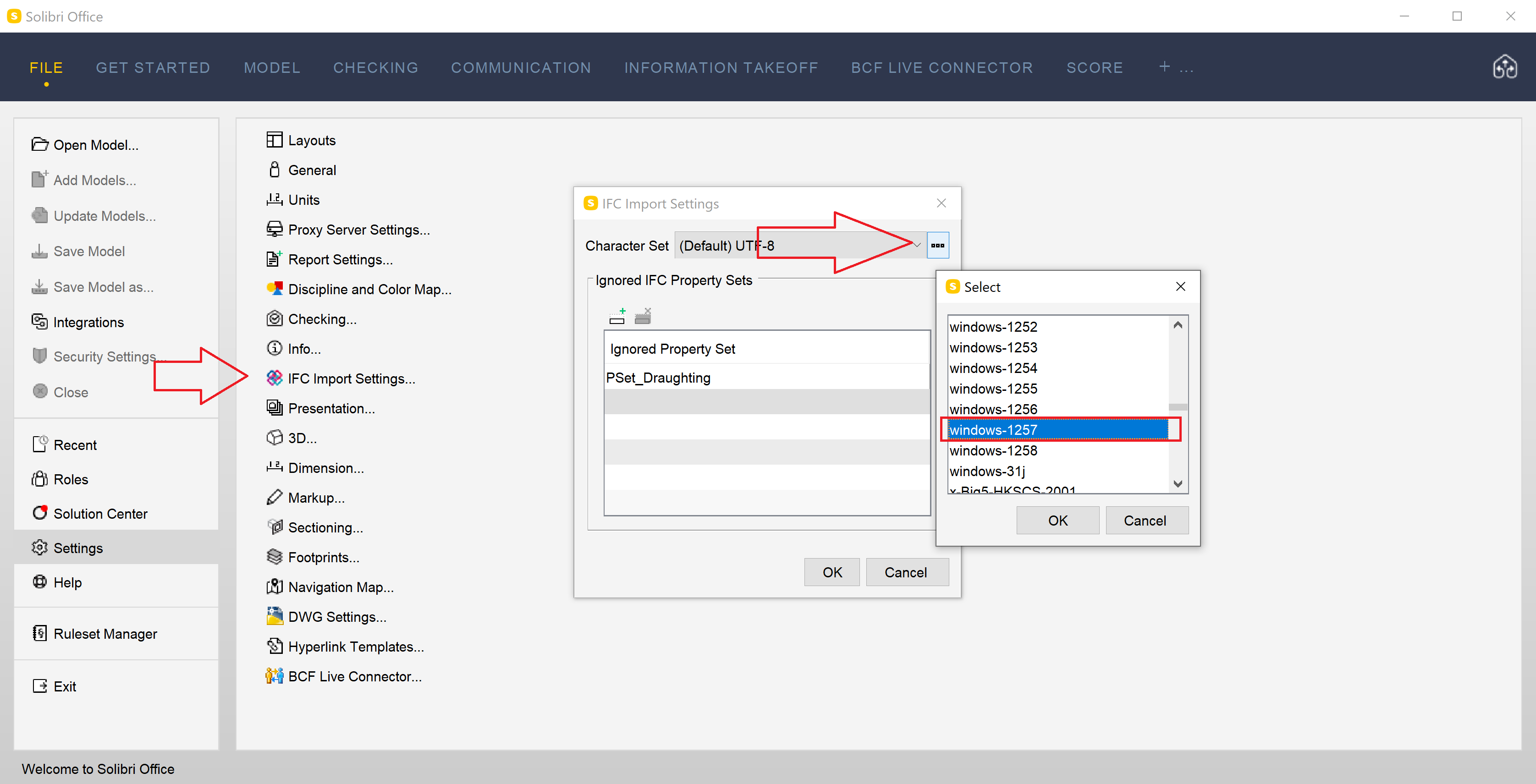
You should probably try Windows-1257 (Baltic).
-
@Matti-Kannala Windows-1252 is not going to work, since it does not have the U with the bar on top. Windows-1257 may be the right encoding.
-
@Matti-Kannala thank you, I changed the settings to UTF-8 and it worked for me
-
@manuel-furia
it does not work with the newest version.
With an older version it works if I reupdate the file.
It works with the newest version and UTF-8 settings.
Thank you for your suggestion. -
So, I’m guessing the strings in the file are encoded with UTF-8, but the IFC Import Setting uses the system’s encoding by default, not UTF-8 as I was expecting.
Since UTF-8 strings are much more common than other encodings, I will create a ticket to always default to UTF-8 instead of System’s default settings. -
 J JSN referenced this topic on
-
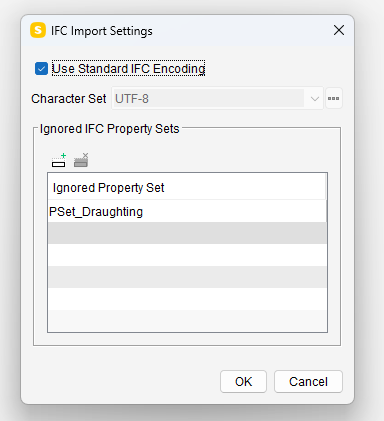
Solibri 9.13.5 has been released!
IFC import handles now special characters correctly.
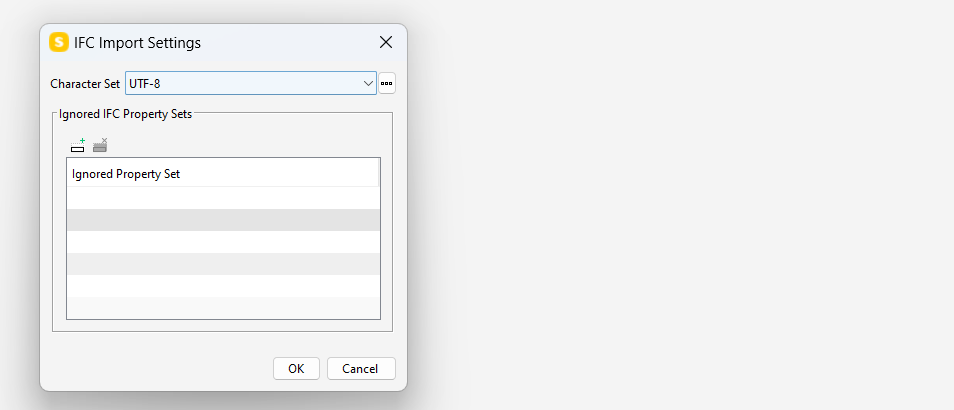
UTF-8 is now the default encoding for IFC.https://society.solibri.com/topic/2524/solibri-9-13-5-has-been-released
-
 M Matti marked this topic as a question on
-
M Matti has marked this topic as solved on
-
M Matti unlocked this topic on
-
M Matti locked this topic on
-
M Matti unlocked this topic on

Copyright © 2025 Solibri Inc. | Powered by NodeBB