
Unable to configure BCF connector
-
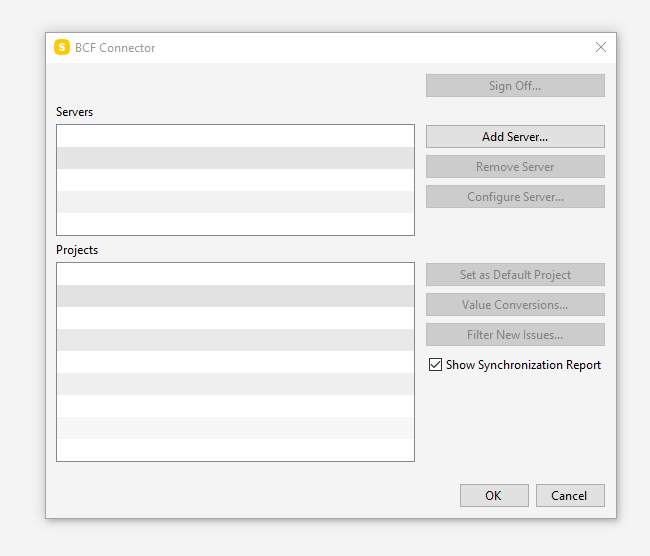
Colleague of mine has encountered greyed out buttons in BCF Connector configuration under options stopping them from configuring connection to BCF Issue manager.
His peers with same hardware, OS and Solibri build don’t have this issue.
Screenshot to be attached when received.
W10 17134.1246
Solibri 9.10.5.18 -
Hi. In order for us to solve this issue, we would need the application logs. Those can be sent to [email protected] and are usually found from C:\Program Files\Solibri\SOLIBRI\log
-
@lasse-lindqvist, many thanks, logs will come through soon.
-
We looked into the logs from another instance but similar case and found that:
- Anywhere starts in case of SSC connection errors
- BCF Server cannot be retrieved from SSC in case of such a connection error
- The connection error is HTTP 401 Unauthorized
It would be good to:
- Test signing in to solution.solibri.com, to make sure there are no issues with the credentials
If that is successful, then:
- Try removing the “.solibri” folder (located at C:\Users<user name>) and sign in again
Please try these out and let us know how it goes.



Copyright © 2025 Solibri Inc. | Powered by NodeBB