
Functions in ITO reports
-
@Bram-0 said in Functions in ITO reports:
On the other hand there is also no information on the web specifically for Java on Solibri, at least not free, that I have found. If you know if there is information to be able to learn to program specifically for the Solibri extension, I would be grateful. Greetings.
You are right the getting started guides could be better, but there are some ressources which can be found here. Anyhow in this specific case I was not refering to the Java API but I menat the JavaScript support for the ITOs which has quite a good quickstart tutorial - check if you have access.
https://society.solibri.com/topic/620/javascript-api-documentation-solibri-version-9-10-8
I only know a little about Excel and XML, nothing about Java or other languages, so in the short term it would not be applicable, at least in my case.
I gues you could also try to use Power Query with the template as a crutch for now to at least automate the splitting.
-
@Solibrians need to give you access privileges
-
@JSN said in Functions in ITO reports:
I gues you could also try to use Power Query with the template as a crutch for now to at least automate the splitting.
The problem is that the office works with google sheets, and in this case the Querry function is used. What I would like is to do it from the same file or template
-
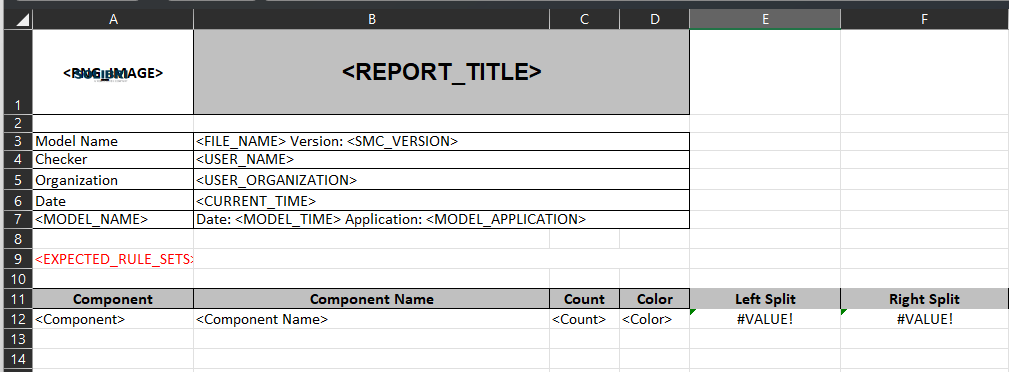
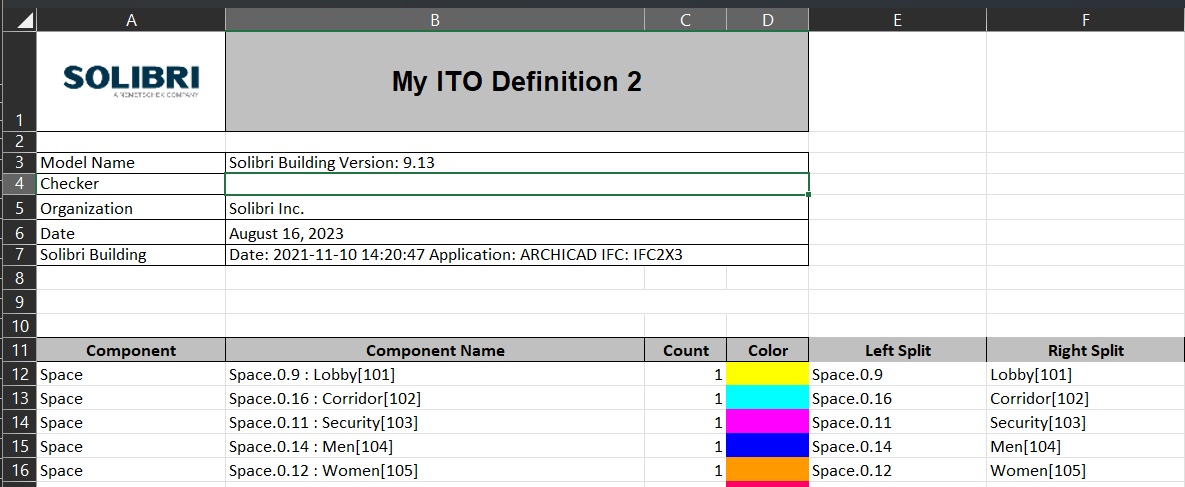
Hello @Matti-Kannala , very grateful for your answer, I see that it helps me so that everything comes out from the template, but the only details are that if there are blank cells, the value “#VALUE!” remains, on the other hand, it does not recognize the “IFERROR” formula. since all the boxes remain in value “=0”. I’m going to try the “IF” formula to see if I get something. Greetings

-
@Matti-Kannala
We had issues in the past that some formulas or formatings of the report templates are not properly supported. So in some cases there is just nothing happening on a report export. It’s not doing anything until you delete such columns. No errors, no hints, no logs (?), just nothing.
-
@JSN said in Functions in ITO reports:
You are right the getting started guides could be better, but there are some ressources which can be found here. Anyhow in this specific case I was not refering to the Java API but I menat the JavaScript support for the ITOs which has quite a good quickstart tutorial - check if you have access.
https://society.solibri.com/topic/620/javascript-api-documentation-solibri-version-9-10-8
@Solibrians Could you point me towards the current tutorial? Sorry for commenting on a quite old post.
-
@Solibrians Could you point me towards the current tutorial? Sorry for commenting on a quite old post.
Hello!
For JavaScript API the latest documentation is here:
https://society.solibri.com/topic/3368/solibri-api-solibri-javascript-api
Kind regards,
Toni




Copyright © 2025 Solibri Inc. | Powered by NodeBB